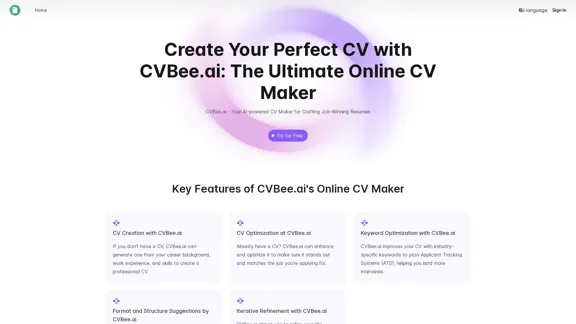
CVBee.ai is an AI-powered online CV maker and resume builder designed to help job seekers create professional, optimized resumes. This tool offers a range of features to assist users in crafting job-winning CVs, from creating new resumes to enhancing existing ones. CVBee.ai aims to simplify the CV creation process while ensuring that the final product is tailored to pass Applicant Tracking Systems (ATS) and catch the attention of potential employers.
CVBee.ai: AI-Powered Online CV Maker | Resume Builder & CV Optimization
CVBee.ai is an AI-powered online CV maker that helps you create, optimize, and refine professional resumes. Whether you're a job seeker or an experienced professional, CVBee.ai ensures your CV is ATS-friendly and perfectly structured.
Introduction
Feature
-
AI-Powered CV Creation
- Generates professional CVs from user-provided career information
- Suitable for those without existing CVs
-
CV Optimization
- Enhances and optimizes existing CVs
- Tailors content to match specific job applications
-
Keyword Optimization
- Incorporates industry-specific keywords
- Improves chances of passing Applicant Tracking Systems (ATS)
-
Format and Structure Suggestions
- Provides clean and professional CV layouts
- Highlights important details for easy readability
-
Iterative Refinement
- Allows multiple revisions
- Ensures CV meets user expectations
-
Multiple Input Options
- Accepts text, PDF, or image formats for existing CVs
-
Customizable Templates
- Offers various professional templates
- Allows users to personalize their CV appearance
How to Use?
-
Start by gathering all your career information, including work experience, skills, and educational background.
-
When inputting your information, be as detailed as possible to allow the AI to generate a comprehensive CV.
-
Take advantage of the keyword optimization feature to tailor your CV for specific job applications.
-
Utilize the iterative refinement feature to perfect your CV through multiple revisions.
-
Experiment with different templates to find the one that best suits your industry and personal style.
-
Always review the AI-generated content to ensure accuracy and make any necessary personal touches.
-
Use the ATS optimization feature to increase your chances of getting past initial screening processes.
FAQ
How does CVBee.ai optimize my CV for ATS?
CVBee.ai incorporates industry-specific keywords and optimizes the format to improve the CV's chances of passing Applicant Tracking Systems.
Can I make revisions to my CV?
Yes, CVBee.ai offers an iterative refinement feature that allows you to make multiple revisions to your CV.
Is CVBee.ai free to use?
The website doesn't provide clear information about pricing. You may need to check their "Try for Free" option for details on free features and potential paid plans.
What file formats does CVBee.ai support?
CVBee.ai supports text, PDF, and image formats for inputting existing CVs.
Does CVBee.ai offer CV templates?
Yes, CVBee.ai provides various professional templates for users to choose from when creating their CV.
How does CVBee.ai ensure my CV is professionally structured?
CVBee.ai offers format and structure suggestions, providing clean and professional CV layouts that highlight important details.
Can I use CVBee.ai for different industries?
Yes, CVBee.ai can be used for various industries. It optimizes CVs with industry-specific keywords and offers templates suitable for different sectors.
Evaluation
-
CVBee.ai offers a comprehensive suite of features that cater to a wide range of users, from recent graduates to experienced professionals. The AI-powered CV creation and optimization tools are particularly valuable for those who struggle with resume writing.
-
The keyword optimization feature is a standout, as it addresses the critical need to pass Applicant Tracking Systems. This can significantly increase a job seeker's chances of landing interviews.
-
The iterative refinement process is a strong point, allowing users to fine-tune their CVs to perfection. This feature acknowledges that CV creation is often an evolving process.
-
The platform's ability to accept various input formats (text, PDF, image) is user-friendly and accommodates different user preferences.
-
While the tool seems robust, it's important to note that AI-generated content should always be reviewed and personalized by the user. Over-reliance on AI could potentially lead to generic-sounding CVs.
-
The lack of clear pricing information on the website is a drawback. Transparency about costs and what features are available in free vs. paid plans would be beneficial for users.
-
Integration with job search platforms or the ability to directly apply to jobs from the platform could be potential areas for improvement, enhancing the overall job application process for users.
Related Websites
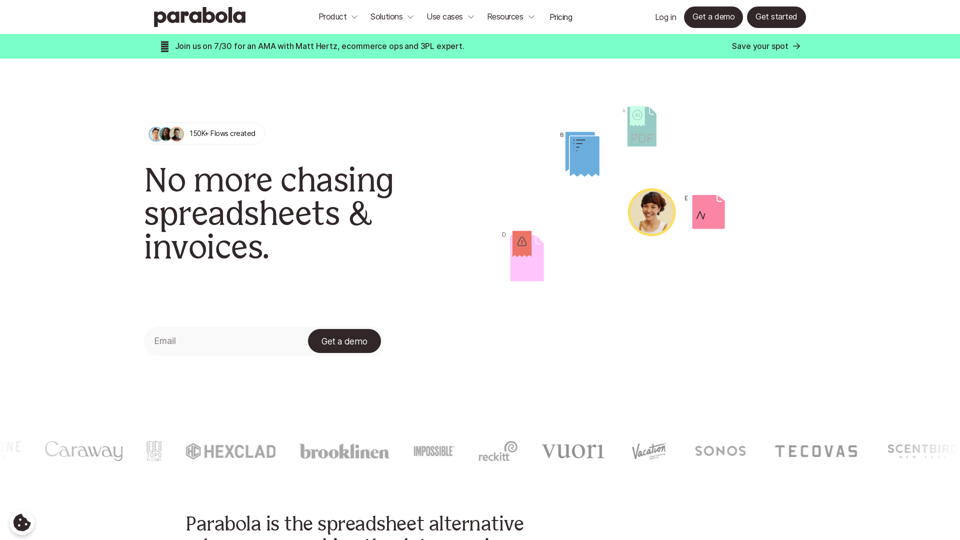
Parabola is the spreadsheet alternative that allows you to integrate data from across your company and create automated workflows.
87.60 K
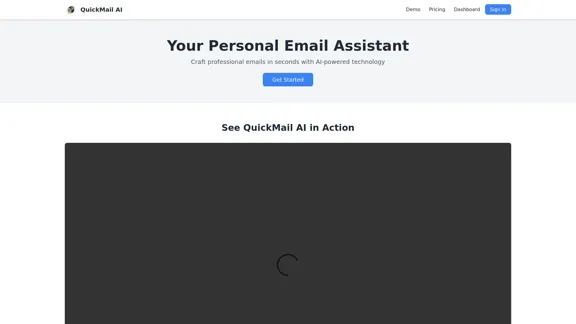
QuickMail AI is a personal email assistant that leverages AI-powered technology to help users craft professional emails in seconds.
0
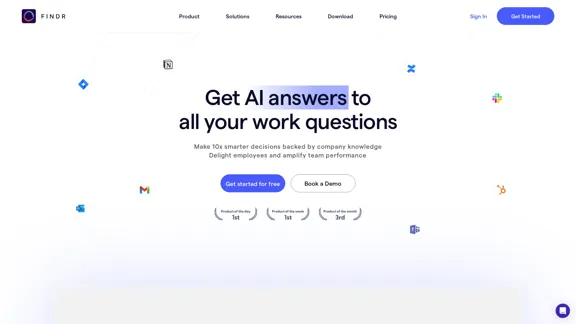
AI assistant and enterprise search for teams | Findr
AI assistant and enterprise search for teams | FindrAI assistant to search and chat with information, documents, and insights from multiple apps. Get answers to all your questions with AI search.
12.47 K
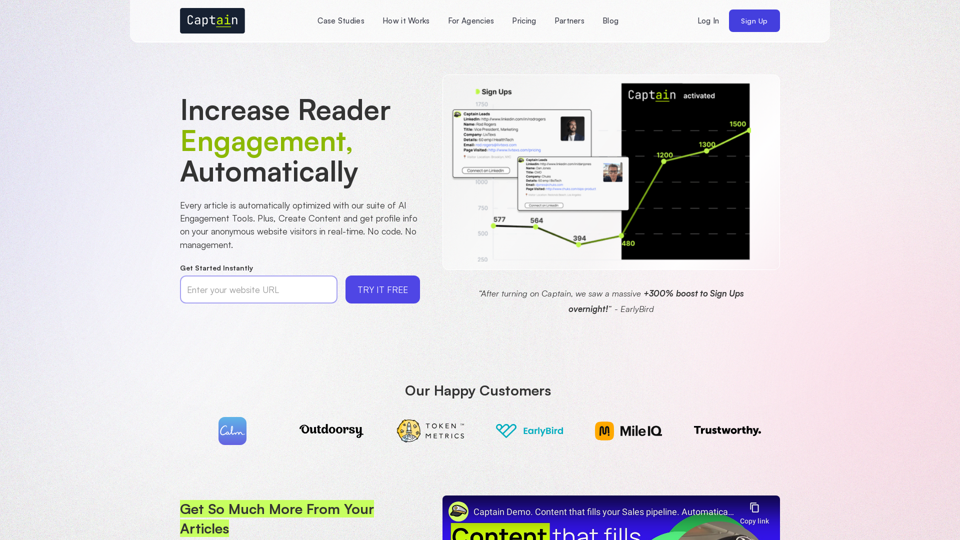
Automate Your Content Strategy and Lead Generation with Captain
Automate Your Content Strategy and Lead Generation with CaptainCaptain's AI-powered platform automatically creates and optimizes data-driven content that generates awareness, engagement, and leads.
23
Maximo AI: Your All-in-One AI Solution for Trading & Content Creation
Maximo AI: Your All-in-One AI Solution for Trading & Content CreationUnleash the power of AI with Maximo. Your all-in-one solution for trading, content creation, automation, and social media management.
0
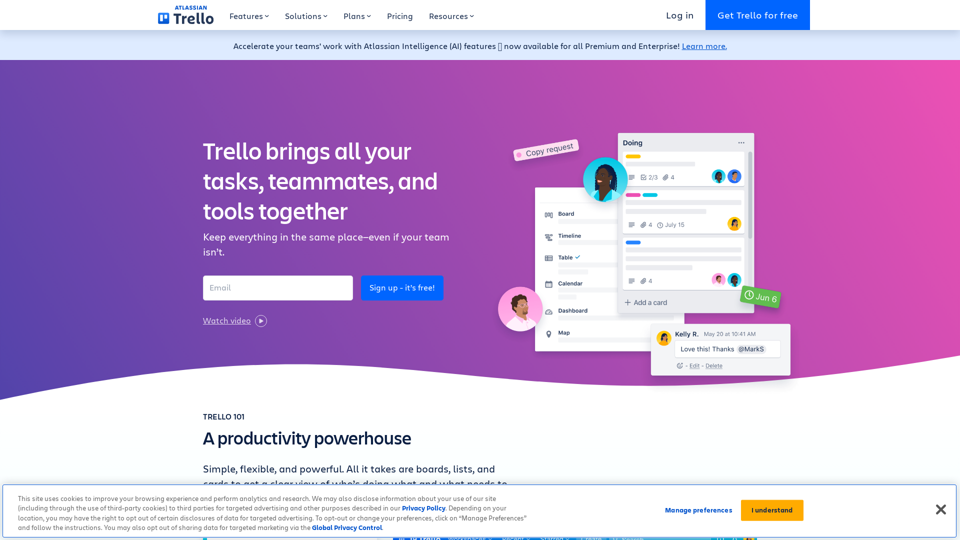
Manage Your Team's Projects From Anywhere | Trello
Manage Your Team's Projects From Anywhere | TrelloMake the impossible, possible with Trello. The ultimate teamwork project management tool. Start up a board in seconds, automate tedious tasks, and collaborate anywhere, even on mobile.
76.84 M