Focal is an online video creation software that leverages AI to help users tell compelling stories through video. It offers a user-friendly platform for creating videos, making it accessible for both beginners and experienced creators. With a variety of AI models for images, videos, and sound effects, Focal aims to enhance the video production experience.
Focal
Make your own TV shows and movies with Focal
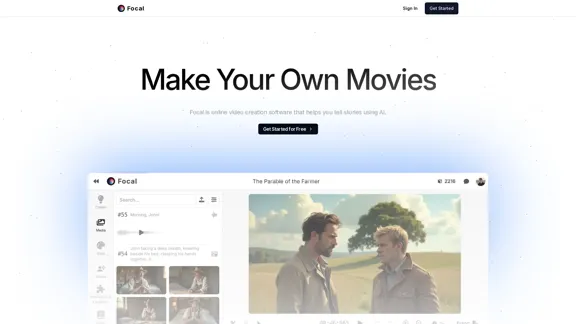
Introduction
Feature
-
AI Model Support
Focal supports several advanced AI models, including Flux.1 for images, Luma for videos, and ElevenLabs for voice and sound effects, ensuring high-quality outputs.
-
Character and Location Consistency
Users can generate and reuse characters and locations across different projects, allowing for cohesive storytelling.
-
Commercial Use Rights
Outputs created on paid plans can be used commercially, providing flexibility for creators looking to monetize their work.
-
Flexible Pricing Plans
Focal offers multiple pricing tiers, catering to different needs and budgets, from a free plan for personal use to professional plans for extensive video production.
-
Video Length and Quality
Depending on the plan, users can generate videos ranging from short clips to longer productions without watermarks.
-
User-Friendly Interface
The platform is designed to be intuitive, making it easy for users to start creating videos quickly.
How to Use?
- Sign up for an account on the Focal website to get started.
- Choose the appropriate plan based on your video creation needs.
- Familiarize yourself with the available AI models to maximize your creative potential.
- Experiment with generating characters and locations to enhance your storytelling.
- Utilize the credits wisely to ensure you can produce the desired amount of video content each month.
FAQ
What models does Focal support?
Focal currently supports Flux.1 (Pro, Dev, and Schnell) for images, Luma for videos, and ElevenLabs for voice and sound effects.
Can I use my outputs commercially?
Yes, anything created on a paid plan can be used commercially. The free plan is limited to personal use only.
Are there discounts available?
Focal occasionally sponsors projects for those who cannot afford the pricing plans.
How do I get in touch with Focal?
You can reach out via email at [email protected] for any inquiries.
Price
| Plan | Monthly Cost | Video Length | Watermark | Commercial Use |
|---|---|---|---|---|
| Free | $0 | Up to 55 seconds | Yes | No |
| Starter | $10 | Up to 250 seconds | No | Yes |
| Standard | $30 | Up to 12 minutes | No | Yes |
| Pro | $100 | Up to 62 minutes | No | Yes |
The price is for reference only, please refer to the latest official data for actual information.
Evaluation
- Focal provides a robust platform for video creation, utilizing advanced AI models that enhance the quality and creativity of outputs.
- The ability to reuse characters and locations is a significant advantage for users looking to create cohesive narratives.
- While the free plan offers limited capabilities, the paid plans provide substantial value for those serious about video production.
- However, the pricing may be a barrier for some users, particularly those who are just starting or have limited budgets.
- Overall, Focal is a powerful tool for video creators, but potential users should consider their needs and budget before committing to a plan.
Related Websites
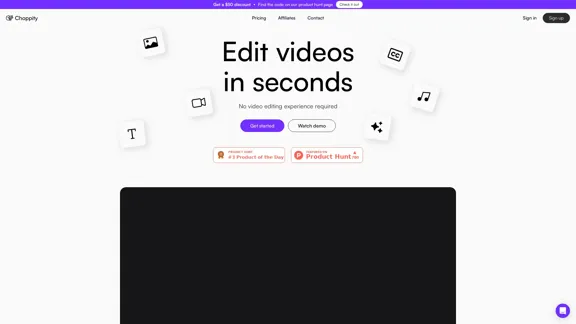

Dream Machine AI creates high-quality, realistic videos quickly from text and images, giving creators new ways to imagine and express themselves.
0

lipsync video to any audio or text. revolutionary ai video editor. real-time lipsync, seamless translation for global reach. create, reanimate, understand humans in video with our api. from wav2lip founders.
379.86 K
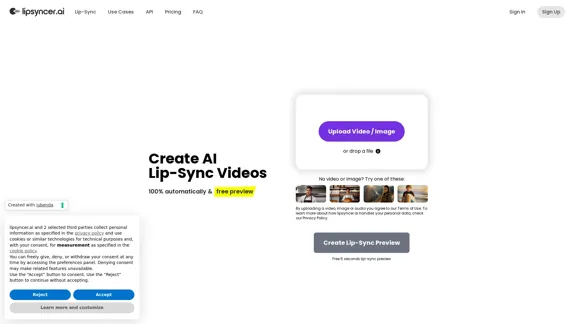
Create AI Lip-Sync Videos Lip-sync technology has advanced significantly, allowing for the creation of realistic videos where characters appear to speak in different languages or say things they never actually said. Here's how to create AI lip-sync videos: 1. Choose your video editing software - Popular options include Adobe After Effects, Reallusion's CrazyTalk, or Synthesia 2. Prepare your source video - Select a high-quality video clip with clear facial features 3. Generate or record the audio - Create the audio track you want the character to lip-sync to 4. Use AI-powered lip-sync tools - Many software options now include AI-driven lip-sync features - Upload your video and audio files - The AI will analyze the audio and match it to the character's mouth movements 5. Fine-tune the results - Adjust timing and mouth shapes as needed for a more natural look 6. Render the final video - Export your lip-synced video in your desired format Tips: - Ensure good lighting and clear facial features in the source video - Use high-quality audio for better results - Practice and experiment with different tools to improve your skills Remember to consider ethical implications and obtain necessary permissions when creating lip-sync videos of real people.
0
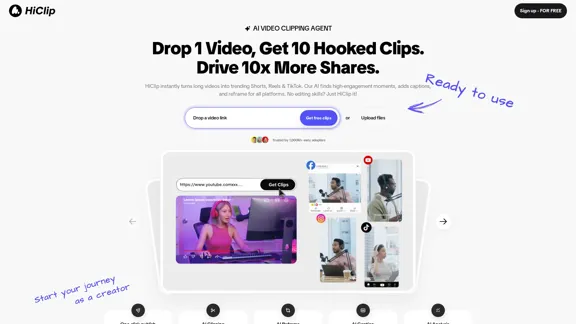
HiClip instantly transforms long videos into trending Shorts, Reels, and TikTok. Our AI identifies high-engagement moments, adds captions, and reframes for all platforms. No editing skills? Just HiClip it!
0

Viral Video - Create viral videos in minutes with AI
Viral Video - Create viral videos in minutes with AITransform your ideas into viral videos with our AI-driven text-to-video tool. Effortlessly create engaging videos using AI voices, enhancing your content with ease. Boost your online presence and reach a wider audience by converting text into captivating video content.
1.81 K
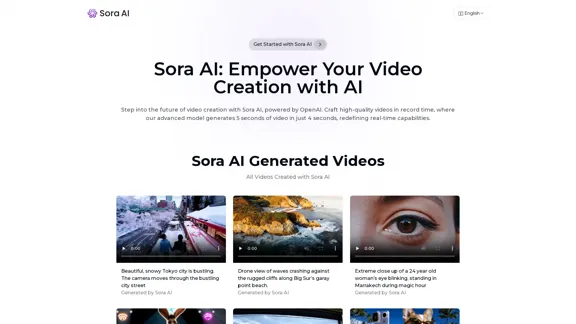
Sora AI: AI Video Generator Redefining Visual Storytelling
Sora AI: AI Video Generator Redefining Visual StorytellingLet your creativity flow with Sora AI, the AI video generator that effortlessly transforms your text and images into visually stunning videos, providing a new dimension in creative expression.
625

[Official] AnyEnhancer - Enhance and Upscale Video with AI
[Official] AnyEnhancer - Enhance and Upscale Video with AIAnyEnhancer is the ultimate AI video enhancer for transforming your videos into high quality by upscaling, denoising, colorizing, or smoothing them.
1.68 M