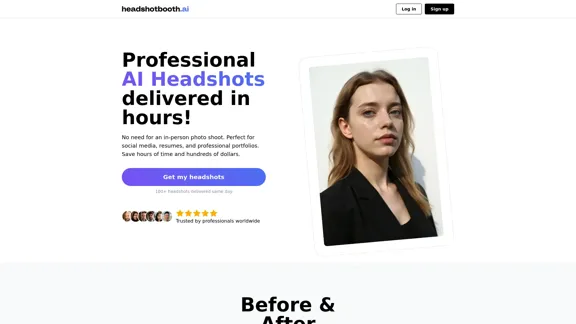
HeadshotBooth.ai é uma plataforma inovadora alimentada por IA que revoluciona o processo de obtenção de fotos profissionais. Ao aproveitar a tecnologia avançada de inteligência artificial, o serviço permite aos usuários gerar fotos de alta qualidade e personalizáveis sem a necessidade de sessões fotográficas tradicionais. Esta solução oferece uma alternativa eficiente em termos de tempo e custo aos serviços de fotografia convencionais, tornando os retratos de nível profissional acessíveis a um público mais amplo.
Retratos profissionais gerados por IA
Faça upload de algumas selfies, Escolha seus estilos, Mais de 100 fotos de perfil entregues no mesmo dia.
Introdução
Característica
-
Fotos Geradas por IA
- Crie fotos de aparência profissional usando tecnologia de IA
- Gere mais de 100 fotos finais em apenas algumas horas
- Personalize roupas, fundos e poses
-
Opções de Personalização
- Escolha entre vários fundos (ex: Beco, Praia, Escritório, Parque)
- Selecione diferentes roupas e cores (ex: Terno, Camisa social, Vestido)
- Personalize as fotos para combinar com o estilo e preferências individuais
-
Planos de Preços Flexíveis
- Pacote Inicial: 50 fotos, 2 roupas, 2 fundos
- Pacote Pro: 100 fotos, 4 roupas, 4 fundos
- Pacote Elite: 200 fotos, 8 roupas, 8 fundos
-
Processo Amigável ao Usuário
- Faça upload de fotos existentes ou tire novas selfies
- O fotógrafo de IA processa as imagens
- Baixe as fotos favoritas em minutos
-
Aplicações Diversas
- Adequado para perfis de redes sociais, currículos e portfólios profissionais
- Ideal para profissionais ocupados, atores e candidatos a emprego
-
Entrega Rápida
- Resultados entregues em aproximadamente 24 horas
- Significativamente mais rápido que sessões fotográficas tradicionais (2-3 dias)
-
Solução Econômica
- A partir de $25, comparado a $150-$600 para sessões fotográficas tradicionais
- Oferece mais fotos finais por uma fração do custo
Como usar?
-
Faça upload de pelo menos 8 fotos do ombro para cima e 1 foto da cintura para cima para melhores resultados.
-
Inclua uma variedade de expressões faciais sutis, ângulos e fundos em suas fotos enviadas.
-
Evite fotos com maquiagem excessiva e absolutamente nenhuma nudez.
-
Para melhor semelhança, forneça selfies diversas e de alta qualidade para permitir que a IA capture suas características únicas com precisão.
-
Aproveite as opções de personalização para criar fotos que combinem com seu estilo pessoal e necessidades profissionais.
-
Experimente diferentes fundos e roupas para encontrar a combinação perfeita para o uso pretendido.
-
Revise todas as fotos geradas cuidadosamente para selecionar as que melhor representam você profissionalmente.
FAQ
Qual é a qualidade das fotos que receberei?
Semelhante a uma sessão fotográfica real, nem toda foto será a melhor. Fornecemos uma seleção de fotos para escolher, e você pode esperar encontrar algumas fotos que você vai adorar.
Quanto as fotos se parecerão comigo?
A semelhança depende da qualidade e variedade das selfies que você envia. Fotos melhores e mais diversas permitem que nossa IA capture suas características únicas com mais precisão. Embora os resultados possam variar, melhoramos continuamente nossos modelos para aprimorar a semelhança.
Quanto tempo leva para receber minhas fotos?
O processo leva aproximadamente 24 horas porque nossa IA avançada analisa meticulosamente cada uma das suas imagens enviadas para gerar fotos de alta qualidade. Este tempo garante que cada detalhe seja ajustado com precisão para fornecer os melhores resultados possíveis.
Vocês têm uma política de reembolso?
Sim, oferecemos uma garantia de devolução do dinheiro em 14 dias. Se você não estiver satisfeito com nosso serviço e não tiver baixado as fotos, pode solicitar um reembolso dentro de 14 dias após sua compra.
Quem tem os direitos das fotos?
Você tem propriedade completa das suas fotos. Nós as usamos apenas para gerar suas fotos, exclusivamente para você e somente para você.
Preço
| Plano | Preço Regular | Preço com Desconto | Características |
|---|---|---|---|
| Pacote Inicial | $40 | $25 | 50 fotos, 2 roupas, 2 fundos |
| Pacote Pro | $60 | $40 | 100 fotos, 4 roupas, 4 fundos |
| Pacote Elite | $80 | $55 | 200 fotos, 8 roupas, 8 fundos |
O preço é apenas para referência, consulte os dados oficiais mais recentes para informações reais.
Avaliação
HeadshotBooth.ai oferece uma solução inovadora para o processo tradicional de fotografia de retrato, aproveitando a tecnologia de IA para fornecer retratos profissionais acessíveis e econômicos. Os pontos fortes do serviço estão em seu rápido tempo de entrega, custo-benefício e no grande volume de opções personalizáveis que oferece aos usuários.
A capacidade da plataforma de gerar um grande número de fotos com várias roupas e fundos é impressionante, dando aos usuários ampla escolha e flexibilidade. A estrutura de preços é competitiva, especialmente quando comparada aos serviços de fotografia tradicionais, tornando as fotos profissionais mais acessíveis a um público mais amplo.
No entanto, a forte dependência do serviço na tecnologia de IA pode levantar preocupações sobre a autenticidade e singularidade das imagens geradas. Embora a plataforma afirme capturar características individuais com precisão, a extensão em que a IA pode replicar os aspectos sutis da expressão e personalidade humana permanece um ponto de consideração.
A qualidade e semelhança do produto final dependem muito da entrada fornecida pelos usuários, o que pode ser uma limitação para aqueles que têm dificuldade em tirar boas selfies ou têm opções limitadas de fotos para enviar. Além disso, embora o serviço ofereça uma ampla gama de opções de personalização, pode não substituir completamente a experiência personalizada e a direção artística fornecida por um fotógrafo profissional.
Em conclusão, HeadshotBooth.ai apresenta uma alternativa atraente à fotografia de retrato tradicional, particularmente para aqueles que buscam uma solução rápida, acessível e conveniente. No entanto, indivíduos que procuram uma abordagem mais personalizada e artística ou aqueles com requisitos específicos e complexos ainda podem encontrar valor nos serviços de fotografia tradicionais.
Sites relacionados
Desenhos gerados pelo Agente de IA do GPTConsole DOODLE
Desenhos gerados pelo Agente de IA do GPTConsole DOODLEExplore uma coleção de doodles únicos, gerados por IA. O Doodle Agent fornece insights sobre o mundo dos doodles criativos. Veja o futuro da arte digital agora!
0
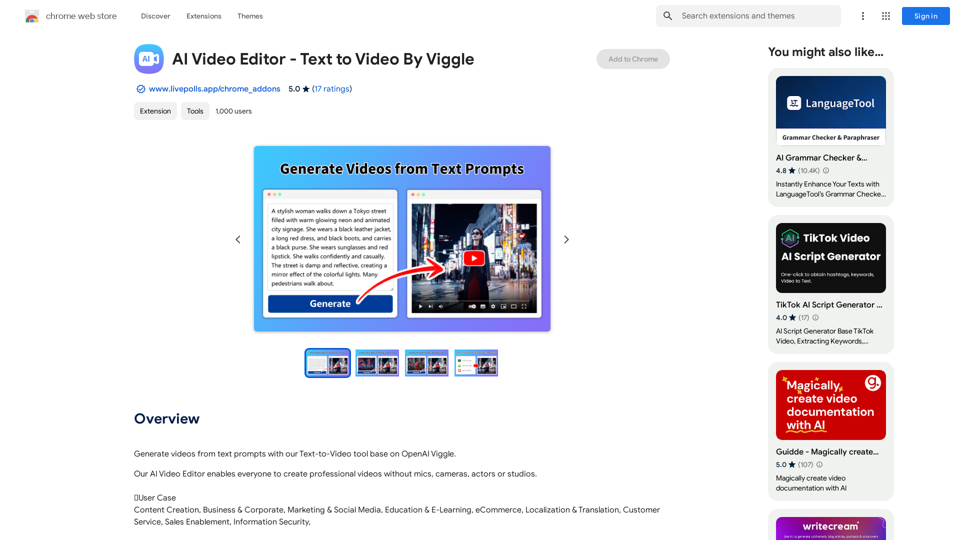
Editor de Vídeo de IA - Texto para Vídeo Por Viggle
Editor de Vídeo de IA - Texto para Vídeo Por ViggleGerar vídeos a partir de prompts de texto com nossa ferramenta Text-to-Video baseada no OpenAI Viggle.
193.90 M
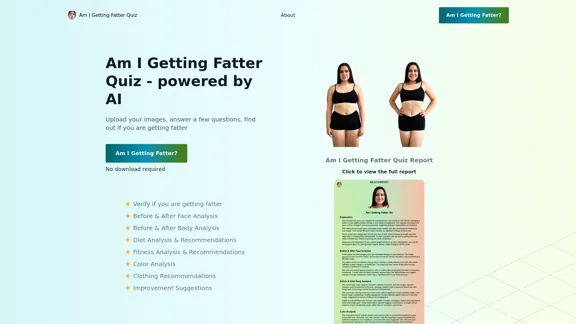
Faça o nosso teste de IA 'Estou Ficando Mais Gordo?' para descobrir se você está mais gordo do que pensa. Descubra se você precisa perder peso, mudar seu estilo de vida ou se está no caminho certo.
1.25 K
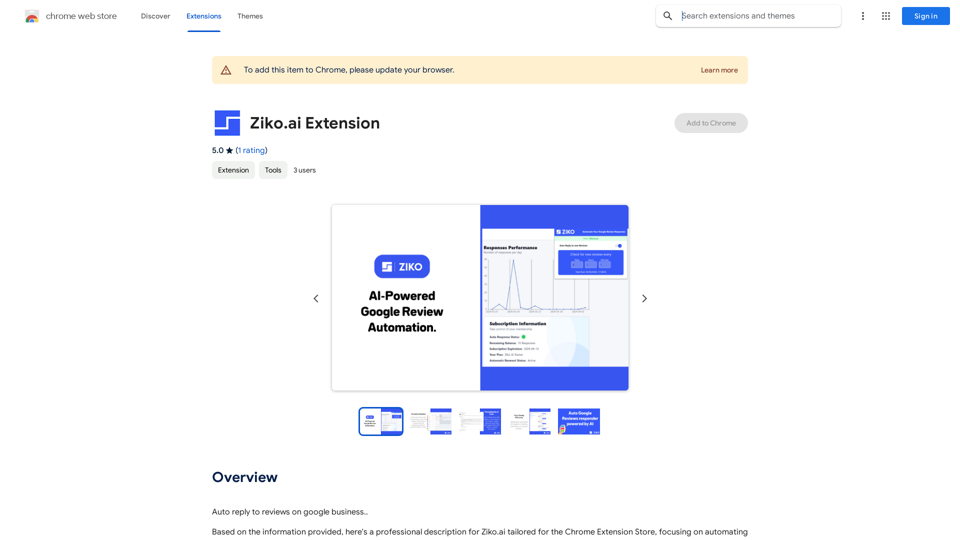
Respostas Automáticas para Revisoras no Google Meu Negócio Aqui estão algumas dicas para criar respostas automáticas para avaliações no Google Meu Negócio: Para avaliações positivas: * Agradeça a avaliação: "Obrigado pelo feedback positivo! Estamos felizes em saber que você gostou de [mencionar algo específico da avaliação]." * Demonstre entusiasmo: "É ótimo saber que você teve uma experiência positiva conosco! Continuaremos trabalhando para oferecer o melhor serviço possível." * Incentive a interação: "Esperamos recebê-lo novamente em breve! Tem alguma sugestão para melhorar ainda mais nosso serviço?" Para avaliações negativas: * Agradeça a avaliação: "Agradecemos seu feedback. Entendemos sua frustração com [mencionar o problema específico]." * Ofereça uma solução: "Nos desculpamos pelo inconveniente causado. Entre em contato conosco diretamente para que possamos resolver este problema." * Mantenha a calma e profissionalismo: Evite se defender ou argumentar com o cliente. Dicas adicionais: * Personalize suas respostas: Evite respostas genéricas. * Seja breve e conciso: As pessoas não gostam de ler longas respostas. * Revise suas respostas antes de publicar: Certifique-se de que elas sejam claras, concisas e profissionais. * Utilize um tom amigável e acolhedor: Mesmo em respostas a avaliações negativas.
193.90 M
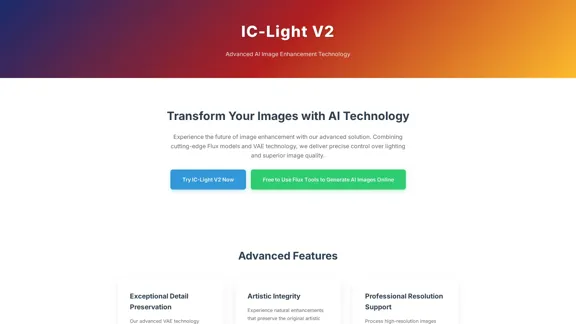
IC-Light V2 - Ferramenta Avançada de Processamento de Imagens com IA
IC-Light V2 - Ferramenta Avançada de Processamento de Imagens com IAIC-Light V2: ferramenta de aprimoramento de imagem com modelos Flux e tecnologia VAE. Transforme a iluminação e melhore a qualidade da imagem. Experimente nossa demonstração gratuita hoje.
1.60 K