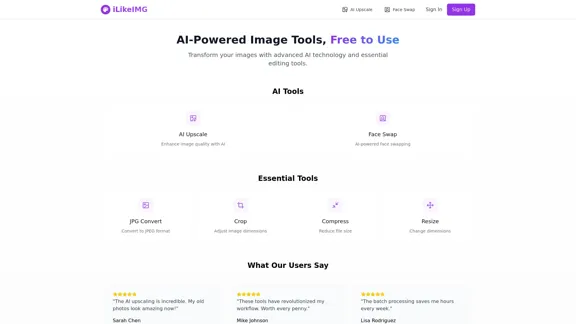
iLikeIMG offers AI-powered image tools that enhance and transform images using advanced technology. Users can access a variety of features, including image upscaling, face swapping, and essential editing tools, all designed to improve image quality and streamline workflows. The platform is free to use, with options for premium features.
ilikeimg - AI-Powered Image Tools | Free Online Photo Editor
Free online tools to convert, crop, compress, resize, and enhance your images. No registration required for basic features.
Introduction
Feature
-
AI Upscale
Enhance image quality with AI technology that adds detail and improves clarity while maintaining a natural appearance.
-
Face Swap
Utilize AI-powered face swapping to create fun and engaging images by seamlessly replacing faces in photos.
-
Basic Tools
Access essential editing tools such as JPG conversion, image compression, cropping, and resizing to meet various image editing needs.
-
Batch Processing
Save time with batch processing capabilities, allowing users to edit multiple images simultaneously.
-
Daily Credits
Users receive daily credits for processing images, which reset based on the selected plan.
-
Data Security
iLikeIMG employs enterprise-grade encryption and automatically deletes images after processing to ensure user data is secure.
How to Use?
- Sign up for an account to access premium features and daily credits.
- Explore the AI tools available, such as AI Upscale and Face Swap, to enhance your images.
- Use the batch processing feature to edit multiple images at once, saving time and effort.
- Familiarize yourself with the basic tools for quick edits, including cropping and resizing.
- Regularly check your daily credits to maximize the use of AI tools.
FAQ
What are credits?
Credits are used for processing images on the platform. They reset daily and vary based on your subscription plan.
How does AI upscaling work?
The AI technology analyzes images to add detail and enhance quality while preserving a natural look.
Can I cancel anytime?
Yes, users can cancel their premium subscription at any time and will retain access until the end of the billing period.
Is my data secure?
iLikeIMG uses enterprise-grade encryption and automatically deletes processed images to ensure data security.
What tools are available for free?
The free plan includes basic image tools and limited access to AI features, providing users with essential editing capabilities.
Price
| Plan | Features | Price |
|---|---|---|
| Free | Basic image tools, 50 credits daily | $0 Forever |
| Premium | All basic tools, AI-powered features, 200 credits daily, priority processing | $4.99/month |
The price is for reference only, please refer to the latest official data for actual information.
Evaluation
- iLikeIMG effectively combines AI technology with essential image editing tools, making it accessible for users of all skill levels.
- The AI upscaling and face swap features are particularly impressive, providing high-quality results that enhance user images.
- While the free plan offers valuable tools, the limitations may prompt users to consider the premium subscription for more extensive features.
- The platform could improve by offering more advanced editing options and additional AI tools to cater to professional users.
- Overall, iLikeIMG is a user-friendly solution for image editing, but expanding its features could enhance its appeal to a broader audience.
Related Websites
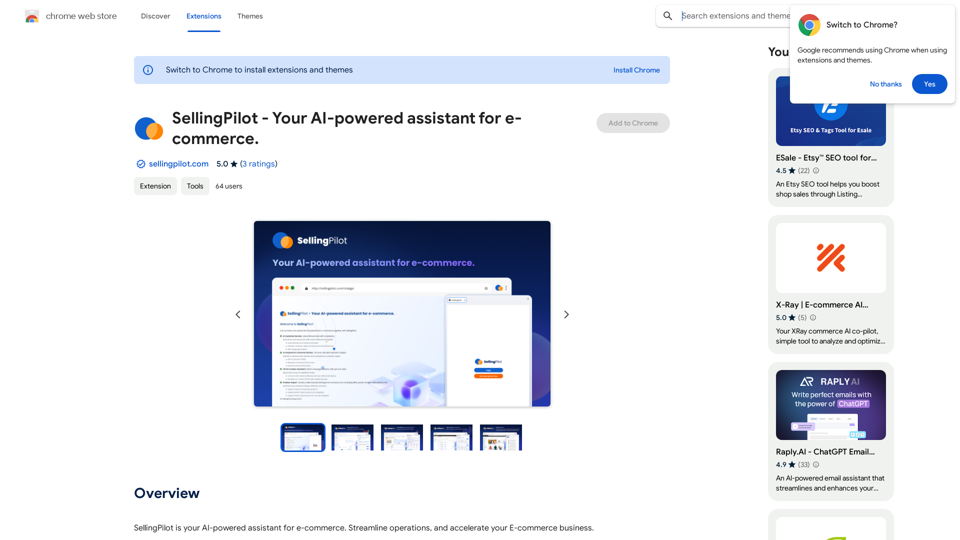
SellingPilot - Your AI-powered assistant for e-commerce.
SellingPilot - Your AI-powered assistant for e-commerce.SellingPilot is your AI-powered assistant for e-commerce. It helps you streamline your operations and accelerate your e-commerce business.
193.90 M
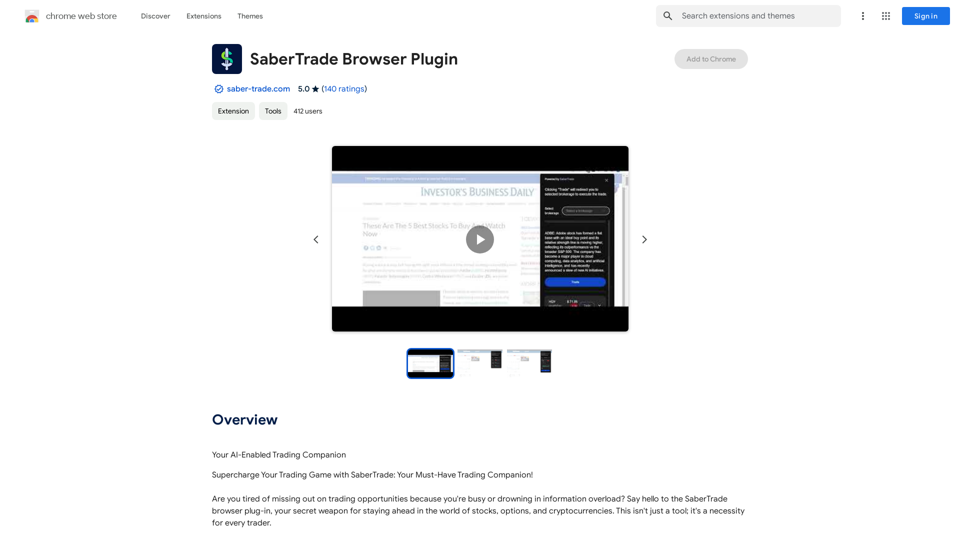
Your AI-Enabled Trading Companion Let's explore how AI can revolutionize your trading experience. Harness the Power of AI * Automated Trading: Execute trades with precision and speed, powered by AI algorithms that analyze market data in real-time. * Smart Order Routing: Optimize your order execution by intelligently routing trades to the best available market for maximum efficiency. * Risk Management: Minimize potential losses with AI-driven risk assessment and management tools that adapt to changing market conditions. * Personalized Insights: Receive tailored market analysis and trading recommendations based on your individual investment goals and risk tolerance. Stay Ahead of the Curve * Predictive Analytics: Gain an edge with AI-powered predictions on market trends and price movements. * Sentiment Analysis: Understand market sentiment and investor psychology through AI-driven analysis of news, social media, and other data sources. * Backtesting and Optimization: Test and refine your trading strategies using historical data and AI algorithms for improved performance. Empower Your Trading Journey * User-Friendly Interface: Navigate the world of AI trading with ease through our intuitive and accessible platform. * 24/7 Support: Get assistance whenever you need it with our dedicated team of experts available around the clock. * Continuous Learning: Benefit from ongoing AI advancements and algorithm improvements that enhance your trading capabilities. Let AI be your trusted partner in navigating the dynamic world of trading.
193.90 M
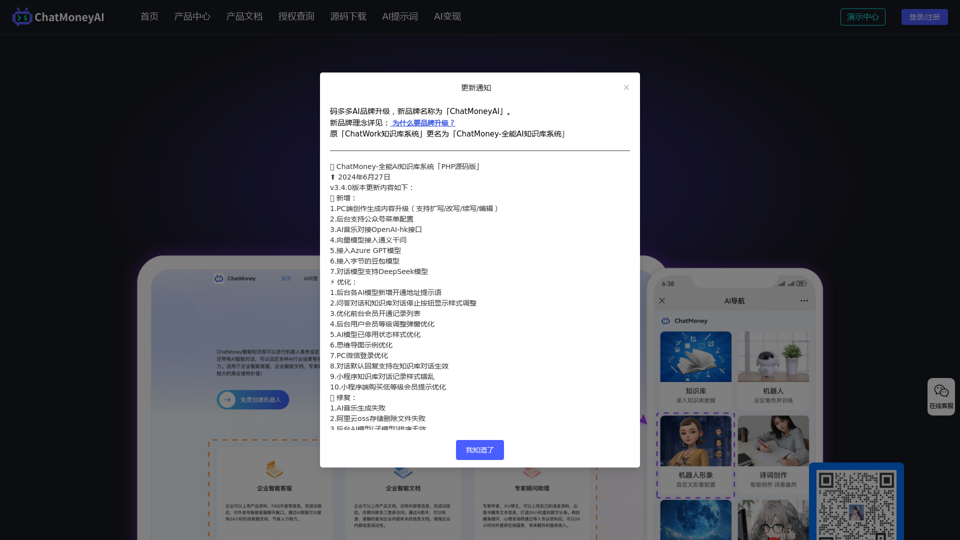
ChatMoney, ChatMoney AI, AI Monetization, CodeMood, CodeMood AI, AI Chat, AI Knowledge Base, AI Painting, ChatMoney was born for AI monetization.
ChatMoney, ChatMoney AI, AI Monetization, CodeMood, CodeMood AI, AI Chat, AI Knowledge Base, AI Painting, ChatMoney was born for AI monetization.Here is the translation in English, keeping the original format: ChatMoney, ChatMoneyAI, CodeMore AI, CodeMore, AI Source Code, ChatAI, ChatWork, Intelligent Chat System, Knowledge Base System, Painting System, Stable Diffusion, Midjourney, AI Chat, AI Knowledge Base, AI Painting, AI System.
0
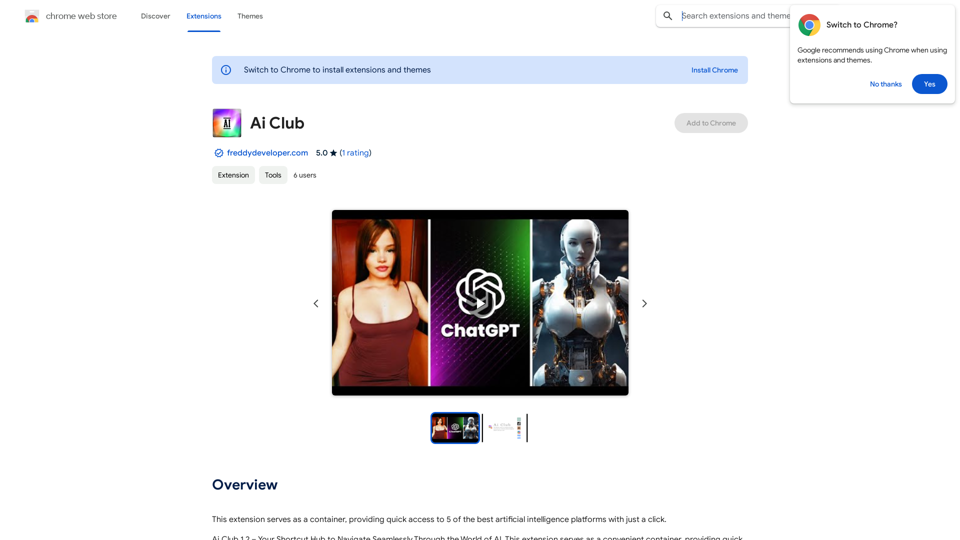
This extension acts as a container, giving you quick access to 5 of the top artificial intelligence platforms with a single click.
193.90 M
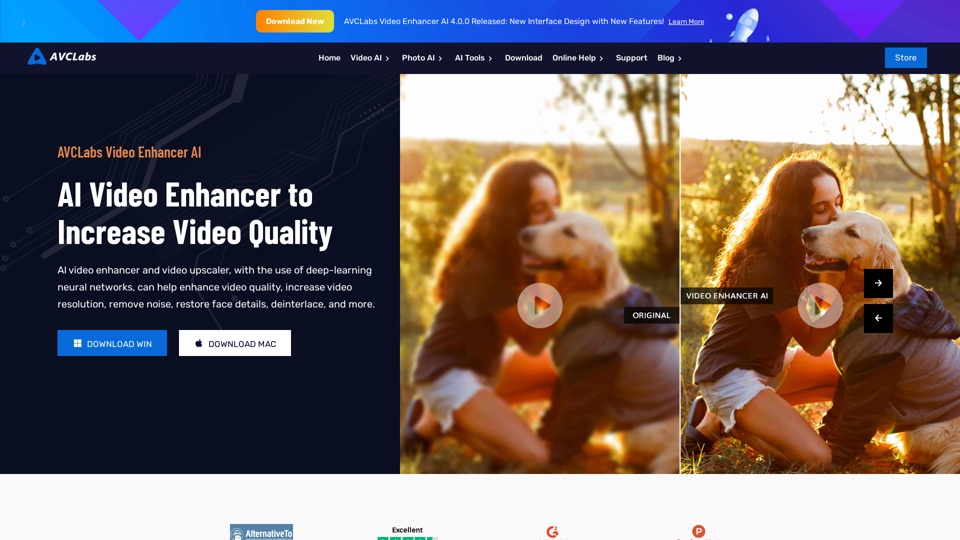
AVCLabs AI: Enhance Your Video and Photo Quality with AI
AVCLabs AI: Enhance Your Video and Photo Quality with AIAVCLabs is an AI products provider, which is dedicated to serving customers with products including Video Enhancer, Photo Editor, Photo Enhancer, and Video Blur AI.
356.07 K