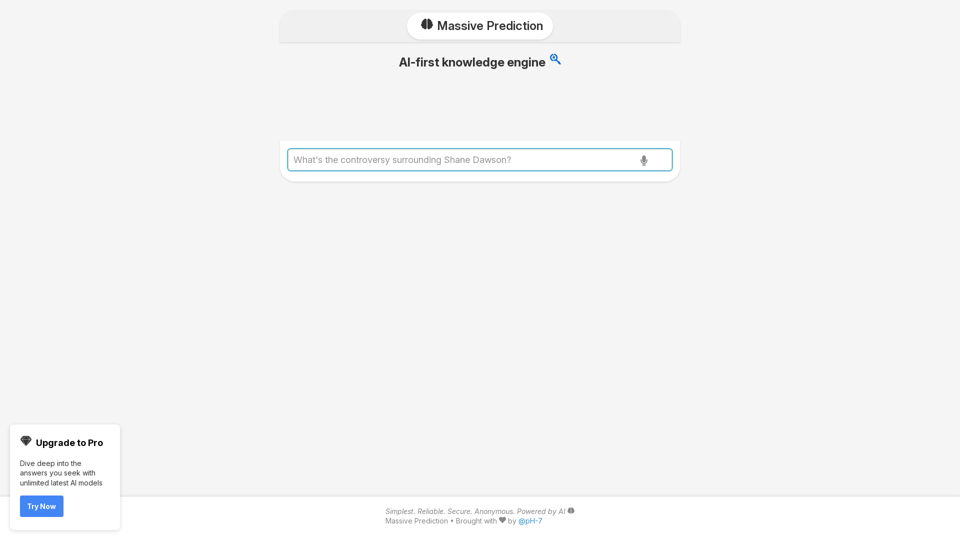
Massive Prediction is an innovative AI search engine designed to provide instant and relevant answers to important queries. Leveraging an AI-first knowledge engine, it offers users unlimited access to the latest AI models, allowing for deep exploration of sought-after information. The platform stands out for its simplicity, reliability, and commitment to user privacy through anonymous access.
An AI-powered search engine that provides immediate answers to your most important questions.
MassivePrediction: A specialized AI search engine that is always available and runs directly in your browser. It instantly retrieves highly relevant content from the internet that was created by AI.
Introduction
Feature
AI-Driven Search Engine
Massive Prediction utilizes advanced AI technology to instantly deliver relevant answers to user queries, ensuring quick and accurate information retrieval.
Pro Upgrade for Enhanced Access
Users can upgrade to Pro to unlock unlimited access to the latest AI models, enabling deeper dives into complex topics and more comprehensive answers.
Simple, Reliable, and Secure
The platform is designed with user experience in mind, offering a simple interface, reliable performance, and secure, anonymous access to its AI-powered search capabilities.
Easy-to-Use Interface
Massive Prediction boasts a user-friendly interface where users can simply enter their queries and receive instant, relevant answers powered by AI.
Flexible Pricing Options
The service offers both a free version and a Pro upgrade, catering to different user needs and preferences.
Bookmarking Feature
Users can bookmark their favorite answers for easy reference, enhancing the overall user experience and information management.
FAQ
How does Massive Prediction protect user privacy?
Massive Prediction values user privacy and does not use user data for training purposes. The platform is designed to be anonymous, allowing users to access the AI-powered search engine without revealing their identity.
What are the benefits of upgrading to Pro?
Upgrading to Pro provides users with unlimited access to the latest AI models, enabling them to dive deeper into the answers they seek and explore complex topics more comprehensively.
How can I improve my search results on Massive Prediction?
To get more accurate results, use specific keywords in your queries. This helps the AI better understand your information needs and provide more relevant answers.
Related Websites
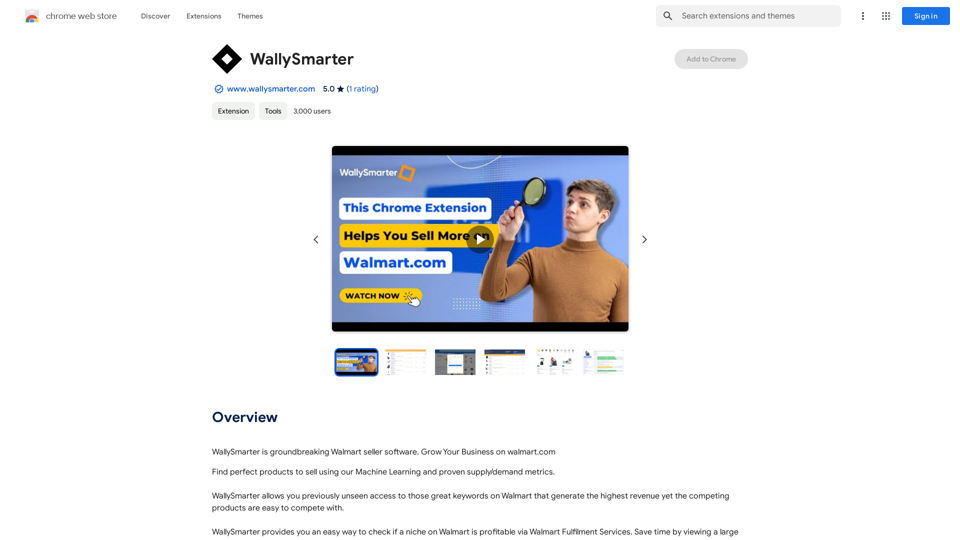
WallySmarter is groundbreaking software for selling on Walmart. Grow your business on walmart.com.
193.90 M
ChatGPT Context Menu * Copy: Copies the selected text. * Paste: Pastes the copied text. * Delete: Deletes the selected text. * Edit: Opens a text editor to modify the selected text. * Generate: Uses ChatGPT to generate new text based on the selected context. * Summarize: Creates a concise summary of the selected text. * Translate: Translates the selected text into another language. * Translate to English: Translates the selected text into English. * Code: Attempts to identify and format the selected text as code. * Help: Provides information about the context menu options.
ChatGPT Context Menu * Copy: Copies the selected text. * Paste: Pastes the copied text. * Delete: Deletes the selected text. * Edit: Opens a text editor to modify the selected text. * Generate: Uses ChatGPT to generate new text based on the selected context. * Summarize: Creates a concise summary of the selected text. * Translate: Translates the selected text into another language. * Translate to English: Translates the selected text into English. * Code: Attempts to identify and format the selected text as code. * Help: Provides information about the context menu options.Please provide the text you would like to send to ChatGPT.
193.90 M
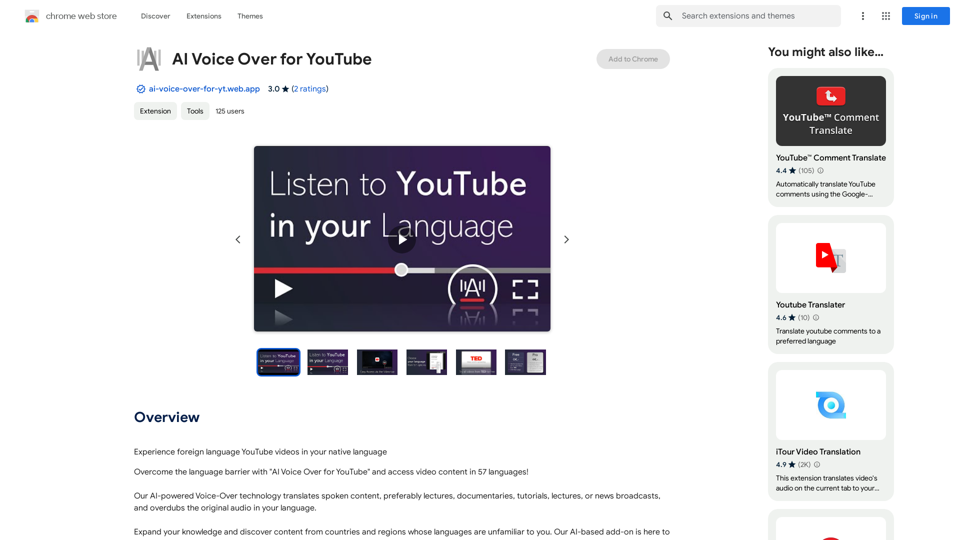
AI Voice Over for YouTube This is a guide to using AI voice over for your YouTube videos. Why Use AI Voice Over? * Cost-Effective: AI voice over is much cheaper than hiring a professional voice actor. * Time-Saving: You can generate voice over quickly and easily, without needing to schedule recording sessions. * Variety of Voices: Choose from a wide range of AI voices, including male, female, and even robotic voices. * Accessibility: Make your videos accessible to viewers who are deaf or hard of hearing by adding captions generated by AI. How to Use AI Voice Over 1. Choose a Platform: There are many different platforms that offer AI voice over services, such as: * Google Cloud Text-to-Speech * Amazon Polly * Microsoft Azure Text to Speech * Murf.ai * NaturalReader 2. Write Your Script: Write a clear and concise script for your video. 3. Upload Your Script: Upload your script to the chosen platform. 4. Select a Voice: Choose the voice that best suits your video. 5. Adjust Settings: Adjust settings such as speed, pitch, and volume. 6. Generate Voice Over: Click the "Generate" button to create your voice over. 7. Download and Edit: Download the generated voice over file and edit it as needed. 8. Add to Your Video: Add the voice over to your YouTube video. Tips for Using AI Voice Over * Use Natural Language: Write your script as if you were speaking naturally. * Vary Your Tone: Use different tones of voice to keep your viewers engaged. * Add Pauses: Include pauses in your script to allow viewers to process information. * Proofread Carefully: Always proofread your script before generating the voice over. * Experiment: Try different voices, settings, and styles to find what works best for you.
AI Voice Over for YouTube This is a guide to using AI voice over for your YouTube videos. Why Use AI Voice Over? * Cost-Effective: AI voice over is much cheaper than hiring a professional voice actor. * Time-Saving: You can generate voice over quickly and easily, without needing to schedule recording sessions. * Variety of Voices: Choose from a wide range of AI voices, including male, female, and even robotic voices. * Accessibility: Make your videos accessible to viewers who are deaf or hard of hearing by adding captions generated by AI. How to Use AI Voice Over 1. Choose a Platform: There are many different platforms that offer AI voice over services, such as: * Google Cloud Text-to-Speech * Amazon Polly * Microsoft Azure Text to Speech * Murf.ai * NaturalReader 2. Write Your Script: Write a clear and concise script for your video. 3. Upload Your Script: Upload your script to the chosen platform. 4. Select a Voice: Choose the voice that best suits your video. 5. Adjust Settings: Adjust settings such as speed, pitch, and volume. 6. Generate Voice Over: Click the "Generate" button to create your voice over. 7. Download and Edit: Download the generated voice over file and edit it as needed. 8. Add to Your Video: Add the voice over to your YouTube video. Tips for Using AI Voice Over * Use Natural Language: Write your script as if you were speaking naturally. * Vary Your Tone: Use different tones of voice to keep your viewers engaged. * Add Pauses: Include pauses in your script to allow viewers to process information. * Proofread Carefully: Always proofread your script before generating the voice over. * Experiment: Try different voices, settings, and styles to find what works best for you.Watch foreign language YouTube videos in your own language.
193.90 M
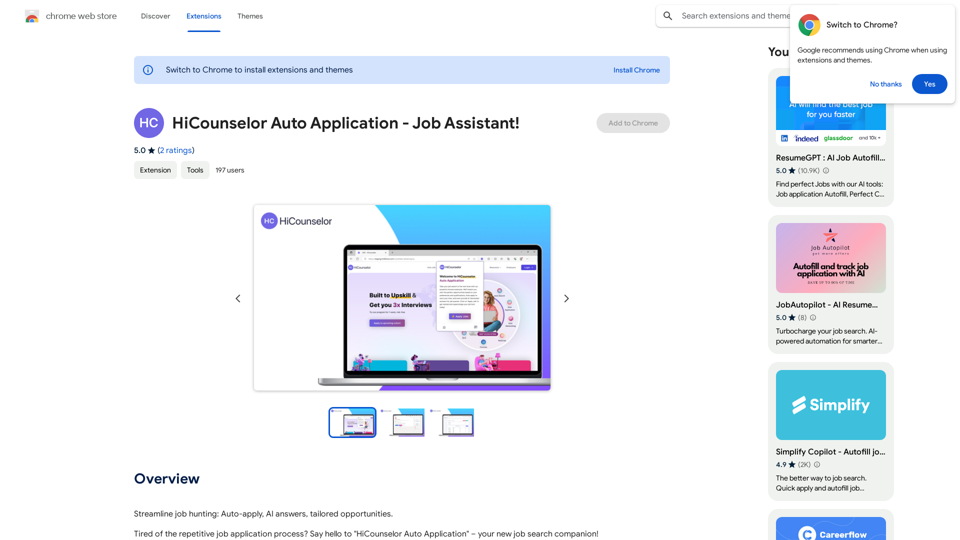
Find your dream job faster: Apply automatically, get AI-powered answers, and discover personalized opportunities.
193.90 M
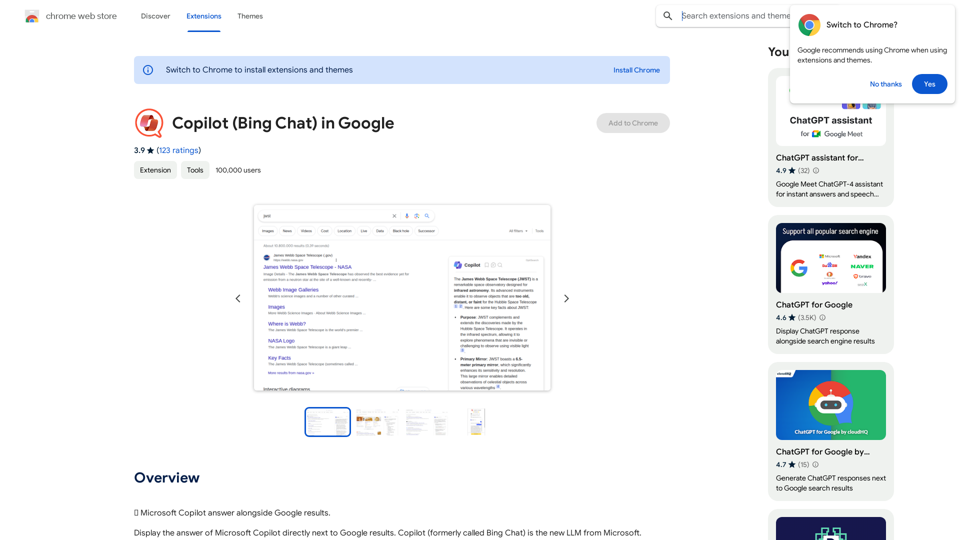
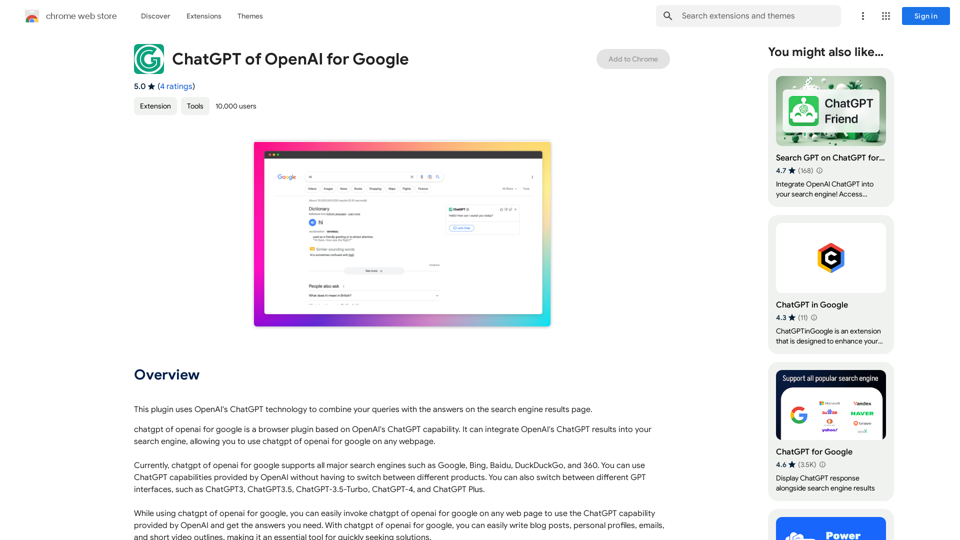
This plugin uses OpenAI's ChatGPT technology to combine your questions with the answers found on the search engine results page.
193.90 M