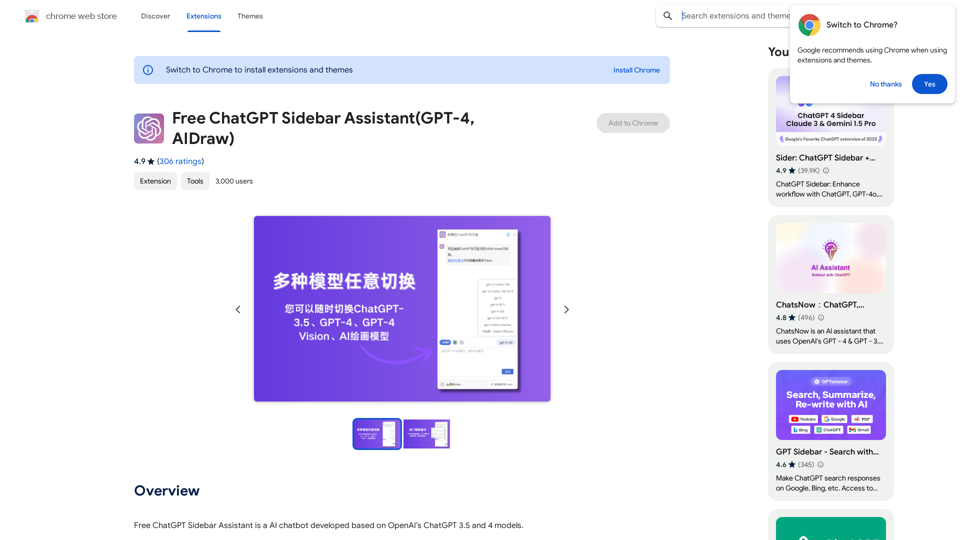
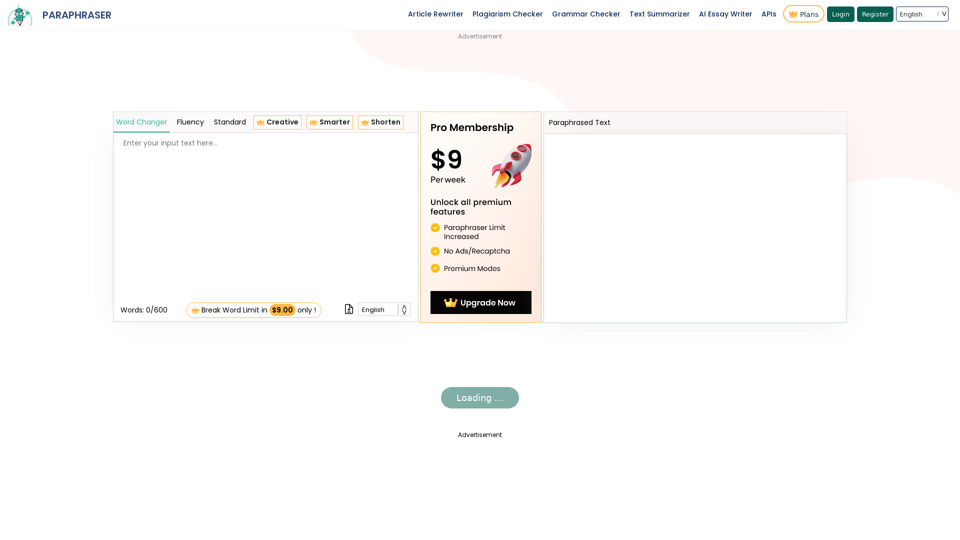
Paraphraser.io is an advanced AI-powered online tool for rewriting and rephrasing text while preserving the original meaning. It employs cutting-edge natural language processing technology to deliver high-quality paraphrasing results for various text lengths, from sentences to entire articles. The tool offers multiple paraphrasing modes, multilingual support, and both free and premium options to cater to diverse user needs.
Paraphrasing Tool - Free AI Paraphraser
Paraphraser is a complimentary rephrasing tool that utilizes AI algorithms to assist you in rewording text, sentences, and paragraphs, enabling you to convey ideas using your own language.
Introduction
Feature
AI-driven Paraphrasing
Utilizes state-of-the-art AI algorithms for human-like rephrasing, ensuring high-quality output.
Multiple Paraphrasing Modes
Offers various modes including Word Changer, Fluency, Standard, Creative, Smarter, and Shorten, catering to different paraphrasing needs.
Multilingual Support
Available in over 20 languages, making it accessible to a global user base.
Plagiarism-free Output
Generates unique content to avoid duplication, helping users maintain originality in their work.
User-friendly Interface
Easy to use across all devices, ensuring a smooth user experience.
Fast Processing
Quickly rephrases large amounts of text, saving users valuable time.
Free and Premium Options
Offers both free and paid plans to accommodate different user requirements and budgets.
API Integration
Provides paraphrasing APIs for educational institutions, expanding its utility beyond individual use.
FAQ
Is using a paraphrasing tool illegal?
No, using a paraphrasing tool is not illegal if used correctly. However, in academic writing, paraphrased content should be properly cited.
Can you get in trouble for using a paraphrasing tool?
If used responsibly and ethically, you should not get in trouble. Always cite sources and use the tool as an aid, not a substitute for original thinking.
Does using a paraphrasing tool count as plagiarism?
No, using a paraphrasing tool does not inherently count as plagiarism. The tool helps create unique content, but proper citation is still necessary when using others' ideas.
Can I use a paraphrasing tool for legal writing?
Yes, but use it responsibly. Always check for plagiarism and cite sources, even when using a paraphrasing tool in legal writing.
Related Websites
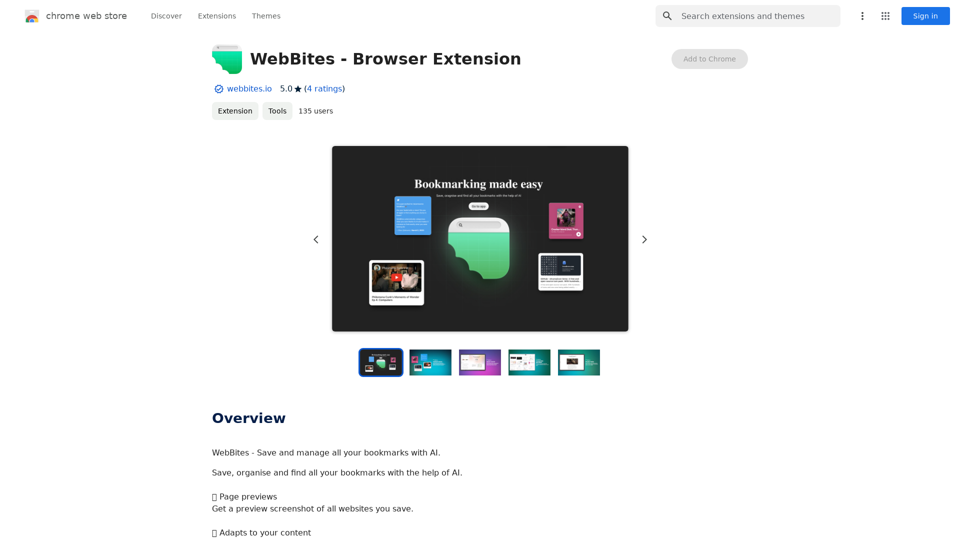
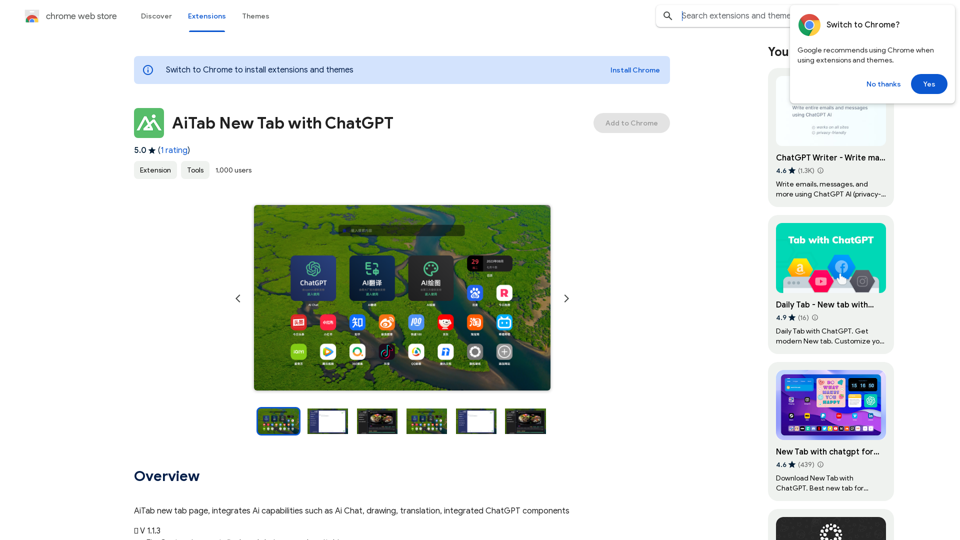
AiTab new tab page, integrates AI capabilities such as AI Chat, drawing, translation, and integrated ChatGPT components
193.90 M
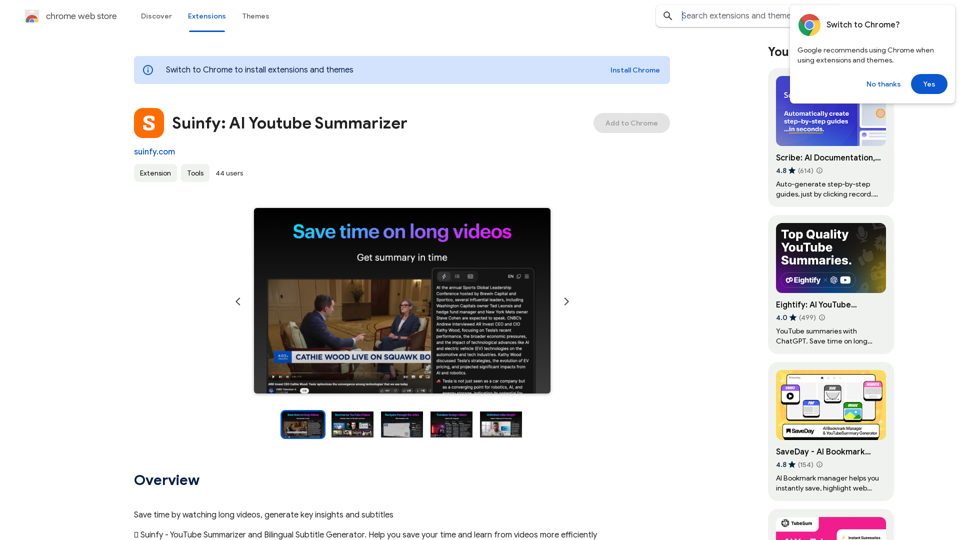
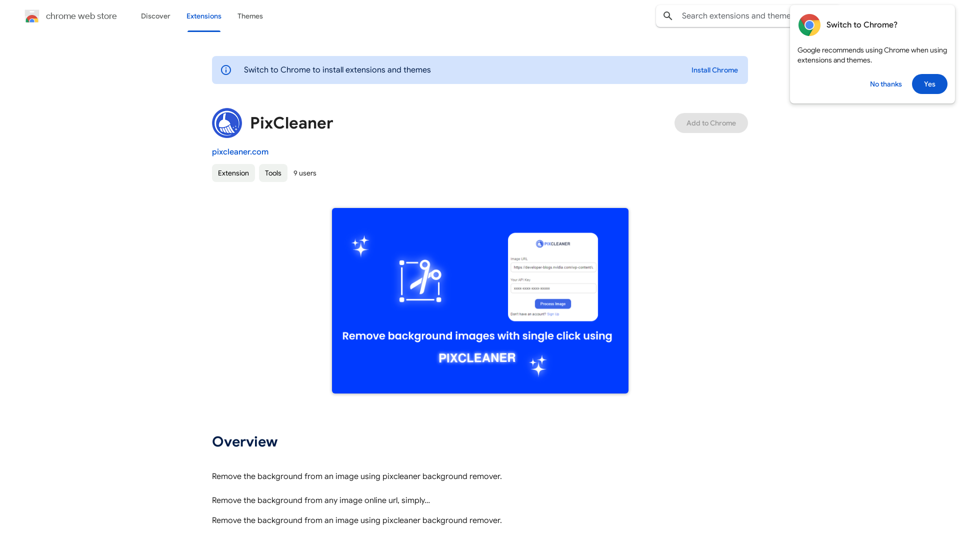
Remove the background from an image using pixcleaner background remover. Remove the background from any image online URL, simply...
193.90 M
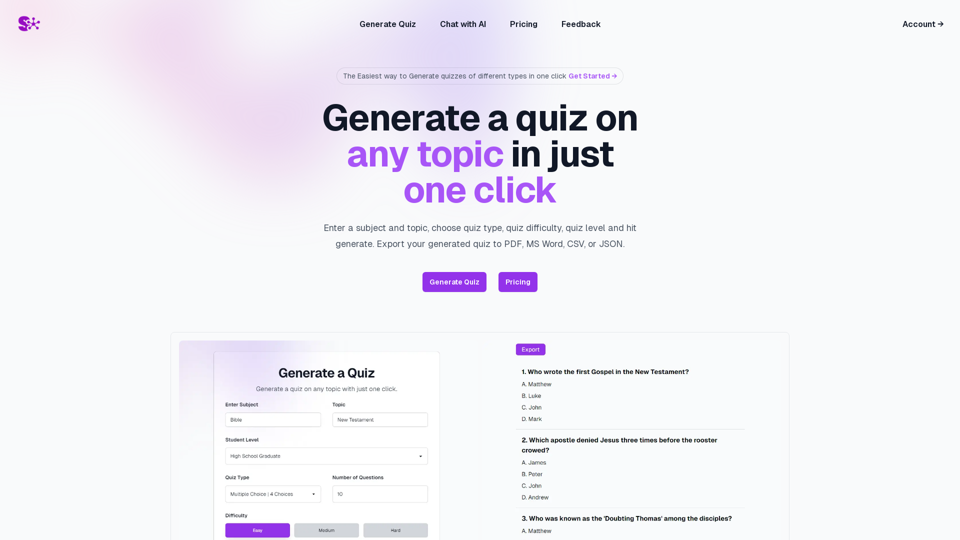
Quiz Generation Made Easy! ============================= With just one click, you can generate a quiz on any topic you want! Whether you're a teacher, student, or just a curious learner, this feature is perfect for you. How it Works --------------- 1. Choose Your Topic: Select the topic you want to generate a quiz on. It can be anything from history to science, literature to music, or even pop culture! 2. Click the Button: Simply click the "Generate Quiz" button, and our AI-powered algorithm will do the rest. 3. Get Your Quiz: In an instant, you'll receive a comprehensive quiz with multiple-choice questions, true/false questions, and short-answer questions. Features ------------ * Customizable: You can adjust the difficulty level, question type, and even add your own questions to make the quiz more personalized. * Instant Feedback: Get instant feedback on your answers, so you can track your progress and identify areas for improvement. * Shareable: Share your quiz with friends, classmates, or even on social media to spark a fun competition! Try it Out! -------------- Click the "Generate Quiz" button below to get started! [Generate Quiz Button] Happy quizzing!
0
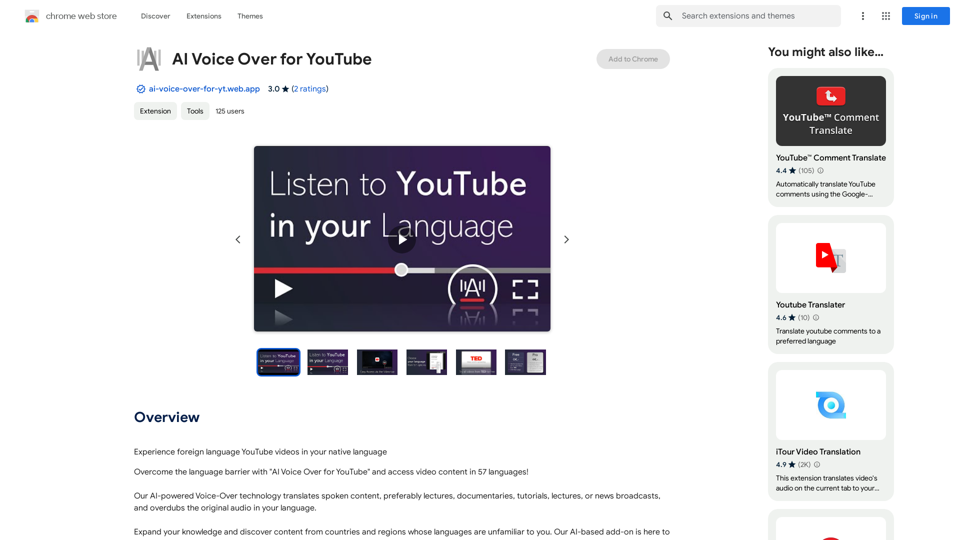
AI Voice Over for YouTube This is a guide to using AI voice over for your YouTube videos. Why Use AI Voice Over? * Cost-Effective: AI voice over is much cheaper than hiring a professional voice actor. * Time-Saving: You can generate voice over quickly and easily, without needing to schedule recording sessions. * Variety of Voices: Choose from a wide range of AI voices, including male, female, and even robotic voices. * Accessibility: Make your videos accessible to viewers who are deaf or hard of hearing by adding captions generated by AI. How to Use AI Voice Over 1. Choose a Platform: There are many different platforms that offer AI voice over services, such as: * Google Cloud Text-to-Speech * Amazon Polly * Microsoft Azure Text to Speech * Murf.ai * NaturalReader 2. Write Your Script: Write a clear and concise script for your video. 3. Upload Your Script: Upload your script to the chosen platform. 4. Select a Voice: Choose the voice that best suits your video. 5. Adjust Settings: Adjust settings such as speed, pitch, and volume. 6. Generate Voice Over: Click the "Generate" button to create your voice over. 7. Download and Edit: Download the generated voice over file and edit it as needed. 8. Add to Your Video: Add the voice over to your YouTube video. Tips for Using AI Voice Over * Use Natural Language: Write your script as if you were speaking naturally. * Vary Your Tone: Use different tones of voice to keep your viewers engaged. * Add Pauses: Include pauses in your script to allow viewers to process information. * Proofread Carefully: Always proofread your script before generating the voice over. * Experiment: Try different voices, settings, and styles to find what works best for you.
AI Voice Over for YouTube This is a guide to using AI voice over for your YouTube videos. Why Use AI Voice Over? * Cost-Effective: AI voice over is much cheaper than hiring a professional voice actor. * Time-Saving: You can generate voice over quickly and easily, without needing to schedule recording sessions. * Variety of Voices: Choose from a wide range of AI voices, including male, female, and even robotic voices. * Accessibility: Make your videos accessible to viewers who are deaf or hard of hearing by adding captions generated by AI. How to Use AI Voice Over 1. Choose a Platform: There are many different platforms that offer AI voice over services, such as: * Google Cloud Text-to-Speech * Amazon Polly * Microsoft Azure Text to Speech * Murf.ai * NaturalReader 2. Write Your Script: Write a clear and concise script for your video. 3. Upload Your Script: Upload your script to the chosen platform. 4. Select a Voice: Choose the voice that best suits your video. 5. Adjust Settings: Adjust settings such as speed, pitch, and volume. 6. Generate Voice Over: Click the "Generate" button to create your voice over. 7. Download and Edit: Download the generated voice over file and edit it as needed. 8. Add to Your Video: Add the voice over to your YouTube video. Tips for Using AI Voice Over * Use Natural Language: Write your script as if you were speaking naturally. * Vary Your Tone: Use different tones of voice to keep your viewers engaged. * Add Pauses: Include pauses in your script to allow viewers to process information. * Proofread Carefully: Always proofread your script before generating the voice over. * Experiment: Try different voices, settings, and styles to find what works best for you.Watch foreign language YouTube videos in your own language.
193.90 M
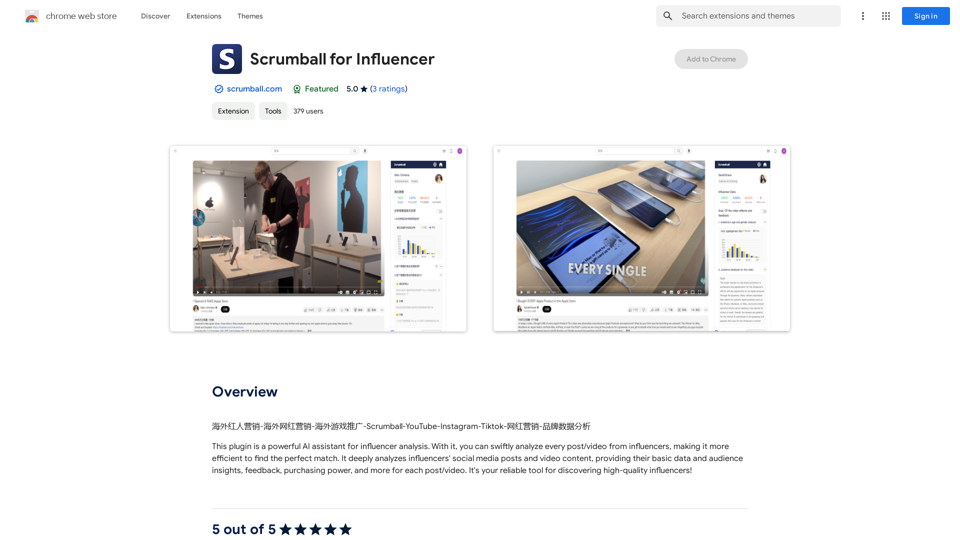
Overseas Influencer Marketing - Overseas Internet Celebrity Marketing - Overseas Game Promotion - Scrumball - YouTube - Instagram - Tiktok - Internet Celebrity Marketing - Brand Data Analysis
193.90 M