PhotoFuse AI offers a unique solution for transforming selfies into AI-generated characters and producing stunning, realistic photos and professional headshots in just seconds. With an intuitive interface and no subscription required, users can easily create personalized images that reflect their style and personality.
PhotoFuse AI - Your personal AI photographer always with you.
Your personal AI photographer in your pocket

Introduction
Feature
-
Easy Photo Upload
Users can upload 10-15 photos to train their AI character, with clear guidance provided for optimal results.
-
Template Selection
Choose from a variety of pre-made templates or manually design scenes using an intuitive interface.
-
Quick Generation and Sharing
Generate 1-4 variations of images in seconds. Users can download their favorites or make adjustments and regenerate as needed.
-
Professional Headshots
Create authentic headshots with customizable backgrounds, expressions, outfits, and accessories, all without technical skills.
-
Diverse Background Options
Select from numerous professional, creative, or fun backgrounds suitable for LinkedIn, portfolios, or personal branding.
-
Customizable Expressions and Clothing
Choose emotions and outfits that match the user's vibe, ensuring the headshot feels genuine.
-
Flexible Pricing Plans
PhotoFuse offers various subscription plans, allowing users to select one that fits their needs, with options for pay-as-you-go credits.
How to Use?
- Sign up for a PhotoFuse account to get started.
- Upload 10-15 photos of the person you want to turn into an AI character.
- Choose a template or design your scene manually.
- Generate images and select your preferred variations.
- Customize headshots by selecting backgrounds, expressions, and outfits.
- Download and share your images on various platforms.
FAQ
What is PhotoFuse?
PhotoFuse is an AI-powered tool that transforms selfies into AI characters and generates realistic photos and professional headshots.
How do I train the AI model with my photos?
Upload 10-15 photos of the individual you want to create an AI character for, and follow the provided guidance for best results.
Can I use any type of photo?
Yes, you can use various types of photos, but it's recommended to follow the guidelines for optimal training.
How long does it take to train the model?
The training process is quick, allowing users to generate images in seconds after uploading their photos.
Can I generate images without uploading my own photos?
No, the process requires users to upload their own photos to create personalized AI characters.
How many images can I generate?
The number of images generated depends on the subscription plan selected, with options for additional credits available.
Can I edit the generated images?
Yes, users can make adjustments and regenerate images as needed.
How secure is my data and photos?
PhotoFuse prioritizes user privacy and data security, ensuring that uploaded photos are handled securely.
Can I cancel my subscription anytime?
Yes, users can cancel their subscription at any time.
Is PhotoFuse available on mobile?
The website does not specify mobile availability; users should check for compatibility.
Price
| Plan | Monthly Cost | Credits per Month | Photos per Month | Storage History |
|---|---|---|---|---|
| Starter | $19 | 2,500 | ~250 | 30 days |
| Basic | $39 | 5,500 | ~550 | Unlimited |
| Pro | $99 | 14,000 | ~1,400 | Unlimited |
| Pay as you go | $9/1000 credits | N/A | N/A | 10 days |
The price is for reference only, please refer to the latest official data for actual information.
Evaluation
- PhotoFuse AI excels in providing a user-friendly experience, allowing users to create high-quality images without technical expertise.
- The variety of templates and customization options enhances the creative process, making it suitable for both personal and professional use.
- However, the reliance on user-uploaded photos may limit some users who prefer not to share personal images.
- The pricing structure is flexible, but the cost may be a consideration for casual users who do not need frequent access to the service.
- Overall, PhotoFuse AI is a valuable tool for those looking to generate professional images quickly, though it may not meet the needs of every user.
Related Websites
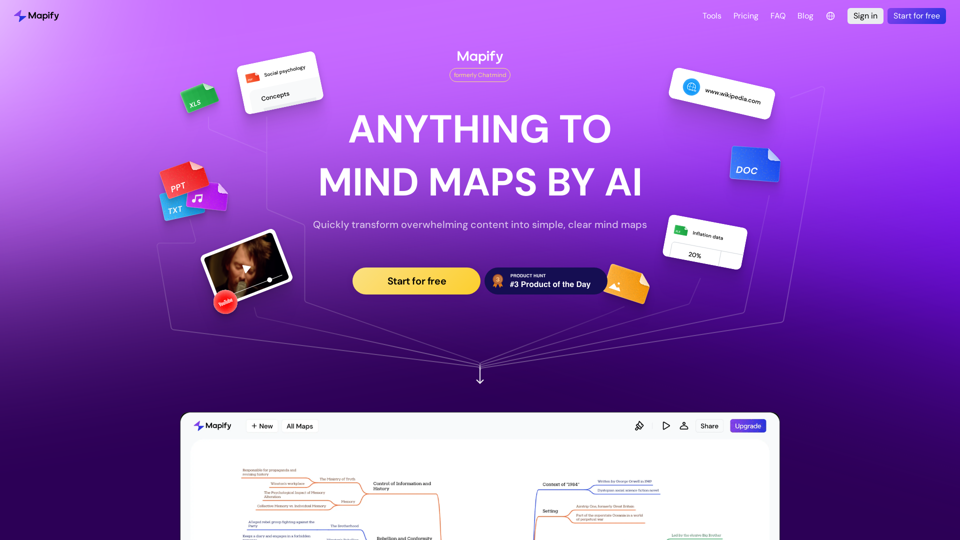
Mapify: Transform Anything to Mind Maps by AI, formerly Chatmind
Mapify: Transform Anything to Mind Maps by AI, formerly ChatmindMapify, upgraded from Chatmind by the Xmind Team, is a free online mind mapping and brainstorming tool powered by AI. It can summarize PDF, Word, PowerPoint, YouTube, long text, and images into mind maps in just a few minutes.
1.15 M
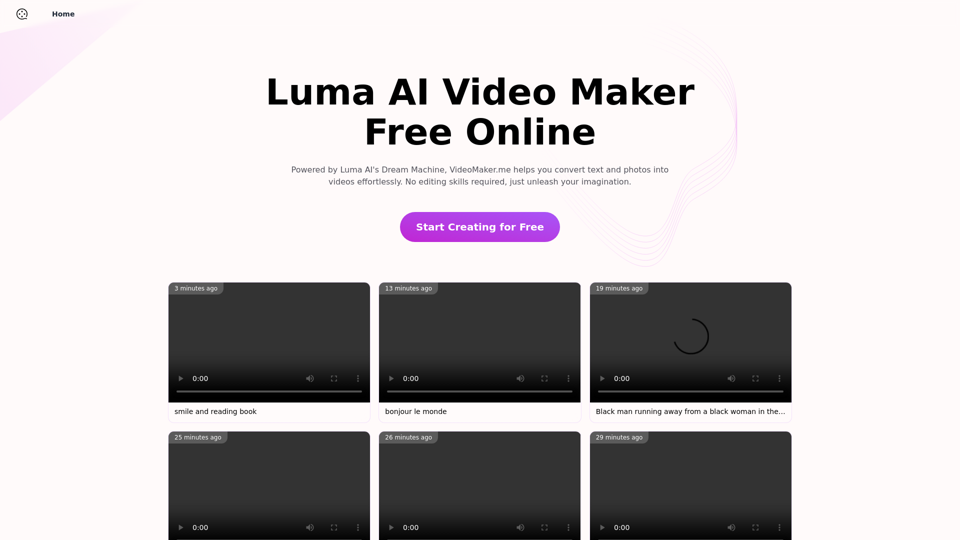
Luma AI Video Generator Free Online - Convert Text and Photos to Video at VideoMaker.me
Luma AI Video Generator Free Online - Convert Text and Photos to Video at VideoMaker.meDiscover the power of Luma AI's Dream Machine, an advanced video generator that transforms text and images into high-quality, dynamic videos. Ideal for creators, marketers, and innovators, videomaker.me brings your visual ideas to life with stunning realism and versatility.
397.91 K
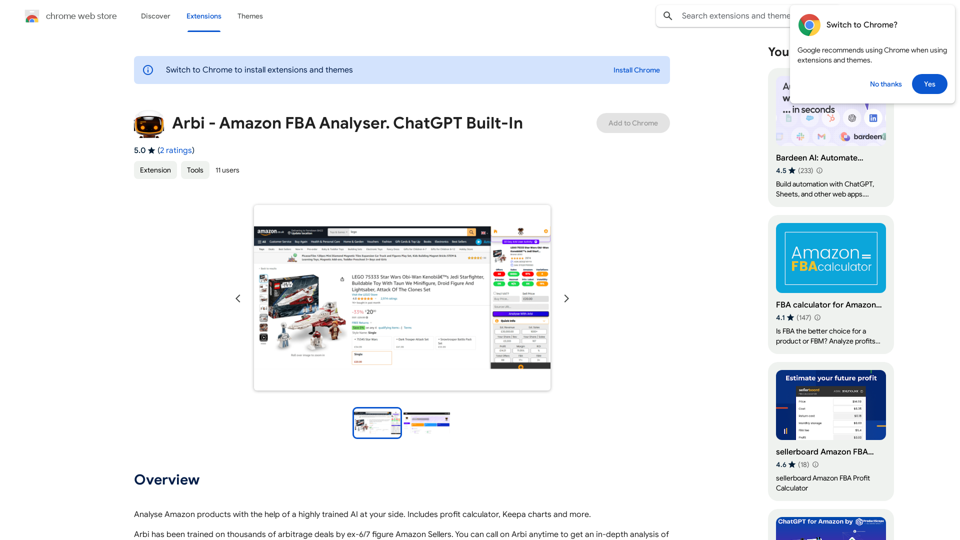
Analyze Amazon products with the help of a powerful AI assistant. Features include a profit calculator, Keepa charts, and more.
193.90 M
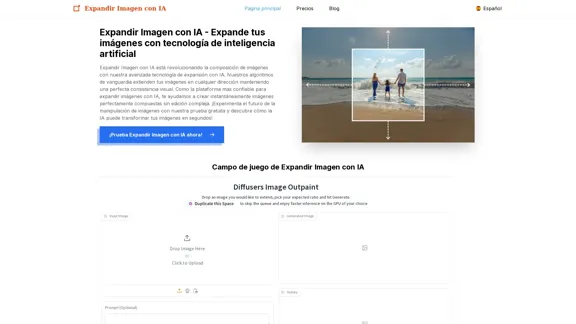
Expand Image with AI - Expand images for free with AI, free trial to extend images.
Expand Image with AI - Expand images for free with AI, free trial to extend images.Expand Image with AI is the leading platform that allows you to expand and extend images using artificial intelligence technology. Simply upload your image to our AI system to expand images and get impressive results in seconds. Experience the future of image composition with our advanced Expand Image with AI technology.
0

The #1 YouTube Thumbnails Generator for Viral Videos
The #1 YouTube Thumbnails Generator for Viral VideosThe AI thumbnail generator used by the top YouTube content creators. Create viral thumbnails with ThumbnailPro. Ideal for YouTube thumbnails.
0
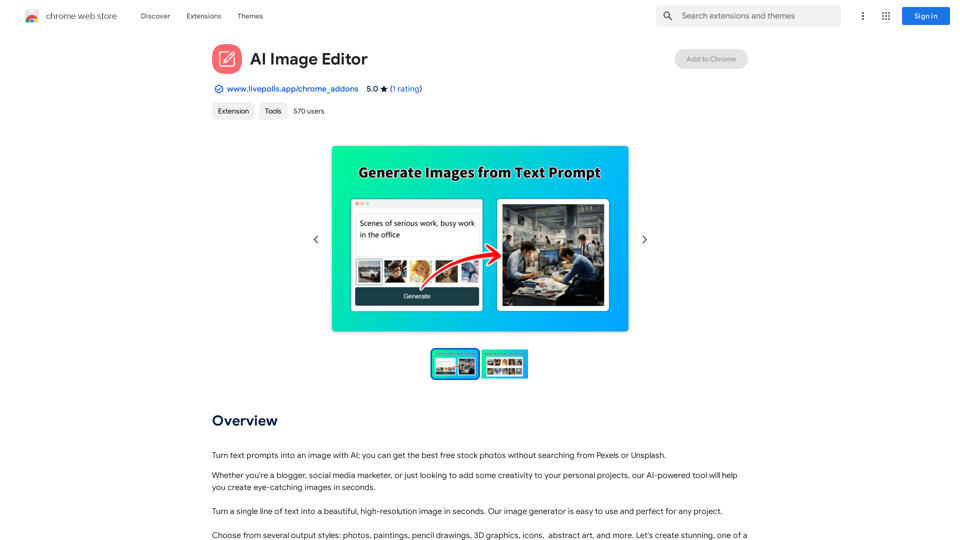
Use AI to create images from text descriptions; find high-quality free stock photos without using Pexels or Unsplash.
193.90 M