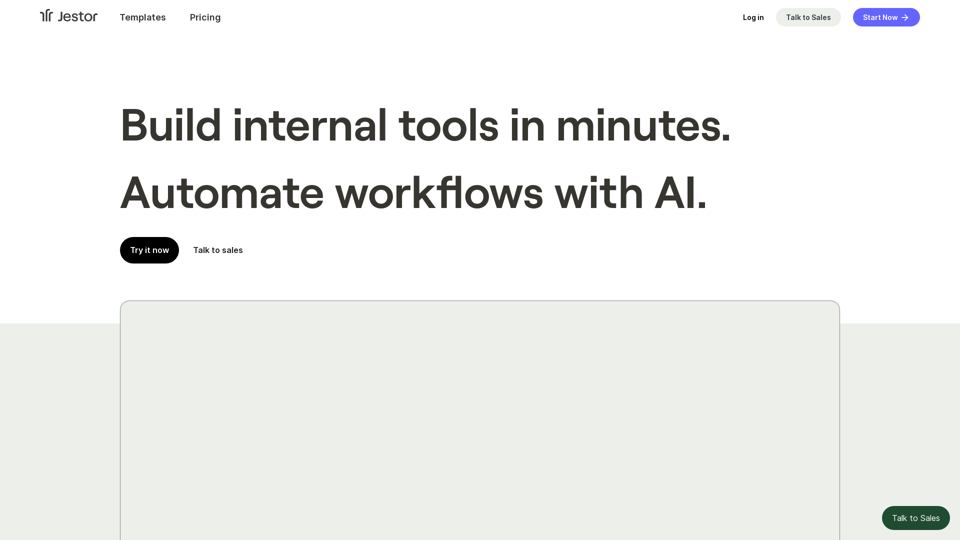
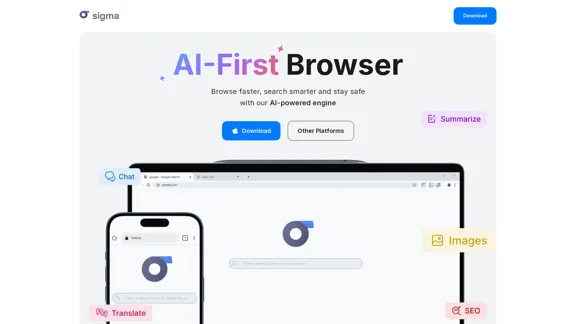
Sigma AI Browser is an innovative web browser that combines speed, security, and artificial intelligence to enhance the browsing experience. It allows users to browse faster, search smarter, and maintain privacy while online. With features like AI-powered content creation, translation, and summarization, Sigma AI Browser caters to both casual users and professionals looking for efficiency and productivity.
Sigma AI Browser
Introduction
Feature
-
AI-Powered Content Creation
Users can easily create articles, emails, and essays by simply describing their needs. The AI generates content tailored to the user's specifications.
-
Smart Summarization Tool
Quickly condense long texts into brief summaries, making it easier to digest information without losing key points.
-
AI Chat Assistant
Engage with an AI assistant that responds naturally to queries, helping users find information or generate content seamlessly.
-
Image Generation
Describe desired images, and the AI will create them for you, enhancing creativity and visual content production.
-
Privacy and Security Features
Sigma AI Browser includes a private browsing mode, advanced data protection, and tracker blocking to ensure user anonymity and security.
-
Cross-Device Synchronization
Keep bookmarks, settings, and browsing history consistent across all devices, providing a seamless user experience.
-
Fast Browsing Experience
Optimized for speed, Sigma AI Browser allows users to navigate the internet quickly while conserving battery life.
How to Use?
- Download Sigma AI Browser from the official website for your operating system (Windows, macOS, Linux, Android, or iOS).
- Activate the AI Chat feature to start asking questions or generating content.
- Use the summarization tool to condense lengthy articles or documents for quicker understanding.
- Explore the built-in SigmaGPT extension for enhanced AI interactions right after installation.
- Utilize the image generation feature by providing a clear description of the desired image.
FAQ
How to use AI chat for free?
Sigma AI Browser includes a built-in AI Chat that is free to use. Simply activate it and start asking questions or creating content.
Is Sigma AI Browser safe?
Yes, it offers a high level of security, including incognito mode and tracker protection to safeguard your identity.
What pre-installed extensions does Sigma AI Browser have?
The SigmaGPT extension is pre-installed, allowing immediate access to AI chat functionalities.
Are there any free AI tools in Sigma Browser?
Yes, Sigma AI Browser provides free AI tools like SigmaGPT for content creation, summarization, and multimedia generation.
Why is Sigma AI Browser better than Chrome?
It integrates advanced AI features, enhanced privacy tools, and a more modern interface, making it a superior choice for users seeking efficiency.
Price
- Free Plan: $0/month
- Basic Plan: $9.99/month
- Standard Plan: $19.99/month
- Professional Plan: $49.99/month
The price is for reference only, please refer to the latest official data for actual information.
Evaluation
- Sigma AI Browser excels in integrating AI features that enhance productivity and creativity, making it a valuable tool for users.
- The user-friendly interface and fast browsing capabilities are significant advantages over traditional browsers.
- However, some users may find the reliance on AI for content creation can lead to generic outputs if not guided properly.
- Continuous updates and improvements are necessary to keep pace with evolving user needs and competitive browsers.
- Overall, Sigma AI Browser is a promising tool for those looking to enhance their browsing experience, but it may require users to adapt to its AI-driven functionalities.
Related Websites
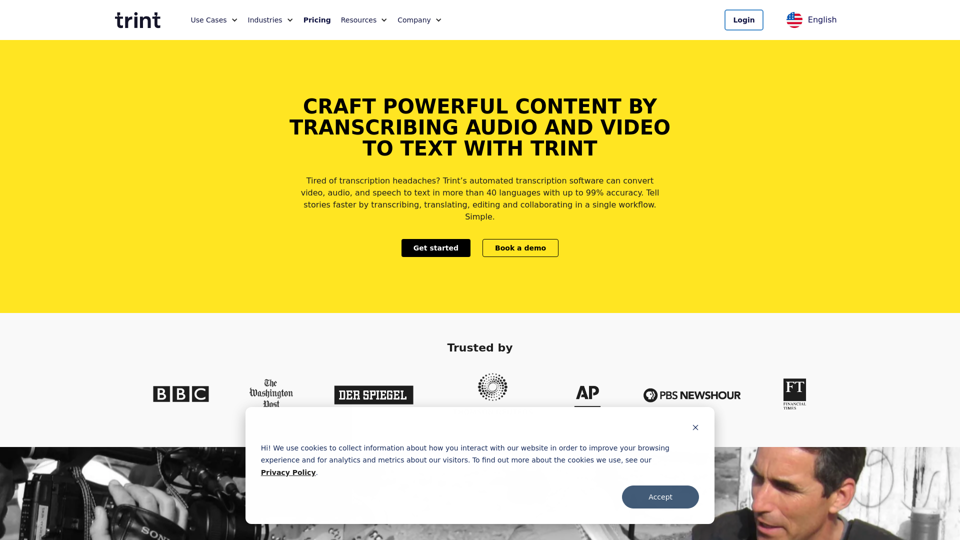
Transcription Software | AI Transcription & Content Editor | Trint
Transcription Software | AI Transcription & Content Editor | TrintTrint's AI-powered software swiftly converts video and audio files into text. Transcribe, edit, share, and collaborate to boost your team's productivity.
399.58 K
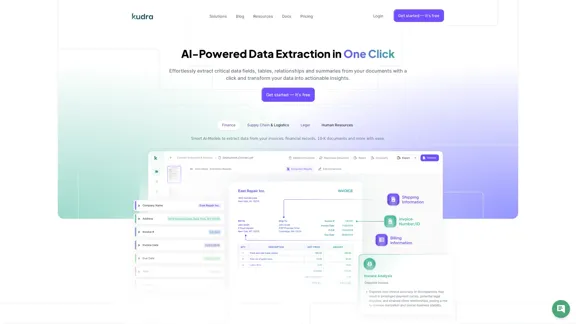
Kudra • AI-Powered Data Extraction in one click - Kudra
Kudra • AI-Powered Data Extraction in one click - KudraSolutions Dedicated Solutions Unlock unparalleled performance and reliability with our dedicated solutions. Finance Financial statements, 10K, reports Human Resources Resume, Employment Contracts Logistics Commercial invoices, Bill of lading Legal Contracts, litigation documents Blog Resources Tutorials Videos and Step-by-step guides White Papers AI document processing resources Affiliate Marketing Invite your community and profit Docs Pricing Login
1.60 K
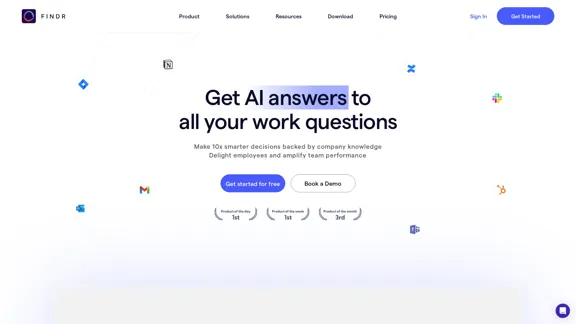
AI assistant and enterprise search for teams | Findr
AI assistant and enterprise search for teams | FindrAI assistant to search and chat with information, documents, and insights from multiple apps. Get answers to all your questions with AI search.
12.47 K
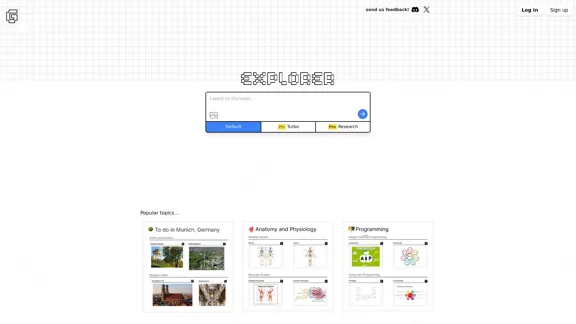
Explorer is an AI-powered discovery and learning engine that delivers intelligent and relevant search results. Give it a try now!
80.85 K
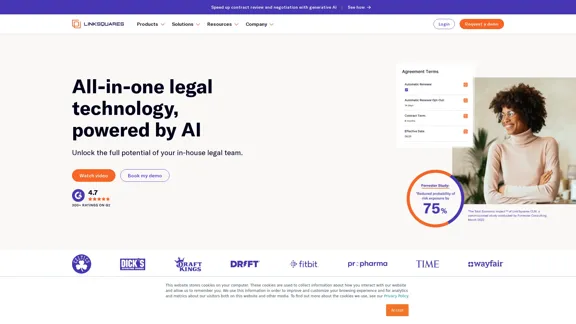
AI-Powered Contract Management for Legal Teams | LinkSquares
AI-Powered Contract Management for Legal Teams | LinkSquaresLegal teams depend on LinkSquares for effortless agreement drafting, reviewing, and execution using AI-powered contract lifecycle management and project management software.
81.95 K
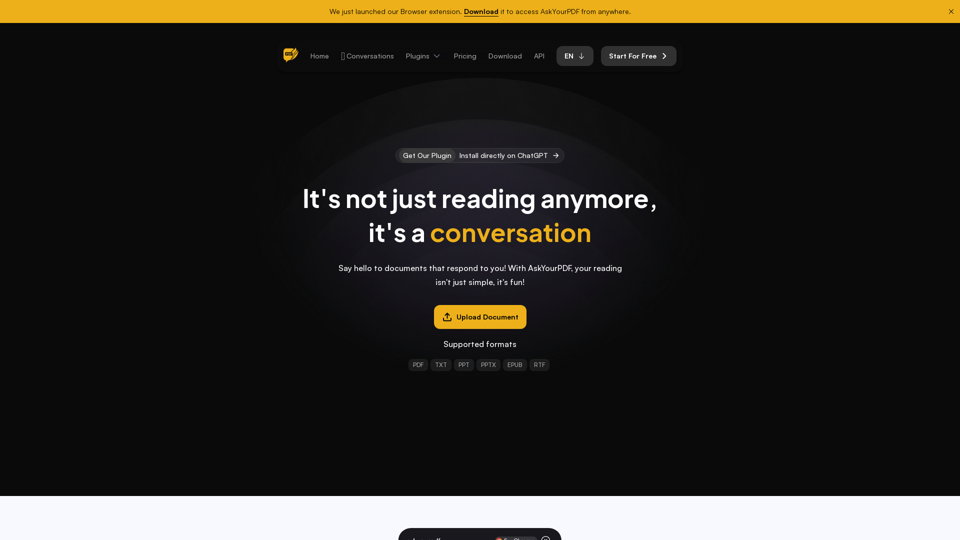
We created AskYourPDF as the ultimate ChatPDF AI App for all your needs. Simply upload your PDF files and interact with our smart chat AI to extract valuable information from your documents.
355.38 K
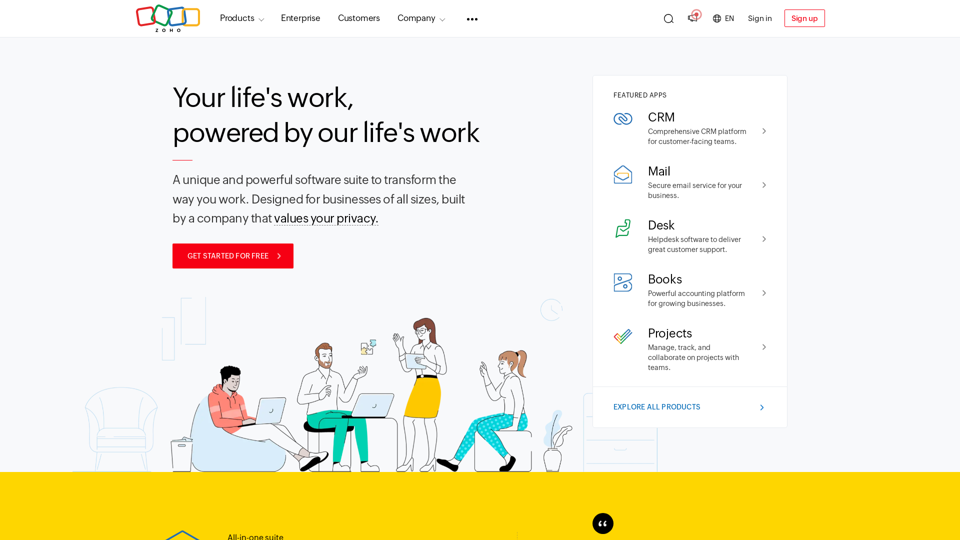
A unique and powerful software suite for businesses of all sizes. With 55+ applications, Zoho caters to 100 million+ users for their end-to-end business needs.
67.14 M