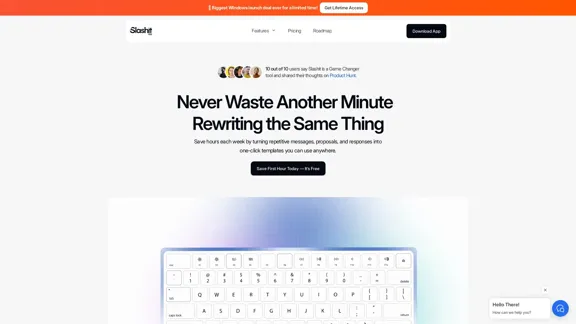
Slashit App is designed to enhance productivity by transforming repetitive writing tasks into efficient one-click templates. Users can save time by creating smart shortcuts for messages, proposals, and responses, allowing them to focus on their work rather than on repetitive typing. The app is user-friendly and integrates seamlessly with various platforms, making it a valuable tool for professionals looking to streamline their workflow.
Slashit App
Turn your regular text into shortcuts.
Introduction
Feature
-
Smart Shortcuts
Create and save any text messages, replies, or commands, and personalize them with AI fields for reuse.
-
Instant Access to Copied Text
Never lose your past work again; access all copied text and commands in one simple view.
-
Personalized Messages
Use smart placeholders that auto-fill names, tasks, or context, ensuring perfect personalization every time.
-
Built-In Logic
Automate tweaks like tone, names, or language with conditional logic, adapting your output without manual edits.
-
Team Collaboration
Share templates with your team for instant access to prebuilt responses, ensuring consistency and alignment.
-
Flexible Integration
Works seamlessly within your favorite apps like Slack, Notion, and Gmail without the need for setup.
How to Use?
- Download and install the Slashit App from the official website.
- Create an account to access all features.
- Start by saving your most-used messages as smart shortcuts.
- Use placeholders to personalize your templates quickly.
- Explore ready-made templates to get a head start on your writing tasks.
- Regularly review your usage insights to optimize your workflow.
FAQ
What is Slashit?
Slashit is a writing productivity tool that allows users to create templates for repetitive messages, saving time and enhancing workflow efficiency.
How does Slashit work?
Users can save frequently used text as shortcuts, personalize them with placeholders, and access them instantly across various applications.
Can I share my templates with others?
Yes, Slashit allows you to share your templates with your team, promoting collaboration and consistency in communication.
Is my data secure with Slashit?
Yes, Slashit incorporates encryption and access control to ensure that your data is secure at all levels.
What platforms does Slashit integrate with?
Slashit works within popular applications such as Slack, Notion, and Gmail, allowing for a seamless writing experience.
Price
- Free plan: $0/month
- Basic plan: $9.99/month
- Standard plan: $19.99/month
- Professional plan: $49.99/month
The price is for reference only, please refer to the latest official data for actual information.
Evaluation
- Slashit effectively reduces repetitive writing tasks, allowing users to save significant time and increase productivity.
- The flexibility of creating personalized templates is a strong point, catering to various professional needs.
- However, the app may require users to invest time initially to set up their templates and shortcuts effectively.
- While it integrates well with many platforms, some users may find limitations in customization options for specific workflows.
- Overall, Slashit is a powerful tool for professionals looking to streamline their writing processes, but it may not fully replace the need for manual edits in more complex writing tasks.
Related Websites
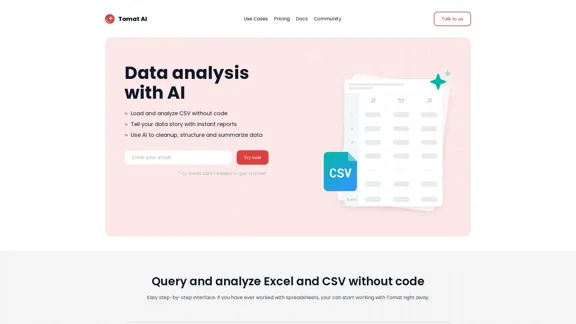
Load CSV and analyze it in a visual step-by-step interface. Cleanup, extract, summarize, or make sentiment analysis with your personal AI agent.
5.64 K
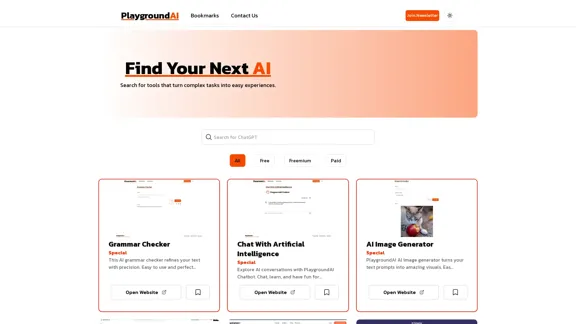
Playground AI - Find The Best AI Tools On The Web.
Playground AI - Find The Best AI Tools On The Web.Discover Playground AI, your online hub for top AI tools and a vibrant community. Start exploring over 5000+ curated AI websites today at playgroundai.net.
2.31 K

Product Introduction: Quick Magic Mocap is an innovative AI-powered mocap tool that rivals the quality of optical mocap systems. There's no need for specialized cameras or to be in a specific studio. Simply import your video and quickly receive high-quality motion data. Quick Magic Mocap is widely used in fields such as film, games, and virtual reality, helping users to create high-quality animations more quickly and accurately.
114.94 K
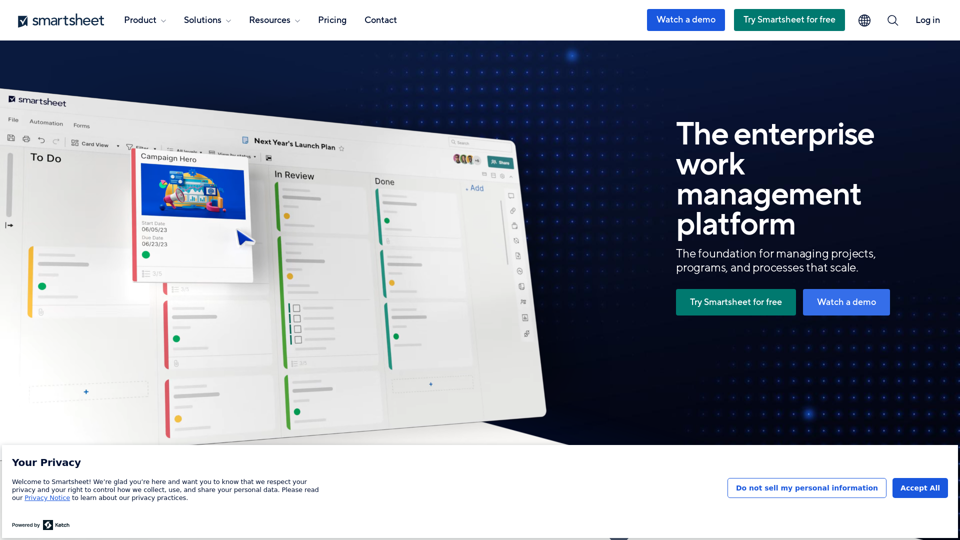
Smartsheet empowers teams to manage projects, automate workflows, and scale programs within a single robust platform. It helps maintain transparency and keeps dispersed teams connected.
22.15 M
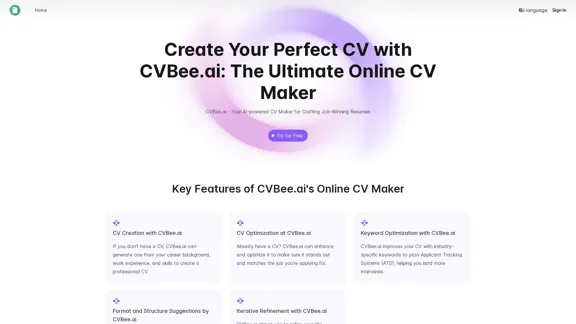
CVBee.ai: AI-Powered Online CV Maker | Resume Builder & CV Optimization
CVBee.ai: AI-Powered Online CV Maker | Resume Builder & CV OptimizationCVBee.ai is an AI-powered online CV maker that helps you create, optimize, and refine professional resumes. Whether you're a job seeker or an experienced professional, CVBee.ai ensures your CV is ATS-friendly and perfectly structured.
0
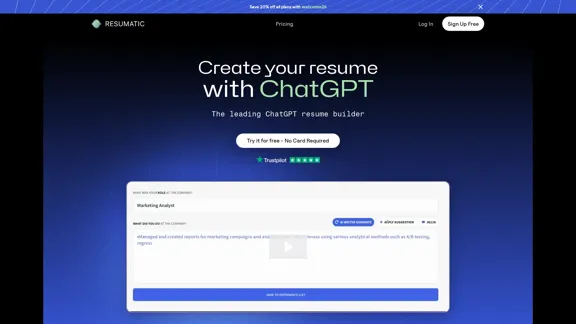
Resumatic - Fastest ChatGPT-Powered Resume Builder
Resumatic - Fastest ChatGPT-Powered Resume BuilderCreate your ideal resume quickly with Resumatic, the speediest ChatGPT-powered resume builder. Captivate employers with a professionally customized, AI-generated resume that showcases your distinctive skills and accomplishments. Give it a try today!
36.26 K