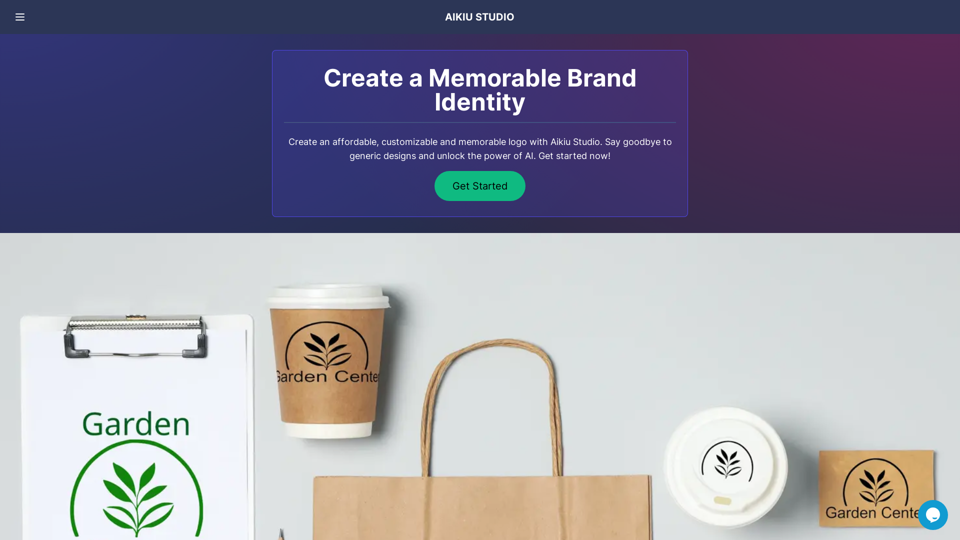
Aikiu Studio is an AI-powered logo generator designed for small businesses. It offers a fast and affordable solution to create unique, memorable brand identities. The platform utilizes advanced AI technology, including diffusion models, to generate custom logos without relying on pre-made templates or generic designs.
Fast and Affordable Logo Generator for Small Businesses
Generate unique logos quickly and affordably with Aikiu Studio. Create professional designs for small businesses and solopreneurs in minutes. Get high-quality, hassle-free logo creation.
Introduction
Feature
Unlimited Logo Generation
Aikiu Studio provides users with an unlimited number of logo ideas at no cost. Users only pay when they are completely satisfied with their chosen design.
AI-Powered Unique Designs
The platform uses cutting-edge AI technology, including diffusion models, to create one-of-a-kind logos. This approach ensures that each design is unique and tailored to the user's brand.
Comprehensive Customization
Users can easily modify various aspects of their logos, including:
- Colors
- Fonts
- Sizing
- Layout
- Design elements
User-Friendly Interface
The platform offers step-by-step instructions, making it accessible for users without design experience to create professional logos.
Multiple File Formats
Upon completion, users receive high-resolution logo files in various formats:
- SVG
- PNG
- JPEG
- WEBP
Transparent background options are also available.
Dedicated Customer Support
Aikiu Studio provides customer support to assist users with questions or technical issues throughout the logo creation process.
FAQ
How does the Aikiu Studio logo creation process work?
The logo creation process involves four main steps:
- Provide brand information (company name, industry, vision)
- AI generates exclusive logo designs
- Customize the selected logo using the intuitive interface
- Preview the logo in various real-world scenarios
What is the pricing structure for Aikiu Studio?
Aikiu Studio offers an affordable pricing plan tailored for small businesses. Users only pay when they are fully satisfied with their design.
Are there any limitations on logo creation or customization?
No, users can create an unlimited number of logos and customize their designs extensively.
What file formats are provided for the final logo?
Users receive high-resolution files in SVG, PNG, JPEG, and WEBP formats, with options for transparent backgrounds.
Do users own the rights to their created logos?
Yes, users retain full ownership rights to the logos they create using Aikiu Studio.
Related Websites
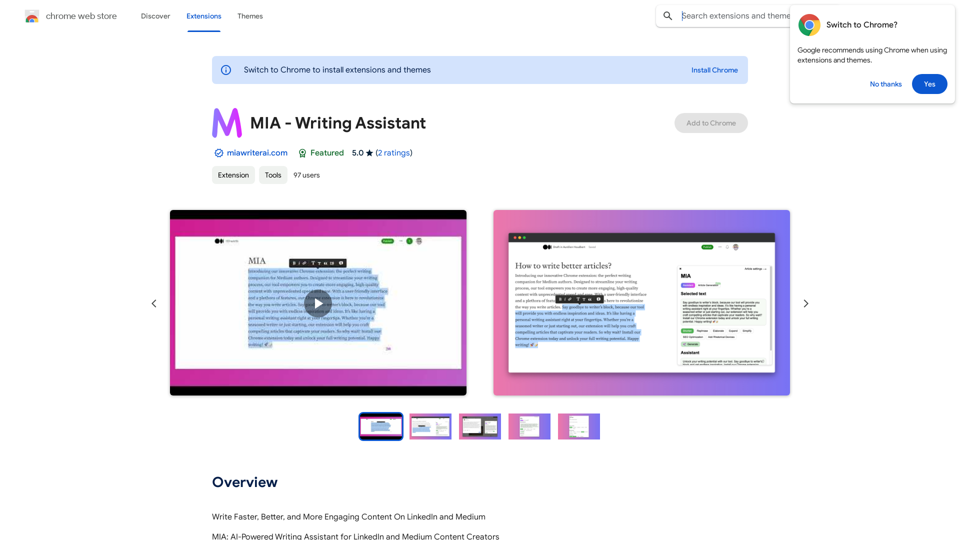
Write Faster, Better, and More Engaging Content On LinkedIn and Medium Tired of staring at a blank page? We've all been there. But what if you could write compelling content for LinkedIn and Medium with ease? Here's how: * Find Your Niche: What are you passionate about? What do you know a lot about? Focus your writing on topics that genuinely interest you. * Craft a Killer Headline: Your headline is your first impression. Make it catchy, clear, and benefit-driven. * Structure for Success: Use headings, subheadings, and bullet points to break up your text and make it easy to read. * Tell a Story: People connect with stories. Weave narratives into your content to make it more engaging. * Keep it Concise: Get to the point quickly. People have short attention spans, so respect their time. * Use Visuals: Images, videos, and infographics can break up text and make your content more visually appealing. * Proofread Carefully: Typos and grammatical errors can damage your credibility. Always proofread your work before publishing. * Promote Your Content: Share your articles on social media and engage with your audience in the comments. By following these tips, you can write faster, better, and more engaging content for LinkedIn and Medium.
193.90 M
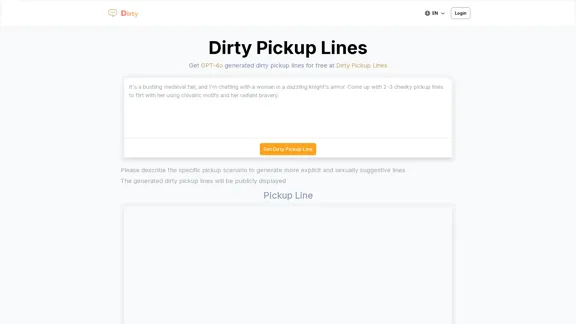
Dirty Pickup Lines - Online AI Raunchy Pickup Line Generator
Dirty Pickup Lines - Online AI Raunchy Pickup Line GeneratorDirty Pickup Lines is an online AI tool that generates explicit, sexually suggestive pickup lines for various scenarios, at no cost. Simply input a specific pickup scenario, and the AI will produce humorous, original, risqué pickup lines filled with sexual innuendos.
0
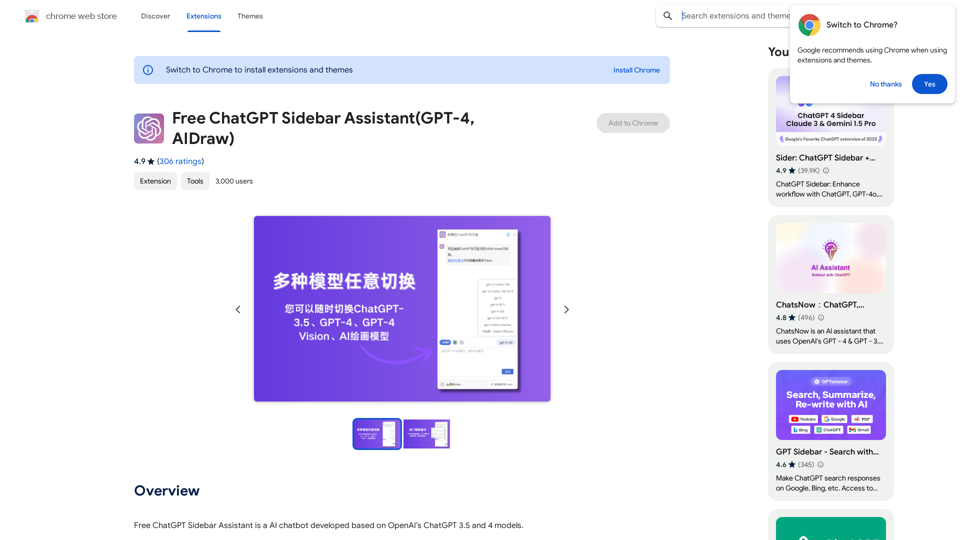
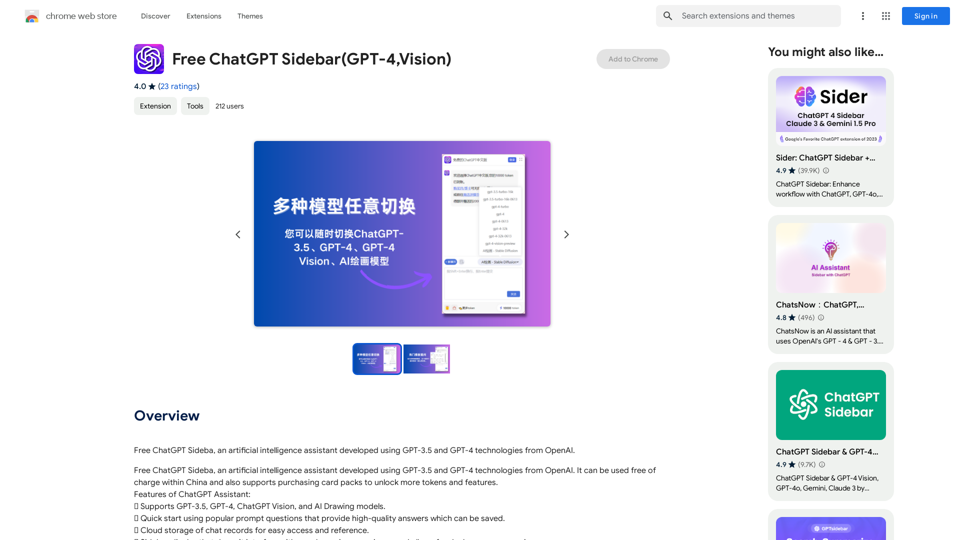
Free ChatGPT Sidebar Assistant is an AI chatbot developed based on OpenAI's ChatGPT 3.5 and 4 models.
193.90 M
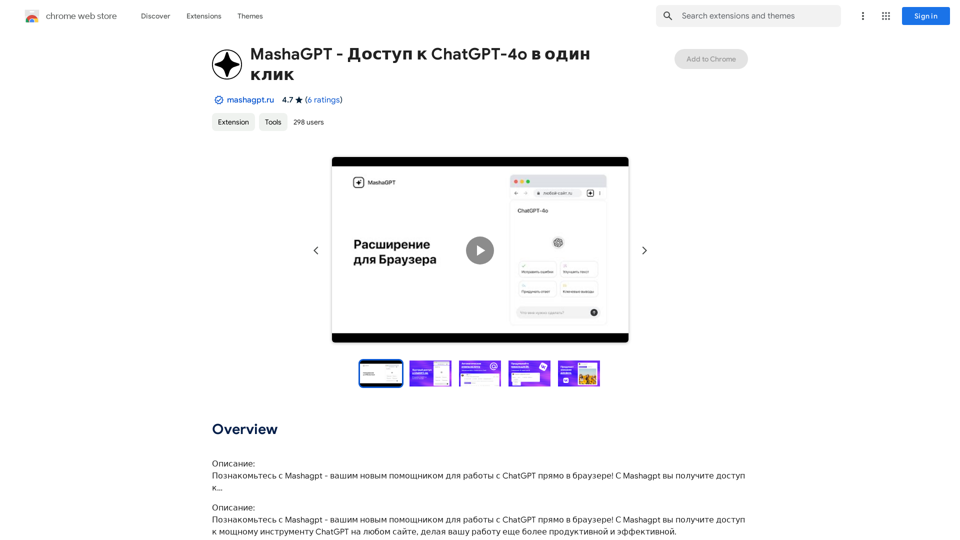
Description: Meet Mashagpt - your new helper for working with ChatGPT right in your browser! With Mashagpt you'll get access to...
193.90 M

Beanbag is your AI assistant, residing in the browser sidebar, answering questions, summarizing translations of web pages, papers, and videos, and even helping you write emails quickly.
193.90 M
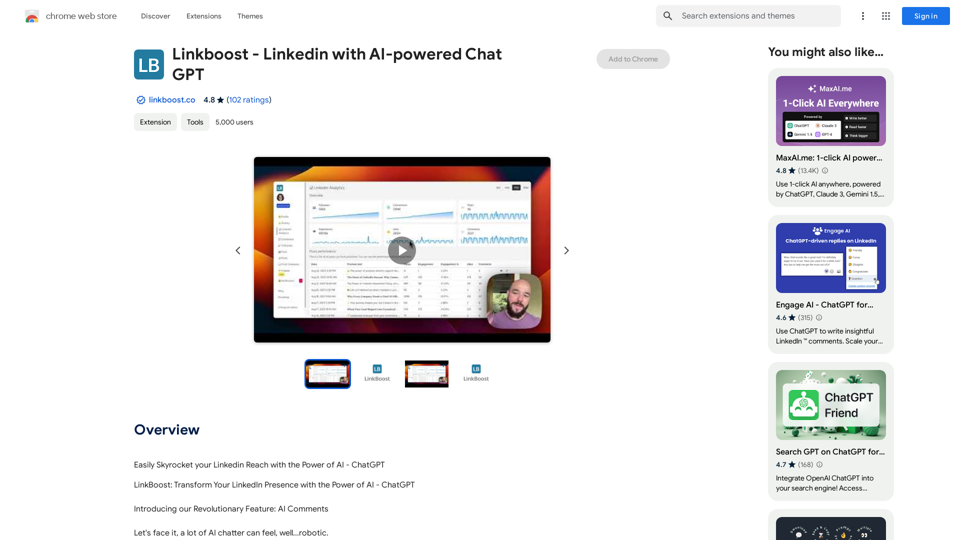
Easily Skyrocket Your LinkedIn Reach with the Power of AI - ChatGPT Let's face it, standing out on LinkedIn can be tough. But what if you could leverage the incredible power of AI to supercharge your profile and connections? That's where ChatGPT comes in. This revolutionary AI tool can help you: * Craft compelling content: Say goodbye to writer's block! ChatGPT can help you generate engaging posts, articles, and even personalized messages that resonate with your audience. * Optimize your profile: Make sure your LinkedIn profile shines! ChatGPT can suggest improvements to your headline, summary, and experience descriptions, helping you attract more views and connections. * Automate your outreach: Spend less time manually sending messages and more time building relationships. ChatGPT can help you draft personalized connection requests and follow-up messages that get results. * Unlock valuable insights: Gain a deeper understanding of your network and industry trends. ChatGPT can analyze your connections and content performance, providing actionable insights to improve your strategy. Ready to take your LinkedIn game to the next level? ChatGPT is your secret weapon.
193.90 M