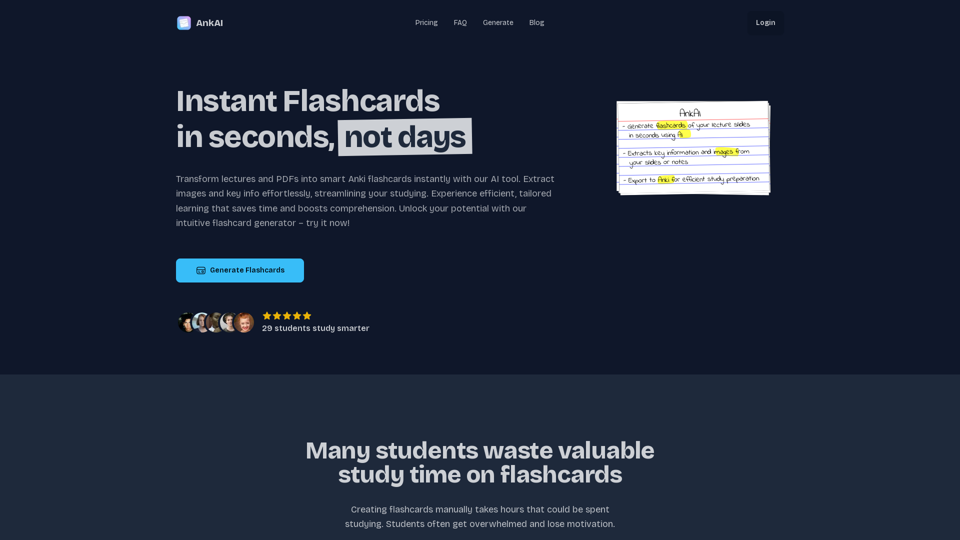
AnkAI is an innovative AI-powered platform designed to transform the process of creating Anki flashcards. By leveraging advanced AI technology, AnkAI can quickly convert lecture slides and PDFs into intelligent flashcards, significantly reducing manual effort and enhancing study efficiency. This tool is particularly useful for students and professionals looking to optimize their learning process.
AnkAI
AnkAI is the best tool for easily turning PDFs into Anki flash cards, making your studying process faster and simpler.
Introduction
Feature
AI-Driven Flashcard Generation
AnkAI's core functionality lies in its ability to analyze lecture slides and PDFs, extracting crucial information and images to create well-structured Anki flashcards automatically.
Image and Key Information Extraction
The platform's AI technology efficiently extracts both images and key information from PDF files, facilitating easy review and study.
Personalized Learning Experience
AnkAI generates flashcards tailored to individual learning needs and preferences, ensuring a more effective and efficient learning process.
User-Friendly Interface
The platform boasts a simple and intuitive interface, making it easy for users to generate flashcards from their study materials.
24/7 Customer Support
AnkAI provides round-the-clock support to assist users with any questions or concerns they may have.
Flexible Subscription Plans
AnkAI offers two subscription options:
| Plan | Duration | Free Trial | Cost |
|---|---|---|---|
| Weekly | 7 days | 7 days | €4/week |
| Monthly | 30 days | 7 days | €8/month |
Time-Saving Solution
By automating the flashcard creation process, AnkAI saves users significant time, allowing them to focus on other important tasks.
Enhanced Comprehension
The personalized flashcards generated by AnkAI are designed to improve information retention and boost overall comprehension.
FAQ
How does AnkAI's AI Flashcard Generator work?
AnkAI's AI tool analyzes lecture slides and PDFs, extracting key information and images to create well-structured, easy-to-review Anki flashcards.
What file formats does AnkAI support?
Currently, AnkAI supports PDF files. Users can upload lecture slides or study materials in PDF format for the AI tool to process and create flashcards.
Can I customize the generated flashcards?
While AnkAI's AI tool generates well-structured flashcards based on the content of your PDFs, users can further customize and edit their flashcards within the Anki platform.
Is my data secure when using AnkAI?
Yes, AnkAI prioritizes data security and privacy. All uploaded files are processed securely and are never shared with third parties. User data is kept safe and confidential.
Related Websites
GPT Assistant Mexico This AI-powered assistant is designed to provide helpful and informative responses to your queries, with a focus on Mexico-related topics. Whether you need information on Mexican culture, history, travel, or daily life, this assistant is here to assist you. Features: * Answering questions: Get accurate and reliable information on a wide range of topics, from Mexican history to cultural traditions. * Providing recommendations: Looking for the best places to visit, eat, or stay in Mexico? This assistant has got you covered. * Language translation: Need help translating Spanish to English or vice versa? This assistant is happy to assist. * Conversation: Engage in natural-sounding conversations, just like you would with a local. Benefits: * Convenience: Get instant answers to your questions, 24/7. * Accuracy: Rely on trustworthy information, verified by experts. * Personalization: Receive tailored recommendations based on your preferences. * Language support: Communicate effortlessly, without language barriers. How to use: 1. Ask a question: Type your query, and the assistant will respond with a helpful answer. 2. Provide context: Share more information about your question, and the assistant will give you a more accurate response. 3. Start a conversation: Engage in a natural conversation, and the assistant will respond accordingly. Get started today!
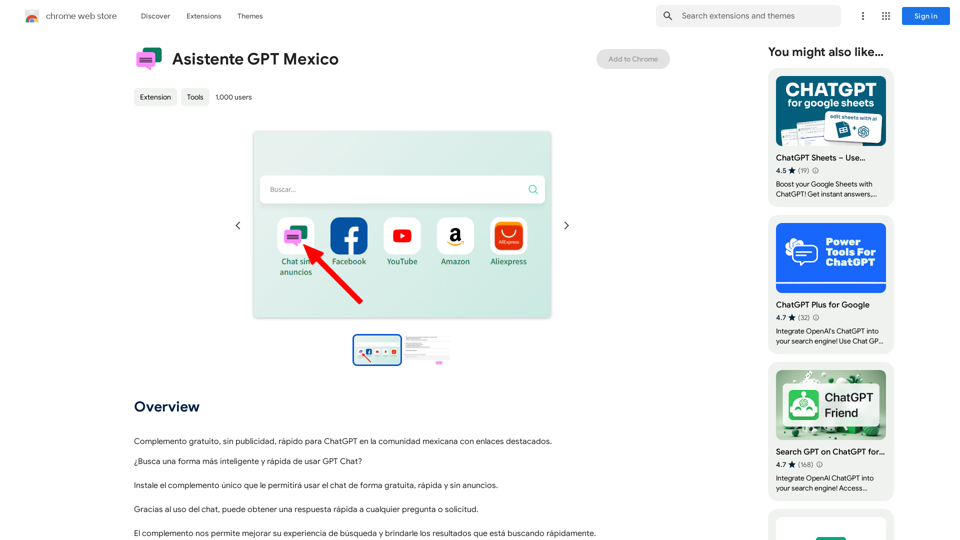
GPT Assistant Mexico This AI-powered assistant is designed to provide helpful and informative responses to your queries, with a focus on Mexico-related topics. Whether you need information on Mexican culture, history, travel, or daily life, this assistant is here to assist you. Features: * Answering questions: Get accurate and reliable information on a wide range of topics, from Mexican history to cultural traditions. * Providing recommendations: Looking for the best places to visit, eat, or stay in Mexico? This assistant has got you covered. * Language translation: Need help translating Spanish to English or vice versa? This assistant is happy to assist. * Conversation: Engage in natural-sounding conversations, just like you would with a local. Benefits: * Convenience: Get instant answers to your questions, 24/7. * Accuracy: Rely on trustworthy information, verified by experts. * Personalization: Receive tailored recommendations based on your preferences. * Language support: Communicate effortlessly, without language barriers. How to use: 1. Ask a question: Type your query, and the assistant will respond with a helpful answer. 2. Provide context: Share more information about your question, and the assistant will give you a more accurate response. 3. Start a conversation: Engage in a natural conversation, and the assistant will respond accordingly. Get started today!Free add-on, no ads, fast for ChatGPT in the Mexican community with highlighted links.
193.90 M
Homeworkify.im: The GPT-4o Powered Homeworkify Alternative
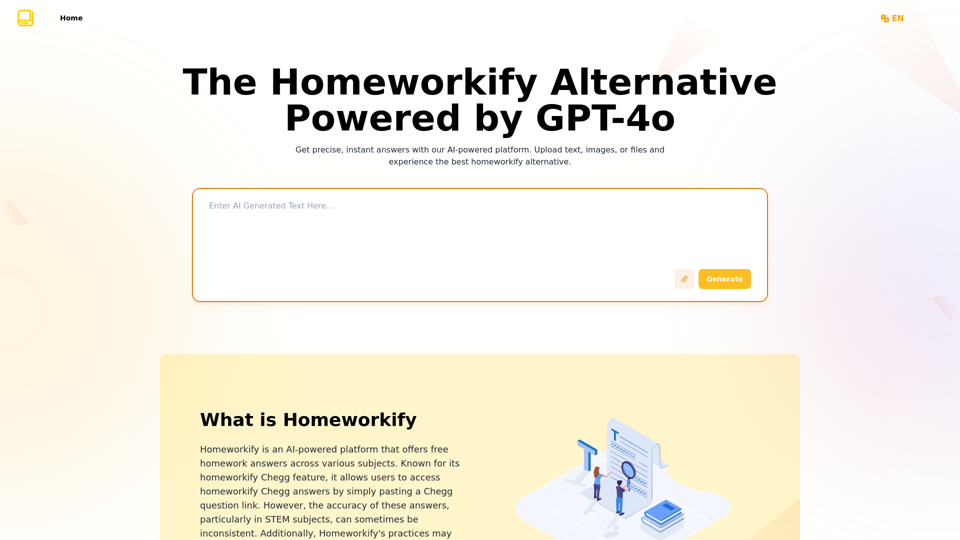
Homeworkify.im: The GPT-4o Powered Homeworkify AlternativeDiscover Homeworkify.im, the top homeworkify alternative offering free online AI-powered solutions. Upload text, images, or files for accurate and instant homework help across all subjects.
10.90 K
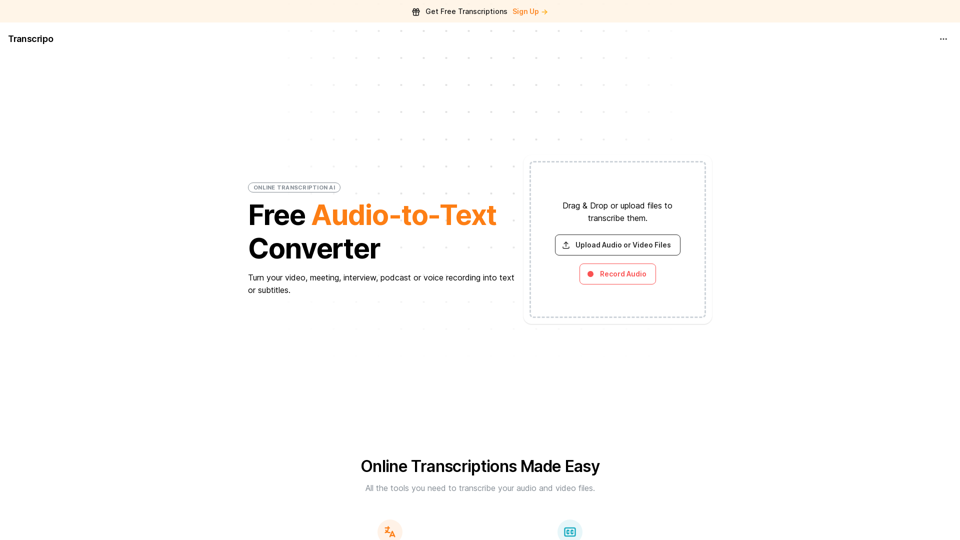
Transcription AI that turns your audio and video files into text or subtitles. It is fast, easy to use, and free to try. Easily summarize your files with our AI.
6.49 K
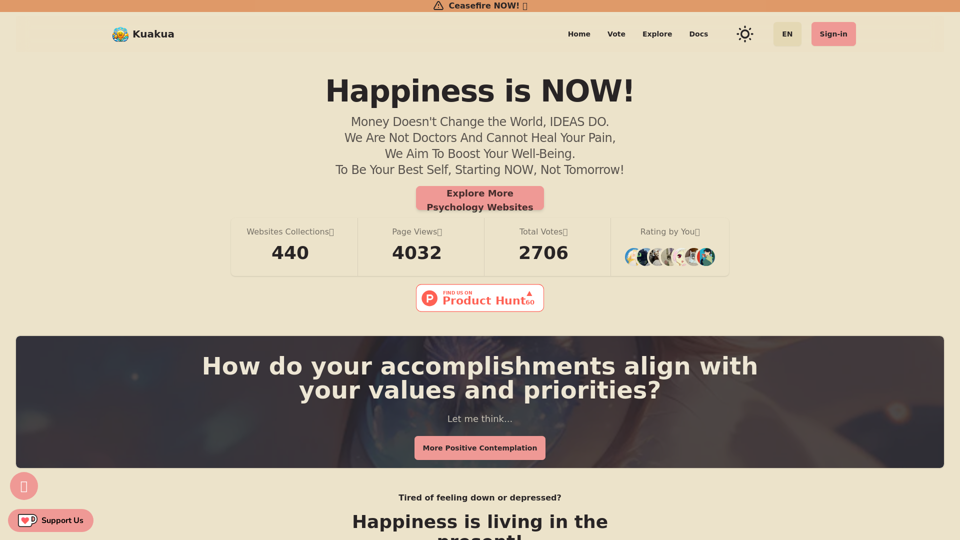
Explore psychology, AI tools, mindfulness, lifestyle, and therapy resources. Find happy languages, tasks, websites, and apps to boost your well-being and happiness.
0
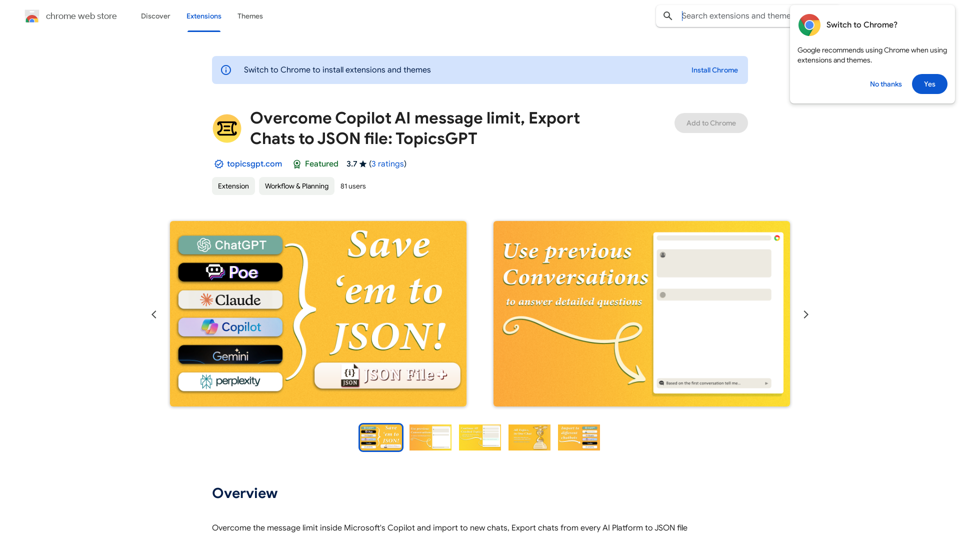
Overcome Copilot AI Message Limit, Export Chats to JSON File: TopicsGPT This is a tool to help you work around the message limit in Copilot AI and export your conversations to a JSON file. Here's how it works: * Extend Your Conversations: TopicsGPT allows you to continue your conversations with Copilot AI beyond the usual message limit. * Save Your History: Export your entire chat history with Copilot AI as a structured JSON file. This makes it easy to review past interactions, analyze your conversations, or even use the data for other purposes. Benefits: * No More Interruptions: Keep your creative flow going without worrying about hitting the message limit. * Organized Data: Have a clear and organized record of your conversations with Copilot AI. * Flexibility: Use the exported JSON data for your own projects or analysis. Let me know if you have any questions!
Overcome Copilot AI Message Limit, Export Chats to JSON File: TopicsGPT This is a tool to help you work around the message limit in Copilot AI and export your conversations to a JSON file. Here's how it works: * Extend Your Conversations: TopicsGPT allows you to continue your conversations with Copilot AI beyond the usual message limit. * Save Your History: Export your entire chat history with Copilot AI as a structured JSON file. This makes it easy to review past interactions, analyze your conversations, or even use the data for other purposes. Benefits: * No More Interruptions: Keep your creative flow going without worrying about hitting the message limit. * Organized Data: Have a clear and organized record of your conversations with Copilot AI. * Flexibility: Use the exported JSON data for your own projects or analysis. Let me know if you have any questions!Bypass Copilot's Message Limit and Move Conversations * Get around the message limit in Microsoft's Copilot: Find ways to exceed the character or message count restrictions within Copilot. * Transfer conversations to new chats: Move existing conversations from one chat space to another. Export AI Chat Histories * Download chat history from any AI platform: Save your conversations with various AI systems as JSON files.
193.90 M
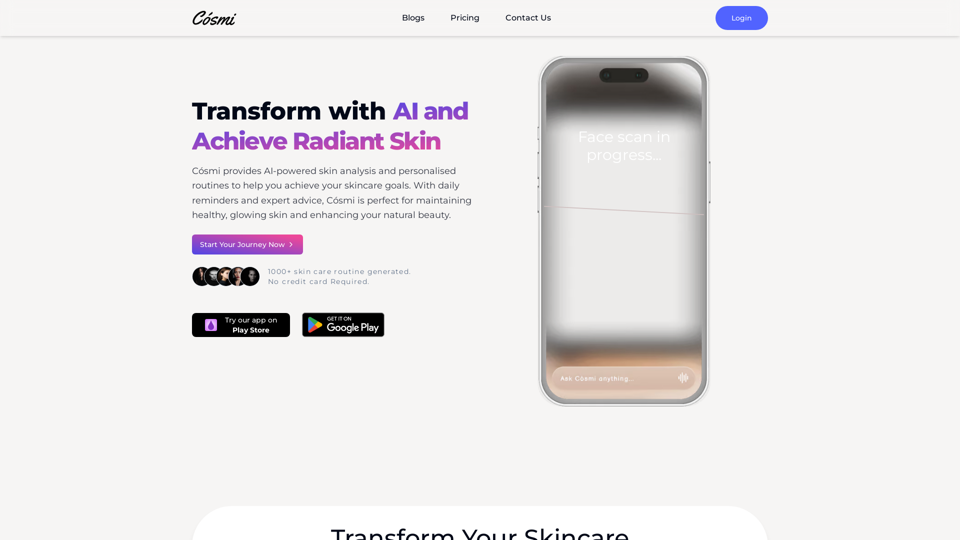
Cosmi | The Best AI Skincare Advisor You will Ever Need
Cosmi | The Best AI Skincare Advisor You will Ever NeedGlow with AI-Powered Skincare Solutions. Cosmi's advanced AI offers tailored, daily reminders and expert product recommendations.
0
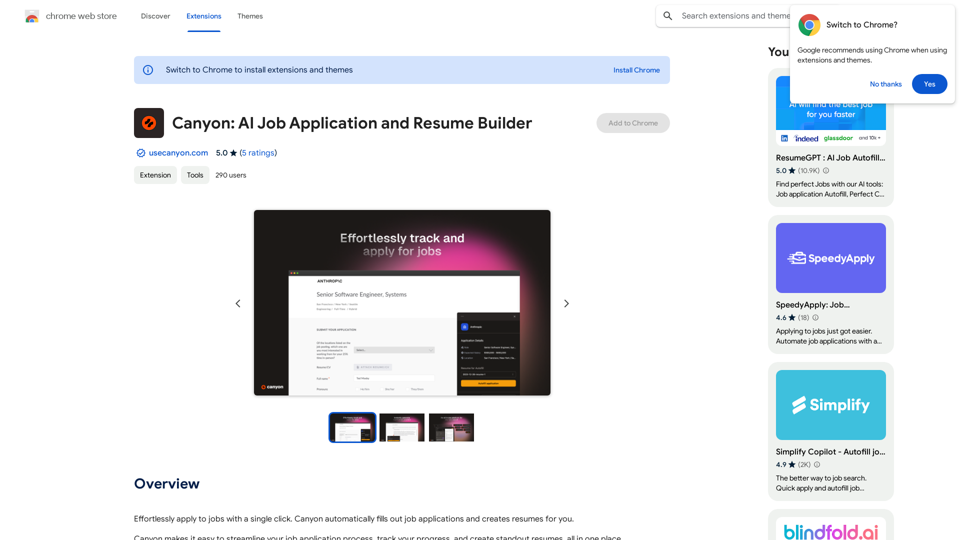
Effortlessly apply to jobs with a single click. Canyon automatically fills out job applications and creates resumes for you.
193.90 M