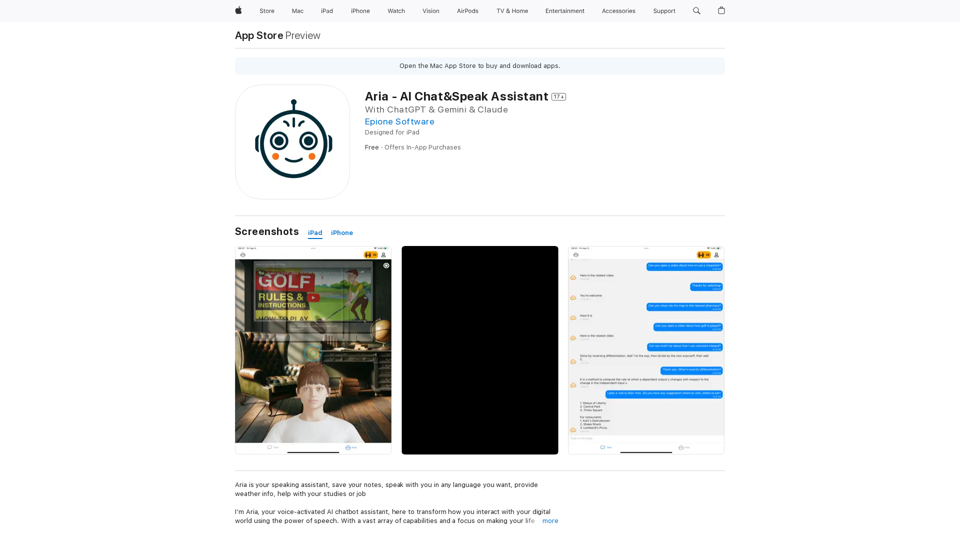
Aria is an AI-powered chatbot assistant that revolutionizes digital interaction through speech technology. It offers a wide range of features designed to simplify daily tasks, enhance security, and provide an engaging user experience. Aria's capabilities span from note-taking and language learning to entertainment recommendations and navigation assistance, making it a versatile tool for various aspects of life.
Aria - AI Chat&Speak Assistant on the App Store
I'm Aria, your voice-activated AI chatbot assistant, here to transform how you interact with your digital world using the power of speech. With a vast array of…
Introduction
Feature
Voice-Activated Note-Taking
Aria transforms spoken thoughts into organized notes, effortlessly capturing reminders and creative ideas without manual input.
Multilingual Conversation
Engage in conversations in any language with Aria, breaking down communication barriers and facilitating language learning.
Entertainment Curation
Find perfect video content for any mood or need, from comedy to educational how-to guides, with a simple voice command.
Global Navigation Assistant
Receive directions and explore new destinations worldwide, with Aria providing optimal routes and points of interest.
Comprehensive Knowledge Base
Access a vast repository of information on diverse topics, from ocean depths to cutting-edge technology, through voice queries.
Enhanced Security Measures
Prioritize data protection with top-tier encryption and robust security protocols, ensuring user privacy and confidentiality.
Multi-Device Compatibility
Use Aria seamlessly across various devices, including iPhone, iPad, iPod touch, and Mac, for a consistent experience.
Flexible Subscription Options
Choose from multiple pricing tiers:
| Plan | Price |
|---|---|
| Medium Yearly | $299.99 |
| Monthly Medium | $29.99 |
| Pro Monthly | $49.99 |
| Free Version | Available |
FAQ
How does Aria work?
Aria functions as a speaking assistant, allowing users to interact through voice commands. It's designed for multitasking and those who prefer speaking over typing, responding with intelligence and empathy.
What are some helpful tips for using Aria?
- Utilize Aria for efficient note-taking and organization
- Practice foreign languages through conversations with Aria
- Seek entertainment and educational content recommendations
- Use Aria as a navigation tool for exploring new places
- Leverage Aria's knowledge base for continuous learning
Is Aria secure?
Yes, Aria prioritizes user security and privacy, implementing top-tier encryption and protective measures for data safety.
Can I use Aria on multiple devices?
Absolutely. Aria is designed for use across multiple devices, including iPhone, iPad, iPod touch, and Mac.
What languages does Aria support?
Aria supports multiple languages, including English and many others, facilitating global communication.
Is it possible to cancel my subscription?
Yes, users have the flexibility to cancel their subscription at any time.
Related Websites
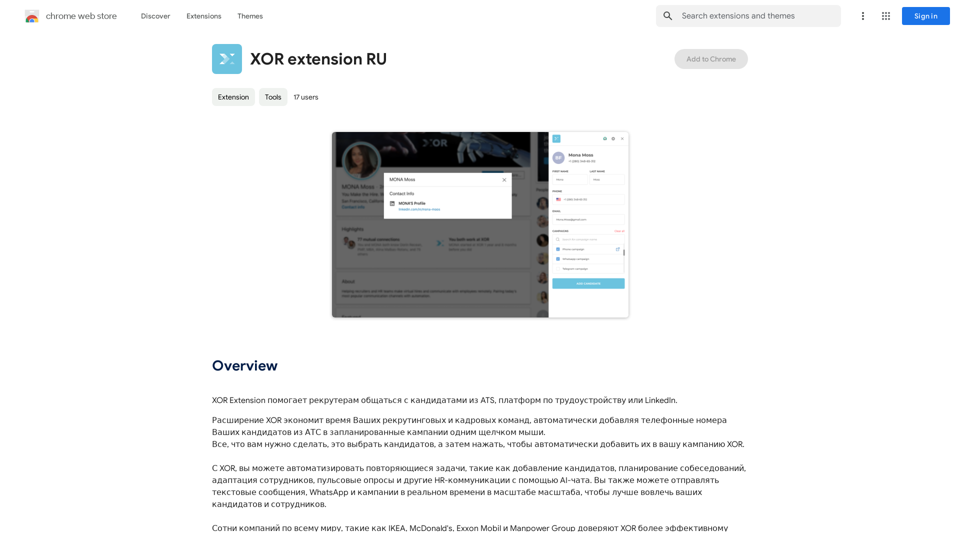
XOR Extension helps recruiters communicate with candidates from ATS, job boards, or LinkedIn.
193.90 M
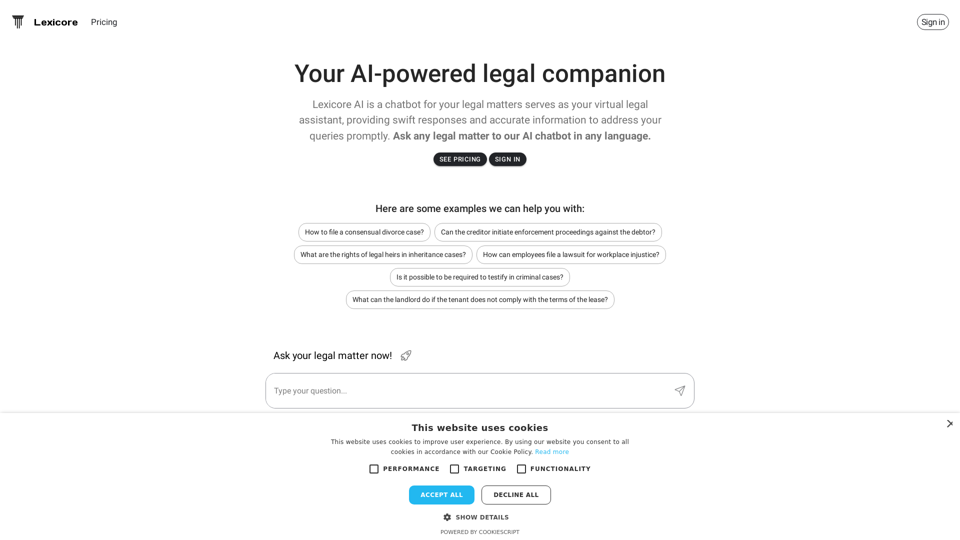
Lexicore is an AI-powered chatbot designed to be a virtual legal assistant. It can give you quick answers and accurate information to help you with your legal questions.
0
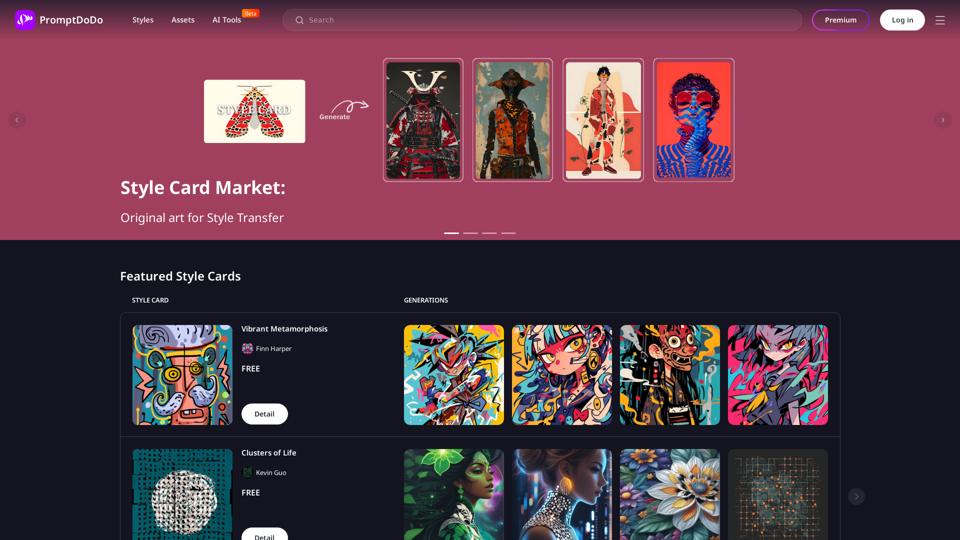
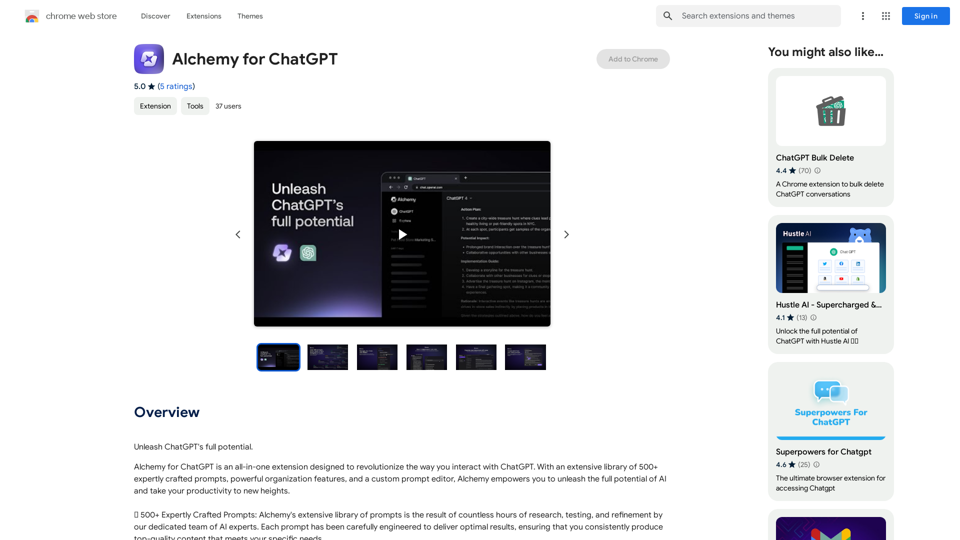
Alchemy for ChatGPT Introduction Alchemy is a powerful framework for building and deploying large language models (LLMs) like ChatGPT. It provides a comprehensive set of tools and resources to streamline the entire LLM development lifecycle, from training to deployment and monitoring. Key Features * Modular Design: Alchemy is built with a modular architecture, allowing developers to easily customize and extend its functionality. * Fine-Tuning Capabilities: Alchemy offers robust fine-tuning capabilities, enabling users to adapt pre-trained LLMs to specific tasks and domains. * Deployment Flexibility: Alchemy supports deployment across various platforms, including cloud, on-premise, and edge devices. * Monitoring and Evaluation: Alchemy provides tools for monitoring LLM performance and evaluating their effectiveness. Benefits * Accelerated Development: Alchemy's modularity and pre-built components significantly reduce development time and effort. * Improved Accuracy: Fine-tuning capabilities allow for higher accuracy and performance on specific tasks. * Scalability and Reliability: Alchemy's deployment flexibility ensures scalability and reliability for diverse applications. * Cost-Effectiveness: Alchemy's efficient resource utilization and streamlined workflows contribute to cost savings. Use Cases Alchemy can be used in a wide range of applications, including: * Chatbots and Conversational AI: * Text Generation and Summarization: * Code Generation and Debugging: * Data Analysis and Insights: * Personalized Learning and Education: Conclusion Alchemy is a powerful and versatile framework that empowers developers to build, deploy, and manage LLMs effectively. Its comprehensive features, benefits, and diverse use cases make it an ideal choice for organizations looking to leverage the transformative potential of LLMs.
Alchemy for ChatGPT Introduction Alchemy is a powerful framework for building and deploying large language models (LLMs) like ChatGPT. It provides a comprehensive set of tools and resources to streamline the entire LLM development lifecycle, from training to deployment and monitoring. Key Features * Modular Design: Alchemy is built with a modular architecture, allowing developers to easily customize and extend its functionality. * Fine-Tuning Capabilities: Alchemy offers robust fine-tuning capabilities, enabling users to adapt pre-trained LLMs to specific tasks and domains. * Deployment Flexibility: Alchemy supports deployment across various platforms, including cloud, on-premise, and edge devices. * Monitoring and Evaluation: Alchemy provides tools for monitoring LLM performance and evaluating their effectiveness. Benefits * Accelerated Development: Alchemy's modularity and pre-built components significantly reduce development time and effort. * Improved Accuracy: Fine-tuning capabilities allow for higher accuracy and performance on specific tasks. * Scalability and Reliability: Alchemy's deployment flexibility ensures scalability and reliability for diverse applications. * Cost-Effectiveness: Alchemy's efficient resource utilization and streamlined workflows contribute to cost savings. Use Cases Alchemy can be used in a wide range of applications, including: * Chatbots and Conversational AI: * Text Generation and Summarization: * Code Generation and Debugging: * Data Analysis and Insights: * Personalized Learning and Education: Conclusion Alchemy is a powerful and versatile framework that empowers developers to build, deploy, and manage LLMs effectively. Its comprehensive features, benefits, and diverse use cases make it an ideal choice for organizations looking to leverage the transformative potential of LLMs.Unlock the full capabilities of ChatGPT.
193.90 M

Luxi.ai uses advanced image recognition technology to easily identify objects in uploaded images. Discover the items in your photos with precision and ease.
1.73 K
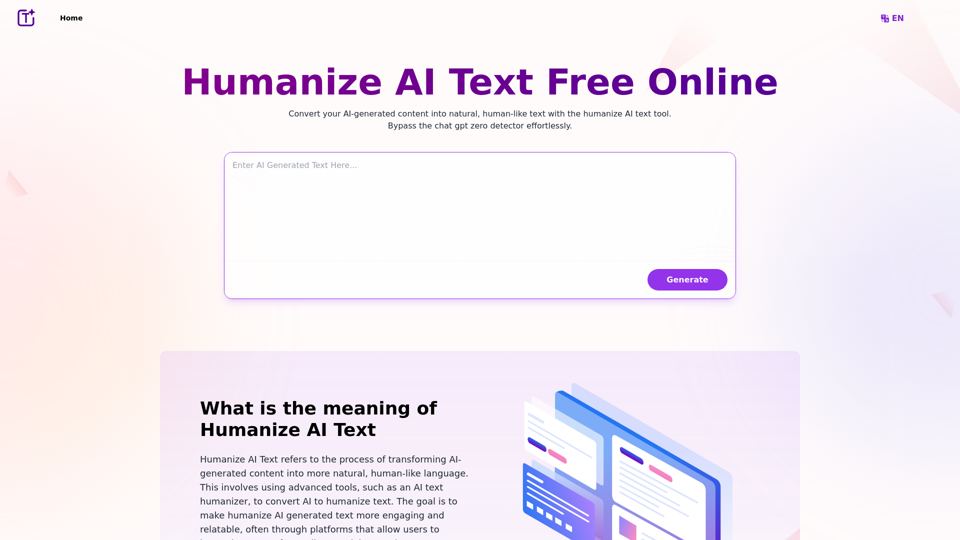
Experience the power of our AI text humanizer to convert AI text into human-like text effortlessly. Humanize AI text for free online to create engaging and undetectable content. Perfect for humanizing AI text from ChatGPT.
337.20 K
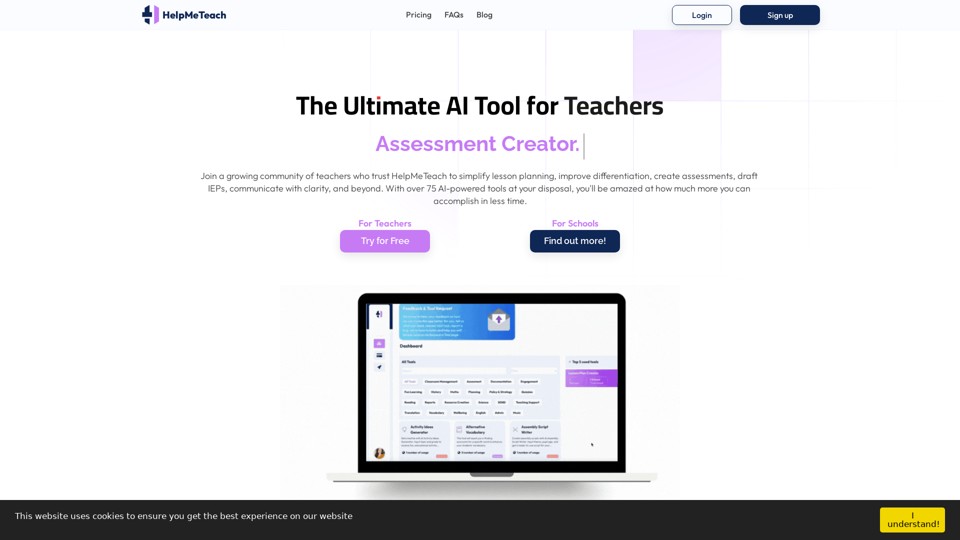
HelpMeTeach - AI Simplifies Teaching | Lesson Plans, Assessments, and More!
HelpMeTeach - AI Simplifies Teaching | Lesson Plans, Assessments, and More!Revolutionize your teaching with HelpMeTeach, the premier AI assistant for teachers. Simplify lesson plans and assessments, generate ideas, and create reports with ease. Enhance work-life balance and reduce workload with our 70+ teacher tools. Start now!
1.62 K