Open-source RightAI Tools Directory
  • Discover AI
  • Submit
  • Startup
  • Blog
Open-source RightAI Tools Directory
Discover the best AI tools of 2025 with the RightAI Tools Directory!

Friend Links

AI Anime GeneratorToolsApp AI

Support

Tap4
Privacy policyTerms & ConditionsContact Us
Loading...
loading...

Leading Platform for Autonomous Automation & Artificial Intelligence Agents

Autonomous AI Agents to automate processes. Used by Fortune 500 companies and startups, our AI agent platform helps organizations build and deploy agents in minutes.

Visit Website
Leading Platform for Autonomous Automation & Artificial Intelligence Agents
Visit Website

Introduction

Beam AI is a cutting-edge platform for Agentic Automation & AI Agents, designed to empower businesses by automating manual workflows and enhancing productivity. This innovative solution is utilized by Fortune 500 companies and scale-ups alike, enabling teams to focus on high-value tasks while AI agents handle repetitive and mundane processes.

Feature

AI Agent Hub

Beam's user-friendly interface facilitates quick and efficient task completion, allowing users to navigate and utilize AI agents with ease.

Agentic Automation

Beam offers comprehensive process automation capabilities, handling tasks of any complexity from start to finish.

Extensive Integrations

The platform provides a wide range of integrations, enabling AI agents to seamlessly work alongside existing tools and systems.

Customizable AI Tools

Users can leverage pre-existing AI tools or create custom solutions tailored to their specific requirements.

Pre-trained Domain Experts

Beam's AI agents come pre-loaded with domain-specific expertise, allowing for immediate implementation across various industries.

Flexible Deployment

The platform supports easy connection to databases and integrations, ensuring a smooth setup process for users.

FAQ

What is Agentic Automation?

Agentic Automation refers to the utilization of AI agents to automate manual workflows and increase productivity within an organization.

How can I get started with Beam AI?

To begin using Beam AI, explore the platform's features and capabilities, then connect with the sales team to discuss how it can benefit your specific business needs.

Which industries does Beam AI support?

Beam AI caters to a diverse range of industries, including:

IndustryApplication
HealthcareProcess automation
Customer ServiceAI-powered support
InsuranceClaims processing
Property ManagementWorkflow optimization

Latest Traffic Insights

  • Monthly Visits

    164.60 K

  • Bounce Rate

    43.62%

  • Pages Per Visit

    1.83

  • Time on Site(s)

    47.69

  • Global Rank

    265827

  • Country Rank

    India 84083

Recent Visits

Traffic Sources

  • Social Media:
    2.34%
  • Paid Referrals:
    0.96%
  • Email:
    0.12%
  • Referrals:
    7.57%
  • Search Engines:
    51.44%
  • Direct:
    37.25%
More Data

Related Websites

Picture To Summary AI - Get summary from image or picture by AI
View Detail

Picture To Summary AI - Get summary from image or picture by AI

Picture To Summary AI - Get summary from image or picture by AI

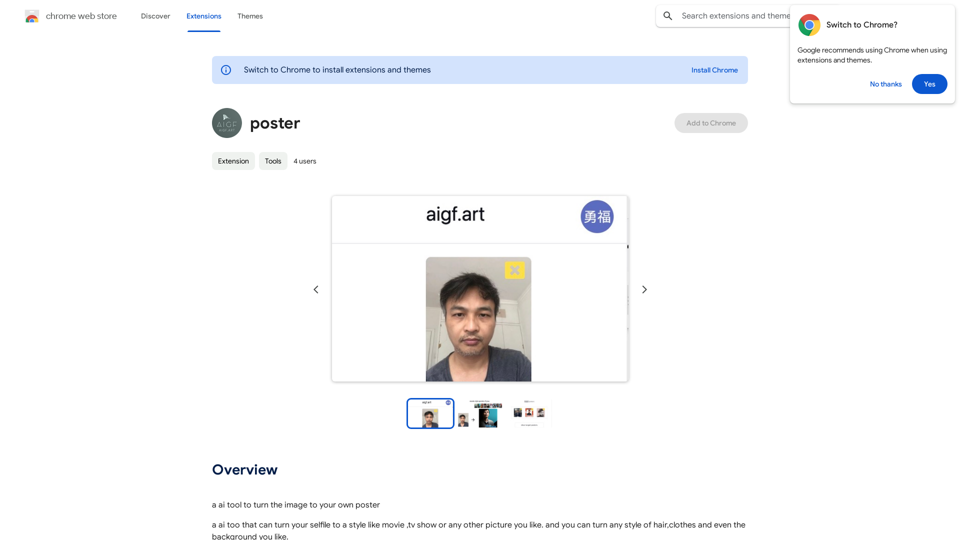
Picture To Summary AI is a tool for generating summaries from images or pictures.

5.16 K
Assistree
View Detail

Assistree

Assistree

Assistree AI is an AI-powered productivity tool that helps freelancers save time and get more done on Upwork. It offers a variety...

193.90 M
AI Face Studio - AI Face Transformation & Editing Tools
View Detail

AI Face Studio - AI Face Transformation & Editing Tools

AI Face Studio - AI Face Transformation & Editing Tools

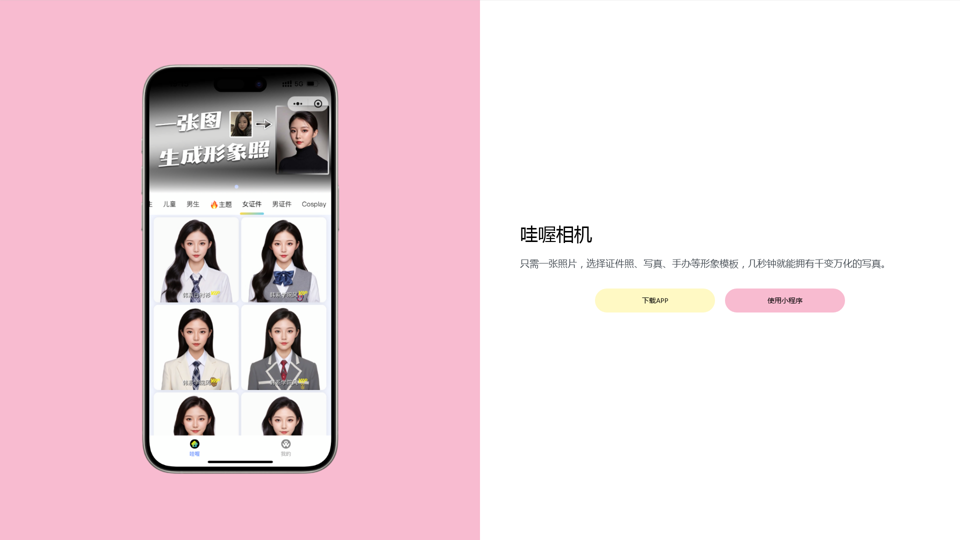
AI Face Studio provides face swapping, outfit alterations, video transformations, style conversions, and facial editing with premium security and high-quality outcomes.

27.66 K
ScreenRedact on the Mac App Store

#Description
ScreenRedact is a powerful and easy-to-use screenshot editing tool that allows you to quickly and easily remove sensitive information from your screenshots. With its intuitive interface and advanced features, ScreenRedact is the perfect solution for anyone who needs to share screenshots online or with others.

#Features
* Easy to use: ScreenRedact's intuitive interface makes it easy to get started, even if you're not tech-savvy.
* Advanced editing tools: ScreenRedact offers a range of advanced editing tools, including blur, pixelate, and redact, to help you remove sensitive information from your screenshots.
* Customizable: ScreenRedact allows you to customize the appearance of your redactions, including the color, opacity, and style.
* Support for multiple file formats: ScreenRedact supports a range of file formats, including JPEG, PNG, and TIFF.
* Share easily: ScreenRedact makes it easy to share your edited screenshots with others, either by saving them to your computer or sharing them directly to social media or email.

#What's New
* Improved performance: ScreenRedact is now faster and more efficient, making it easier to edit your screenshots.
* New editing tools: ScreenRedact now includes new editing tools, including a magic wand and a lasso tool, to make it even easier to remove sensitive information from your screenshots.
* Enhanced customization options: ScreenRedact now offers even more customization options, including the ability to change the color and opacity of your redactions.

#Ratings and Reviews
* 4.5/5 stars: ScreenRedact has an average rating of 4.5 out of 5 stars on the Mac App Store.
* "Easy to use and effective": One reviewer praised ScreenRedact's ease of use and effectiveness, saying "I was able to quickly and easily remove sensitive information from my screenshots."
* "A must-have for anyone who shares screenshots online": Another reviewer called ScreenRedact "a must-have for anyone who shares screenshots online," citing its ease of use and advanced features.
View Detail

ScreenRedact on the Mac App Store #Description ScreenRedact is a powerful and easy-to-use screenshot editing tool that allows you to quickly and easily remove sensitive information from your screenshots. With its intuitive interface and advanced features, ScreenRedact is the perfect solution for anyone who needs to share screenshots online or with others. #Features * Easy to use: ScreenRedact's intuitive interface makes it easy to get started, even if you're not tech-savvy. * Advanced editing tools: ScreenRedact offers a range of advanced editing tools, including blur, pixelate, and redact, to help you remove sensitive information from your screenshots. * Customizable: ScreenRedact allows you to customize the appearance of your redactions, including the color, opacity, and style. * Support for multiple file formats: ScreenRedact supports a range of file formats, including JPEG, PNG, and TIFF. * Share easily: ScreenRedact makes it easy to share your edited screenshots with others, either by saving them to your computer or sharing them directly to social media or email. #What's New * Improved performance: ScreenRedact is now faster and more efficient, making it easier to edit your screenshots. * New editing tools: ScreenRedact now includes new editing tools, including a magic wand and a lasso tool, to make it even easier to remove sensitive information from your screenshots. * Enhanced customization options: ScreenRedact now offers even more customization options, including the ability to change the color and opacity of your redactions. #Ratings and Reviews * 4.5/5 stars: ScreenRedact has an average rating of 4.5 out of 5 stars on the Mac App Store. * "Easy to use and effective": One reviewer praised ScreenRedact's ease of use and effectiveness, saying "I was able to quickly and easily remove sensitive information from my screenshots." * "A must-have for anyone who shares screenshots online": Another reviewer called ScreenRedact "a must-have for anyone who shares screenshots online," citing its ease of use and advanced features.

ScreenRedact on the Mac App Store #Description ScreenRedact is a powerful and easy-to-use screenshot editing tool that allows you to quickly and easily remove sensitive information from your screenshots. With its intuitive interface and advanced features, ScreenRedact is the perfect solution for anyone who needs to share screenshots online or with others. #Features * Easy to use: ScreenRedact's intuitive interface makes it easy to get started, even if you're not tech-savvy. * Advanced editing tools: ScreenRedact offers a range of advanced editing tools, including blur, pixelate, and redact, to help you remove sensitive information from your screenshots. * Customizable: ScreenRedact allows you to customize the appearance of your redactions, including the color, opacity, and style. * Support for multiple file formats: ScreenRedact supports a range of file formats, including JPEG, PNG, and TIFF. * Share easily: ScreenRedact makes it easy to share your edited screenshots with others, either by saving them to your computer or sharing them directly to social media or email. #What's New * Improved performance: ScreenRedact is now faster and more efficient, making it easier to edit your screenshots. * New editing tools: ScreenRedact now includes new editing tools, including a magic wand and a lasso tool, to make it even easier to remove sensitive information from your screenshots. * Enhanced customization options: ScreenRedact now offers even more customization options, including the ability to change the color and opacity of your redactions. #Ratings and Reviews * 4.5/5 stars: ScreenRedact has an average rating of 4.5 out of 5 stars on the Mac App Store. * "Easy to use and effective": One reviewer praised ScreenRedact's ease of use and effectiveness, saying "I was able to quickly and easily remove sensitive information from my screenshots." * "A must-have for anyone who shares screenshots online": Another reviewer called ScreenRedact "a must-have for anyone who shares screenshots online," citing its ease of use and advanced features.

ScreenRedact allows you to remove sensitive text from an image by utilizing Apple's on-device machine learning model, which identifies text within an image and enables you to redact it with ease.

124.77 M
MarketingAI: You don't need more features. You need marketing.
View Detail

MarketingAI: You don't need more features. You need marketing.

MarketingAI: You don't need more features. You need marketing.

Get a 15-page marketing action plan tailored to your SaaS business, including a step-by-step guide on acquiring users and a projected return on investment (ROI).

0
Remove Shadow | AI Image Transformation Tool
View Detail

Remove Shadow | AI Image Transformation Tool

Remove Shadow | AI Image Transformation Tool

Transform your images with AI-powered technology. Remove shadows, backgrounds, and unwanted objects to create professional-quality photos in seconds.

0
Bing search
View Detail

Bing search

Bing search

Upgrade your browsing with the Bing Search extension. Optimize your SEO with Bing's AI-powered search engine.

193.90 M
Vidviz GPT: AI for YouTube 

Vidviz GPT is an AI-powered tool designed to help you create amazing YouTube videos.
View Detail

Vidviz GPT: AI for YouTube Vidviz GPT is an AI-powered tool designed to help you create amazing YouTube videos.

Vidviz GPT: AI for YouTube Vidviz GPT is an AI-powered tool designed to help you create amazing YouTube videos.

Vidviz GPT: ChatGPT for YouTube. Chat, Summarize, Question Videos Seamlessly. Extract Visual Information and Empower Your Learning.

193.90 M