AISPEED for ChatGPT is an extension designed to enhance the efficiency and effectiveness of ChatGPT usage. It offers custom prompts and integrates with various AI technologies to optimize workflow and boost productivity. This versatile tool caters to businesses, freelancers, and individuals seeking to streamline their work processes through AI-powered automation.
AISPEED for ChatGPT What is AISPEED? AISPEED is a powerful AI assistant designed to enhance your ChatGPT experience. Key Features: * Faster Response Times: Experience significantly reduced wait times for ChatGPT responses. * Improved Accuracy: Benefit from enhanced accuracy and fluency in ChatGPT's generated text. * Personalized Settings: Customize your ChatGPT experience with tailored settings to suit your needs. * Multi-Modal Support: Interact with ChatGPT using text, voice, and even images. * Seamless Integration: AISPEED integrates seamlessly with various platforms and applications. How AISPEED Works: AISPEED leverages advanced AI algorithms and techniques to optimize ChatGPT's performance. It accelerates response generation, refines text quality, and enables new interaction modes. Benefits: * Increased Productivity: Get faster answers and complete tasks more efficiently. * Enhanced Creativity: Explore new ideas and generate more creative content. * Improved Communication: Engage in more natural and meaningful conversations. * Expanded Capabilities: Unlock the full potential of ChatGPT with advanced features.
Provides a number of custom prompts to help you use ChatGPT effectively and efficiently.
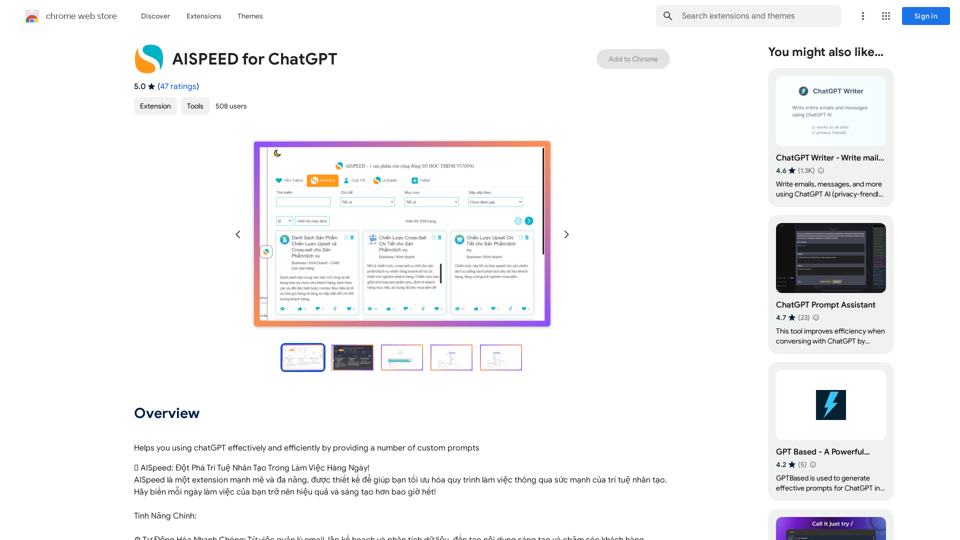
Introduction
Feature
Automatic Task Management
AISPEED for ChatGPT streamlines various tasks including:
- Email management
- Planning
- Data analysis
- Content creation
- Customer care
AI Integration
The extension leverages top AI technologies:
- ChatGPT
- Bard
- Midjourney
- DALL-E 3
Productivity Boost
- Reduces time spent on repetitive tasks
- Allows focus on creative and strategic work
User-Friendly Interface
- Quick setup
- Easy integration into existing workflows
Versatile Applications
AISPEED supports various creative endeavors:
- Writing books
- Managing real estate
- Exploring AI-assisted creativity
Custom Prompt Generation
- Easily create tailored prompts for ChatGPT
- Optimize task automation
FAQ
What is AISPEED for ChatGPT?
AISPEED for ChatGPT is an extension that enhances ChatGPT usage by providing custom prompts, automating tasks, and integrating with various AI technologies to optimize workflow and boost productivity.
What are the main features of AISPEED for ChatGPT?
The main features include:
- Automatic task management
- Integration with top AI technologies (ChatGPT, Bard, Midjourney, DALL-E 3)
- Productivity boost through task automation
- User-friendly interface
- Custom prompt generation
Who can benefit from using AISPEED for ChatGPT?
AISPEED is suitable for:
- Businesses
- Freelancers
- Anyone looking to improve work efficiency and explore AI-assisted creativity
Is pricing information available for AISPEED for ChatGPT?
The price of AISPEED for ChatGPT is not specified in the provided information.
Related Websites
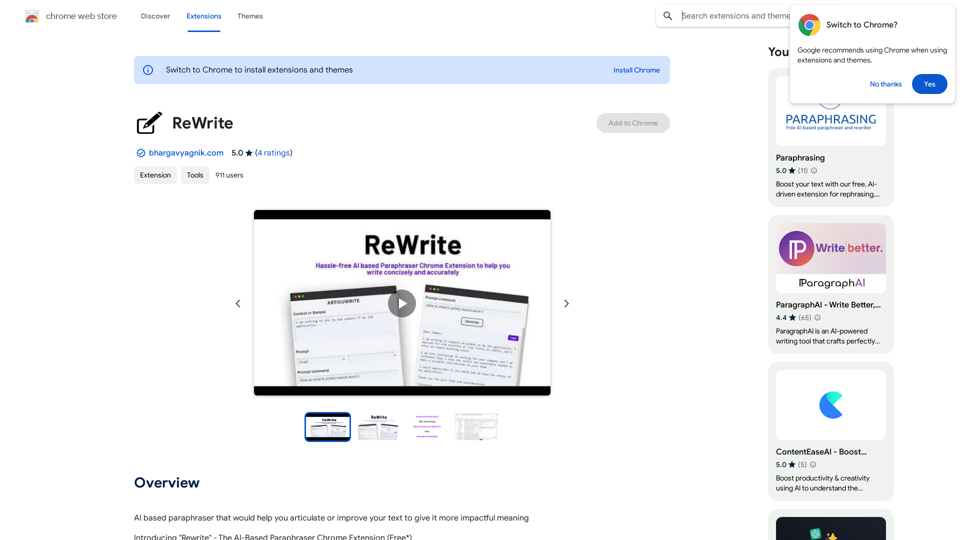
Please provide me with the text you would like me to rewrite in English.
Please provide me with the text you would like me to rewrite in English.An AI-powered rephraser that can help you express your ideas more clearly and powerfully.
193.90 M
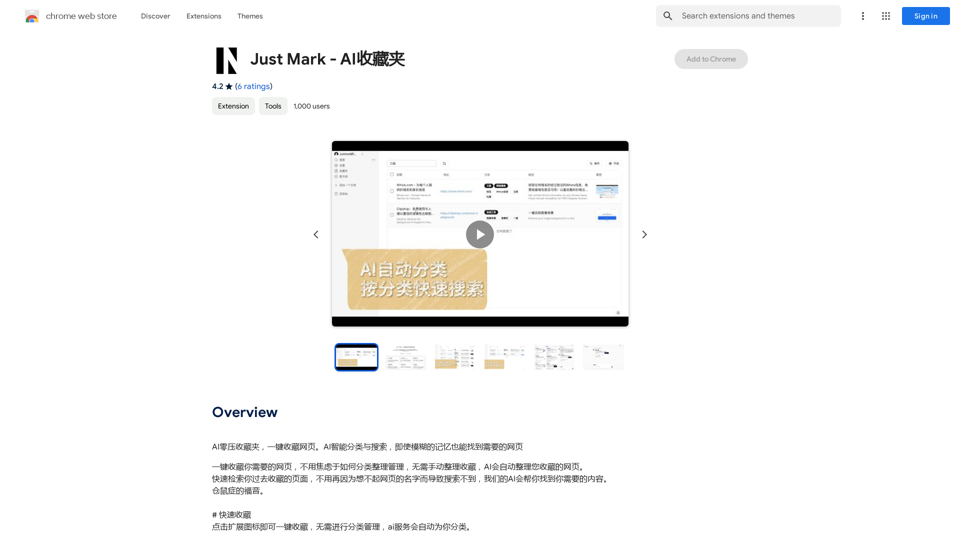
AI Zero-Pressure Bookmark Folder, one-click to collect web pages. AI intelligent classification and search, even with vague memories, you can find the web pages you need.
193.90 M
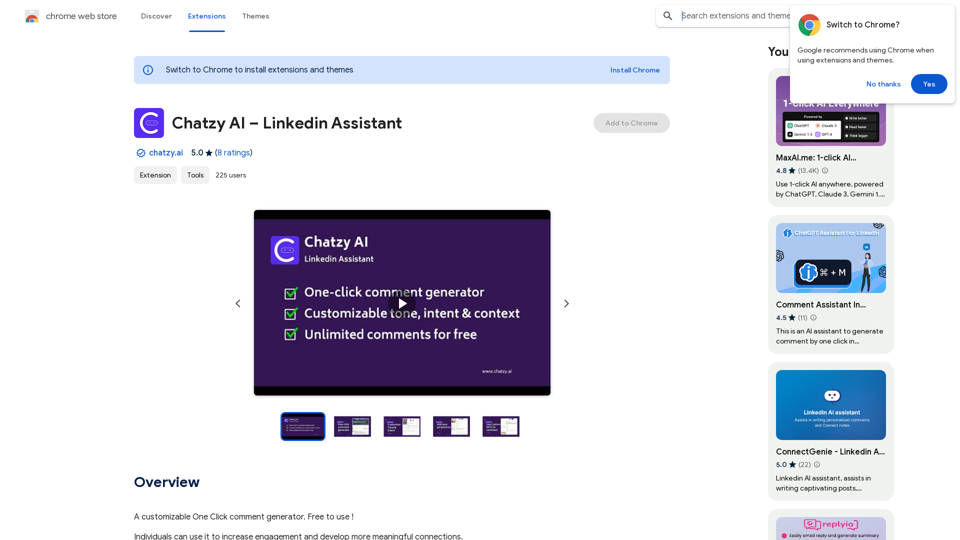
Chatzy AI – LinkedIn Assistant This is a powerful AI assistant designed to help you with your LinkedIn activities. Here's what it can do: * Craft compelling LinkedIn posts: Generate engaging content for your profile, updates, and articles. * Write personalized connection requests: Make a great first impression with tailored messages that stand out. * Summarize lengthy articles: Quickly grasp the key points of industry news and insights. * Optimize your LinkedIn profile: Get suggestions for improving your profile to attract more connections and opportunities. * Answer your LinkedIn messages: Save time by having Chatzy AI respond to common inquiries. Boost your LinkedIn presence and productivity with Chatzy AI!
Chatzy AI – LinkedIn Assistant This is a powerful AI assistant designed to help you with your LinkedIn activities. Here's what it can do: * Craft compelling LinkedIn posts: Generate engaging content for your profile, updates, and articles. * Write personalized connection requests: Make a great first impression with tailored messages that stand out. * Summarize lengthy articles: Quickly grasp the key points of industry news and insights. * Optimize your LinkedIn profile: Get suggestions for improving your profile to attract more connections and opportunities. * Answer your LinkedIn messages: Save time by having Chatzy AI respond to common inquiries. Boost your LinkedIn presence and productivity with Chatzy AI!A customizable One Click comment generator. Free to use!
193.90 M
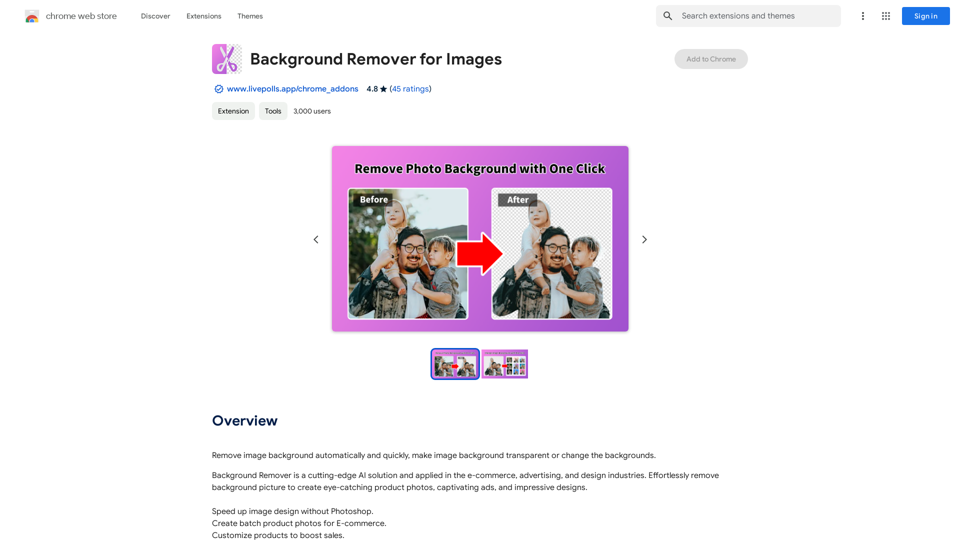
Automatically and quickly remove image backgrounds, making image backgrounds transparent or changing the backgrounds.
193.90 M
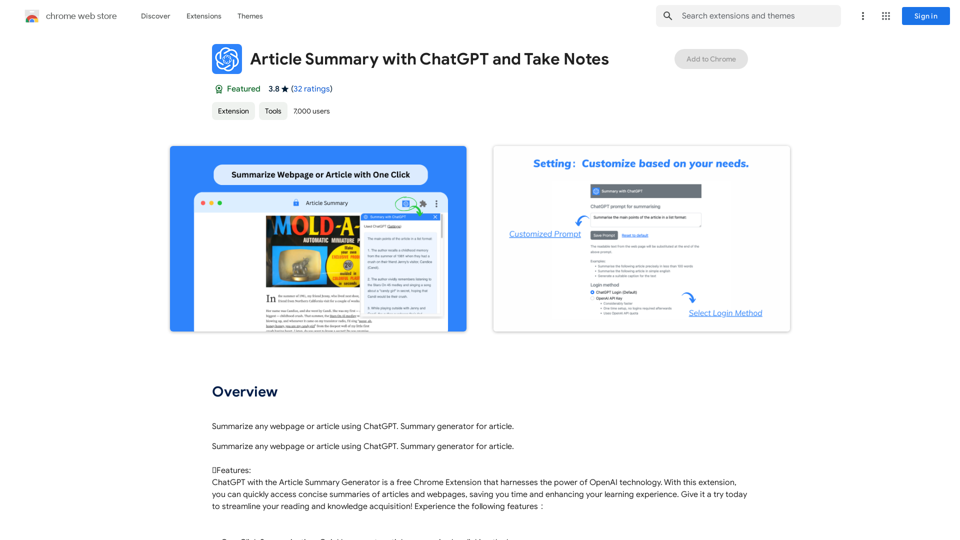
Article Summary with ChatGPT and Take Notes This is a guide on how to use ChatGPT to summarize articles and take notes effectively. Step 1: Provide ChatGPT with the Article Copy and paste the full text of the article into the ChatGPT interface. Step 2: Craft Your Prompt Tell ChatGPT what you want it to do. Here are some examples: * Summarize: "Please summarize this article in 200 words." * Key Points: "What are the main points of this article?" * Bullet Points: "Summarize the key findings of this article in bullet points." * Notes: "Take notes on this article, focusing on the author's arguments and supporting evidence." Step 3: Review and Refine ChatGPT will generate a summary, key points, bullet points, or notes based on your prompt. * Read carefully: Make sure the output accurately reflects the article's content. * Edit as needed: You can ask ChatGPT to rephrase sections or provide more detail. * Add your own insights: Don't just copy ChatGPT's output. Use it as a starting point and add your own thoughts, questions, and connections. Tips for Effective Use: * Be specific: The more specific your prompt, the better the output will be. * Experiment with different prompts: Try various phrasing to see what works best. * Use ChatGPT as a tool: It's a powerful aid, but it's not a replacement for critical reading and thinking.
Article Summary with ChatGPT and Take Notes This is a guide on how to use ChatGPT to summarize articles and take notes effectively. Step 1: Provide ChatGPT with the Article Copy and paste the full text of the article into the ChatGPT interface. Step 2: Craft Your Prompt Tell ChatGPT what you want it to do. Here are some examples: * Summarize: "Please summarize this article in 200 words." * Key Points: "What are the main points of this article?" * Bullet Points: "Summarize the key findings of this article in bullet points." * Notes: "Take notes on this article, focusing on the author's arguments and supporting evidence." Step 3: Review and Refine ChatGPT will generate a summary, key points, bullet points, or notes based on your prompt. * Read carefully: Make sure the output accurately reflects the article's content. * Edit as needed: You can ask ChatGPT to rephrase sections or provide more detail. * Add your own insights: Don't just copy ChatGPT's output. Use it as a starting point and add your own thoughts, questions, and connections. Tips for Effective Use: * Be specific: The more specific your prompt, the better the output will be. * Experiment with different prompts: Try various phrasing to see what works best. * Use ChatGPT as a tool: It's a powerful aid, but it's not a replacement for critical reading and thinking.I can do that! Please provide me with the URL of the webpage or article you'd like me to summarize. I'll do my best to create a concise and easy-to-understand summary for you.
193.90 M
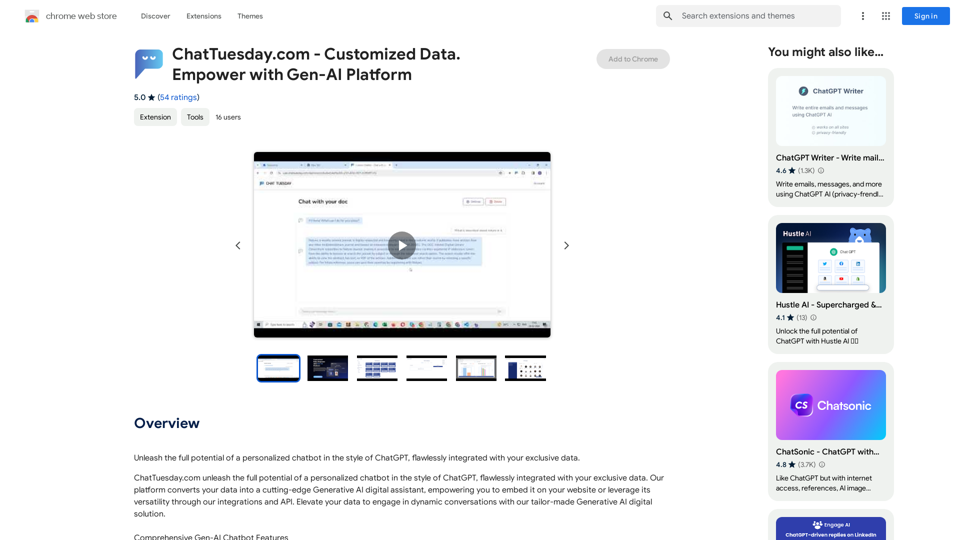
ChatTuesday.com - Customized Data. Empower with Gen-AI Platform
ChatTuesday.com - Customized Data. Empower with Gen-AI PlatformUnlock the full power of a custom-made chatbot, just like ChatGPT, perfectly combined with your unique information.
193.90 M
AI Journey: Explore the Leading AI Tools Software - Expert Reviews & Insights
AI Journey: Explore the Leading AI Tools Software - Expert Reviews & InsightsFind the best AI tools and software with AIJourney. Our daily updates and expert reviews help you enhance your productivity and efficiency.
56.90 K
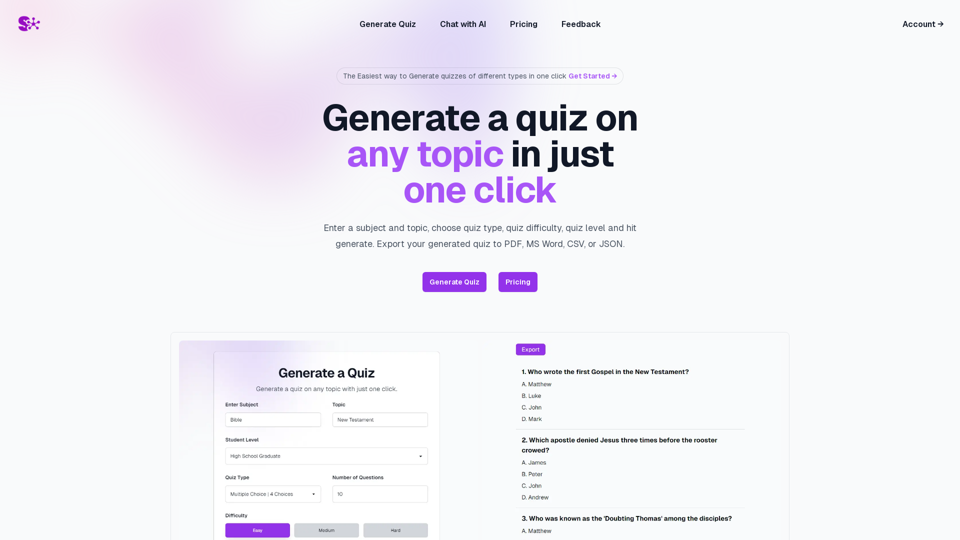
Quiz Generation Made Easy! ============================= With just one click, you can generate a quiz on any topic you want! Whether you're a teacher, student, or just a curious learner, this feature is perfect for you. How it Works --------------- 1. Choose Your Topic: Select the topic you want to generate a quiz on. It can be anything from history to science, literature to music, or even pop culture! 2. Click the Button: Simply click the "Generate Quiz" button, and our AI-powered algorithm will do the rest. 3. Get Your Quiz: In an instant, you'll receive a comprehensive quiz with multiple-choice questions, true/false questions, and short-answer questions. Features ------------ * Customizable: You can adjust the difficulty level, question type, and even add your own questions to make the quiz more personalized. * Instant Feedback: Get instant feedback on your answers, so you can track your progress and identify areas for improvement. * Shareable: Share your quiz with friends, classmates, or even on social media to spark a fun competition! Try it Out! -------------- Click the "Generate Quiz" button below to get started! [Generate Quiz Button] Happy quizzing!
0