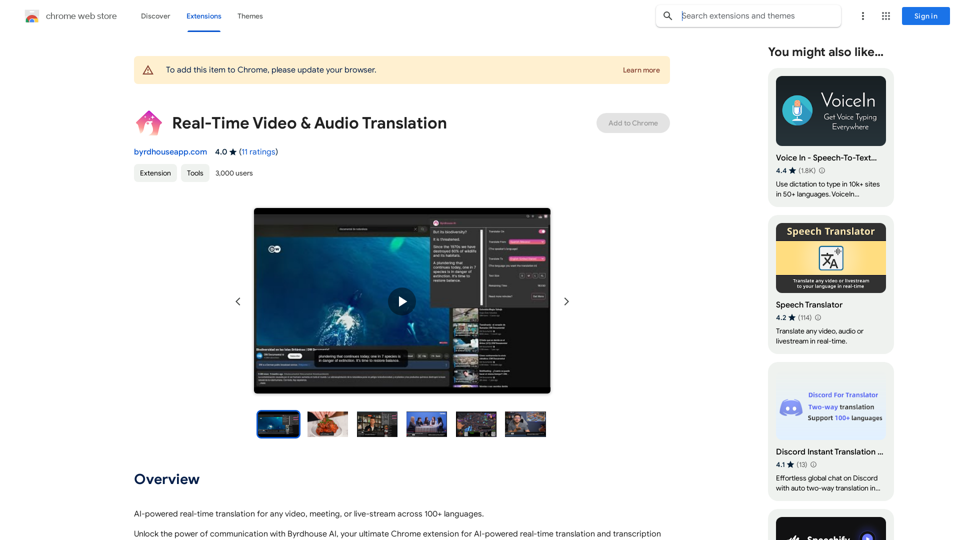
Ask AI Browser is an innovative AI-driven browser extension that seamlessly integrates AI questioning and community chat capabilities directly into Google search results. This powerful tool enhances the user's search experience by providing instant access to AI-powered answers and community discussions, all within a single, user-friendly widget.
Ask AI Browser
Ask AI Browser Extension
==========================
Description
The Ask AI browser extension is a cutting-edge tool that revolutionizes the way you interact with the internet. This innovative extension harnesses the power of artificial intelligence to provide you with instant answers, suggestions, and insights as you browse the web.
Features
* Instant Answers: Get quick answers to your questions without leaving the current webpage.
* Smart Suggestions: Receive relevant suggestions based on your browsing history and preferences.
* AI-driven Insights: Uncover hidden gems and interesting facts about the topics you're interested in.
* Personalized Experience: Enjoy a tailored browsing experience that adapts to your needs and preferences.
How it Works
1. Install the Extension: Add the Ask AI browser extension to your favorite browser.
2. Ask Your Question: Type your question in the search bar or highlight a phrase on a webpage.
3. Get Instant Answers: Receive accurate and relevant answers, suggestions, and insights in real-time.
Benefits
* Save Time: Get instant answers and reduce your search time.
* Enhance Productivity: Stay focused on your tasks with relevant suggestions and insights.
* Improve Knowledge: Expand your knowledge with interesting facts and hidden gems.
Get Started
Download the Ask AI browser extension today and experience the future of browsing!
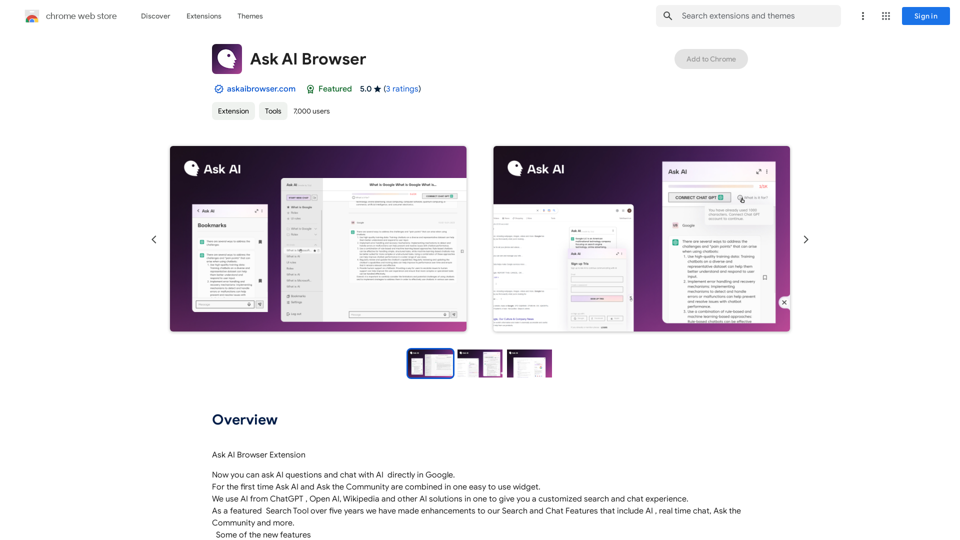
Introduction
Feature
AI Integration in Google Search
Ask AI Browser allows users to interact with AI directly from Google search results, providing quick and intelligent responses to queries without leaving the search page.
Community Chat on Any Website
The extension enables users to engage in community discussions on any website, fostering collaborative problem-solving and knowledge sharing.
Contextual AI Queries
Users can right-click on any text while browsing to instantly "Ask AI" about the content, facilitating deeper understanding and exploration of topics.
Free to Use
Ask AI Browser is completely free, with no subscription or payment required, making it accessible to all users.
User-Friendly Interface
The extension boasts an intuitive design, ensuring ease of use for individuals of all technical skill levels.
Customizable Experience
Users can experiment with different AI models and chat styles to tailor the extension to their preferences and needs.
FAQ
What is Ask AI Browser?
Ask AI Browser is an AI-powered browser extension that integrates AI questioning and community chat features directly into Google search results, offering a customized search and chat experience.
How do I use Ask AI Browser?
To use Ask AI Browser, simply install the extension and follow the prompts. The user-friendly interface makes it easy to start asking AI questions and engaging in community chats right away.
Can I use Ask AI Browser on any website?
Yes, the extension can be used on any website, allowing you to ask AI questions and participate in community chats wherever you browse.
Is Ask AI Browser free to use?
Yes, Ask AI Browser is completely free to use, with no subscription or payment required.
What are the main benefits of using Ask AI Browser?
The key benefits include a streamlined workflow for asking AI questions, a customized search and chat experience, and a user-friendly interface accessible to all skill levels.
Latest Traffic Insights
Monthly Visits
193.90 M
Bounce Rate
56.27%
Pages Per Visit
2.71
Time on Site(s)
115.91
Global Rank
-
Country Rank
-
Recent Visits
Traffic Sources
- Social Media:0.48%
- Paid Referrals:0.55%
- Email:0.15%
- Referrals:12.81%
- Search Engines:16.21%
- Direct:69.81%
Related Websites
An all-in-one tool for organizing, collecting, and managing information. Build your structured knowledge base from fragmented information.
193.90 M
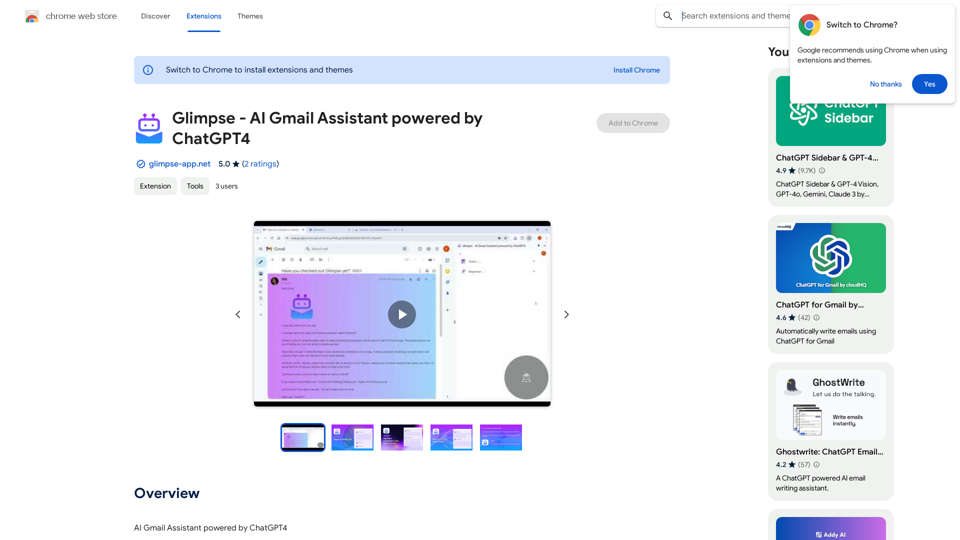
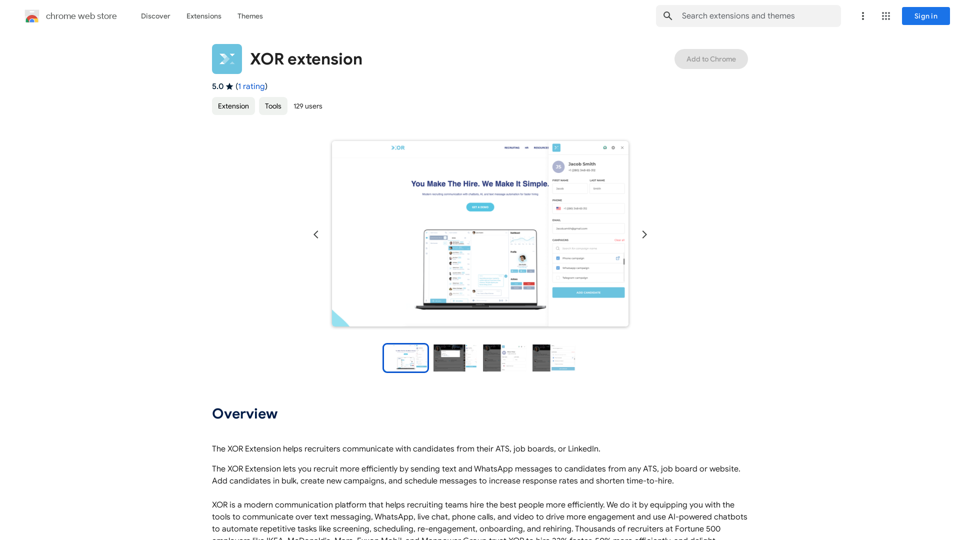
The XOR Extension lets recruiters talk to candidates from their Applicant Tracking System (ATS), job boards, or LinkedIn.
193.90 M
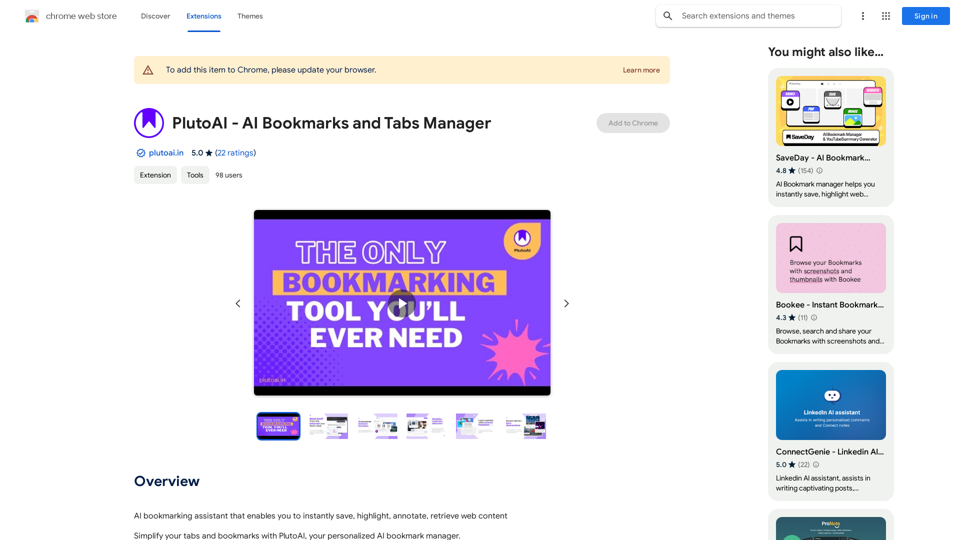
An AI-powered bookmarking assistant that lets you quickly save, highlight, add notes to, and find web pages.
193.90 M
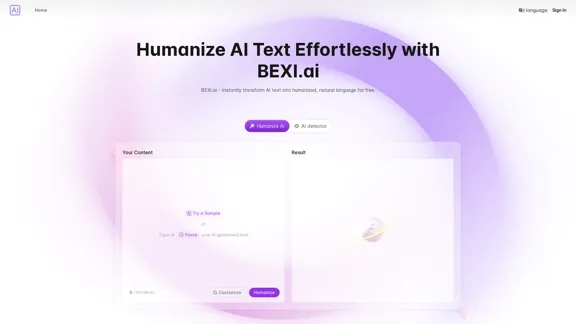
BEXI.ai - Humanize AI Text | Free AI Humanizer Tool for Natural Language
BEXI.ai - Humanize AI Text | Free AI Humanizer Tool for Natural LanguageBEXI.ai is a free tool for making AI-generated text more natural and undetectable. With support for multiple languages and customizable styles, BEXI.ai helps you easily create engaging, human-like content.
33.18 K