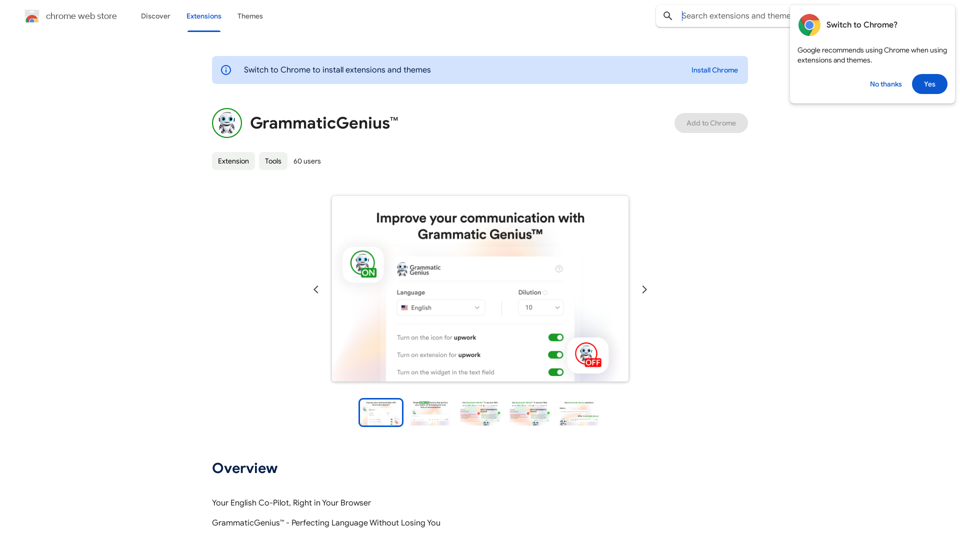
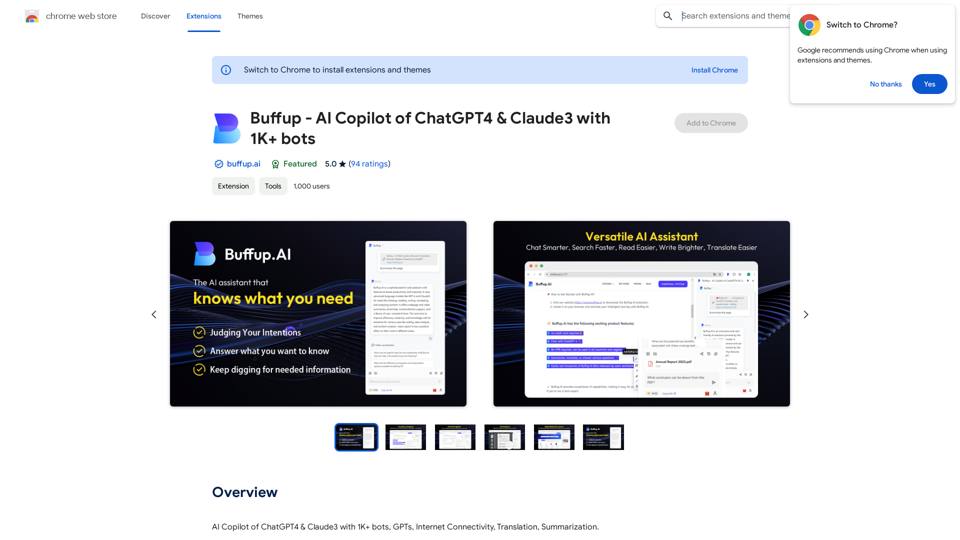
Buffup is an innovative AI assistant that leverages ChatGPT-4, offering a user-friendly experience for both tech experts and novices. It provides access to thousands of user-created Buffup Bots worldwide, making AI technology accessible to everyone. Buffup is free to use, requires no VPN, and offers a range of features including summarization, translation, and question-answering capabilities.
Buffup - AI Copilot of ChatGPT4 & Claude3 with 1,000+ bots
AI Copilot of ChatGPT4 & Claude3 with 1K+ bots, GPTs, Internet Connectivity, Translation, Summarization
This AI copilot combines the power of ChatGPT4 and Claude3, along with over 1,000 bots, GPTs, and internet connectivity, to provide advanced features such as translation and summarization.
Introduction
Feature
Free and Unlimited Usage
Buffup is completely free to use with no credit card required and no limitations on usage, making it accessible to all users regardless of their budget.
Advanced AI Integration
Users can engage directly with ChatGPT-4, the most advanced AI model, receiving instant responses to their queries and benefiting from its powerful capabilities.
Global Accessibility
Buffup can be used from anywhere in the world without the need for a VPN, ensuring that users have unrestricted access to its features.
Versatile AI Capabilities
The platform offers a range of AI-powered functions including:
- Text summarization
- Language translation
- Question answering
Bot Creation and Sharing
Users can create their own AI Bots and share them with others, fostering a collaborative environment. Additionally, pre-built Bots are available to simplify workflows.
User-Friendly Design
Buffup is designed with accessibility in mind, making AI technology approachable for users of all technical backgrounds.
Seamless Workflow Integration
The platform integrates AI directly into existing workflows, eliminating the need for multiple tools and enhancing productivity.
Chrome Extension
Buffup is available as a Chrome extension, allowing for easy installation and immediate use within the browser environment.
FAQ
Do I need a ChatGPT account to use Buffup?
No, a ChatGPT account is not required to use Buffup. The platform is ready to use immediately after installation.
Why use Buffup if I already have a ChatGPT account?
Buffup is designed to complement your ChatGPT account, offering additional features and capabilities that enhance your overall AI experience.
How do I get started with Buffup?
To get started:
- Install the Buffup extension from the Chrome Web Store
- Once installed, begin using Buffup to chat with ChatGPT-4, create and share Bots, and explore its various features
Where can I get help or support for Buffup?
For assistance, suggestions, or problem-solving, visit the Buffup support site or contact the developer directly.
Related Websites
AiReelGenerator.com | Faceless Videos on Autopilot.
AiReelGenerator.com | Faceless Videos on Autopilot.Discover AiReelGenerator, the newest app that automatically makes videos without faces. Just pick a subject, and our AI will make and upload fresh videos to your YouTube, TikTok, Instagram, or Facebook account every day.
196

Sentimetric Sentimetric is a method used to measure the sentiment of text data, such as customer reviews, comments, or social media posts. It involves analyzing the emotional tone or attitude conveyed by the text, whether it's positive, negative, or neutral.
Sentimetric Sentimetric is a method used to measure the sentiment of text data, such as customer reviews, comments, or social media posts. It involves analyzing the emotional tone or attitude conveyed by the text, whether it's positive, negative, or neutral.Unlock your career potential with our AI-powered job application presentation builder designed to help you stand out in the competitive job market. Our app goes beyond traditional cover letters and resumes by creating personalized presentations that show recruiters how your skills and experience align with company goals and values. Plus, we provide project ideas with SWOT analyses that will impress every recruiter.
0
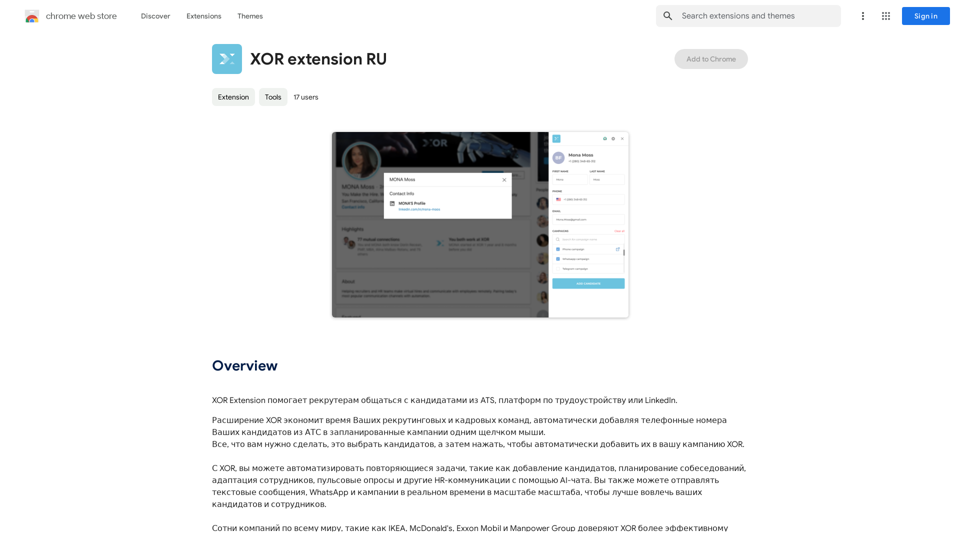
XOR Extension helps recruiters communicate with candidates from ATS, job boards, or LinkedIn.
193.90 M
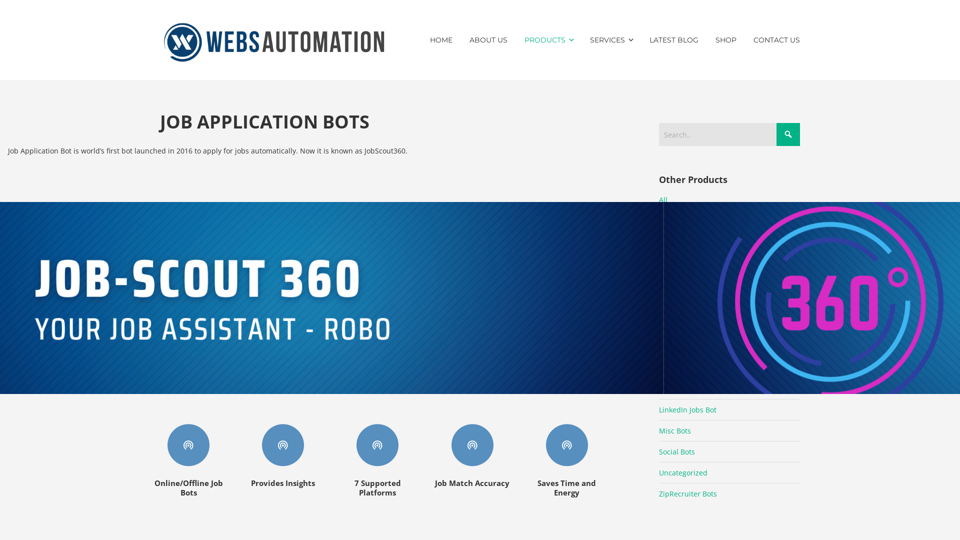
Best AI Job Application Bot 2024 | Webs-Automation This AI-powered job application bot is designed to simplify and streamline the job application process for both job seekers and employers. With its advanced automation capabilities, this bot can efficiently search for job openings, tailor resumes and cover letters, and even submit applications on behalf of the job seeker.
Best AI Job Application Bot 2024 | Webs-Automation This AI-powered job application bot is designed to simplify and streamline the job application process for both job seekers and employers. With its advanced automation capabilities, this bot can efficiently search for job openings, tailor resumes and cover letters, and even submit applications on behalf of the job seeker.Enhance Your Job Search with the Ultimate AI Job Application Bot! Simplify the Application Process and Boost Your Prospects with Our Top Job Application Bot.
2.69 K
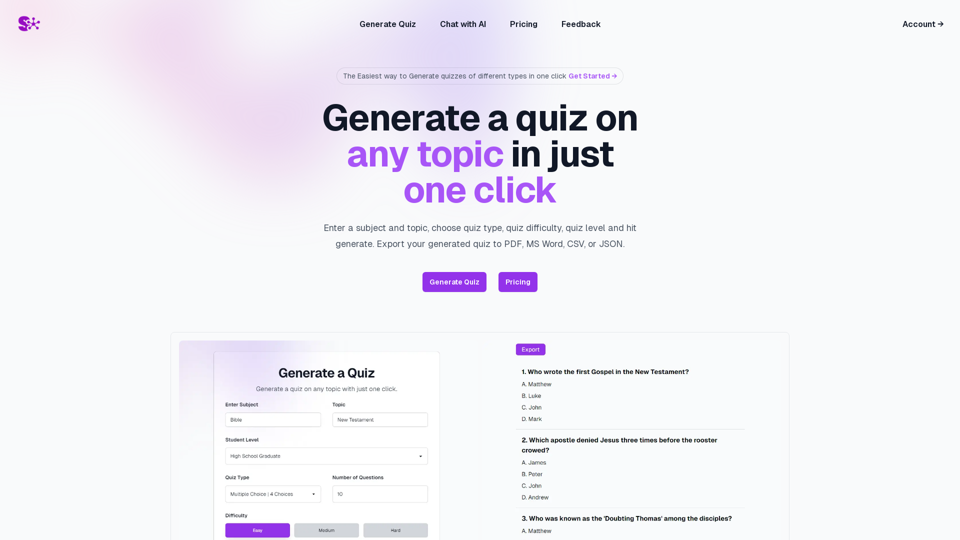
Quiz Generation Made Easy! ============================= With just one click, you can generate a quiz on any topic you want! Whether you're a teacher, student, or just a curious learner, this feature is perfect for you. How it Works --------------- 1. Choose Your Topic: Select the topic you want to generate a quiz on. It can be anything from history to science, literature to music, or even pop culture! 2. Click the Button: Simply click the "Generate Quiz" button, and our AI-powered algorithm will do the rest. 3. Get Your Quiz: In an instant, you'll receive a comprehensive quiz with multiple-choice questions, true/false questions, and short-answer questions. Features ------------ * Customizable: You can adjust the difficulty level, question type, and even add your own questions to make the quiz more personalized. * Instant Feedback: Get instant feedback on your answers, so you can track your progress and identify areas for improvement. * Shareable: Share your quiz with friends, classmates, or even on social media to spark a fun competition! Try it Out! -------------- Click the "Generate Quiz" button below to get started! [Generate Quiz Button] Happy quizzing!
0
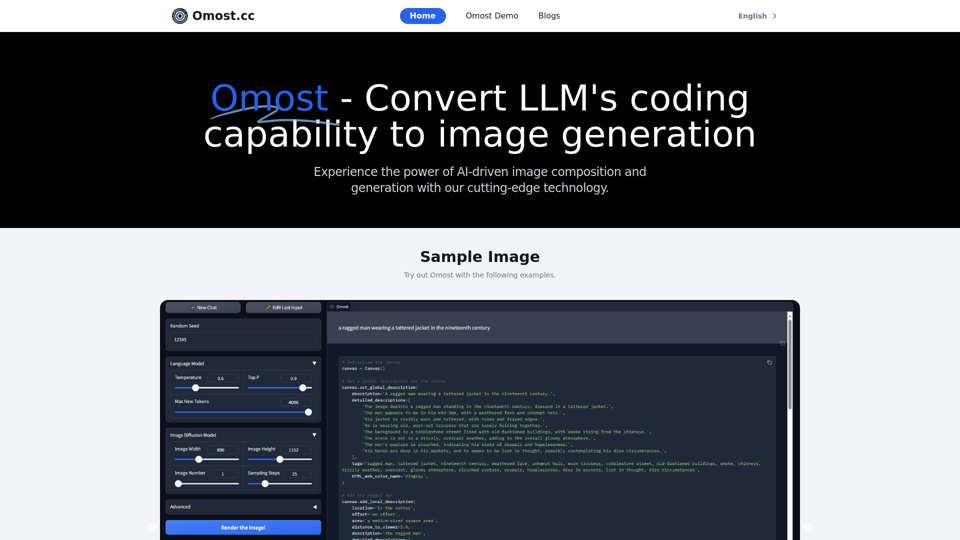
Omost | Try Omost for Free Online - AI-Powered Image Generation from Code
Omost | Try Omost for Free Online - AI-Powered Image Generation from CodeOmost offers large language model (LLM) models that can generate code to create visual images using Omost's virtual Canvas agent.
0
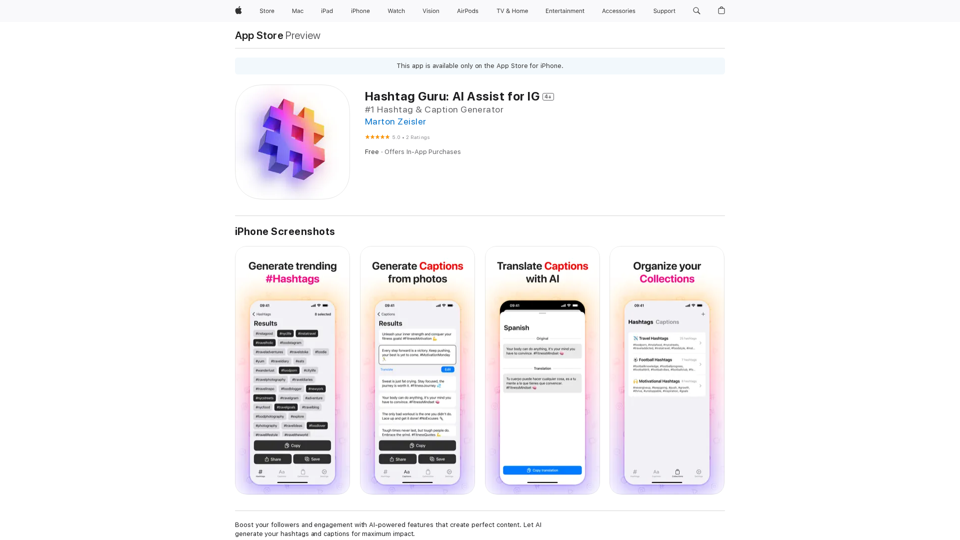
Hashtag Guru: AI Assistant for Instagram on the App Store
Hashtag Guru: AI Assistant for Instagram on the App StoreYour Ultimate AI-Powered Hashtag and Caption Generator! Unlock the secret to social media success with Hashtag Guru, the ultimate AI-driven hashtag generator and caption creator that helps you increase your online visibility, boost engagement, and grow your followers!
124.77 M