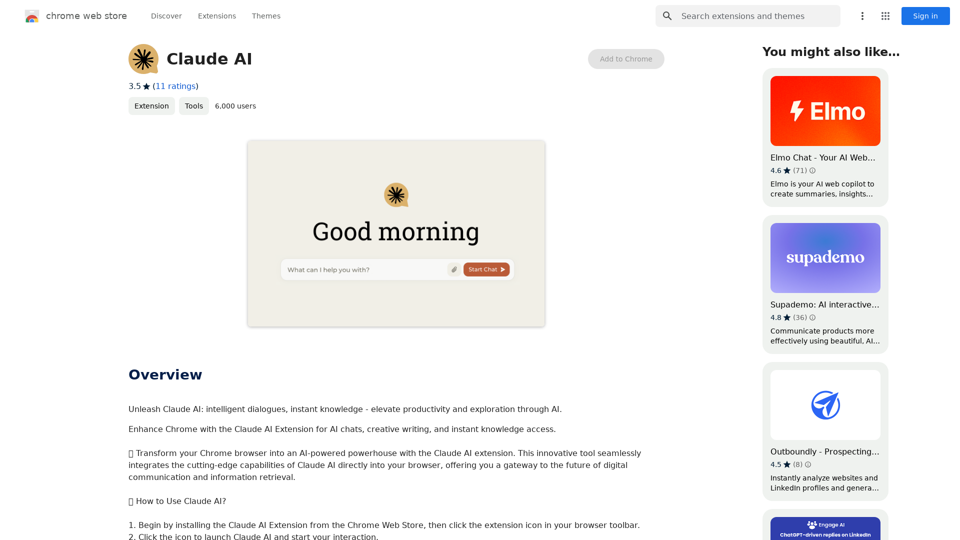
Claude AI is a Chrome extension that integrates advanced AI capabilities directly into your browser. It offers intelligent conversations, creative writing assistance, and a vast knowledge base for learning and exploration. This innovative tool transforms your browser into a smart companion, enhancing digital communication and information retrieval.
Claude AI Claude AI is an artificial intelligence model that can understand and respond to human input in a conversational manner. It is trained on a massive dataset of text from the internet and can generate human-like responses to a wide range of topics and questions. Claude AI is designed to be highly engaging and can even exhibit a sense of humor, making it a popular choice for chatbots and virtual assistants.
Unleash Claude AI: Intelligent Dialogues, Instant Knowledge - Elevate Productivity and Exploration through AI.
Introduction
Feature
Intelligent Conversations
- Tailored interactions matching user's tone and context
- Versatile dialogues adapting to various conversational styles
- Insightful and relevant responses to user queries
Creative and Professional Writing Aid
- Generates creative prompts for poems, scripts, emails, etc.
- Assists in drafting messages, writing code, and generating content ideas
- Enhances productivity across various writing tasks
Explore and Learn
- Extensive knowledge base providing concise, accurate information
- Simplifies complex subjects for easier understanding
- Facilitates on-the-go learning on diverse topics
Easy Integration
- Simple installation from Chrome Web Store
- Accessible via browser toolbar icon
- Instant responses and insights within the browser
Flexible Pricing
- Free usage up to 20 times daily
- Subscription option for additional benefits and extended access
FAQ
What is Claude AI?
Claude AI is an AI-driven Chrome extension that integrates advanced AI capabilities into your browser. It offers intelligent conversations, creative writing assistance, and a vast knowledge base for various needs, including text generation and image understanding.
How do I use Claude AI?
To use Claude AI:
- Install the extension from the Chrome Web Store
- Click the extension icon in your browser toolbar
- Engage in conversations, ask questions, or request creative writing prompts
- Receive instant responses and insights directly in your browser
Is Claude AI free to use?
Claude AI offers a free tier allowing up to 20 uses per day. For additional benefits and extended access beyond the free usage limits, users can subscribe to the platform.
Related Websites
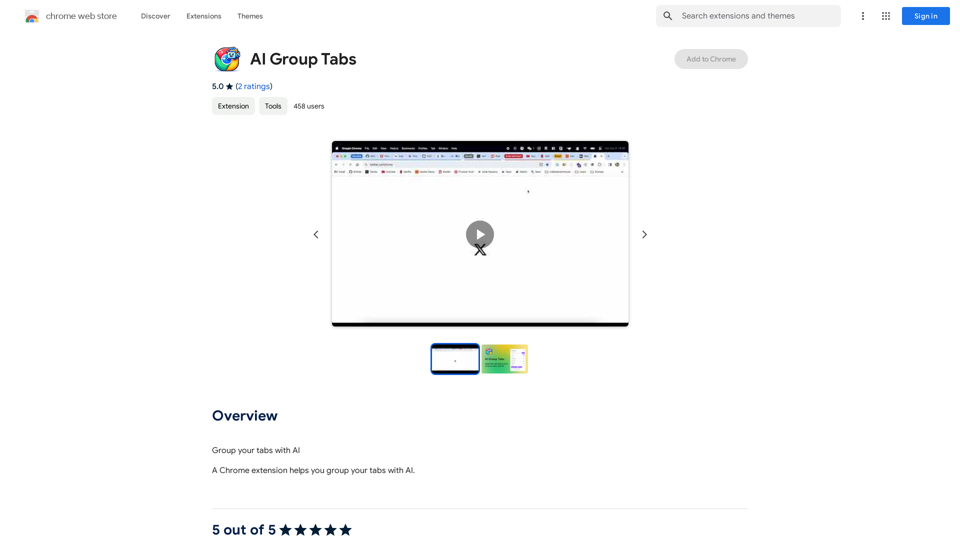
Group your tabs with AI This is a simple and effective way to organize your browser tabs using artificial intelligence. Here's how it works: * Select multiple tabs: Choose the tabs you want to group together. * AI grouping: Our AI will analyze the content of the selected tabs and suggest relevant groups. * Customize groups: You can adjust the suggested groups or create your own. * Save and access: Save your grouped tabs for easy access later. Let AI help you stay organized and productive!
193.90 M
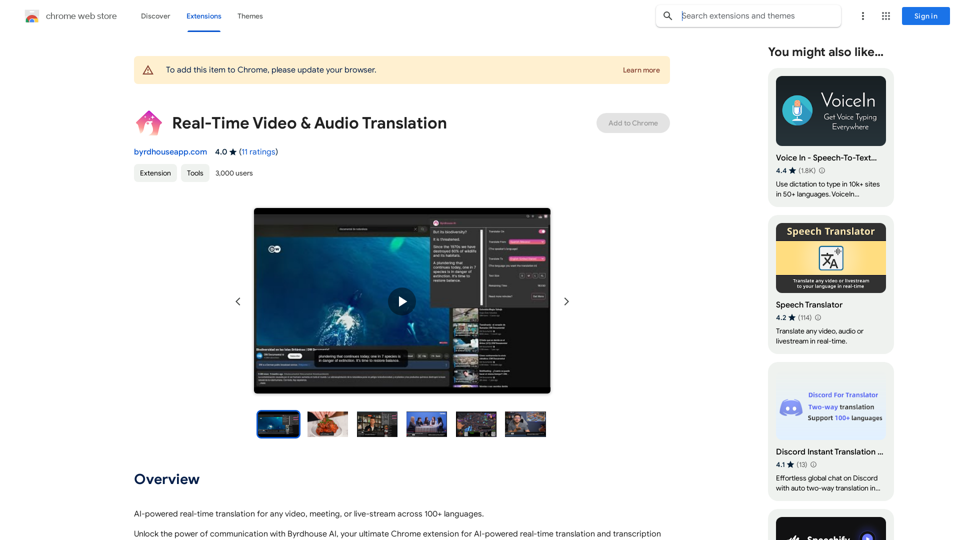
AI-powered real-time translation for any video, meeting, or live-stream across 100+ languages.
193.90 M
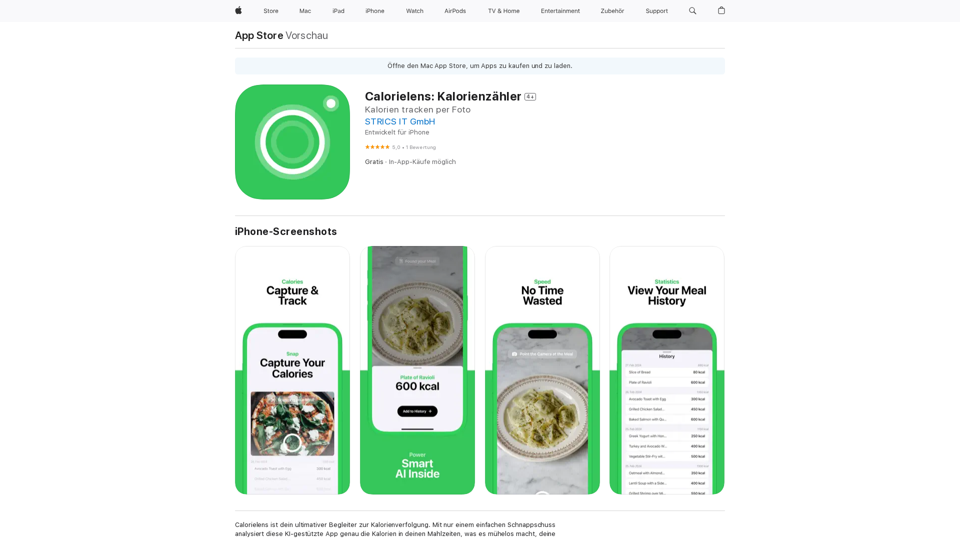
CalorieLens is your ultimate companion for calorie tracking. With just a simple snapshot, this AI-powered app accurately analyzes the calories in…
124.77 M
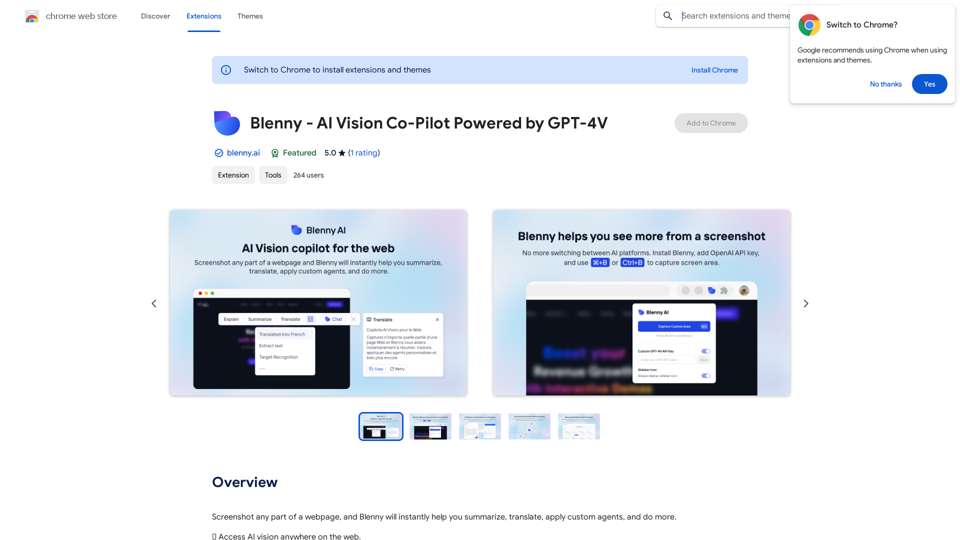
Screenshot any part of a webpage, and Blenny will instantly help you summarize, translate, apply custom agents, and do more.
193.90 M
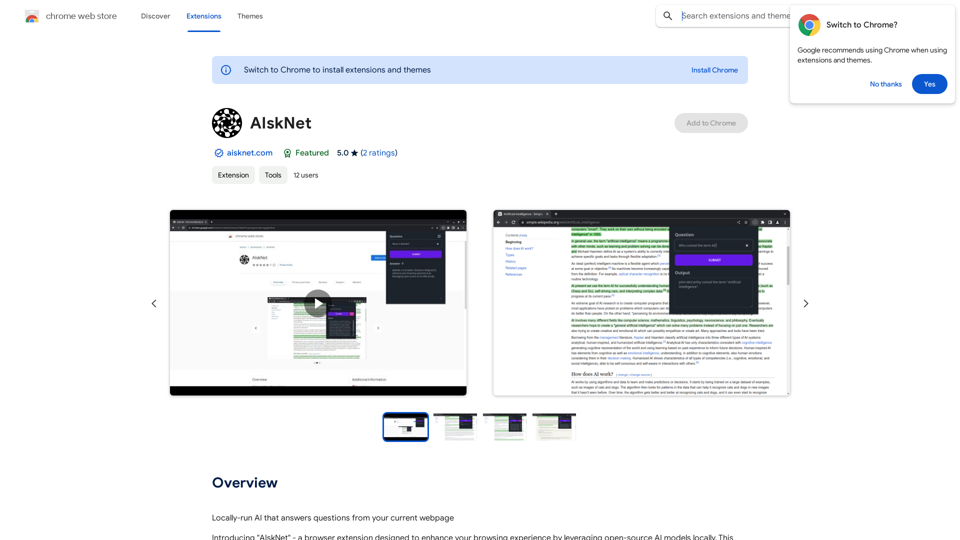
AI that runs on your computer and answers questions about the web page you are currently viewing.
193.90 M
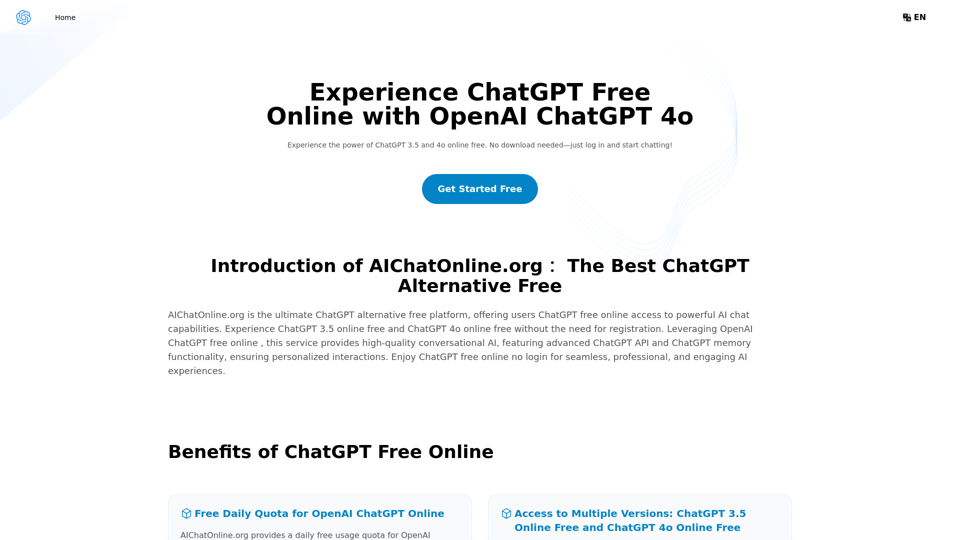
The Free Alternative to ChatGPT Powered by 4o | AIChatOnline.org
The Free Alternative to ChatGPT Powered by 4o | AIChatOnline.orgDiscover AIChatOnline.org, your ultimate platform for free online access to ChatGPT. Enjoy ChatGPT 3.5 online for free and ChatGPT 4 online for free, with no registration required. Take advantage of OpenAI's free online ChatGPT for advanced AI capabilities, including ChatGPT memory and ChatGPT API integration.
70.11 K
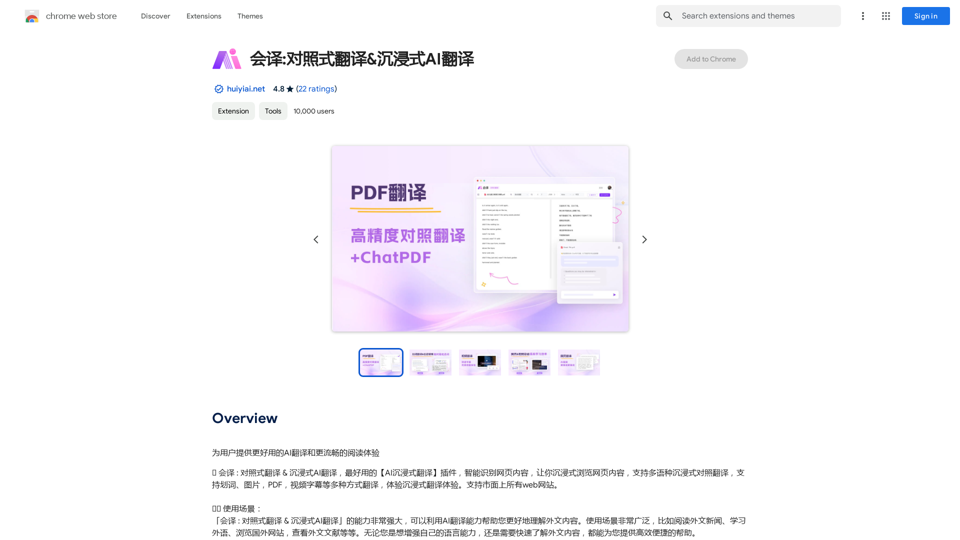
Translation Methods: Comparative Translation & Immersive AI Translation
Translation Methods: Comparative Translation & Immersive AI TranslationProvide users with better AI translation and a more fluent reading experience.
193.90 M
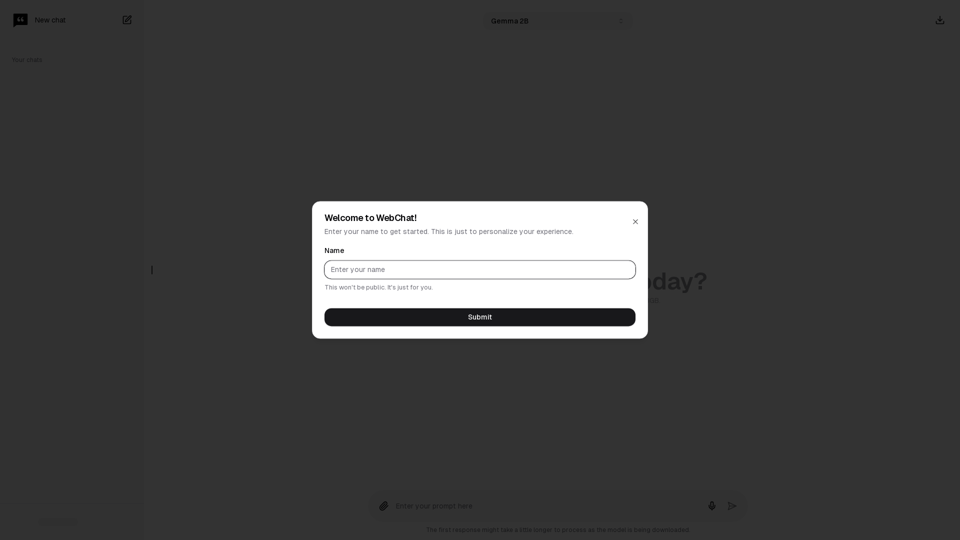
Chat with Web-LLM Models in the Browser You can interact with Web-LLM models directly in your web browser without requiring any additional setup or installation. This allows you to easily experiment with and explore the capabilities of these models. Getting Started To get started, simply open a web browser and navigate to the Web-LLM model's website or platform. Once you're on the website, you can usually find a chat interface or text input field where you can enter your prompts or questions. How it Works When you enter a prompt or question, the Web-LLM model processes your input and generates a response. This response is then displayed in the chat interface or output field, allowing you to read and interact with the model's output. Benefits The benefits of chatting with Web-LLM models in the browser include: * Convenience: No need to install any software or set up any development environments. * Accessibility: Anyone with a web browser can interact with the model, regardless of their technical expertise. * Ease of use: The chat interface provides a user-friendly way to interact with the model, making it easy to experiment and explore its capabilities. Use Cases Some potential use cases for chatting with Web-LLM models in the browser include: * Research and development: Quickly experiment with different models and prompts to explore their capabilities and limitations. * Education and learning: Use the chat interface to teach students about AI and language models, or to provide interactive learning experiences. * Creative writing and ideation: Use the model as a tool to generate ideas, write stories, or create poetry. Overall, chatting with Web-LLM models in the browser provides a convenient and accessible way to interact with these powerful language models, and can be a valuable tool for a wide range of applications.
2.59 K