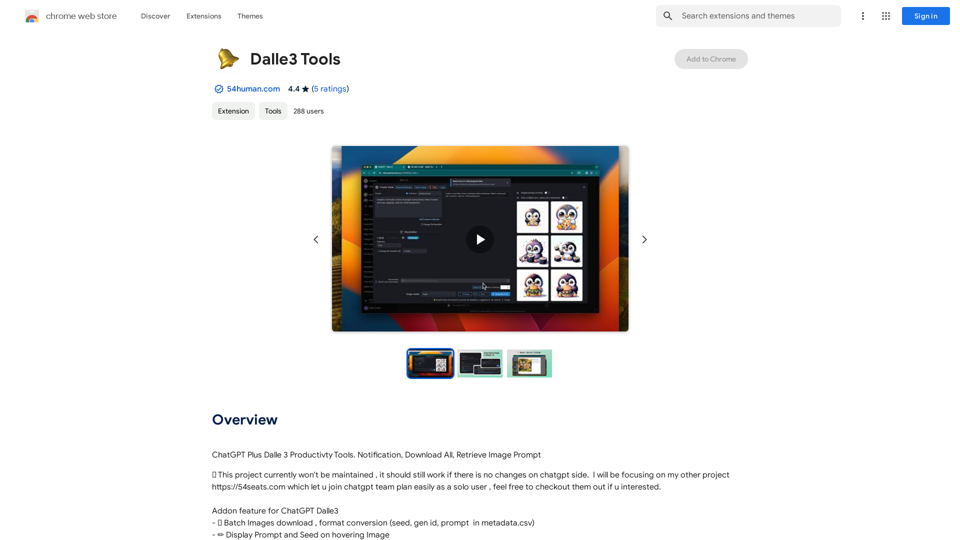
Dalle3 Tools is a Chrome extension designed to enhance the user experience with Dalle3, a text-to-image model. This tool offers convenient features for managing and downloading images generated by Dalle3, including batch downloads, format conversion, and display of prompts and seeds. Created by a reputable developer, it aims to streamline the process of working with AI-generated images.
Dalle3 Tools This is a collection of tools
ChatGPT Plus, DALL-E 3, Productivity Tools
* Notifications
* Download All
* Retrieve Image Prompt
Introduction
Feature
Batch Image Download
Dalle3 Tools allows users to download multiple images simultaneously, significantly reducing the time and effort required for image management.
Format Conversion
Users can convert images to different formats, providing flexibility in how the generated images are stored and used.
Prompt and Seed Display
The extension offers the ability to view prompts and seeds by hovering over images, providing valuable context for each generated image.
Gallery View
A comprehensive gallery view feature enables users to see all generated images in one place, improving organization and accessibility.
Chrome Notification Integration
For optimal functionality, users should ensure Chrome notification settings are enabled to receive important updates and alerts.
Regular Updates
The developer actively maintains the extension, releasing updates to address user-reported issues and improve overall performance.
FAQ
How do I use Dalle3 Tools?
To use Dalle3 Tools, simply install the Chrome extension and follow the prompts to download images generated by Dalle3.
What are the main features of Dalle3 Tools?
The main features include:
- Batch image download
- Format conversion
- Display of prompts and seeds
- Gallery view
Is Dalle3 Tools free to use?
Yes, the extension is currently free to use, with no pricing information available.
Have users reported any issues with the extension?
Some users have reported issues such as:
- Failure to generate metadata.csv files
- Skipping of images during bulk download However, the developer has been responsive in addressing these concerns through updates.
Are there any helpful tips for using Dalle3 Tools?
Here are some tips to maximize your use of Dalle3 Tools:
- Utilize the batch image download feature for efficiency
- Experiment with format conversion for different use cases
- Use the prompt and seed display feature for better context
- Take advantage of the gallery view for easy image management
Related Websites
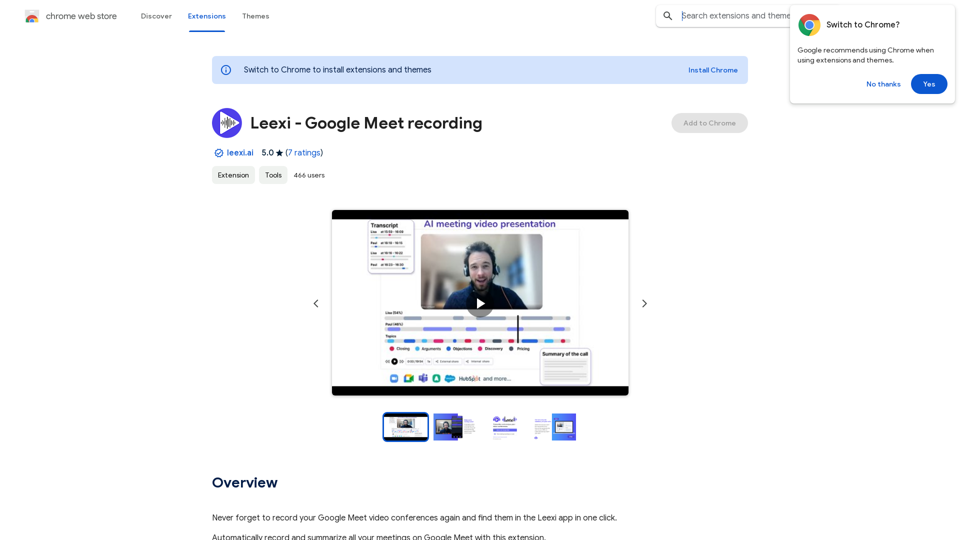
Never forget to record your Google Meet video conferences again and find them in the Leexi app in one click.
193.90 M
TubeSumma lets you quickly summarize YouTube videos, grabbing the main points without having to watch the entire thing.
193.90 M
AI Voice Over for YouTube This is a guide to using AI voice over for your YouTube videos. Why Use AI Voice Over? * Cost-Effective: AI voice over is much cheaper than hiring a professional voice actor. * Time-Saving: You can generate voice over quickly and easily, without needing to schedule recording sessions. * Variety of Voices: Choose from a wide range of AI voices, including male, female, and even robotic voices. * Accessibility: Make your videos accessible to viewers who are deaf or hard of hearing by adding captions generated by AI. How to Use AI Voice Over 1. Choose a Platform: There are many different platforms that offer AI voice over services, such as: * Google Cloud Text-to-Speech * Amazon Polly * Microsoft Azure Text to Speech * Murf.ai * NaturalReader 2. Write Your Script: Write a clear and concise script for your video. 3. Upload Your Script: Upload your script to the chosen platform. 4. Select a Voice: Choose the voice that best suits your video. 5. Adjust Settings: Adjust settings such as speed, pitch, and volume. 6. Generate Voice Over: Click the "Generate" button to create your voice over. 7. Download and Edit: Download the generated voice over file and edit it as needed. 8. Add to Your Video: Add the voice over to your YouTube video. Tips for Using AI Voice Over * Use Natural Language: Write your script as if you were speaking naturally. * Vary Your Tone: Use different tones of voice to keep your viewers engaged. * Add Pauses: Include pauses in your script to allow viewers to process information. * Proofread Carefully: Always proofread your script before generating the voice over. * Experiment: Try different voices, settings, and styles to find what works best for you.
AI Voice Over for YouTube This is a guide to using AI voice over for your YouTube videos. Why Use AI Voice Over? * Cost-Effective: AI voice over is much cheaper than hiring a professional voice actor. * Time-Saving: You can generate voice over quickly and easily, without needing to schedule recording sessions. * Variety of Voices: Choose from a wide range of AI voices, including male, female, and even robotic voices. * Accessibility: Make your videos accessible to viewers who are deaf or hard of hearing by adding captions generated by AI. How to Use AI Voice Over 1. Choose a Platform: There are many different platforms that offer AI voice over services, such as: * Google Cloud Text-to-Speech * Amazon Polly * Microsoft Azure Text to Speech * Murf.ai * NaturalReader 2. Write Your Script: Write a clear and concise script for your video. 3. Upload Your Script: Upload your script to the chosen platform. 4. Select a Voice: Choose the voice that best suits your video. 5. Adjust Settings: Adjust settings such as speed, pitch, and volume. 6. Generate Voice Over: Click the "Generate" button to create your voice over. 7. Download and Edit: Download the generated voice over file and edit it as needed. 8. Add to Your Video: Add the voice over to your YouTube video. Tips for Using AI Voice Over * Use Natural Language: Write your script as if you were speaking naturally. * Vary Your Tone: Use different tones of voice to keep your viewers engaged. * Add Pauses: Include pauses in your script to allow viewers to process information. * Proofread Carefully: Always proofread your script before generating the voice over. * Experiment: Try different voices, settings, and styles to find what works best for you.Watch foreign language YouTube videos in your own language.
193.90 M
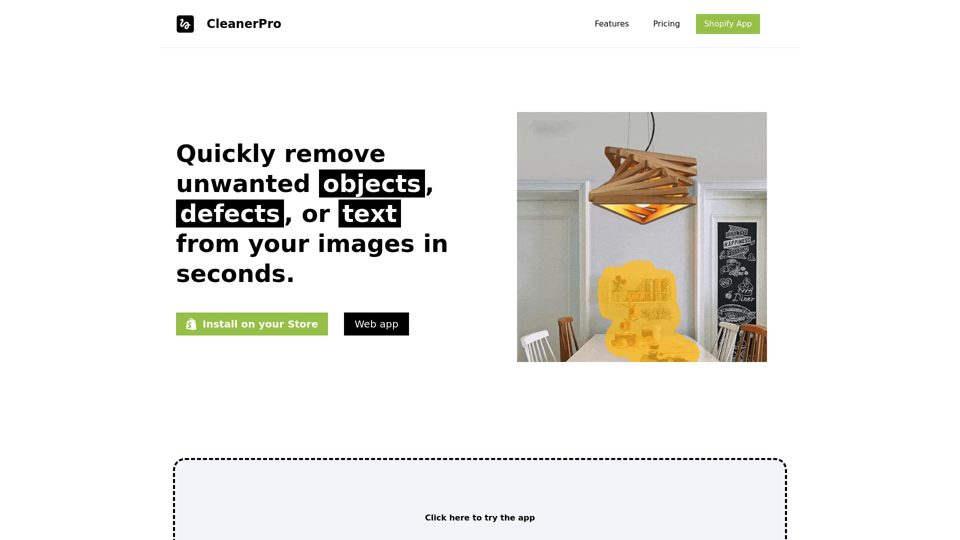
CleanerPro, our AI-powered image editor, transforms e-commerce visuals by enabling effortless removal of logos, text, and unwanted elements with just one click.
0
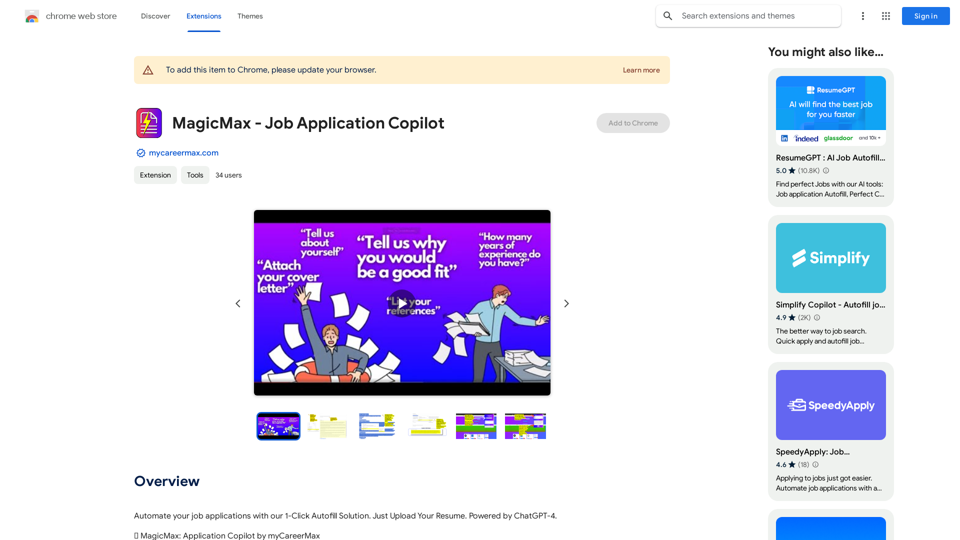
Automate your job applications with our 1-Click Autofill Solution. Just upload your resume. Powered by ChatGPT-4.
193.90 M