GPT-Chat is an AI-powered platform offering a wide range of AI technologies for text generation, image understanding, and problem-solving. It provides easy access to ChatGPT and other AI models, catering to various needs in work, study, and daily life. With features like basic history saving, downloads, and cost calculation, GPT-Chat aims to make AI tools accessible and user-friendly.
GPT-ChatDIY
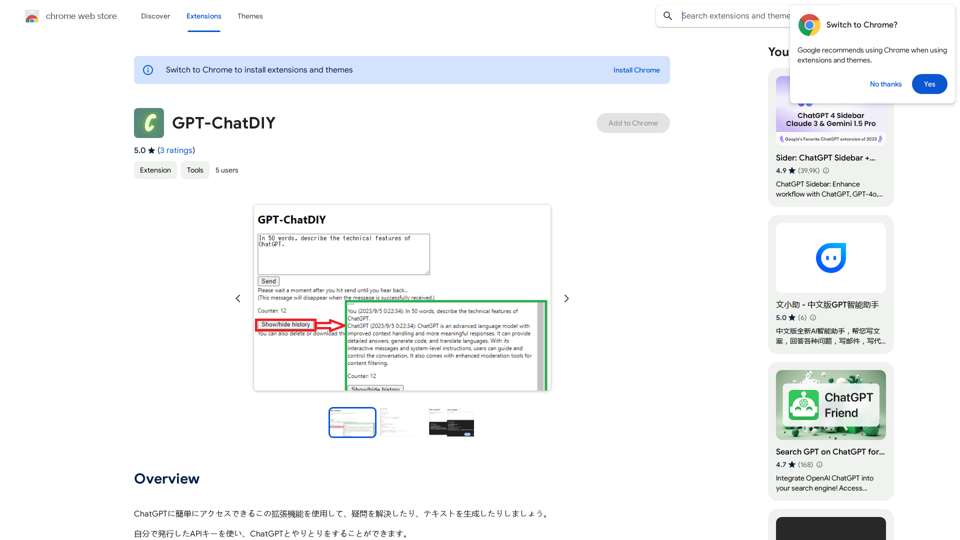
Use this extension to easily access ChatGPT and solve your questions or generate text.
Introduction
Feature
Access to ChatGPT and Multiple AI Models
GPT-Chat provides access to ChatGPT for text generation and problem-solving, along with nearly 200,000 GPT models for diverse applications.
Free Daily Usage
Users can enjoy up to 20 free uses of GPT-Chat per day, with subscription options available for extended access.
Image Generation with Dalle3
GPT-Chat incorporates Dalle3's text-to-image generation capability, allowing users to create images seamlessly.
Basic History Saving
The platform offers a basic history saving feature to help users keep track of their conversations.
Download Functionality
Users can download their generated text or images for offline use or further editing.
Simple Cost Calculation
GPT-Chat includes a simple cost calculation feature to help users estimate the cost of AI services.
Personal Information Protection
The platform implements a personal information input suppression feature to prevent errors and protect user privacy.
Privacy-Focused
GPT-Chat prioritizes user privacy, ensuring that user data is not used for training purposes and can be deleted upon request.
FAQ
What is GPT-Chat?
GPT-Chat is an AI-driven platform providing access to various AI technologies, including ChatGPT, for text generation, image understanding, and problem-solving.
How many free uses does GPT-Chat offer daily?
Every user can utilize GPT-Chat for free up to 20 times a day.
Can I generate images using GPT-Chat?
Yes, GPT-Chat incorporates Dalle3's text-to-image generation capability, allowing users to create images.
How many GPT models are available on GPT-Chat?
GPT-Chat offers nearly 200,000 GPT models for a wide variety of applications in work, study, and everyday life.
Is my information used for training data?
No, GPT-Chat highly values user privacy, and your data will not be used for any training purposes. Users can delete their account and all associated data at any time.
Related Websites
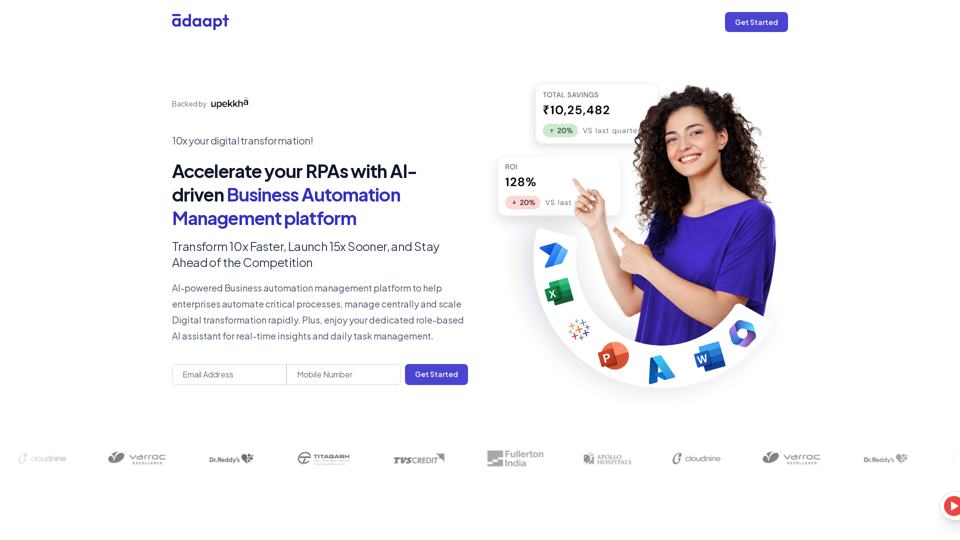
Adaapt.ai - Simplify and Optimize Your Processes with Automation
Adaapt.ai - Simplify and Optimize Your Processes with AutomationUnlock efficiency and elevate your business with Adaapt.ai - Your partner in automation. Streamline processes effortlessly and boost productivity. Discover cutting-edge solutions tailored for your success.
0
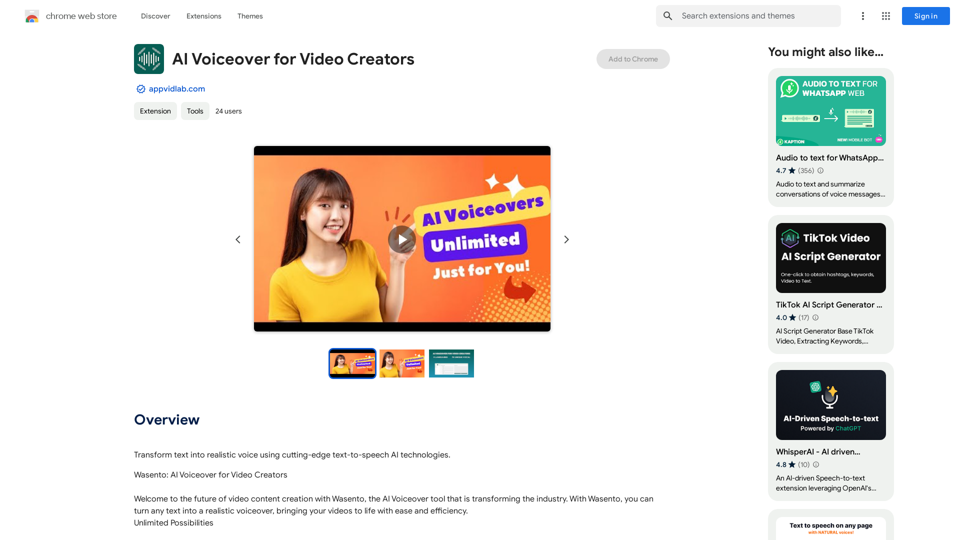
AI Voiceover for Video Creators Elevate Your Videos with Realistic AI Voices Tired of bland, monotone narration? Want to add a professional touch to your videos without breaking the bank? Introducing AI voiceover, the game-changer for video creators! Benefits of Using AI Voiceover: * High-Quality, Natural-Sounding Voices: Choose from a wide range of realistic AI voices, each with unique tones and styles. * Cost-Effective: Say goodbye to expensive voice actors and studios. AI voiceover is affordable and accessible to everyone. * Time-Saving: Generate voiceovers quickly and easily, freeing up your time to focus on other aspects of your video production. * Multilingual Support: Reach a global audience by translating your voiceovers into multiple languages. * Customizable Options: Adjust voice pitch, speed, and emphasis to perfectly match your video's tone and style. Perfect for: * YouTube Videos * Explainer Videos * Corporate Videos * E-Learning Content * Podcasts * And More! Get Started Today! Try our AI voiceover tool and experience the difference.
AI Voiceover for Video Creators Elevate Your Videos with Realistic AI Voices Tired of bland, monotone narration? Want to add a professional touch to your videos without breaking the bank? Introducing AI voiceover, the game-changer for video creators! Benefits of Using AI Voiceover: * High-Quality, Natural-Sounding Voices: Choose from a wide range of realistic AI voices, each with unique tones and styles. * Cost-Effective: Say goodbye to expensive voice actors and studios. AI voiceover is affordable and accessible to everyone. * Time-Saving: Generate voiceovers quickly and easily, freeing up your time to focus on other aspects of your video production. * Multilingual Support: Reach a global audience by translating your voiceovers into multiple languages. * Customizable Options: Adjust voice pitch, speed, and emphasis to perfectly match your video's tone and style. Perfect for: * YouTube Videos * Explainer Videos * Corporate Videos * E-Learning Content * Podcasts * And More! Get Started Today! Try our AI voiceover tool and experience the difference.Use state-of-the-art text-to-speech AI to make your text sound like a real person speaking.
193.90 M
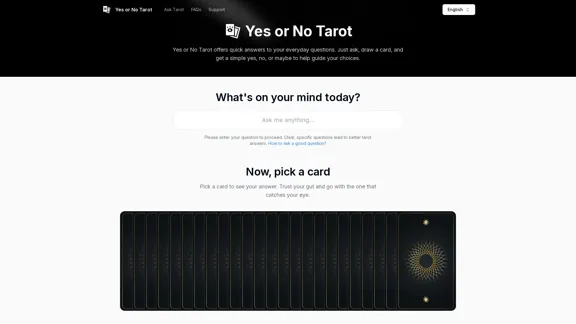
Yes or No Tarot offers quick answers to your everyday questions. Just ask, draw a card, and get a simple yes, no, or maybe to help guide your choices.
0
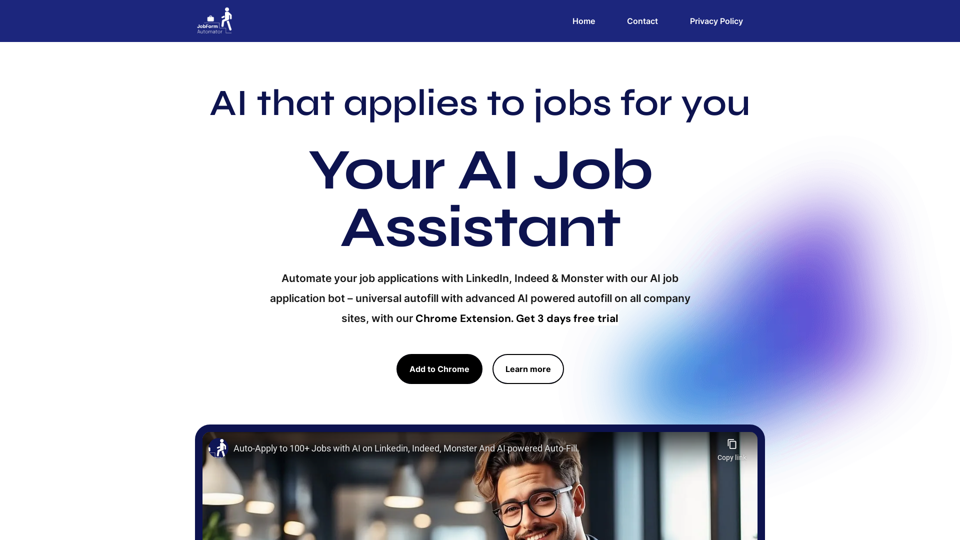
Automatically Apply to Jobs on LinkedIn, Indeed, Monster, and Auto-Fill on All Websites
Automatically Apply to Jobs on LinkedIn, Indeed, Monster, and Auto-Fill on All WebsitesSave time applying for jobs! Auto-applies job bot. Auto-fills in forms on all websites. Get hired faster! - Apply smarter, not harder.
260