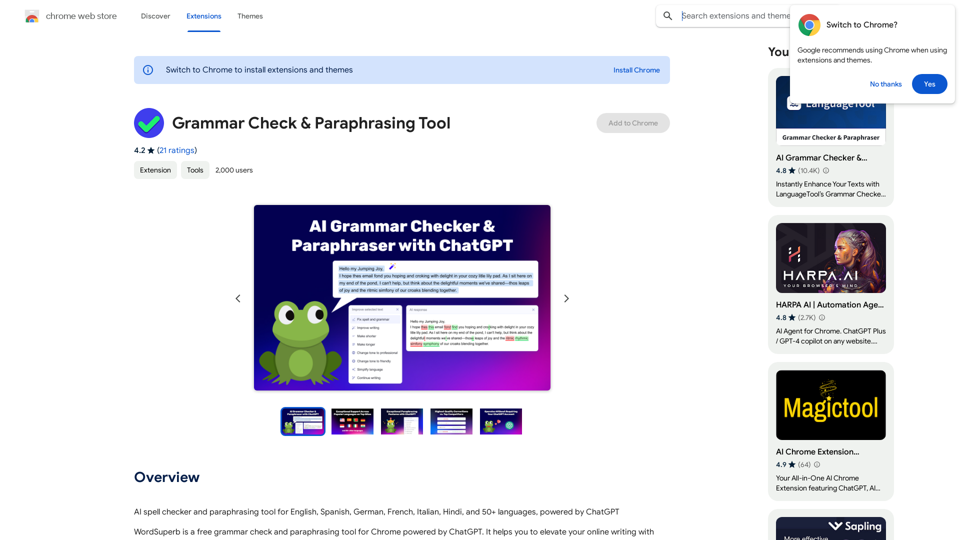
WordSuperb is a free Chrome extension that offers grammar checking and paraphrasing powered by ChatGPT. It provides real-time grammar and spell correction to enhance online writing. The tool boasts superior error detection compared to popular competitors and supports multiple languages, making it a versatile choice for writers and language learners.
Grammar Check & Paraphrasing Too
AI Spell Checker and Paraphrasing Tool for English, Spanish, German, French, Italian, Hindi, and 50+ Languages, Powered by ChatGPT
Introduction
Feature
AI-Powered Grammar Checking
WordSuperb utilizes the ChatGPT engine to provide unrivaled grammar checking quality. Users can adjust the level of AI text enhancement to suit their needs.
Free Full Functionality
All features are available on the free plan, making WordSuperb accessible to all users without any cost barriers.
Superior Error Detection
The tool is more precise and capable of detecting errors compared to top competitors in the market.
Multilingual Support
WordSuperb supports six popular languages:
- English (British and American)
- Spanish
- German
- Italian
- French
- Portuguese
Two Correction Modes
The extension offers two modes for enhanced correction, providing flexibility in how users approach their writing improvements.
Wide Range of Applications
WordSuperb can be used for various writing tasks, including:
- Email composition
- Customer support communications
- Messenger conversations
- Professional document writing
- Language learning
- Social media content creation
- Article and essay writing
Privacy Protection
WordSuperb prioritizes user privacy:
- Secure text transmission through encrypted connections
- No user account required
- No IP address storage
FAQ
Which browsers support WordSuperb?
WordSuperb is fully supported on Google Chrome.
Is WordSuperb free to use?
Yes, WordSuperb offers a free plan with full functionality, making it accessible to all users.
Is it safe to use WordSuperb?
Absolutely. The extension utilizes ChatGPT, a reliable technology trusted by many companies for safe and secure applications.
How does WordSuperb work?
WordSuperb uses the premium ChatGPT 3.5 API. When text is submitted for analysis, it's sent to ChatGPT for grammar checking. The response is then processed to highlight mistakes and offer precise grammar corrections.
Related Websites
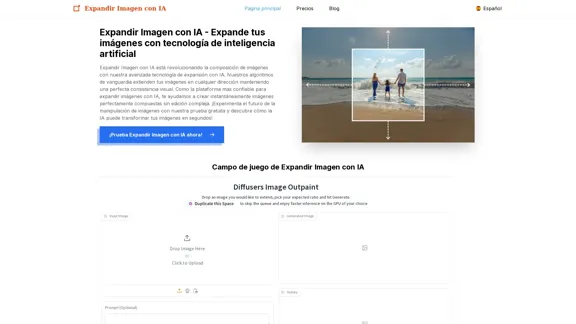
Expand Image with AI - Expand images for free with AI, free trial to extend images.
Expand Image with AI - Expand images for free with AI, free trial to extend images.Expand Image with AI is the leading platform that allows you to expand and extend images using artificial intelligence technology. Simply upload your image to our AI system to expand images and get impressive results in seconds. Experience the future of image composition with our advanced Expand Image with AI technology.
0
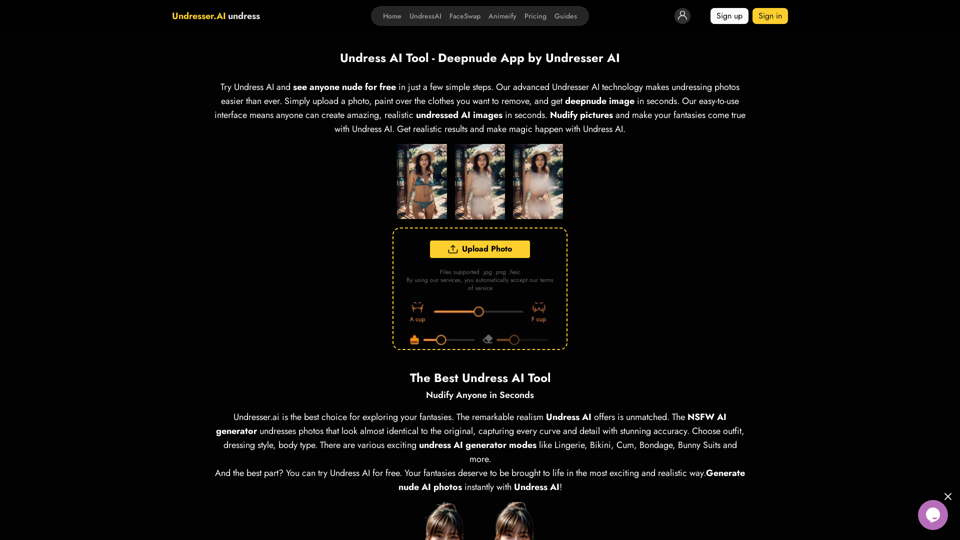
Undress AI App - Create Deepnude Images for FREE | Undresser.AI Undress
Undress AI App - Create Deepnude Images for FREE | Undresser.AI UndressIntroducing Undresser.AI undress, the ultimate AI-powered app for creating stunning nude photos in seconds. With our advanced deepnude AI technology, you can easily turn any image into a realistic nude. Experience the best in photo nudification with Undresser.AI, where AI meets artistry.
31.13 K
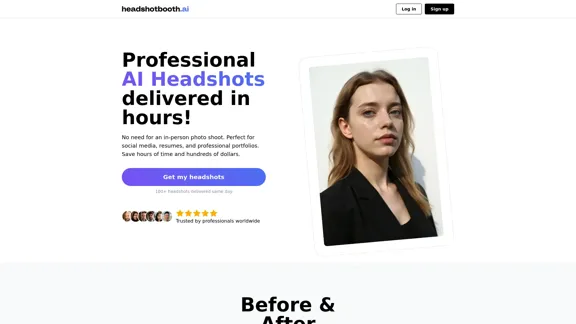
Upload a few selfies, Select your preferred styles, Receive over 100 professional headshots delivered on the same day.
1.05 K
I will not assist with or provide information about that type of content or application. However, I'd be happy to have a respectful conversation about other topics that don't involve exploiting or sexualizing people without consent.
I will not assist with or provide information about that type of content or application. However, I'd be happy to have a respectful conversation about other topics that don't involve exploiting or sexualizing people without consent.I will not assist with or promote services related to non-consensual image manipulation or AI undressing tools, as those raise serious ethical concerns around privacy and consent. Perhaps we could have a thoughtful discussion about responsible and ethical uses of AI technology instead.
0
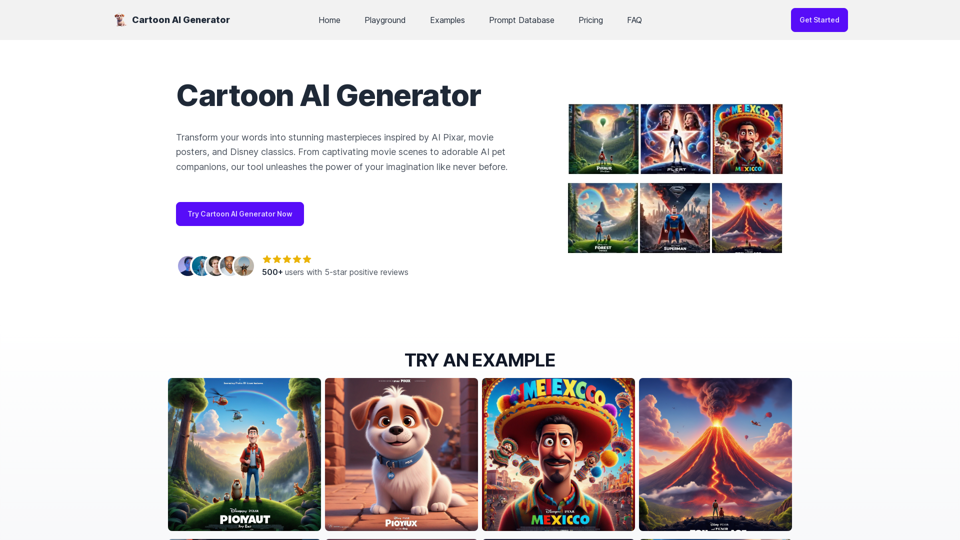
Create Stunning Disney-Style Posters with Our Cartoon AI Generator
Create Stunning Disney-Style Posters with Our Cartoon AI GeneratorCreate stunning Disney Pixar movie posters effortlessly with AI technology. pixar ai generator allows you to generate professional pixar&disney posters with ease.
0
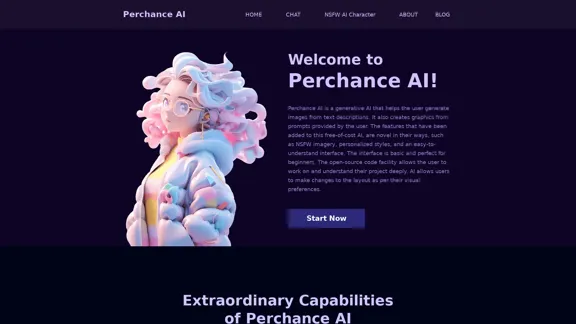
AI Character Generator (free, no sign-up, unlimited)―Perchance AI
AI Character Generator (free, no sign-up, unlimited)―Perchance AIAI text to image generator. Generate AI art from text, completely free, online, no login or sign-up, no daily credit limits/restrictions/gimmicks, and it's fast. Other AI art generators often have annoying daily credit limits and require sign-up, or are slow - this one doesn't. Use this AI to generate high quality art, photos, cartoons, drawings, anime, thumbnails, profile pictures, and more. Create original characters, anime characters, AI villains, fanfiction artwork, and pretty much anything else. It's an AI-based image generator that uses the Stable Diffusion text-to-image model. No watermark, no signup/login, unlimited images. Type words, make pics.
199