Open-source RightAI Tools Directory
  • Discover AI
  • Submit
  • Startup
  • Blog
Open-source RightAI Tools Directory
Discover the best AI tools of 2025 with the RightAI Tools Directory!

Friend Links

AI Anime GeneratorToolsApp AI

Support

Tap4
Privacy policyTerms & ConditionsContact Us
Loading...
loading...

Mellow - DALL-E Image and Prompts Bulk Download This is a tool to download images and prompts from Mellow, a platform for creating and sharing DALL-E images.

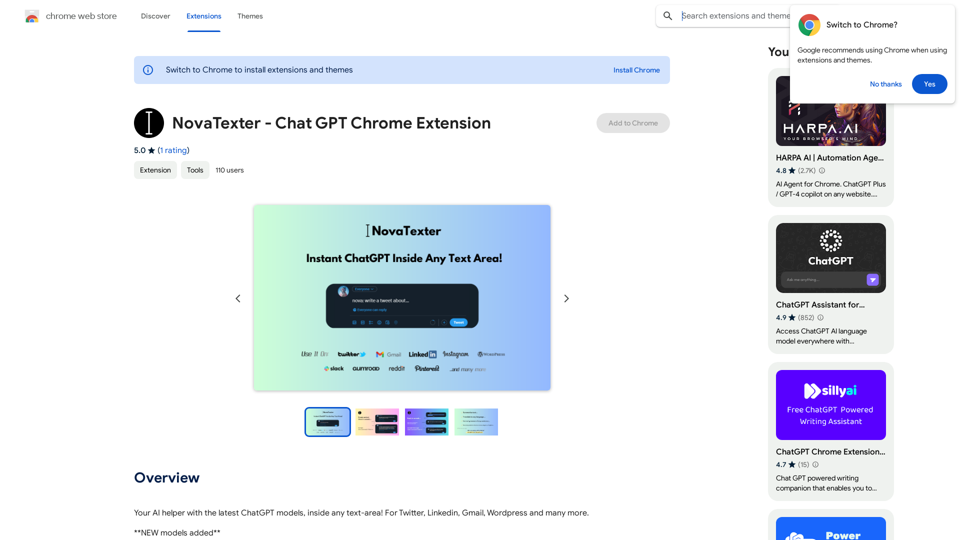
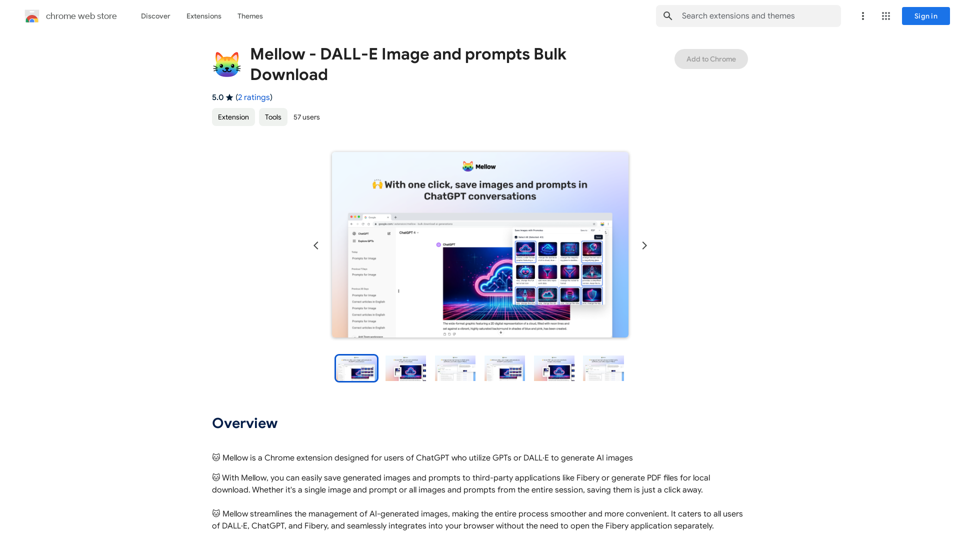
🐱 Mellow is a Chrome extension designed for users of ChatGPT who use GPTs or DALL·E to create AI images.
Visit Website
Mellow - DALL-E Image and Prompts Bulk Download 

This is a tool to download images and prompts from Mellow, a platform for creating and sharing DALL-E images.
Visit Website

Introduction

Mellow is a Chrome extension designed for ChatGPT users who generate AI images using GPTs or DALL-E. It simplifies the process of saving generated images and prompts to third-party applications like Fibery or creating PDF files for local download. Mellow streamlines the management of AI-generated images, offering seamless browser integration without the need to open separate applications.

Feature

Image and Prompt Saving

Mellow enables users to easily save AI-generated images and prompts to third-party applications such as Fibery or generate PDF files for local download.

Streamlined Management

The extension streamlines the management of AI-generated images, making the entire process smoother and more convenient for users.

Seamless Browser Integration

Mellow integrates seamlessly into your browser, eliminating the need to open separate applications like Fibery for managing AI-generated content.

PDF Generation

Users can generate PDF files of their AI-generated images and prompts for local download and storage.

User-Friendly Interface

With an average rating of 4.5 out of 5 stars from 57 users, Mellow offers a user-friendly experience for managing AI-generated content.

FAQ

What is Mellow?

Mellow is a Chrome extension designed for ChatGPT users who utilize GPTs or DALL-E to generate AI images. It allows for easy saving of generated images and prompts to third-party applications or as PDF files.

What are the main features of Mellow?

Mellow's main features include:

  1. Saving generated images and prompts to third-party applications like Fibery
  2. Generating PDF files for local download
  3. Streamlining the management of AI-generated images
  4. Seamless browser integration

How do I use Mellow?

Every user can utilize Mellow to save generated images and prompts to third-party applications like Fibery or generate PDF files for local download. Subscribing to the platform grants additional benefits and extended access beyond the free usage limits.

Related Websites

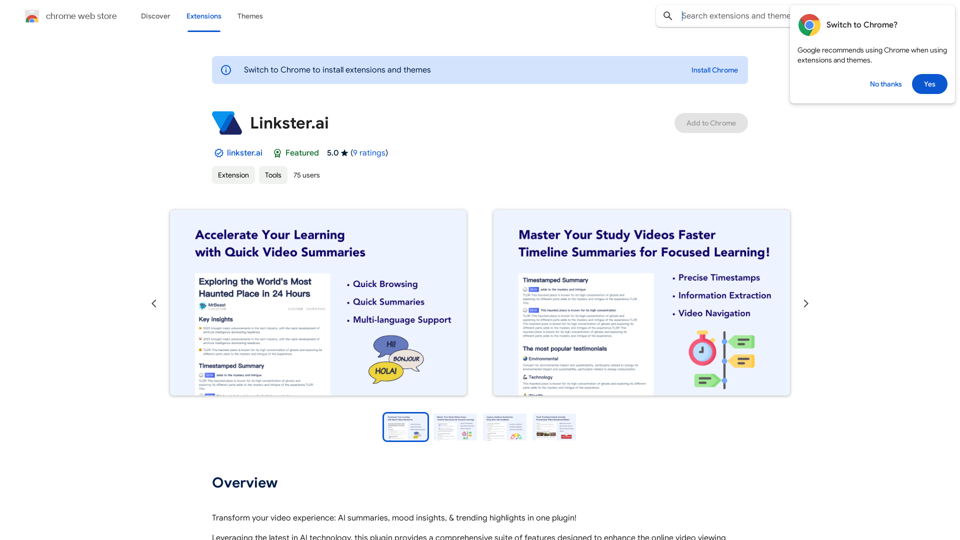
Corely: AI YouTube Summarizer with ChatGPT
View Detail

Corely: AI YouTube Summarizer with ChatGPT

Corely: AI YouTube Summarizer with ChatGPT

AI tool that boosts your productivity - grab key insights from any lengthy videos in 10 seconds. AI YouTube Summarizer with ChatGPT.

193.90 M
PromptForge
View Detail

PromptForge

PromptForge

PromptForge offers easy, diverse one-click prompts right inside ChatGPT, Gemini and more.

193.90 M
TruthGPT for Googleā„¢
View Detail

TruthGPT for Googleā„¢

TruthGPT for Googleā„¢

TruthGPT for all Googleā„¢ searches.

193.90 M
AI Voice Over for YouTube 

This is a guide to using AI voice over for your YouTube videos. 

Why Use AI Voice Over?

* Cost-Effective: AI voice over is much cheaper than hiring a professional voice actor.
* Time-Saving: You can generate voice over quickly and easily, without needing to schedule recording sessions.
* Variety of Voices: Choose from a wide range of AI voices, including male, female, and even robotic voices.
* Accessibility: Make your videos accessible to viewers who are deaf or hard of hearing by adding captions generated by AI.

How to Use AI Voice Over

1. Choose a Platform: There are many different platforms that offer AI voice over services, such as:
    * Google Cloud Text-to-Speech
    * Amazon Polly
    * Microsoft Azure Text to Speech
    * Murf.ai
    * NaturalReader
2. Write Your Script:  Write a clear and concise script for your video.
3. Upload Your Script:  Upload your script to the chosen platform.
4. Select a Voice: Choose the voice that best suits your video.
5. Adjust Settings:  Adjust settings such as speed, pitch, and volume.
6. Generate Voice Over:  Click the "Generate" button to create your voice over.
7. Download and Edit: Download the generated voice over file and edit it as needed.
8. Add to Your Video:  Add the voice over to your YouTube video.

Tips for Using AI Voice Over

* Use Natural Language:  Write your script as if you were speaking naturally.
* Vary Your Tone:  Use different tones of voice to keep your viewers engaged.
* Add Pauses:  Include pauses in your script to allow viewers to process information.
* Proofread Carefully:  Always proofread your script before generating the voice over.
* Experiment:  Try different voices, settings, and styles to find what works best for you.
View Detail

AI Voice Over for YouTube This is a guide to using AI voice over for your YouTube videos. Why Use AI Voice Over? * Cost-Effective: AI voice over is much cheaper than hiring a professional voice actor. * Time-Saving: You can generate voice over quickly and easily, without needing to schedule recording sessions. * Variety of Voices: Choose from a wide range of AI voices, including male, female, and even robotic voices. * Accessibility: Make your videos accessible to viewers who are deaf or hard of hearing by adding captions generated by AI. How to Use AI Voice Over 1. Choose a Platform: There are many different platforms that offer AI voice over services, such as: * Google Cloud Text-to-Speech * Amazon Polly * Microsoft Azure Text to Speech * Murf.ai * NaturalReader 2. Write Your Script: Write a clear and concise script for your video. 3. Upload Your Script: Upload your script to the chosen platform. 4. Select a Voice: Choose the voice that best suits your video. 5. Adjust Settings: Adjust settings such as speed, pitch, and volume. 6. Generate Voice Over: Click the "Generate" button to create your voice over. 7. Download and Edit: Download the generated voice over file and edit it as needed. 8. Add to Your Video: Add the voice over to your YouTube video. Tips for Using AI Voice Over * Use Natural Language: Write your script as if you were speaking naturally. * Vary Your Tone: Use different tones of voice to keep your viewers engaged. * Add Pauses: Include pauses in your script to allow viewers to process information. * Proofread Carefully: Always proofread your script before generating the voice over. * Experiment: Try different voices, settings, and styles to find what works best for you.

AI Voice Over for YouTube This is a guide to using AI voice over for your YouTube videos. Why Use AI Voice Over? * Cost-Effective: AI voice over is much cheaper than hiring a professional voice actor. * Time-Saving: You can generate voice over quickly and easily, without needing to schedule recording sessions. * Variety of Voices: Choose from a wide range of AI voices, including male, female, and even robotic voices. * Accessibility: Make your videos accessible to viewers who are deaf or hard of hearing by adding captions generated by AI. How to Use AI Voice Over 1. Choose a Platform: There are many different platforms that offer AI voice over services, such as: * Google Cloud Text-to-Speech * Amazon Polly * Microsoft Azure Text to Speech * Murf.ai * NaturalReader 2. Write Your Script: Write a clear and concise script for your video. 3. Upload Your Script: Upload your script to the chosen platform. 4. Select a Voice: Choose the voice that best suits your video. 5. Adjust Settings: Adjust settings such as speed, pitch, and volume. 6. Generate Voice Over: Click the "Generate" button to create your voice over. 7. Download and Edit: Download the generated voice over file and edit it as needed. 8. Add to Your Video: Add the voice over to your YouTube video. Tips for Using AI Voice Over * Use Natural Language: Write your script as if you were speaking naturally. * Vary Your Tone: Use different tones of voice to keep your viewers engaged. * Add Pauses: Include pauses in your script to allow viewers to process information. * Proofread Carefully: Always proofread your script before generating the voice over. * Experiment: Try different voices, settings, and styles to find what works best for you.

Watch foreign language YouTube videos in your own language.

193.90 M
Unlock the Power of AI
View Detail

Unlock the Power of AI

Unlock the Power of AI

Unlocking the Power of ChatGPT: Expanding Its Reach Beyond Conversations ChatGPT, the revolutionary AI language model, has been making waves in the digital world. While it's primarily known for its conversational capabilities, its potential uses extend far beyond just chatting. Imagine harnessing the power of ChatGPT to supercharge your online activities, such as searching, emailing, and browsing websites. Search Engines Integrating ChatGPT into search engines can elevate the search experience. Here are a few ways it can make a difference: * Natural Language Queries: With ChatGPT, users can ask complex, conversational questions, and the AI will understand the context, providing more accurate results. * Personalized Results: ChatGPT can learn users' preferences and tailor search results to their interests, making the search process more efficient. * Answer Engine: Instead of providing a list of links, ChatGPT can directly answer questions, saving users time and effort. Writing Emails ChatGPT can assist in crafting well-structured, coherent emails, making communication more effective: * Email Composition: The AI can suggest relevant topics, tone, and language, helping users to express themselves more clearly. * Content Generation: ChatGPT can generate email content, such as introductions, summaries, or even entire emails, saving time and effort. * Language Translation: The AI can translate emails in real-time, breaking language barriers and facilitating global communication. Any Website Imagine having ChatGPT as your personal assistant on any website: * Content Summarization: The AI can summarize long articles, blog posts, or product descriptions, providing users with a quick overview. * FAQ Generation: ChatGPT can generate answers to frequently asked questions, reducing the need for customer support. * Personalized Recommendations: The AI can analyze user behavior and provide personalized suggestions, enhancing the overall user experience. The possibilities are endless, and the potential benefits are substantial. By integrating ChatGPT into search engines, email clients, and websites, we can unlock a new level of efficiency, productivity, and innovation.

193.90 M
Open AI Chat GPT For Email
View Detail

Open AI Chat GPT For Email

Open AI Chat GPT For Email

Email Completion Suggestions ============================= Powered by OpenAI, this feature provides intelligent suggestions to complete your emails, saving you time and effort. How it Works --------------- 1. Start Writing: Begin composing your email as you normally would. 2. AI Takes Over: Our AI engine, powered by OpenAI, kicks in and analyzes the context of your email. 3. Suggestions Appear: Relevant and contextual suggestions will appear, helping you complete your email quickly and efficiently. Benefits ------------ * Save Time: Get suggestions in real-time, reducing the time spent on writing emails. * Improve Quality: Enhance the clarity and coherence of your emails with AI-driven suggestions. * Boost Productivity: Focus on more important tasks while our AI handles the email completion. Get Started -------------- Try our email completion suggestions today and experience the power of AI-driven productivity!

193.90 M
Shramko Video Describer
View Detail

Shramko Video Describer

Shramko Video Describer

Analyzes video content and generates descriptions, titles, and keywords using advanced machine learning algorithms.

193.90 M
Copy.ai
View Detail

Copy.ai

Copy.ai

Use Artificial Intelligence to write better SEO content.

193.90 M