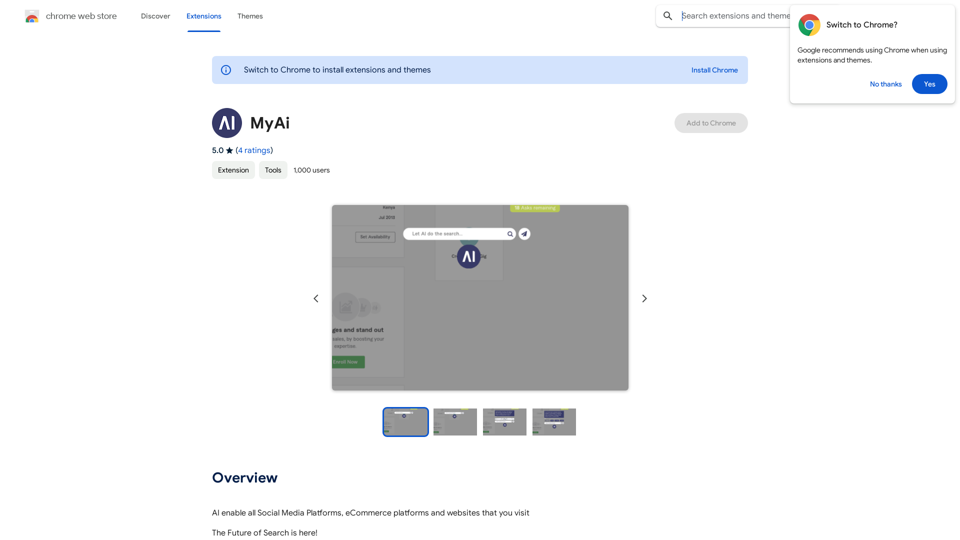
MyAi is an AI-powered browser extension that revolutionizes web searching. It allows users to perform searches and receive answers without leaving their current webpage, seamlessly integrating into their browsing experience. By leveraging natural language processing and personalized results, MyAi enhances productivity and streamlines information retrieval.
My AI
AI enables all social media platforms, e-commerce platforms, and websites that you visit.
Introduction
Feature
Seamless Integration
MyAi integrates smoothly with your current browser, enabling AI-powered search results without disrupting your browsing session. This feature maintains your focus and workflow while providing instant access to information.
Natural Language Processing
The extension utilizes advanced AI technology to understand and respond to queries conversationally. This feature makes it easy for users to ask questions and receive answers in a natural, intuitive manner.
Personalized Results
MyAi's AI technology provides tailored results based on your search history and preferences. This personalization enhances the relevance of search outcomes, making it easier to find desired information quickly.
Easy-to-Use Interface
Using MyAi is straightforward:
- Click the floating button in your browser to open the MyAi interface
- Type your question into the search bar
- Receive a range of answers and results
- Ask follow-up questions for more detailed information
Multi-Device Compatibility
MyAi is designed to work across multiple devices, including desktop computers, laptops, and mobile devices, ensuring a consistent experience across your digital ecosystem.
Free Access
MyAi is available as a free extension, allowing users to benefit from its core features without any subscription or payment.
FAQ
Is MyAi free to use?
Yes, MyAi is a free extension that can be used without any subscription or payment. However, additional features or premium support may require a paid subscription.
How do I install MyAi?
To install MyAi, simply click on the "Add to Chrome" button in the Chrome Web Store. The extension will then be added to your browser.
Can I use MyAi on different devices?
Yes, MyAi is designed to work on multiple devices, including desktop computers, laptops, and mobile devices, providing a consistent experience across your digital ecosystem.
What are some tips for getting the most out of MyAi?
- Utilize the natural language processing feature for more conversational queries
- Take advantage of personalized results to find relevant information quickly
- Experiment with different search queries to explore the range of results
- Use follow-up questions to delve deeper into topics and receive more detailed answers
Related Websites
Humanize AI Text - Convert AI to Human-Like Text Instantly Are you tired of robotic AI-generated content that lacks the personal touch? Do you want to breathe life into your AI-written text and make it sound more human? Look no further! Our AI humanizer tool is here to help you convert your AI text into engaging, natural-sounding content that resonates with your audience. How Does it Work? Our advanced AI humanizer uses sophisticated algorithms to analyze your AI-generated text and identify areas that need improvement. It then applies a range of linguistic and stylistic adjustments to make your text more relatable, conversational, and authentic. The result is a rewritten text that sounds like it was written by a human, not a machine. Benefits of Humanizing AI Text * Increased Engagement: Human-like text is more likely to capture your audience's attention and keep them engaged. * Improved Credibility: Authentic-sounding content builds trust and credibility with your readers. * Enhanced Readability: Our AI humanizer ensures that your text is easy to read and understand, making it more accessible to a wider audience. Try Our AI Humanizer Today! Don't settle for robotic AI-generated content. Convert your AI text into human-like content that resonates with your audience. Try our AI humanizer tool now and see the difference for yourself!
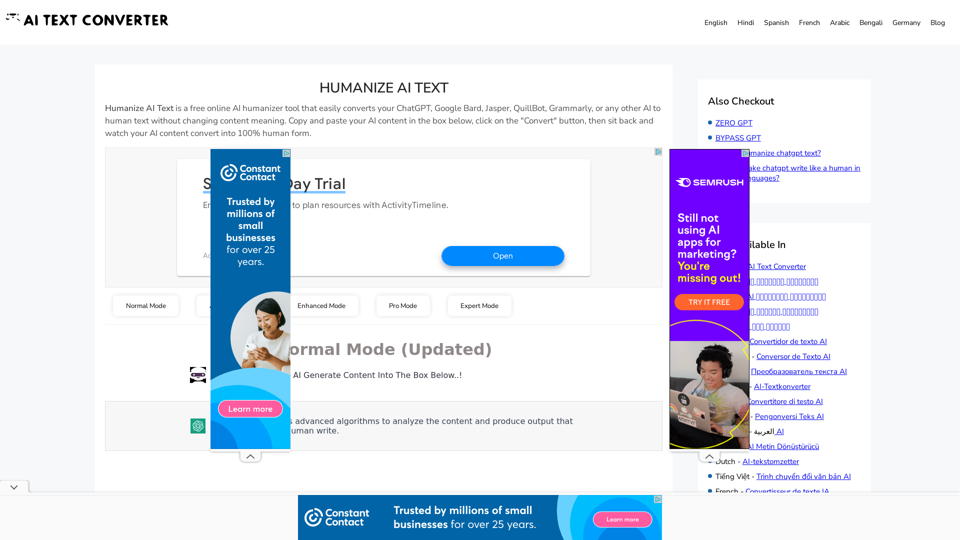
Humanize AI Text - Convert AI to Human-Like Text Instantly Are you tired of robotic AI-generated content that lacks the personal touch? Do you want to breathe life into your AI-written text and make it sound more human? Look no further! Our AI humanizer tool is here to help you convert your AI text into engaging, natural-sounding content that resonates with your audience. How Does it Work? Our advanced AI humanizer uses sophisticated algorithms to analyze your AI-generated text and identify areas that need improvement. It then applies a range of linguistic and stylistic adjustments to make your text more relatable, conversational, and authentic. The result is a rewritten text that sounds like it was written by a human, not a machine. Benefits of Humanizing AI Text * Increased Engagement: Human-like text is more likely to capture your audience's attention and keep them engaged. * Improved Credibility: Authentic-sounding content builds trust and credibility with your readers. * Enhanced Readability: Our AI humanizer ensures that your text is easy to read and understand, making it more accessible to a wider audience. Try Our AI Humanizer Today! Don't settle for robotic AI-generated content. Convert your AI text into human-like content that resonates with your audience. Try our AI humanizer tool now and see the difference for yourself!Humanize AI Text is a free online tool that converts AI-generated text into human-like text, helping to evade AI detection and improving the quality of your writing to match that of a human.
157.34 K
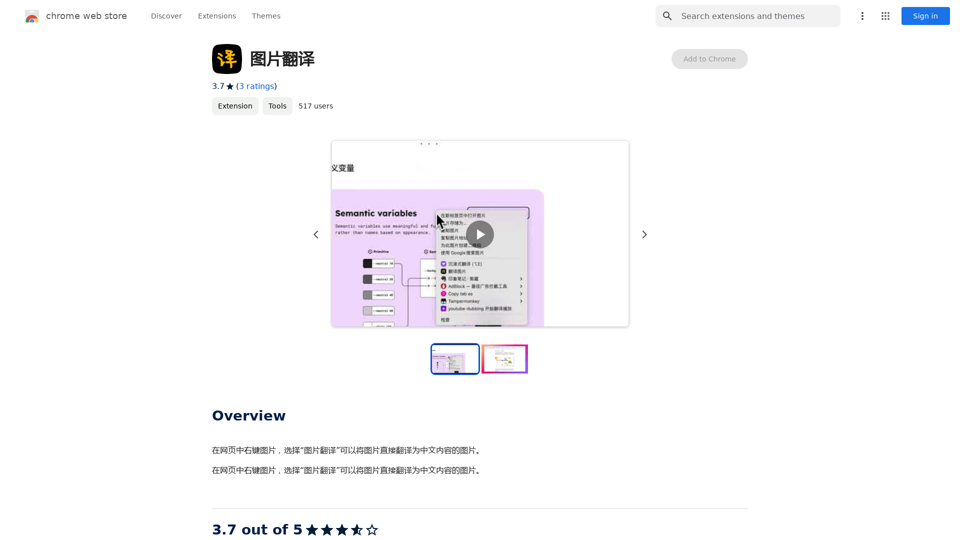
Right-click on an image on a webpage and select "Image Translation" to translate the image directly into Chinese content.
193.90 M
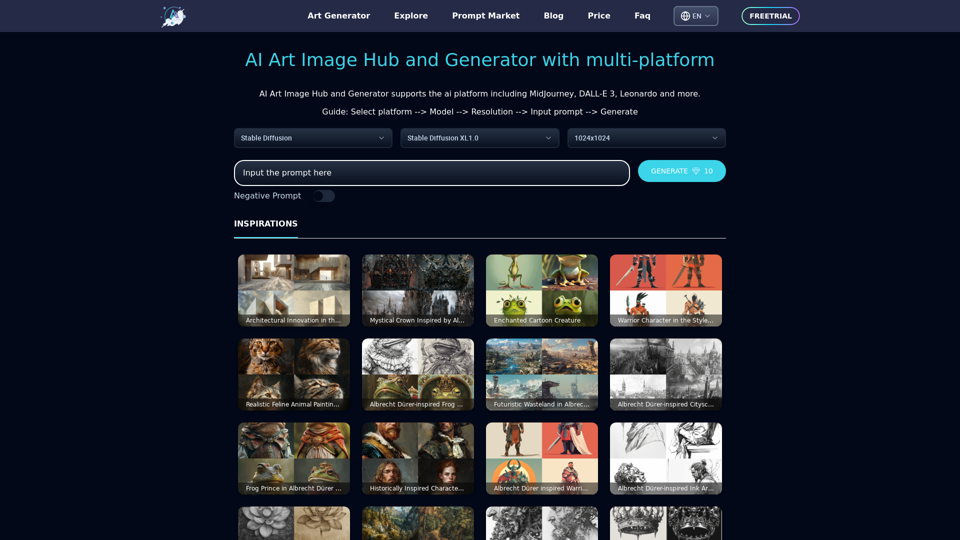
Unleash your creativity with ArtiverseHub's online AI art generator. Enjoy support for multiple platforms including DALL-E (ChatGPT), Leonardo.ai, Stability.ai, and several others.
823
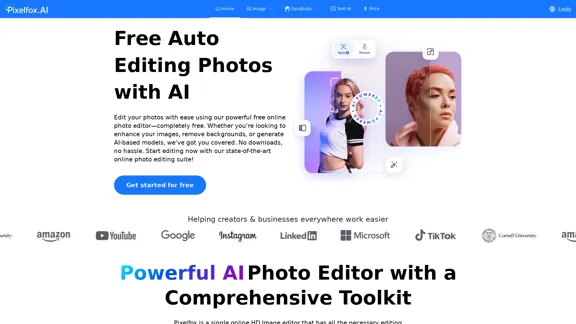
Pixelfox AI is one of the best free AI image editing tools, designed to automatically edit images and photos. Start editing photos now.
58.05 K
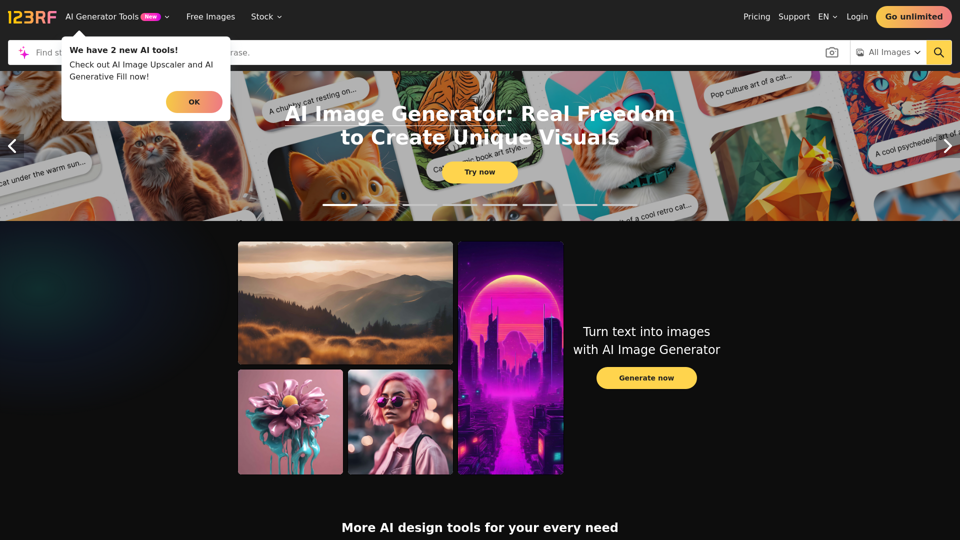
Stock Photos, Vectors and Royalty Free Images from 123RF
Stock Photos, Vectors and Royalty Free Images from 123RFSearch and download from millions of HD stock photos, royalty-free images, clipart, vectors, and illustrations
9.66 M
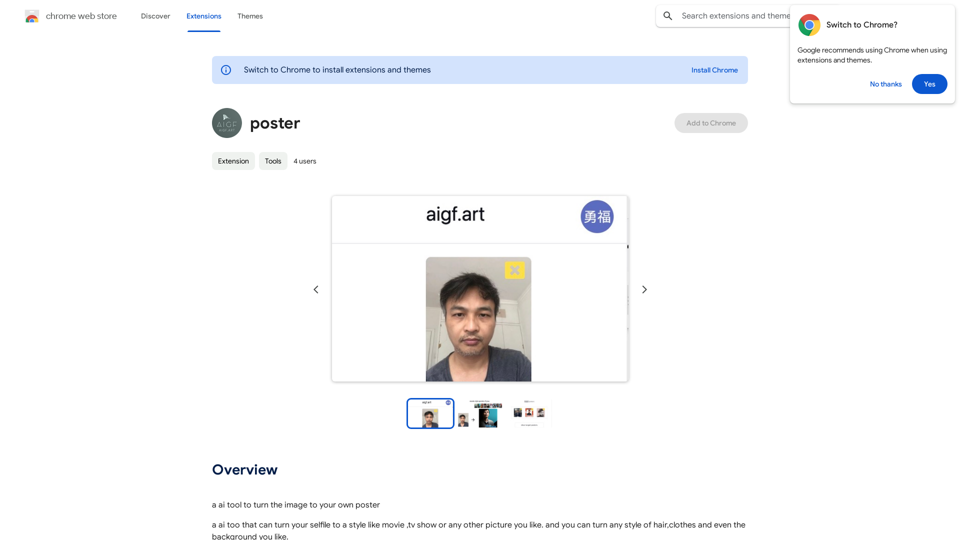
Please provide me with the poster content you want me to translate. For example, you can give me: * Text from the poster: Copy and paste the text directly. * A picture of the poster: I can try to extract the text from the image. * A description of the poster: Tell me what the poster says and what it looks like. Once I have the poster content, I can translate it into English for you.
Please provide me with the poster content you want me to translate. For example, you can give me: * Text from the poster: Copy and paste the text directly. * A picture of the poster: I can try to extract the text from the image. * A description of the poster: Tell me what the poster says and what it looks like. Once I have the poster content, I can translate it into English for you.An AI tool to turn an image into your own poster.
193.90 M