Open-source RightAI Tools Directory
  • Discover AI
  • Submit
  • Startup
  • Blog
Open-source RightAI Tools Directory
Discover the best AI tools of 2025 with the RightAI Tools Directory!

Friend Links

AI Anime GeneratorToolsApp AI

Support

Tap4
Privacy policyTerms & ConditionsContact Us
Loading...
loading...

Page Assist - A Web UI for Local AI Models

Use your computer's own AI programs to help you explore the internet.
Visit Website
Page Assist - A Web UI for Local AI Models
Visit Website

Introduction

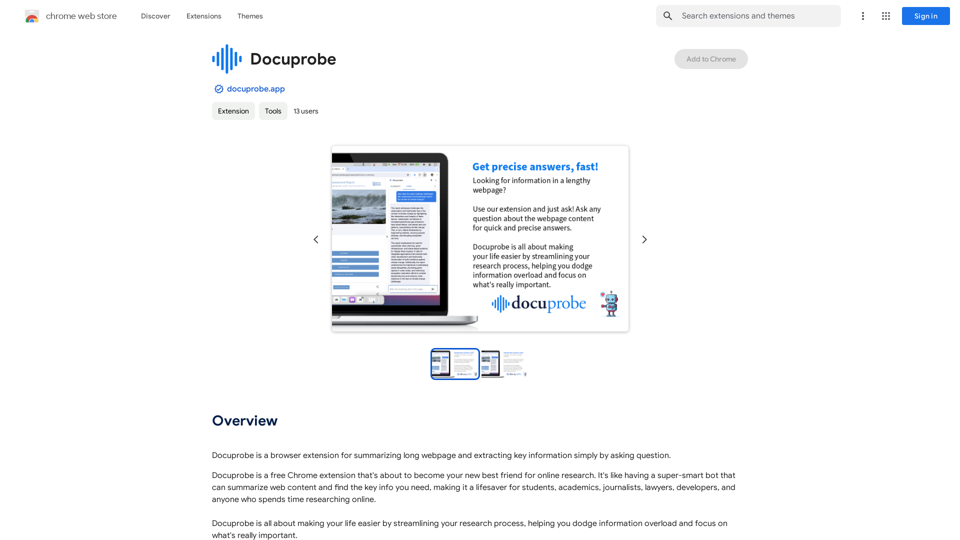
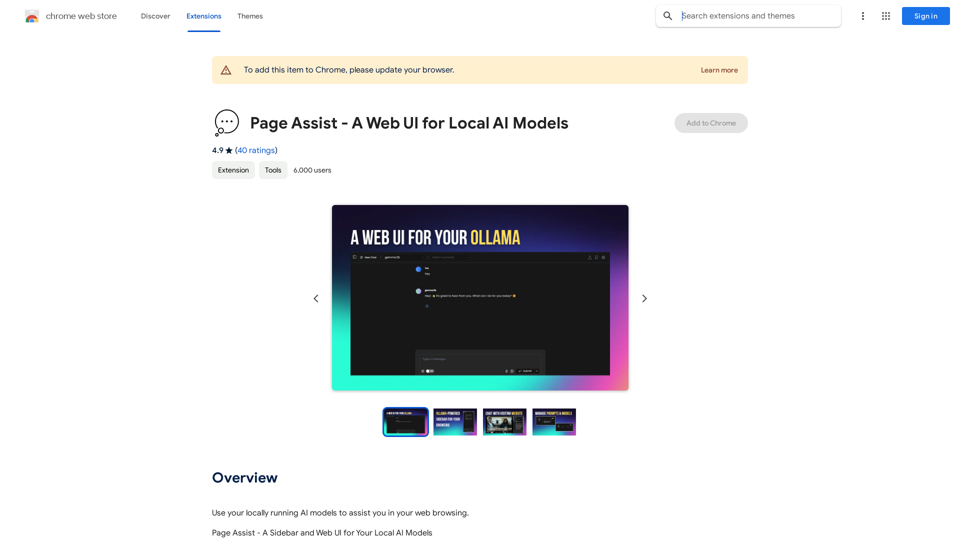
Page Assist is a powerful web UI designed for local AI models, enabling users to interact with their own AI models while browsing the web. It serves as a versatile interface for local AI model providers, offering a range of features to enhance the browsing experience and facilitate AI-powered tasks.

Feature

Sidebar for Various Tasks

Page Assist provides a convenient sidebar that allows users to perform multiple tasks efficiently, including:

  • Internet search
  • Chat with PDF documents
  • Interaction with various file types (pdf, csv, txt, md, docx)

Support for Vision Models

The platform incorporates support for vision models, expanding its capabilities beyond text-based interactions.

Minimal Web UI for Local AI Models

Page Assist offers a streamlined and user-friendly interface for interacting with locally running AI models, ensuring a smooth user experience.

Internet Search Integration

Users can leverage the power of AI-assisted internet searches directly from the sidebar, enhancing their browsing and research capabilities.

Document Interaction

Page Assist enables users to chat with various document types, including:

  • PDF files
  • CSV spreadsheets
  • Text files
  • Markdown documents
  • Microsoft Word documents (docx)

Supported Providers

Page Assist currently supports the following AI model providers:

  • Ollama
  • Chrome AI (Gemini Nano) [beta]

FAQ

What are the main features of Page Assist?

Page Assist offers several key features:

  • A sidebar for various tasks
  • Support for vision models
  • A minimal web UI for local AI models
  • Internet search capabilities
  • Chat functionality with PDF and other document types

How can users access Page Assist?

Users can simply add the Page Assist extension to their Chrome browser to start using the platform.

Does Page Assist collect or use user data for training?

No, Page Assist does not collect or use user data for training purposes.

Can Page Assist generate images?

No, Page Assist is designed as a web UI for local AI models and does not include image generation capabilities.

Is there a cost associated with using Page Assist?

While the exact pricing is not specified, Page Assist offers a subscription model that provides additional benefits and extended access beyond the free usage limits.

Related Websites

Luma Dream Machine
View Detail

Luma Dream Machine

Luma Dream Machine

Dream Machine is an AI model that generates high-quality, realistic videos quickly from text and images using Luma AI.

1.87 M
ChatTuesday.com - Customized Data. Empower with Gen-AI Platform
View Detail

ChatTuesday.com - Customized Data. Empower with Gen-AI Platform

ChatTuesday.com - Customized Data. Empower with Gen-AI Platform

Unlock the full power of a custom-made chatbot, just like ChatGPT, perfectly combined with your unique information.

193.90 M
Get Your Best AI Tools | bestaitoolsforthat.com
View Detail

Get Your Best AI Tools | bestaitoolsforthat.com

Get Your Best AI Tools | bestaitoolsforthat.com

Discover the top AI tools of 2024 with the bestaitoolsforthat.com AI Directory! Explore the best and latest innovations in artificial intelligence technology.

0
Everything about AI | aicrunch.io
View Detail

Everything about AI | aicrunch.io

Everything about AI | aicrunch.io

Everything about the world of AI | Latest AI tools, news, guides, market insights on aicrunch.io

0
Convert Speech to Text
View Detail

Convert Speech to Text

Convert Speech to Text

Convert your audio or video into text or subtitles in seconds. Automatically transcribe your meetings, interviews, and lectures to text...

193.90 M
ChatGPT Assistant - MyBrainOnAI
View Detail

ChatGPT Assistant - MyBrainOnAI

ChatGPT Assistant - MyBrainOnAI

Prompt Library Personal Library Tools to enhance using ChatGPT Tools to create prompts Improve your productivity and results

193.90 M
Ponyrun
View Detail

Ponyrun

Ponyrun

Give our bots instructions, and they will explore and engage with websites to collect and arrange useful information for you.

193.90 M
Hints Playbook AI

This playbook provides guidance on how to effectively use hints to improve the performance of AI models.

Understanding Hints

Hints are additional pieces of information provided to an AI model to guide its output. They can take various forms, such as:

* Textual prompts: Direct instructions or suggestions.
* Examples: Demonstrating the desired output format or style.
* Constraints: Specifying limitations or boundaries for the response.

Types of Hints

* Zero-shot: Hints are provided without any examples.
* Few-shot: A small number of examples are given to illustrate the desired output.
* Fine-tuning: Hints are incorporated into the training data to adjust the model's behavior.

Best Practices for Using Hints

* Be specific: Clearly articulate what you want the AI to do.
* Provide context: Give the model enough background information to understand the task.
* Use examples: Demonstrate the desired output format or style.
* Iterate and refine: Experiment with different types and formats of hints to find what works best.
* Evaluate results: Assess the quality of the AI's output and adjust hints accordingly.
View Detail

Hints Playbook AI This playbook provides guidance on how to effectively use hints to improve the performance of AI models. Understanding Hints Hints are additional pieces of information provided to an AI model to guide its output. They can take various forms, such as: * Textual prompts: Direct instructions or suggestions. * Examples: Demonstrating the desired output format or style. * Constraints: Specifying limitations or boundaries for the response. Types of Hints * Zero-shot: Hints are provided without any examples. * Few-shot: A small number of examples are given to illustrate the desired output. * Fine-tuning: Hints are incorporated into the training data to adjust the model's behavior. Best Practices for Using Hints * Be specific: Clearly articulate what you want the AI to do. * Provide context: Give the model enough background information to understand the task. * Use examples: Demonstrate the desired output format or style. * Iterate and refine: Experiment with different types and formats of hints to find what works best. * Evaluate results: Assess the quality of the AI's output and adjust hints accordingly.

Hints Playbook AI This playbook provides guidance on how to effectively use hints to improve the performance of AI models. Understanding Hints Hints are additional pieces of information provided to an AI model to guide its output. They can take various forms, such as: * Textual prompts: Direct instructions or suggestions. * Examples: Demonstrating the desired output format or style. * Constraints: Specifying limitations or boundaries for the response. Types of Hints * Zero-shot: Hints are provided without any examples. * Few-shot: A small number of examples are given to illustrate the desired output. * Fine-tuning: Hints are incorporated into the training data to adjust the model's behavior. Best Practices for Using Hints * Be specific: Clearly articulate what you want the AI to do. * Provide context: Give the model enough background information to understand the task. * Use examples: Demonstrate the desired output format or style. * Iterate and refine: Experiment with different types and formats of hints to find what works best. * Evaluate results: Assess the quality of the AI's output and adjust hints accordingly.

Hints automatically updates CRM fields from video calls. Keep your CRM up-to-date.

193.90 M