ReplyGO is an AI-powered customer service platform designed for e-commerce and ticketing platforms. It utilizes ChatGPT technology to automate support operations, enhancing customer support productivity and efficiency. ReplyGO simplifies customer interactions on platforms like Amazon, Etsy, Zendesk, Gmail, and Meta Business Suite, providing personalized answers based on client information and brand tone.
ReplyGO - AI for Customer Service
AI Agent for e-commerce and ticketing platforms powered by ChatGPT
Introduction
Feature
AI Agent for E-commerce and Ticketing Platforms
ReplyGO's AI agent simplifies customer problems and questions on existing e-commerce and ticketing platforms, including Amazon, Etsy, Zendesk, Gmail, and Meta Business Suite.
Personalized Answers
The AI agent provides tailored responses to customer inquiries based on client information, chat history, language, brand tone, and other factors, mimicking human-to-human communication for an excellent customer experience.
Easy Installation and Customization
Installing ReplyGO is straightforward:
- Install it in your Chrome browser
- Log in to your account
- Customize your agent
- Start using it on your platform
Automated Support Operations
ReplyGO's AI-powered technology automates support operations, improving customer support productivity and efficiency while enhancing the overall customer experience.
Flexible Pricing
ReplyGO offers in-app purchases, allowing users to customize their subscription plan according to their specific needs and requirements.
FAQ
What platforms does ReplyGO support?
ReplyGO supports e-commerce and ticketing platforms like Amazon, Etsy, Zendesk, Gmail, and Meta Business Suite.
How does ReplyGO's AI agent work?
The AI agent uses ChatGPT technology to identify customer problems and suggest personalized answers based on client information, chat history, language, brand tone, and other factors.
Is ReplyGO secure?
ReplyGO handles personally identifiable information, authentication information, personal communications, and website content. The company declares that user data is not being sold to third parties or used for purposes unrelated to the item's core functionality.
Related Websites
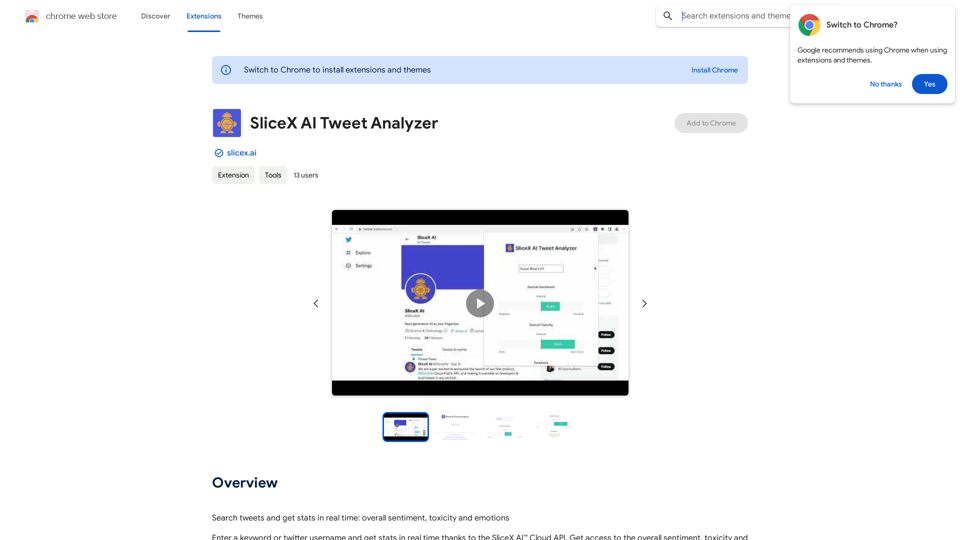
Search for tweets and get real-time statistics: general sentiment, toxicity levels, and emotions expressed.
193.90 M
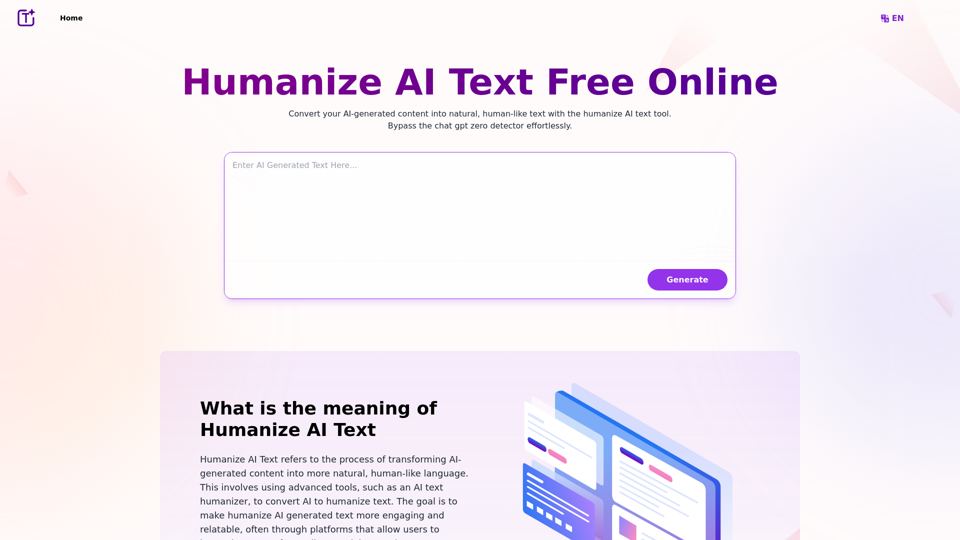
Experience the power of our AI text humanizer to convert AI text into human-like text effortlessly. Humanize AI text for free online to create engaging and undetectable content. Perfect for humanizing AI text from ChatGPT.
337.20 K
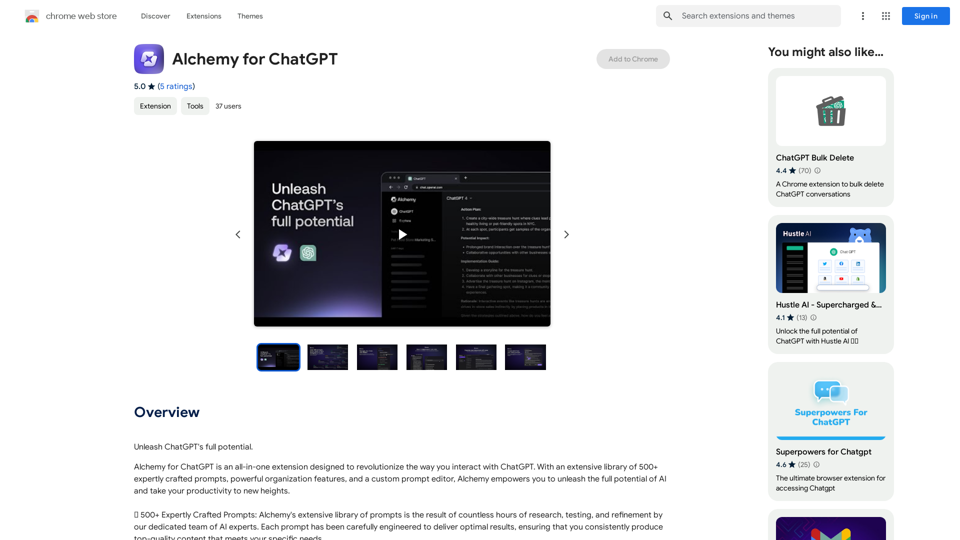
Alchemy for ChatGPT Introduction Alchemy is a powerful framework for building and deploying large language models (LLMs) like ChatGPT. It provides a comprehensive set of tools and resources to streamline the entire LLM development lifecycle, from training to deployment and monitoring. Key Features * Modular Design: Alchemy is built with a modular architecture, allowing developers to easily customize and extend its functionality. * Fine-Tuning Capabilities: Alchemy offers robust fine-tuning capabilities, enabling users to adapt pre-trained LLMs to specific tasks and domains. * Deployment Flexibility: Alchemy supports deployment across various platforms, including cloud, on-premise, and edge devices. * Monitoring and Evaluation: Alchemy provides tools for monitoring LLM performance and evaluating their effectiveness. Benefits * Accelerated Development: Alchemy's modularity and pre-built components significantly reduce development time and effort. * Improved Accuracy: Fine-tuning capabilities allow for higher accuracy and performance on specific tasks. * Scalability and Reliability: Alchemy's deployment flexibility ensures scalability and reliability for diverse applications. * Cost-Effectiveness: Alchemy's efficient resource utilization and streamlined workflows contribute to cost savings. Use Cases Alchemy can be used in a wide range of applications, including: * Chatbots and Conversational AI: * Text Generation and Summarization: * Code Generation and Debugging: * Data Analysis and Insights: * Personalized Learning and Education: Conclusion Alchemy is a powerful and versatile framework that empowers developers to build, deploy, and manage LLMs effectively. Its comprehensive features, benefits, and diverse use cases make it an ideal choice for organizations looking to leverage the transformative potential of LLMs.
Alchemy for ChatGPT Introduction Alchemy is a powerful framework for building and deploying large language models (LLMs) like ChatGPT. It provides a comprehensive set of tools and resources to streamline the entire LLM development lifecycle, from training to deployment and monitoring. Key Features * Modular Design: Alchemy is built with a modular architecture, allowing developers to easily customize and extend its functionality. * Fine-Tuning Capabilities: Alchemy offers robust fine-tuning capabilities, enabling users to adapt pre-trained LLMs to specific tasks and domains. * Deployment Flexibility: Alchemy supports deployment across various platforms, including cloud, on-premise, and edge devices. * Monitoring and Evaluation: Alchemy provides tools for monitoring LLM performance and evaluating their effectiveness. Benefits * Accelerated Development: Alchemy's modularity and pre-built components significantly reduce development time and effort. * Improved Accuracy: Fine-tuning capabilities allow for higher accuracy and performance on specific tasks. * Scalability and Reliability: Alchemy's deployment flexibility ensures scalability and reliability for diverse applications. * Cost-Effectiveness: Alchemy's efficient resource utilization and streamlined workflows contribute to cost savings. Use Cases Alchemy can be used in a wide range of applications, including: * Chatbots and Conversational AI: * Text Generation and Summarization: * Code Generation and Debugging: * Data Analysis and Insights: * Personalized Learning and Education: Conclusion Alchemy is a powerful and versatile framework that empowers developers to build, deploy, and manage LLMs effectively. Its comprehensive features, benefits, and diverse use cases make it an ideal choice for organizations looking to leverage the transformative potential of LLMs.Unlock the full capabilities of ChatGPT.
193.90 M
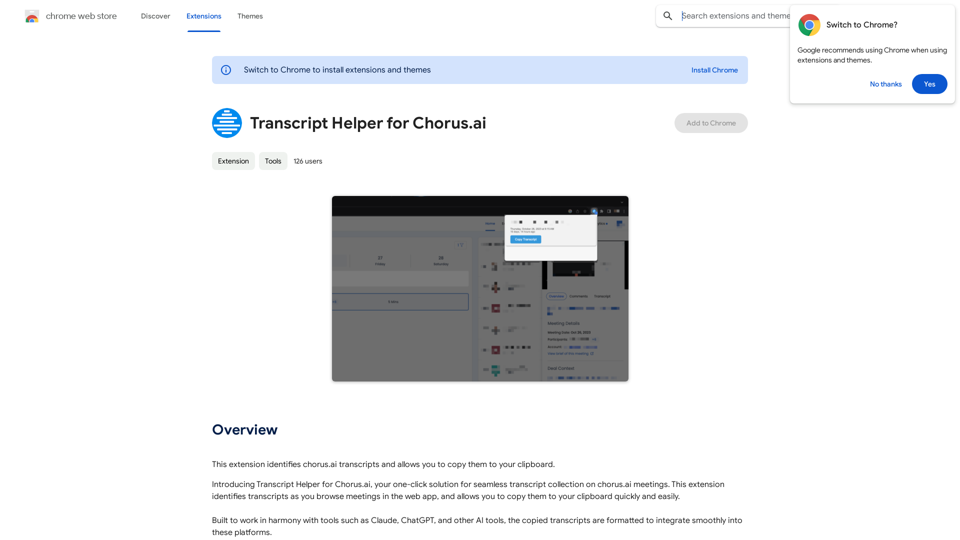
Transcript Helper for Chorus.ai This is a tool designed to help you work with transcripts generated by Chorus.ai. Let me know what you need help with! For example, you can ask me to: * Summarize a transcript: Give me a transcript and I'll provide a concise summary of the main points. * Find specific information: Tell me what you're looking for (e.g., "find all mentions of product X") and I'll search the transcript for relevant text. * Identify key speakers: I can analyze the transcript and tell you who the main speakers are. * Generate action items: Based on the transcript, I can help you identify tasks that need to be completed. * Translate the transcript: I can translate the transcript into another language. What can I do for you today?
Transcript Helper for Chorus.ai This is a tool designed to help you work with transcripts generated by Chorus.ai. Let me know what you need help with! For example, you can ask me to: * Summarize a transcript: Give me a transcript and I'll provide a concise summary of the main points. * Find specific information: Tell me what you're looking for (e.g., "find all mentions of product X") and I'll search the transcript for relevant text. * Identify key speakers: I can analyze the transcript and tell you who the main speakers are. * Generate action items: Based on the transcript, I can help you identify tasks that need to be completed. * Translate the transcript: I can translate the transcript into another language. What can I do for you today?This extension finds chorus.ai transcripts and lets you copy them to your clipboard.
193.90 M