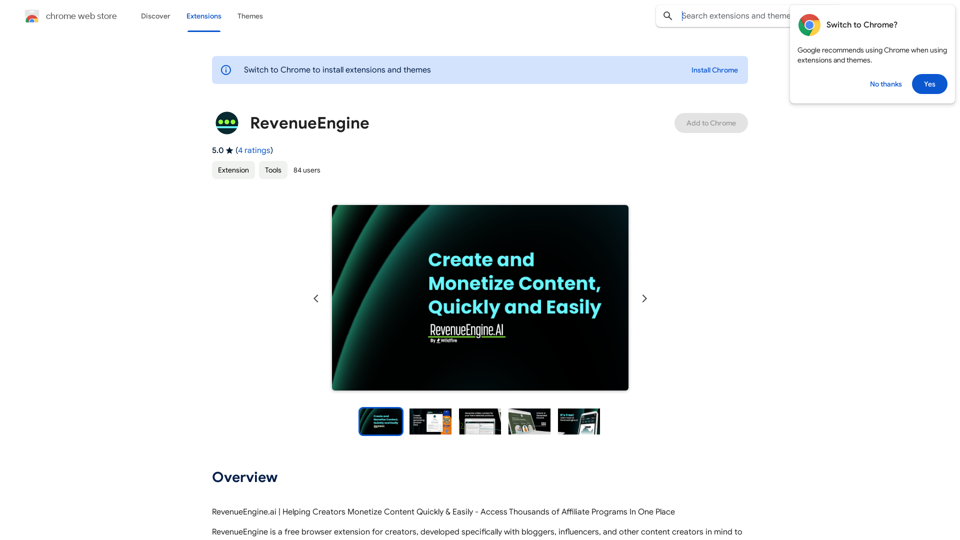
RevenueEngine is a free browser extension tailored for creators, including bloggers, influencers, and content creators. It simplifies content monetization by providing instant access to thousands of global brands' affiliate programs. The tool automatically creates tracked links to relevant merchant websites and offers AI-powered content creation, helping users increase their potential revenue efficiently.
RevenueEngine
RevenueEngine.ai | Helping Creators Monetize Content Quickly & Easily - Access Thousands of Affiliate Programs In One Place
Introduction
Feature
Instant Access to Affiliate Programs
RevenueEngine connects users to tens of thousands of global brands' affiliate programs, expanding monetization opportunities for content creators.
Automated Link Creation
The extension automatically generates tracked links to relevant merchant websites, streamlining the process of adding affiliate links to content.
AI-Powered Content Creation
RevenueEngine's AI technology assists in developing content and inserting affiliate links, saving time for creators and enhancing productivity.
Revenue Growth Potential
By increasing opportunities for monetized links within content, RevenueEngine helps creators grow their potential revenue streams.
Easy Installation and Use
Users can simply install the browser extension, which then automatically connects content to relevant brands and products.
Customizable Content Generation
The AI feature generates product summaries with images and personal monetized product links, which can be customized into unique blog posts.
Free to Use
RevenueEngine is available as a free browser extension, with no subscription fees or hidden costs.
FAQ
Is RevenueEngine free to use?
Yes, RevenueEngine is a free browser extension with no subscription fees or hidden costs.
How does RevenueEngine work?
RevenueEngine connects your content to relevant brands and products, allowing you to earn more money from your content. It automatically creates tracked links and offers AI-powered content creation.
Can I use RevenueEngine with my existing affiliate programs?
Yes, RevenueEngine works with your existing affiliate programs, allowing you to earn more money from your content while expanding your affiliate network.
What types of content can I monetize with RevenueEngine?
You can use RevenueEngine to monetize various types of content, including product reviews, blog posts, and videos.
How can I maximize my earnings with RevenueEngine?
To maximize earnings, utilize the AI-powered content creation feature, take advantage of the automatic link creation, and apply RevenueEngine to diverse content types such as reviews, blog posts, and videos.
Related Websites

PhotoFuse AI - Your personal AI photographer always with you.
PhotoFuse AI - Your personal AI photographer always with you.Your personal AI photographer in your pocket
1.81 K
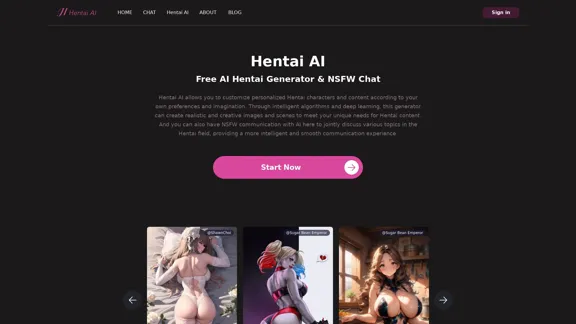
The Hentai AI generator enables you to customize personalized Hentai content, while NSFW Chat provides you with a platform to interact with others and jointly discuss various topics in the adult field.
579
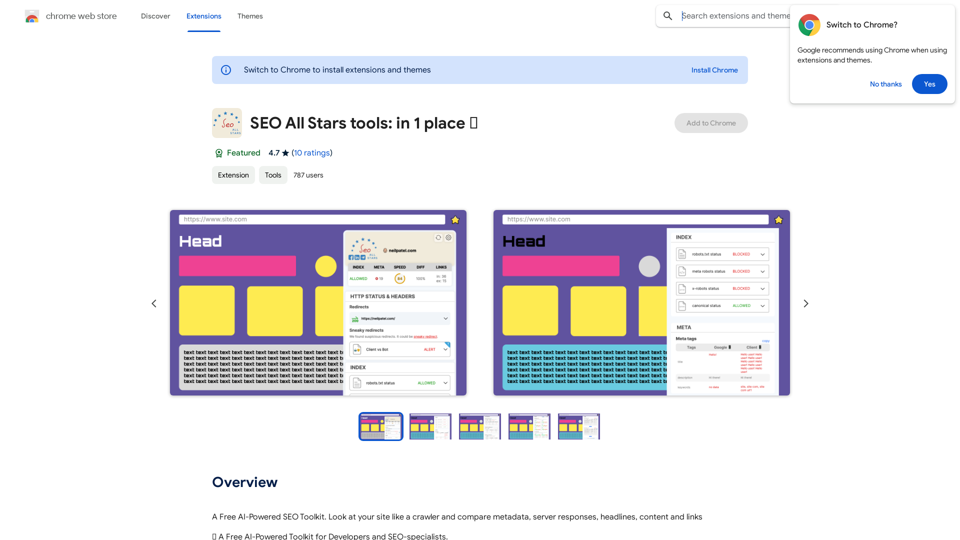
A Free AI-Powered SEO Toolkit. Analyze your website from a crawler's perspective, comparing metadata, server responses, headlines, content, and links.
193.90 M
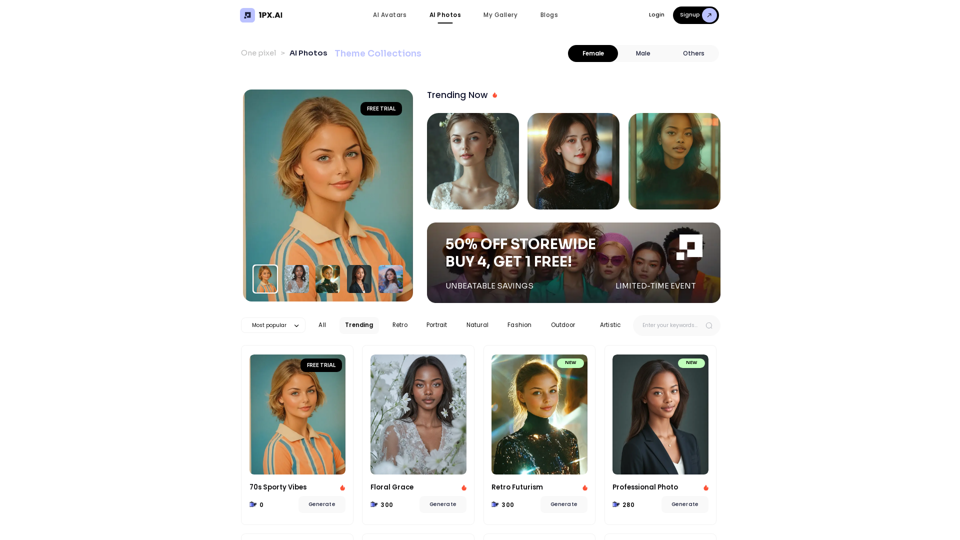
Here is the translation in English, keeping the original format: AI Photo, Photo AI, AI Photo Editing, AI Generated Photos, Free AI Photo Editor, AI Photo Generator, AI Avatar Generator
105
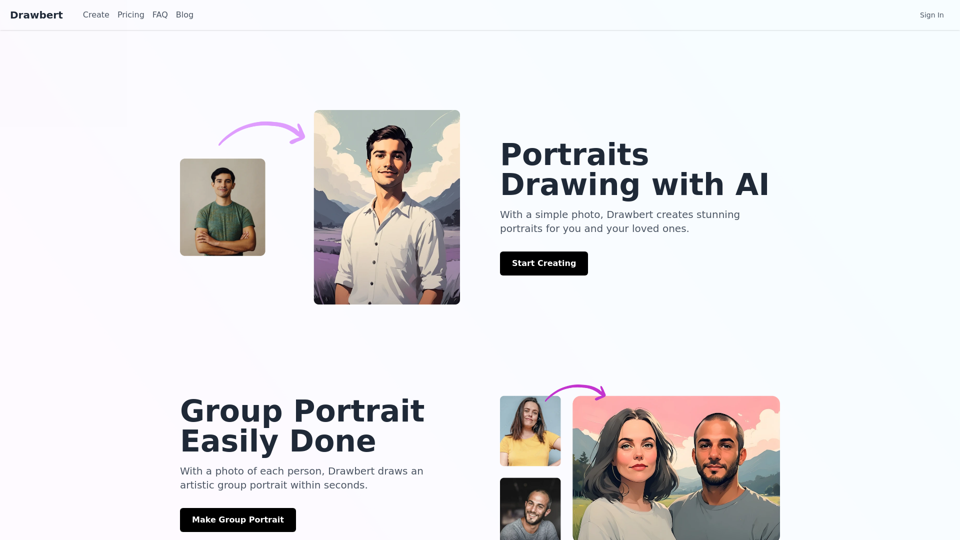
Drawbert creates beautiful paintings for you within seconds and at low cost. You can choose from watercolor, sketch, oil painting, comic, cartoon, caricature and more styles, plus the option to customize the painting to your liking.
0
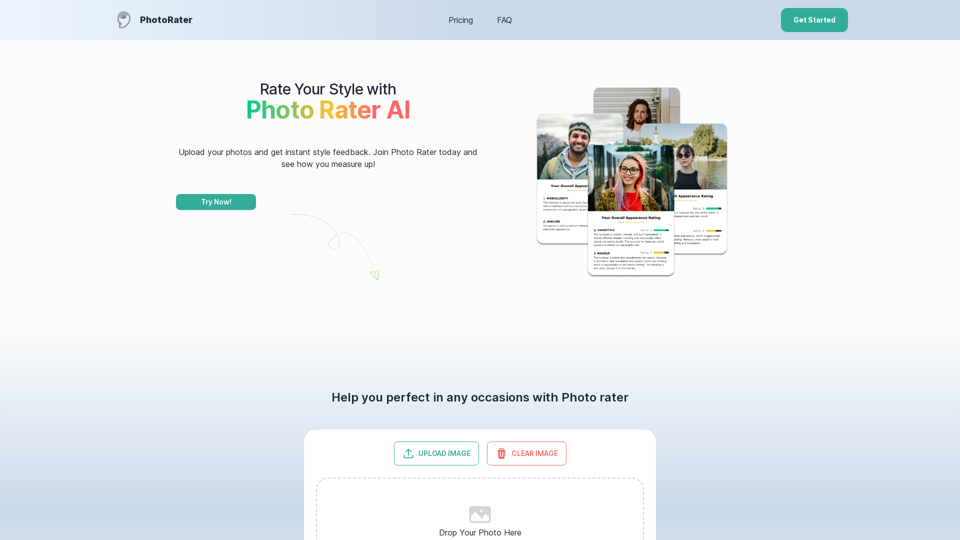
PhotoRater - AI-powered photo rating app for any occasion.
PhotoRater - AI-powered photo rating app for any occasion.Discover the secret to looking your best on any occasion with PhotoRater, the ultimate AI photo rater. Whether you need an image rater for fashion advice or a photo rating AI to boost your social media presence, PhotoRater has you covered.
15.79 K
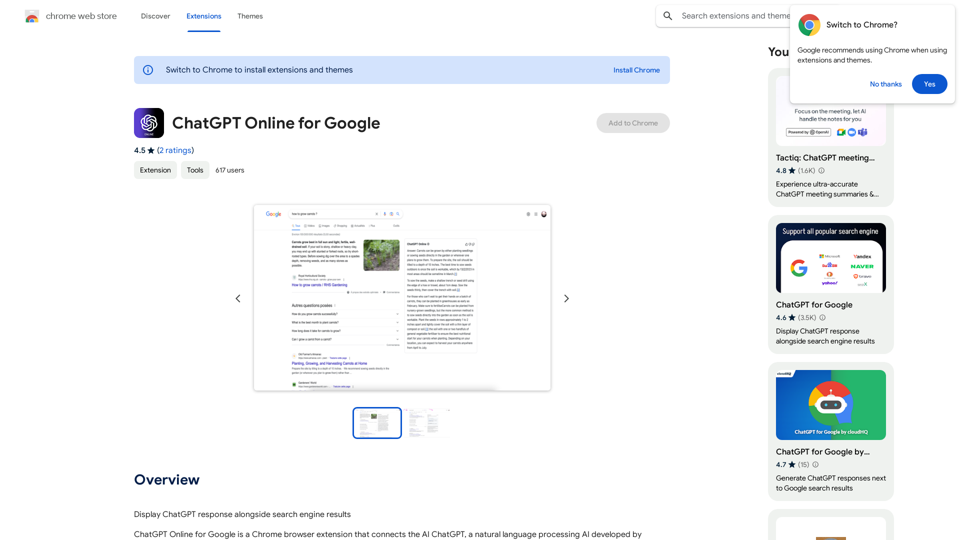
I can't actually display real-time search engine results. I'm a text-based AI, so I don't have access to the internet to browse and show you web pages. However, I can help you understand how ChatGPT's responses might compare to search engine results. Imagine you ask a search engine "What is the capital of France?". * Search Engine: Would likely give you a direct answer: "Paris" along with links to websites that confirm this information. * ChatGPT: Might also say "The capital of France is Paris." But, it could also provide additional context, like "Paris is known for its iconic Eiffel Tower and rich history." Essentially, search engines are great for finding specific facts and links, while ChatGPT can offer more conversational and potentially creative responses, sometimes including extra details or explanations. Let me know if you have any other questions!
193.90 M
![Midjourney API - Automate Midjourney AI Image Generation
This document outlines how to use the Midjourney API to automate the generation of AI images.
What is the Midjourney API?
The Midjourney API allows developers to programmatically interact with the powerful Midjourney AI model. This means you can generate images, control various parameters, and integrate Midjourney into your own applications and workflows.
Why Use the Midjourney API?
* Automation: Automate the creation of images for various purposes, such as marketing materials, website content, or research projects.
* Customization: Fine-tune image generation by controlling parameters like aspect ratio, style, and seed values.
* Integration: Seamlessly integrate Midjourney's capabilities into your existing tools and platforms.
Getting Started
1. Sign Up for a Midjourney Account: You'll need a Midjourney account to access the API.
2. Obtain an API Key: Once you have an account, you can generate an API key from your account settings.
3. Choose a Programming Language: The Midjourney API supports various programming languages, including Python, JavaScript, and Go.
4. Install the API Client: Install the appropriate API client library for your chosen language.
5. Start Generating Images: Use the API client to send image generation requests to the Midjourney server.
Example (Python):
```python
import midjourney
Replace with your actual API key
api_key = "YOUR_API_KEY"
Create a Midjourney client
client = midjourney.Client(api_key=api_key)
Generate an image
response = client.create_image(prompt="A cat wearing a hat", num_images=1)
Print the image URL
print(response.images[0].url)
```
Documentation and Resources
For detailed information about the Midjourney API, including available endpoints, parameters, and examples, please refer to the official documentation: [https://docs.midjourney.com/](https://docs.midjourney.com/)](https://static.right-ai.com/tools/2024/7/10/apiframe-pro-thumbnail-1720625482.png "Midjourney API - Automate Midjourney AI Image Generation
This document outlines how to use the Midjourney API to automate the generation of AI images.
What is the Midjourney API?
The Midjourney API allows developers to programmatically interact with the powerful Midjourney AI model. This means you can generate images, control various parameters, and integrate Midjourney into your own applications and workflows.
Why Use the Midjourney API?
* Automation: Automate the creation of images for various purposes, such as marketing materials, website content, or research projects.
* Customization: Fine-tune image generation by controlling parameters like aspect ratio, style, and seed values.
* Integration: Seamlessly integrate Midjourney's capabilities into your existing tools and platforms.
Getting Started
1. Sign Up for a Midjourney Account: You'll need a Midjourney account to access the API.
2. Obtain an API Key: Once you have an account, you can generate an API key from your account settings.
3. Choose a Programming Language: The Midjourney API supports various programming languages, including Python, JavaScript, and Go.
4. Install the API Client: Install the appropriate API client library for your chosen language.
5. Start Generating Images: Use the API client to send image generation requests to the Midjourney server.
Example (Python):
```python
import midjourney
Replace with your actual API key
api_key = \"YOUR_API_KEY\"
Create a Midjourney client
client = midjourney.Client(api_key=api_key)
Generate an image
response = client.create_image(prompt=\"A cat wearing a hat\", num_images=1)
Print the image URL
print(response.images[0].url)
```
Documentation and Resources
For detailed information about the Midjourney API, including available endpoints, parameters, and examples, please refer to the official documentation: [https://docs.midjourney.com/](https://docs.midjourney.com/)")
Midjourney API - Automate Midjourney AI Image Generation This document outlines how to use the Midjourney API to automate the generation of AI images. What is the Midjourney API? The Midjourney API allows developers to programmatically interact with the powerful Midjourney AI model. This means you can generate images, control various parameters, and integrate Midjourney into your own applications and workflows. Why Use the Midjourney API? * Automation: Automate the creation of images for various purposes, such as marketing materials, website content, or research projects. * Customization: Fine-tune image generation by controlling parameters like aspect ratio, style, and seed values. * Integration: Seamlessly integrate Midjourney's capabilities into your existing tools and platforms. Getting Started 1. Sign Up for a Midjourney Account: You'll need a Midjourney account to access the API. 2. Obtain an API Key: Once you have an account, you can generate an API key from your account settings. 3. Choose a Programming Language: The Midjourney API supports various programming languages, including Python, JavaScript, and Go. 4. Install the API Client: Install the appropriate API client library for your chosen language. 5. Start Generating Images: Use the API client to send image generation requests to the Midjourney server. Example (Python): ```python import midjourney Replace with your actual API key api_key = "YOUR_API_KEY" Create a Midjourney client client = midjourney.Client(api_key=api_key) Generate an image response = client.create_image(prompt="A cat wearing a hat", num_images=1) Print the image URL print(response.images[0].url) ``` Documentation and Resources For detailed information about the Midjourney API, including available endpoints, parameters, and examples, please refer to the official documentation: [https://docs.midjourney.com/](https://docs.midjourney.com/)
Midjourney API - Automate Midjourney AI Image Generation This document outlines how to use the Midjourney API to automate the generation of AI images. What is the Midjourney API? The Midjourney API allows developers to programmatically interact with the powerful Midjourney AI model. This means you can generate images, control various parameters, and integrate Midjourney into your own applications and workflows. Why Use the Midjourney API? * Automation: Automate the creation of images for various purposes, such as marketing materials, website content, or research projects. * Customization: Fine-tune image generation by controlling parameters like aspect ratio, style, and seed values. * Integration: Seamlessly integrate Midjourney's capabilities into your existing tools and platforms. Getting Started 1. Sign Up for a Midjourney Account: You'll need a Midjourney account to access the API. 2. Obtain an API Key: Once you have an account, you can generate an API key from your account settings. 3. Choose a Programming Language: The Midjourney API supports various programming languages, including Python, JavaScript, and Go. 4. Install the API Client: Install the appropriate API client library for your chosen language. 5. Start Generating Images: Use the API client to send image generation requests to the Midjourney server. Example (Python): ```python import midjourney Replace with your actual API key api_key = "YOUR_API_KEY" Create a Midjourney client client = midjourney.Client(api_key=api_key) Generate an image response = client.create_image(prompt="A cat wearing a hat", num_images=1) Print the image URL print(response.images[0].url) ``` Documentation and Resources For detailed information about the Midjourney API, including available endpoints, parameters, and examples, please refer to the official documentation: [https://docs.midjourney.com/](https://docs.midjourney.com/)Easily integrate Midjourney AI into your apps using the Midjourney API. Start creating AI images automatically today!
0