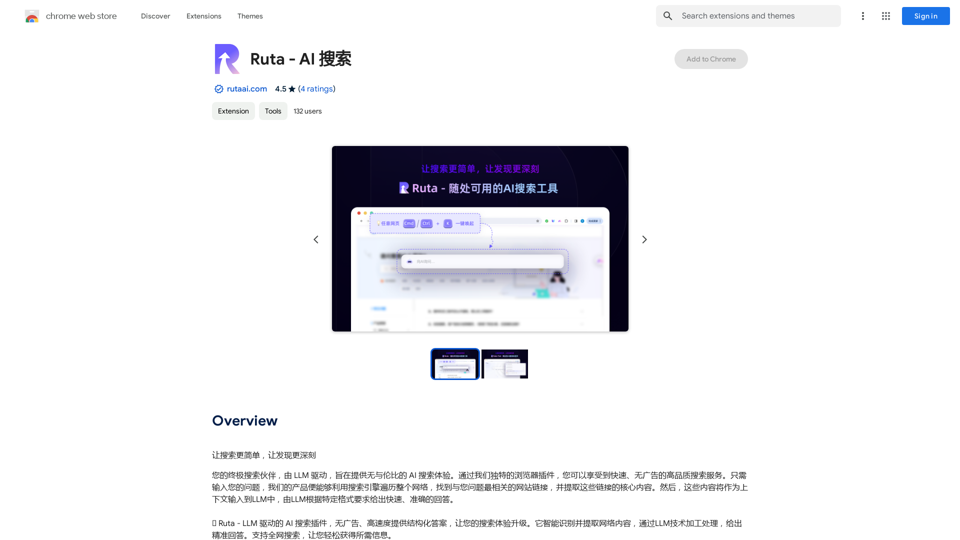
Ruta - AI Search is an innovative AI-powered search extension that offers a unique, ad-free search experience with high-speed performance and structured answers. By leveraging advanced search engine technology and Large Language Model (LLM) processing, Ruta provides in-depth responses to user queries, revolutionizing the way we search for information online.
Ruta - AI Search
Make searching simpler, make discovery deeper.
Introduction
Feature
Ad-Free and High-Speed Search
Ruta - AI Search prioritizes user experience by eliminating ads and focusing on delivering fast, accurate search results. This feature ensures a clean, distraction-free search environment.
Advanced Technology Integration
The extension combines cutting-edge search engine technology with LLM processing, enabling it to provide comprehensive and relevant answers to complex queries.
Full-Text Search Capability
Ruta supports full-text search, covering a wide range of information sources to ensure users receive the most relevant and up-to-date information.
Rapid Response Time
With its high-speed performance, Ruta significantly reduces user waiting time, making the search process more efficient and productive.
User-Friendly Interface
The extension features an intuitive design that simplifies the search process, making it easy for users to find the information they need quickly.
Multilingual Support
Ruta - AI Search currently supports multiple languages, with plans to expand its language capabilities in the future, making it accessible to a global user base.
Free to Use
As a free extension, Ruta offers its advanced search capabilities without any hidden fees or advertisements, making it accessible to all users.
FAQ
How do I install and use the Ruta - AI Search extension?
To install the extension, search for "Ruta" in the Chrome Web Store and follow the installation instructions. Once installed, simply enter your query in the browser to use the extension.
What is the process of using Ruta - AI Search?
- Enter your query in the browser.
- The extension performs a full-text search and filters the most relevant links.
- Key content is extracted from these links as context for the LLM.
- The LLM provides structured, high-quality answers based on your query.
Is Ruta - AI Search available in multiple languages?
Yes, the extension currently supports multiple languages, with plans to expand language support in the future.
How can I contact Ruta - AI Search for support or questions?
For any questions or issues, you can contact the Ruta team at [email protected] or visit their website at https://rutaai.com/.
Related Websites
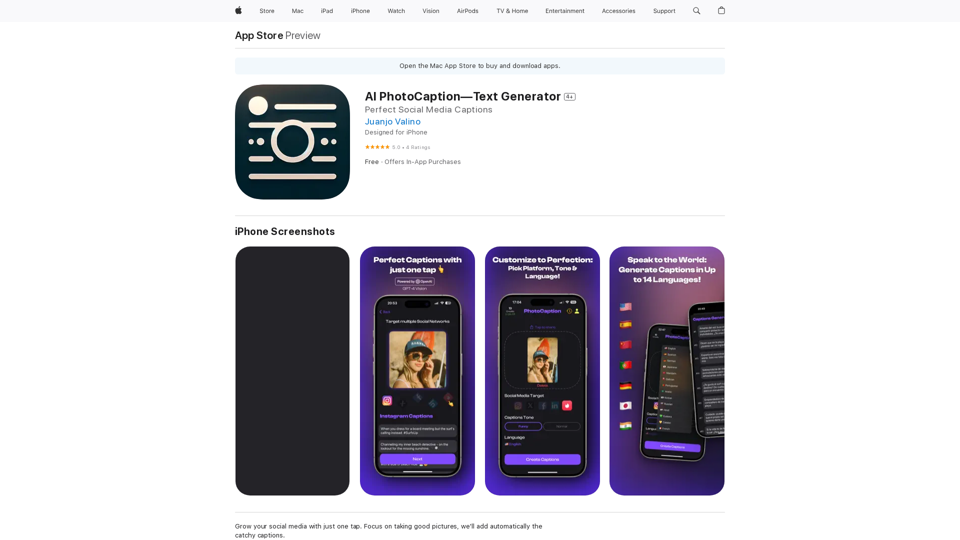
AI Photo Caption - Text Generator on the App Store
AI Photo Caption - Text Generator on the App StoreWelcome to PhotoCaption AI – where your photos speak a thousand words in multiple languages! Do you often find yourself struggling to come up with the perfect caption for your amazing photos?
654.73 K
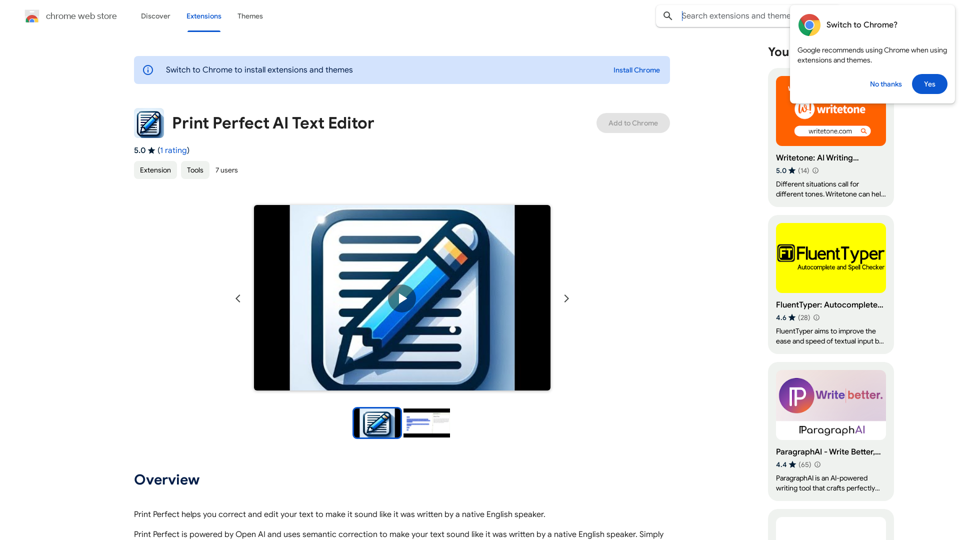
Print Perfect helps you correct and edit your text to make it sound like it was written by a native English speaker.
193.90 M
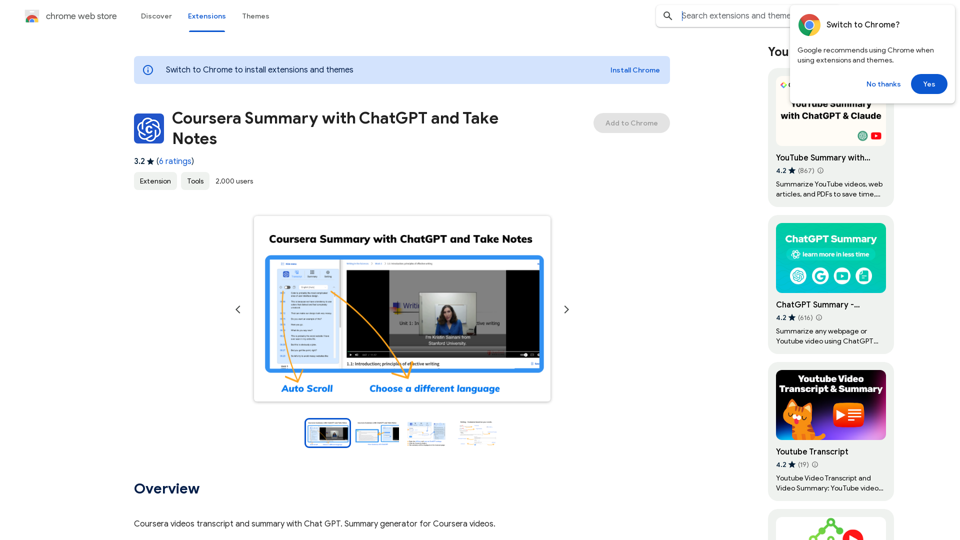
Coursera Summary with ChatGPT and Take Notes ===================================================== What is Coursera? Coursera is an online learning platform that partners with top universities and organizations to offer courses and degree programs in a wide range of fields. What is ChatGPT? ChatGPT is a conversational AI tool that can understand and respond to human input in a human-like way. It can be used to generate text, answer questions, and even create content. How to Use ChatGPT for Coursera Summary? You can use ChatGPT to summarize Coursera courses by: * Providing the course material or lecture notes to ChatGPT * Asking ChatGPT to summarize the key points or main ideas * Reviewing and editing the summary generated by ChatGPT Benefits of Using ChatGPT for Coursera Summary Using ChatGPT for Coursera summary can help you: * Save time by automating the summarization process * Improve understanding and retention of course material * Focus on key concepts and ideas * Enhance learning experience How to Take Notes with ChatGPT? You can use ChatGPT to take notes by: * Providing the course material or lecture notes to ChatGPT * Asking ChatGPT to generate notes or key points * Reviewing and editing the notes generated by ChatGPT * Organizing and structuring the notes for easy reference Benefits of Using ChatGPT for Taking Notes Using ChatGPT for taking notes can help you: * Save time by automating the note-taking process * Improve organization and structure of notes * Enhance understanding and retention of course material * Focus on key concepts and ideas
Coursera Summary with ChatGPT and Take Notes ===================================================== What is Coursera? Coursera is an online learning platform that partners with top universities and organizations to offer courses and degree programs in a wide range of fields. What is ChatGPT? ChatGPT is a conversational AI tool that can understand and respond to human input in a human-like way. It can be used to generate text, answer questions, and even create content. How to Use ChatGPT for Coursera Summary? You can use ChatGPT to summarize Coursera courses by: * Providing the course material or lecture notes to ChatGPT * Asking ChatGPT to summarize the key points or main ideas * Reviewing and editing the summary generated by ChatGPT Benefits of Using ChatGPT for Coursera Summary Using ChatGPT for Coursera summary can help you: * Save time by automating the summarization process * Improve understanding and retention of course material * Focus on key concepts and ideas * Enhance learning experience How to Take Notes with ChatGPT? You can use ChatGPT to take notes by: * Providing the course material or lecture notes to ChatGPT * Asking ChatGPT to generate notes or key points * Reviewing and editing the notes generated by ChatGPT * Organizing and structuring the notes for easy reference Benefits of Using ChatGPT for Taking Notes Using ChatGPT for taking notes can help you: * Save time by automating the note-taking process * Improve organization and structure of notes * Enhance understanding and retention of course material * Focus on key concepts and ideasAutomate Your Learning: Coursera Videos Transcript and Summary with ChatGPT ============================================================ Are you tired of manually taking notes while watching Coursera videos? Do you wish you had a summary of the video to review later? Look no further! With the power of ChatGPT, you can now generate transcripts and summaries of Coursera videos with ease. How it Works --------------- 1. Transcribe the Video: Use a transcription tool to convert the audio from the Coursera video into text. 2. Feed it to ChatGPT: Input the transcript into ChatGPT, and it will generate a concise summary of the video. 3. Review and Refine: Review the summary, refine it as needed, and you're good to go! Benefits ------------ * Save Time: No more manual note-taking or re-watching videos to understand the content. * Improve Retention: A summary of the video helps you retain information better and review it quickly. * Enhance Learning: Focus on understanding the concepts rather than taking notes. Get Started -------------- Try it out today and take your learning to the next level!
193.90 M
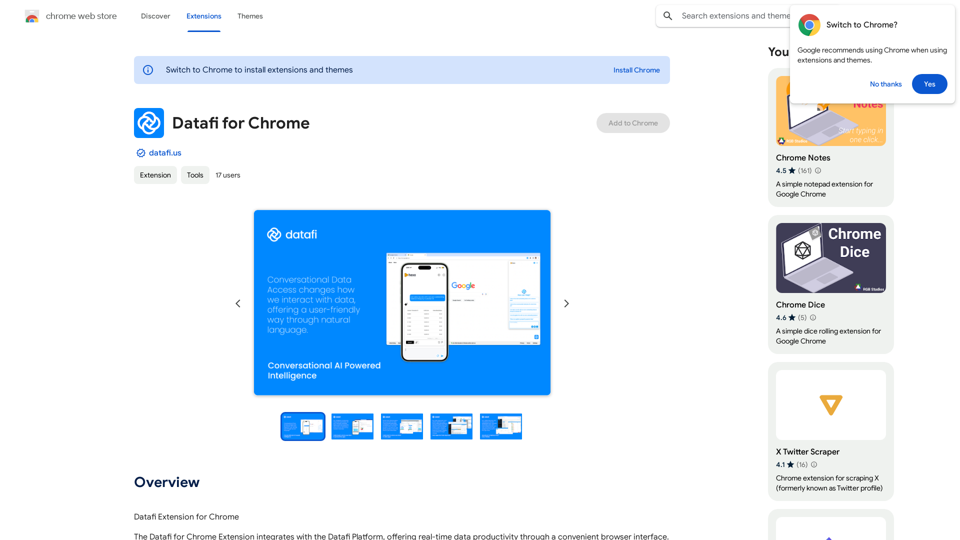
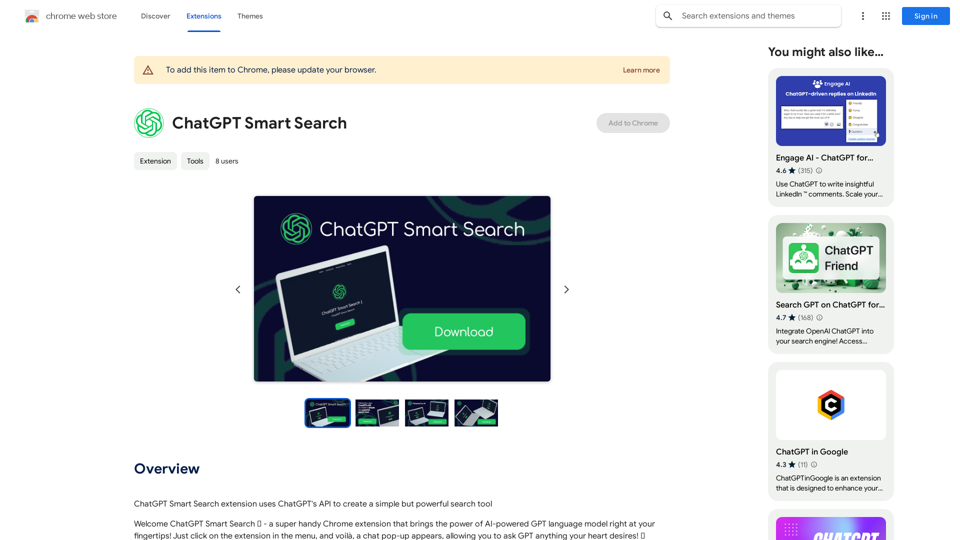
The ChatGPT Smart Search extension uses ChatGPT's API to make a simple but powerful search tool.
193.90 M
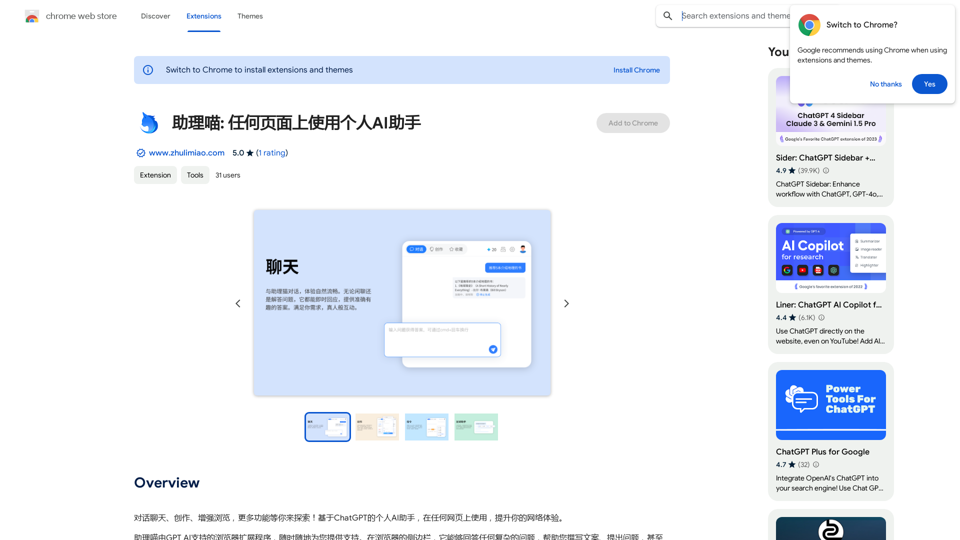
Assistant Meow: Any page using a personal AI assistant
Assistant Meow: Any page using a personal AI assistantChat, create, and enhance your browsing experience - there's more to discover! This personal AI assistant, powered by ChatGPT, works on any webpage to boost your online experience.
193.90 M
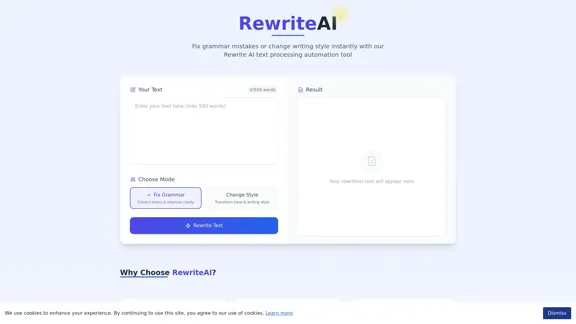
Rewrite AI - Correct Grammar or Alter Writing Style with AI
Rewrite AI - Correct Grammar or Alter Writing Style with AIRewrite AI assists you in refining your writing with immediate grammar corrections and style changes. Improve your content using our AI-driven writing assistant.
6.84 K
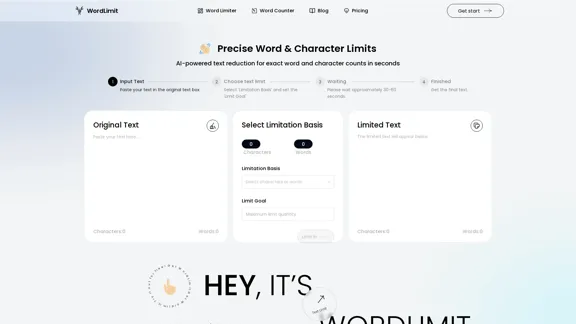
AI Text Shortener | Precise Text Adjuster | WordLimiter
AI Text Shortener | Precise Text Adjuster | WordLimiterWordLimit helps you to shorten your text precisely without losing key information and your unique writing style. Feel free to use it because it will never make your Human-Written content become AI-Written!
834