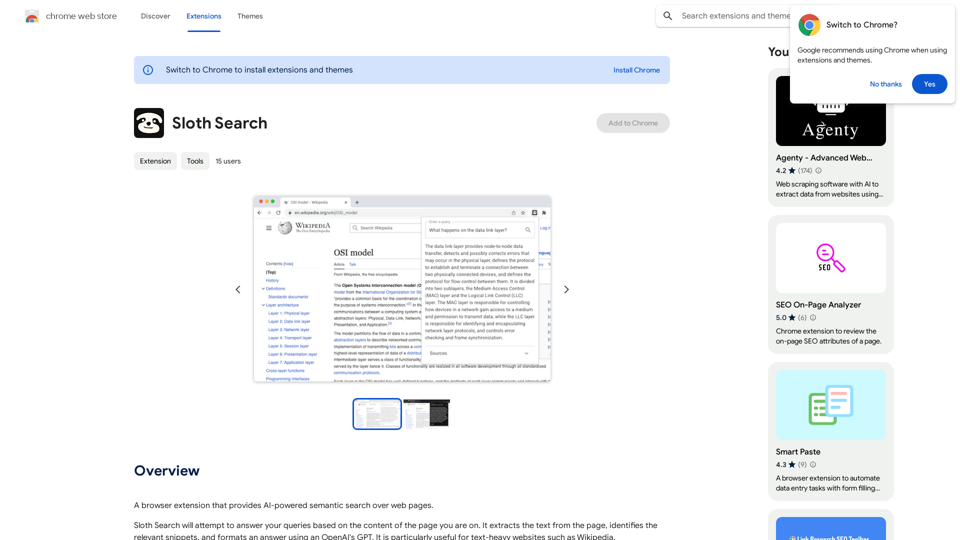
Sloth Search is an innovative browser extension that revolutionizes web page searching using AI-powered semantic technology. By leveraging OpenAI's GPT, it extracts and analyzes text from web pages, providing relevant snippets and formatted answers. This tool is particularly beneficial for users navigating text-heavy websites like Wikipedia, offering a more efficient and intelligent search experience.
Sloth Search
A browser extension that uses artificial intelligence to perform a deeper understanding search of web pages.
Introduction
Feature
AI-Powered Semantic Search
Sloth Search utilizes advanced AI technology to perform semantic searches on web pages, understanding context and meaning beyond simple keyword matching.
Text Extraction and Snippet Identification
The extension automatically extracts text from the current web page and identifies the most relevant snippets related to the user's query.
GPT-Powered Answer Formatting
Leveraging OpenAI's GPT, Sloth Search formats comprehensive and coherent answers based on the extracted information.
Open-Source Customization
As an open-source project, Sloth Search allows users to customize and adapt the extension to their specific needs. The source code is available on GitHub: https://github.com/Michael-JB/sloth-search
User-Provided API Key
To ensure privacy and control, users need to provide their own OpenAI API key to use the extension.
Chrome Browser Compatibility
Sloth Search is designed to work seamlessly with the Chrome browser, catering to a large user base.
FAQ
How do I start using Sloth Search?
To begin using Sloth Search:
- Install the extension in your Chrome browser
- Provide your personal OpenAI API key
- Navigate to a text-heavy website
- Use the extension to perform semantic searches on the page
What are the costs associated with Sloth Search?
Sloth Search features:
- Free extension download
- No subscription fees
- Requires user-provided OpenAI API key (may incur usage costs)
What makes Sloth Search unique?
Sloth Search stands out due to its:
- AI-powered semantic search capabilities
- Integration with OpenAI's GPT for answer formatting
- Open-source nature, allowing for customization
- Specialization in handling text-heavy websites
Is Sloth Search compatible with all web browsers?
Currently, Sloth Search is only compatible with the Chrome browser. Support for other browsers is not available at this time.
Can I modify Sloth Search to suit my needs?
Yes, as an open-source project, you can customize Sloth Search. The source code is available on GitHub, allowing developers to modify and adapt the extension as needed.
Related Websites
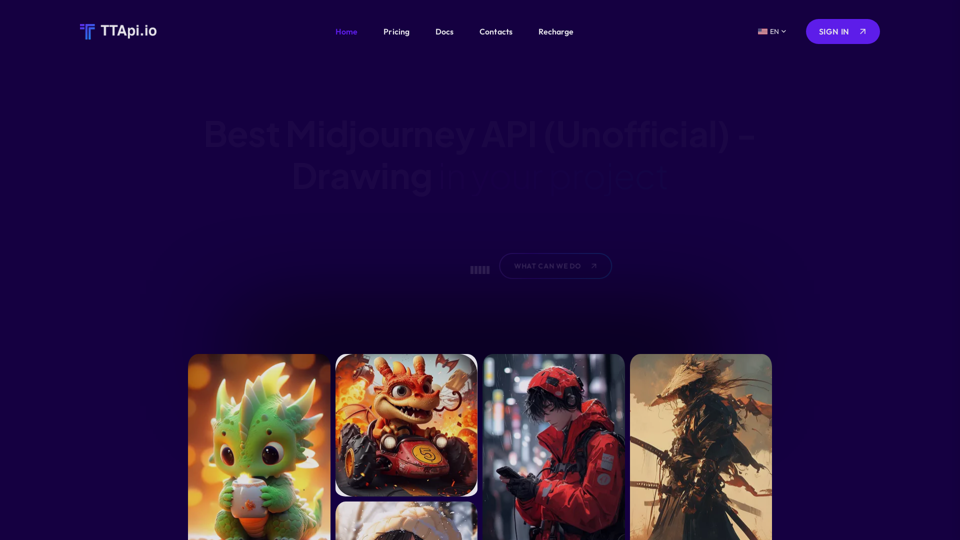
Affordable Midjourney API Integration - Best Deals & Packages | ttapi.io
Affordable Midjourney API Integration - Best Deals & Packages | ttapi.ioDiscover affordable Midjourney API integration, best buy packages, and cheap plans. Get reliable Midjourney API services and solutions at ttapi.io today!
9.78 K
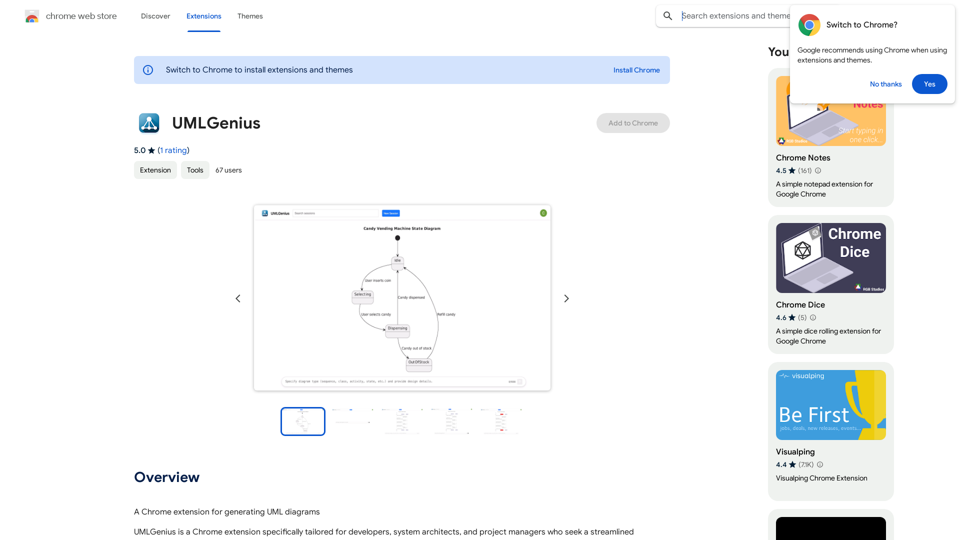
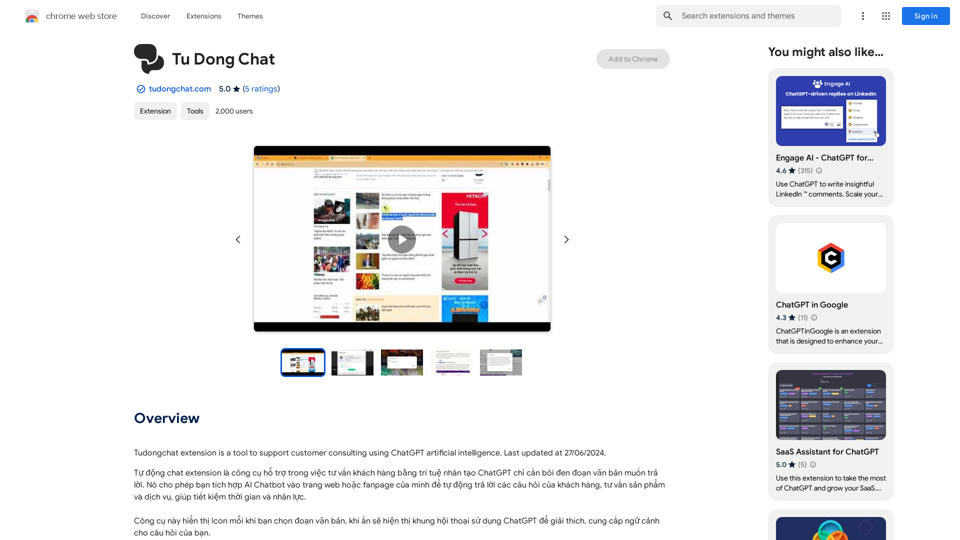
The Tudongchat extension is a tool that supports customer consulting using ChatGPT artificial intelligence. Last updated on June 27, 2024.
193.90 M
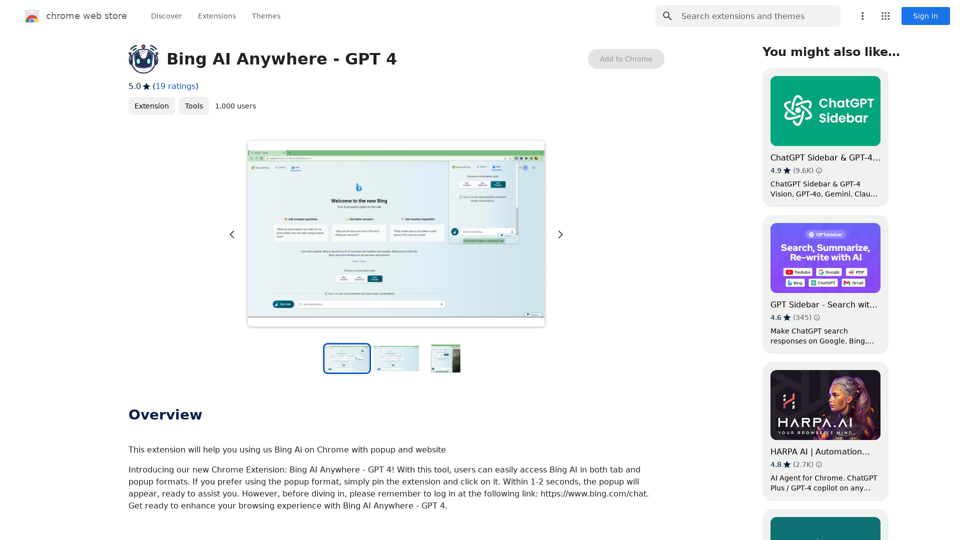
Bing AI Anywhere - GPT 4 Bing AI Anywhere is a cutting-edge technology that integrates the power of artificial intelligence into various aspects of our daily lives. With the latest GPT-4 model, this innovative platform is poised to revolutionize the way we interact, work, and live. What is GPT-4? GPT-4 is the fourth generation of the Generative Pre-trained Transformer (GPT) model, a type of artificial intelligence language model developed by OpenAI. This advanced language model is trained on a massive dataset of text from the internet and can generate human-like language, making it an ideal tool for a wide range of applications. Key Features of Bing AI Anywhere with GPT-4 * Conversational AI: Engage in natural-sounding conversations with Bing AI Anywhere, which can understand and respond to voice or text inputs. * Contextual Understanding: GPT-4's advanced language model enables Bing AI Anywhere to comprehend context, nuances, and subtleties of language, making interactions more human-like. * Multitasking: This technology can handle multiple tasks simultaneously, making it an efficient and productive tool for various industries and applications. * Personalization: Bing AI Anywhere with GPT-4 can learn and adapt to individual preferences, providing a tailored experience for each user. Potential Applications of Bing AI Anywhere with GPT-4 * Virtual Assistants: Integrate Bing AI Anywhere into virtual assistants to create more conversational and helpful AI-powered companions. * Customer Service: Implement this technology in customer service platforms to provide 24/7 support and improve customer satisfaction. * Healthcare: Utilize Bing AI Anywhere with GPT-4 to develop AI-powered chatbots that can assist with medical inquiries, appointments, and more. * Education: Create interactive and engaging educational tools that can provide personalized learning experiences for students. The Future of AI with Bing AI Anywhere and GPT-4 As Bing AI Anywhere continues to evolve with the power of GPT-4, we can expect to see even more innovative applications and use cases emerge. This technology has the potential to transform industries, revolutionize the way we work and live, and bring us closer to a future where humans and AI collaborate seamlessly.
Bing AI Anywhere - GPT 4 Bing AI Anywhere is a cutting-edge technology that integrates the power of artificial intelligence into various aspects of our daily lives. With the latest GPT-4 model, this innovative platform is poised to revolutionize the way we interact, work, and live. What is GPT-4? GPT-4 is the fourth generation of the Generative Pre-trained Transformer (GPT) model, a type of artificial intelligence language model developed by OpenAI. This advanced language model is trained on a massive dataset of text from the internet and can generate human-like language, making it an ideal tool for a wide range of applications. Key Features of Bing AI Anywhere with GPT-4 * Conversational AI: Engage in natural-sounding conversations with Bing AI Anywhere, which can understand and respond to voice or text inputs. * Contextual Understanding: GPT-4's advanced language model enables Bing AI Anywhere to comprehend context, nuances, and subtleties of language, making interactions more human-like. * Multitasking: This technology can handle multiple tasks simultaneously, making it an efficient and productive tool for various industries and applications. * Personalization: Bing AI Anywhere with GPT-4 can learn and adapt to individual preferences, providing a tailored experience for each user. Potential Applications of Bing AI Anywhere with GPT-4 * Virtual Assistants: Integrate Bing AI Anywhere into virtual assistants to create more conversational and helpful AI-powered companions. * Customer Service: Implement this technology in customer service platforms to provide 24/7 support and improve customer satisfaction. * Healthcare: Utilize Bing AI Anywhere with GPT-4 to develop AI-powered chatbots that can assist with medical inquiries, appointments, and more. * Education: Create interactive and engaging educational tools that can provide personalized learning experiences for students. The Future of AI with Bing AI Anywhere and GPT-4 As Bing AI Anywhere continues to evolve with the power of GPT-4, we can expect to see even more innovative applications and use cases emerge. This technology has the potential to transform industries, revolutionize the way we work and live, and bring us closer to a future where humans and AI collaborate seamlessly.This extension helps you use Bing AI on Chrome with a popup and website.
193.90 M
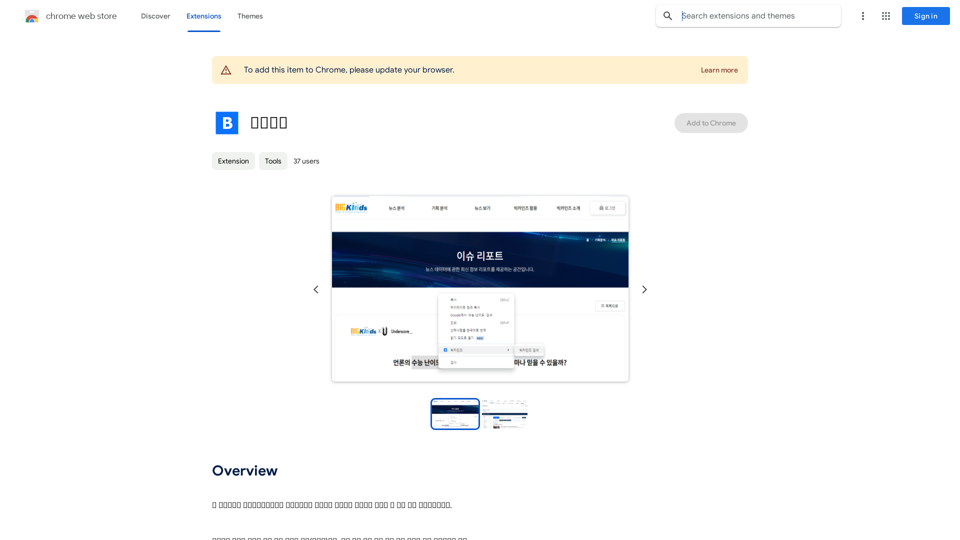
This program is an extension program that allows you to easily use the services provided by the Korea Press Foundation's Bigkinds. Select (drag) a sentence or paragraph that appears in your browser, and through a pop-up window, you can search for the corresponding word or sentence on Bigkinds,...
193.90 M
ChatBotKit makes it easy for developers and non-developers alike to build chatbots that can communicate with users in natural language.
33.88 K
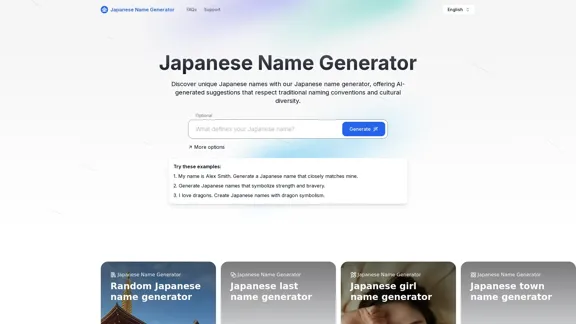
Discover unique Japanese names with our Japanese name generator, offering AI-generated suggestions that respect traditional naming conventions and cultural diversity.
2.16 K
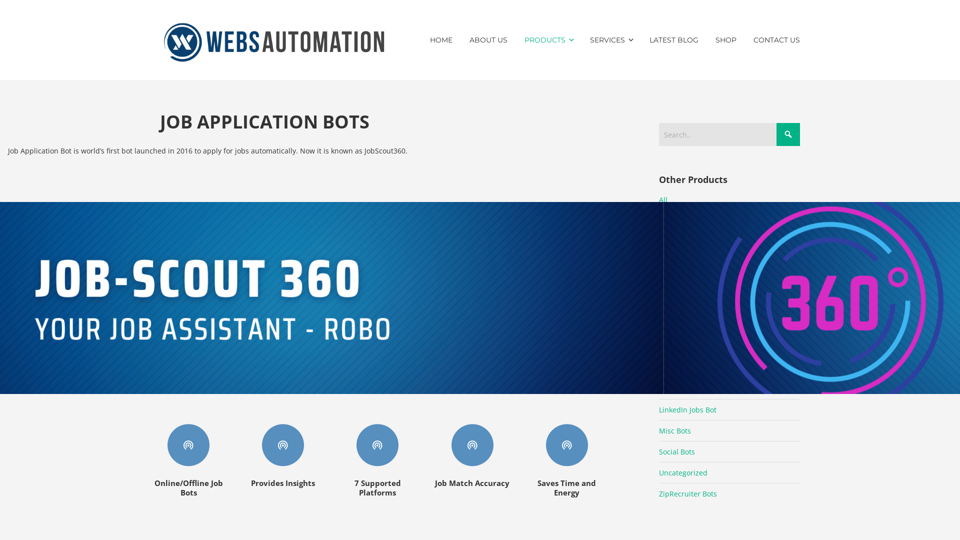
Best AI Job Application Bot 2024 | Webs-Automation This AI-powered job application bot is designed to simplify and streamline the job application process for both job seekers and employers. With its advanced automation capabilities, this bot can efficiently search for job openings, tailor resumes and cover letters, and even submit applications on behalf of the job seeker.
Best AI Job Application Bot 2024 | Webs-Automation This AI-powered job application bot is designed to simplify and streamline the job application process for both job seekers and employers. With its advanced automation capabilities, this bot can efficiently search for job openings, tailor resumes and cover letters, and even submit applications on behalf of the job seeker.Enhance Your Job Search with the Ultimate AI Job Application Bot! Simplify the Application Process and Boost Your Prospects with Our Top Job Application Bot.
2.69 K