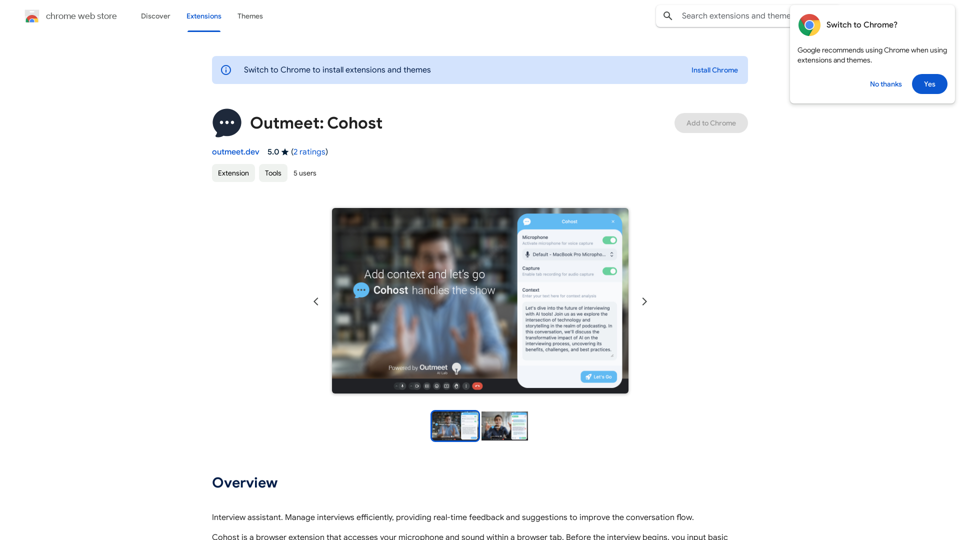
Supermemory is an AI-driven platform that enhances users' ability to remember and interact with saved content from various sources, including blogs, videos, and websites. It offers an intelligent bookmarking system that allows users to easily find and engage with their saved information, effectively supercharging their workflow.
super memory
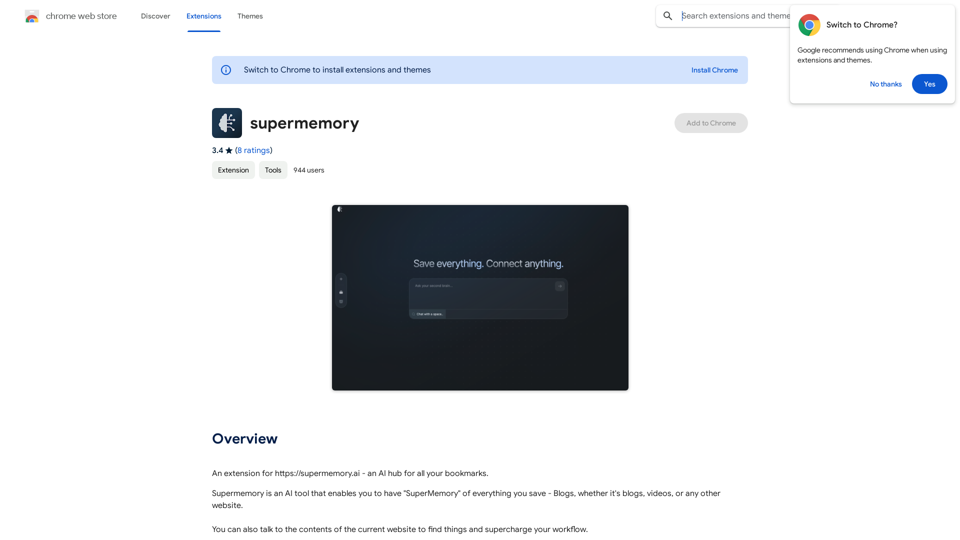
An extension for https://supermemory.ai - an AI hub for all your bookmarks.
Introduction
Feature
AI-Powered Bookmarking
Supermemory utilizes artificial intelligence to categorize and search through bookmarks, making it effortless for users to locate specific information when needed.
Intelligent Search Functionality
The platform's AI-driven search engine assists users in finding desired content, even when exact details are not remembered, improving information retrieval efficiency.
Free Chrome Extension
Supermemory offers a free Chrome extension with unlimited bookmark saving capabilities, making it accessible to a wide range of users.
Interactive Content Engagement
Users can directly interact with the contents of saved websites, enabling a more dynamic and efficient way of accessing and utilizing stored information.
Easy Installation and Setup
The extension can be quickly installed from the Chrome Web Store, followed by a simple sign-in process to access personal bookmarks and settings.
Flexible Pricing Model
While the basic extension is free, Supermemory offers paid plans for users requiring additional features or increased storage capacity.
FAQ
What are the main benefits of using Supermemory?
Supermemory offers AI-powered bookmarking, intelligent search capabilities, and the ability to interact with saved content, all of which enhance information management and retrieval efficiency.
How do I get started with Supermemory?
To begin using Supermemory:
- Install the extension from the Chrome Web Store
- Sign in to your Supermemory account
- Start bookmarking your favorite websites and articles
Is there a limit to how many bookmarks I can save with Supermemory?
No, there is no limit on the number of bookmarks you can save with the free Supermemory extension.
Related Websites
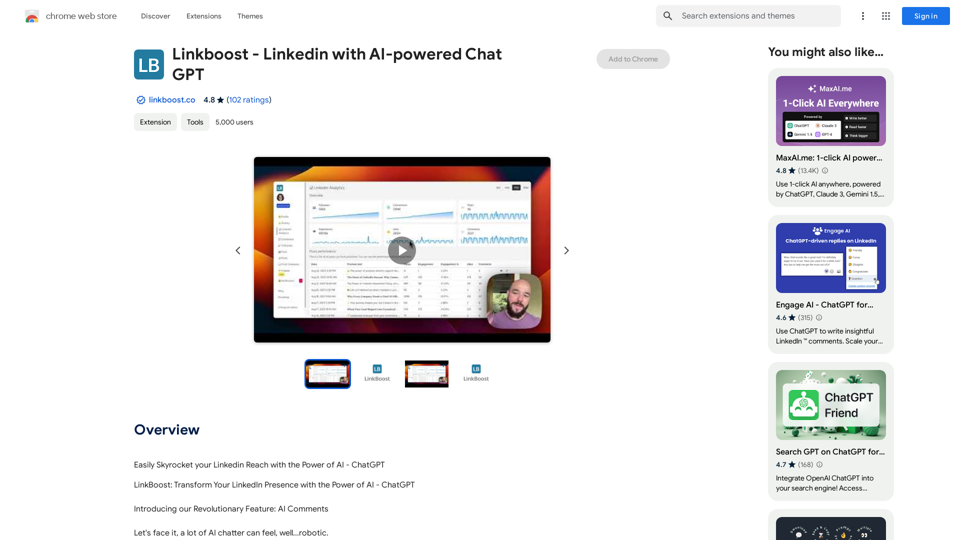
Easily Skyrocket Your LinkedIn Reach with the Power of AI - ChatGPT Let's face it, standing out on LinkedIn can be tough. But what if you could leverage the incredible power of AI to supercharge your profile and connections? That's where ChatGPT comes in. This revolutionary AI tool can help you: * Craft compelling content: Say goodbye to writer's block! ChatGPT can help you generate engaging posts, articles, and even personalized messages that resonate with your audience. * Optimize your profile: Make sure your LinkedIn profile shines! ChatGPT can suggest improvements to your headline, summary, and experience descriptions, helping you attract more views and connections. * Automate your outreach: Spend less time manually sending messages and more time building relationships. ChatGPT can help you draft personalized connection requests and follow-up messages that get results. * Unlock valuable insights: Gain a deeper understanding of your network and industry trends. ChatGPT can analyze your connections and content performance, providing actionable insights to improve your strategy. Ready to take your LinkedIn game to the next level? ChatGPT is your secret weapon.
193.90 M
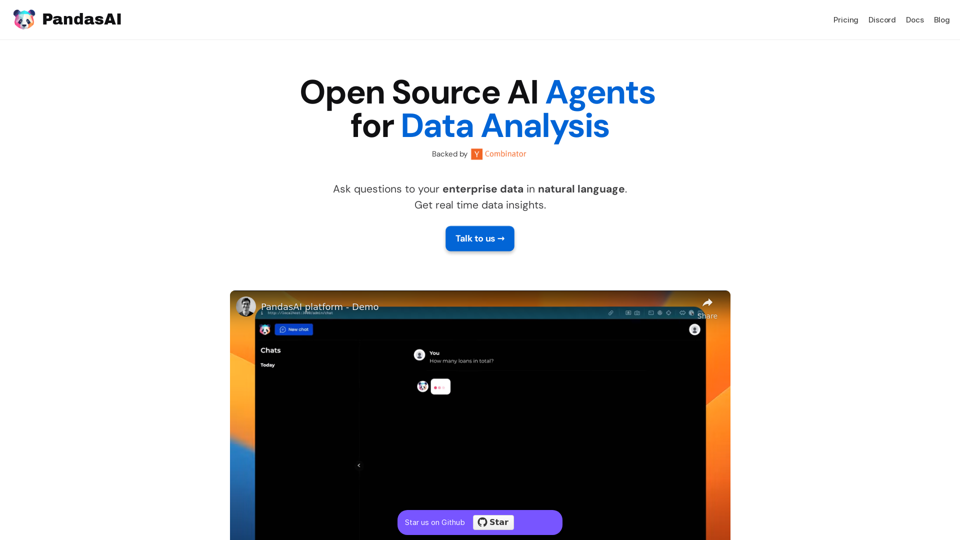
PandasAI is a Python library that integrates generative artificial intelligence capabilities into pandas, making dataframes conversational.
44.27 K
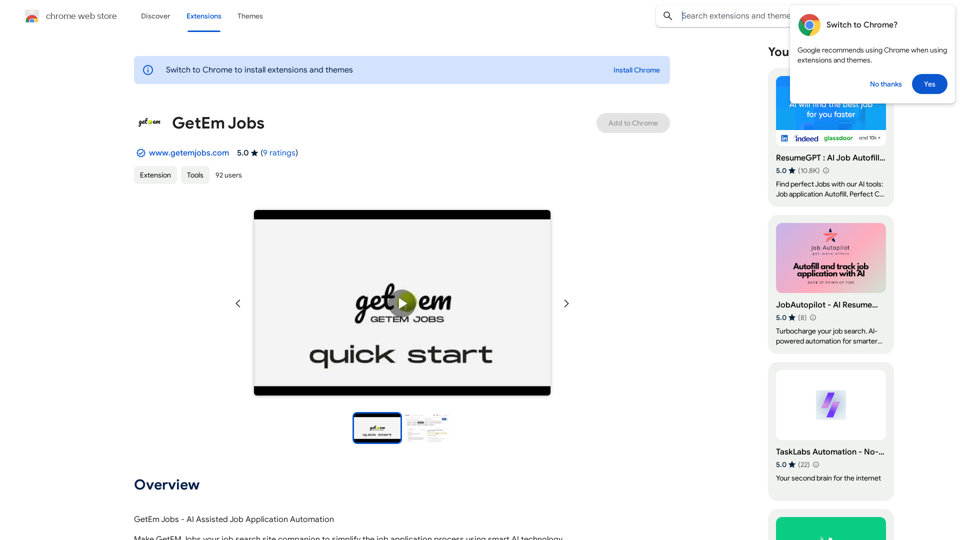
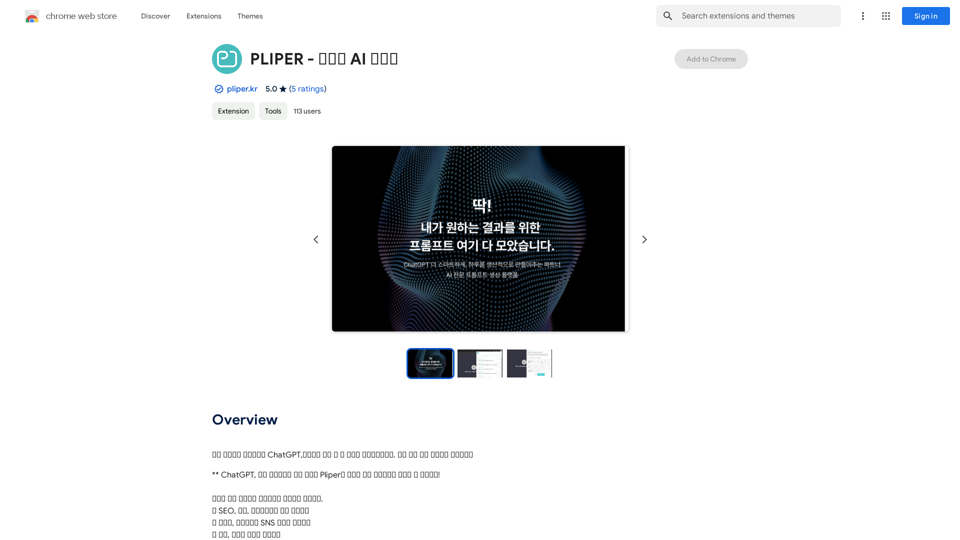
Here are some commonly used prompts that you can use directly in ChatGPT and LLaMA to boost your productivity today. Let's make today productive!
193.90 M

Genspark Genspark is a technology company that provides AI-powered education and talent development solutions.
Genspark Genspark is a technology company that provides AI-powered education and talent development solutions.GenSpark GenSpark is a training program that focuses on providing skills and knowledge to individuals in the field of software development, data science, and other related technologies. The program aims to bridge the gap between the skills possessed by the students and the requirements of the industry.
8.76 M
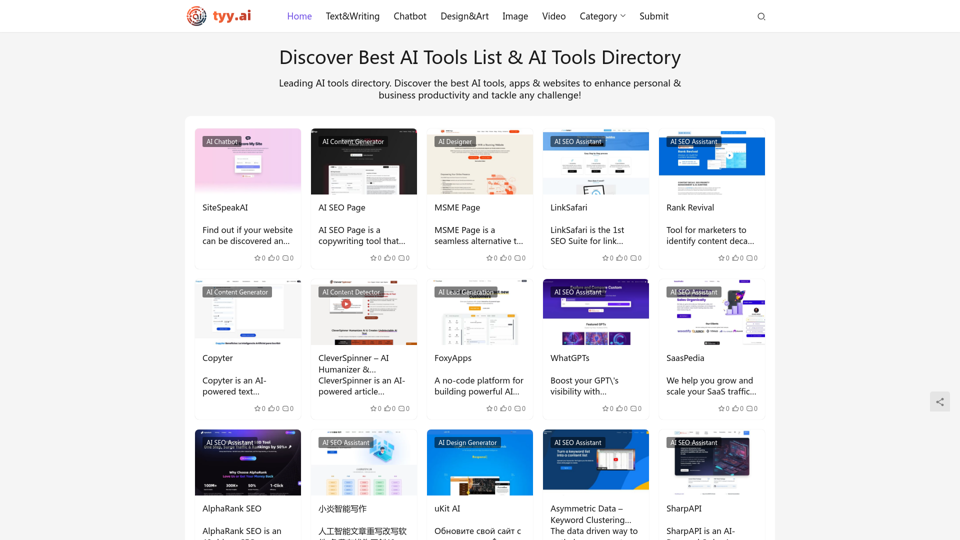
Discover the Best AI Tools List & AI Tools Directory with tyy.ai
Discover the Best AI Tools List & AI Tools Directory with tyy.aityy.ai - Leading AI tools directory. Discover the best AI tools, apps & websites to enhance personal & business productivity and tackle any challenge!
1.58 K
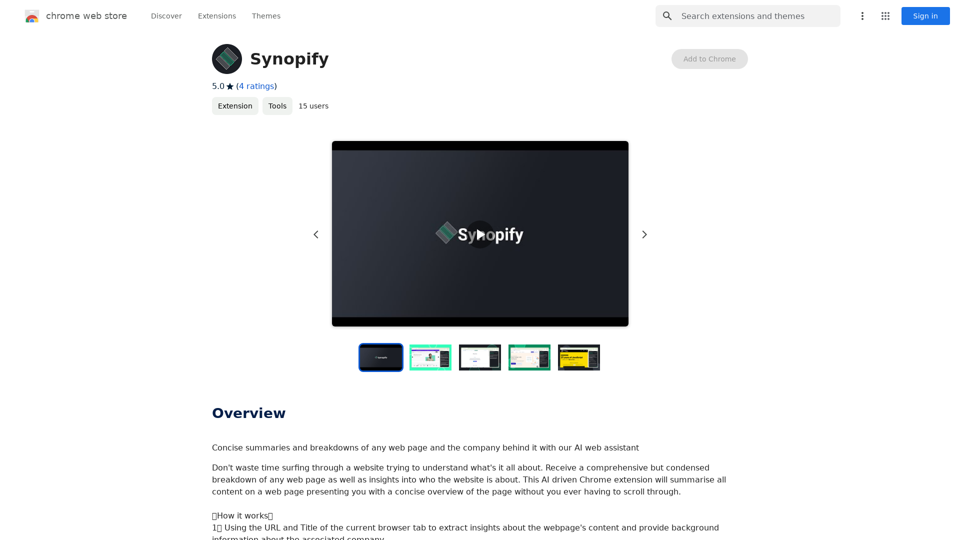
Concise summaries and breakdowns of any web page and the company behind it with our AI web assistant
193.90 M