TabTalk is a Chrome extension that transforms web browsing by offering audio summarization of open tabs. It helps users overcome information overload, enhances multitasking, and boosts productivity. With TabTalk, users can listen to concise summaries of web content, allowing them to focus on essential information without constant tab switching.
TabTalk - Audio Summaries for Efficient Browsing
TabTalk: Overwhelmed by clutter? Browse smarter, listen while you work.
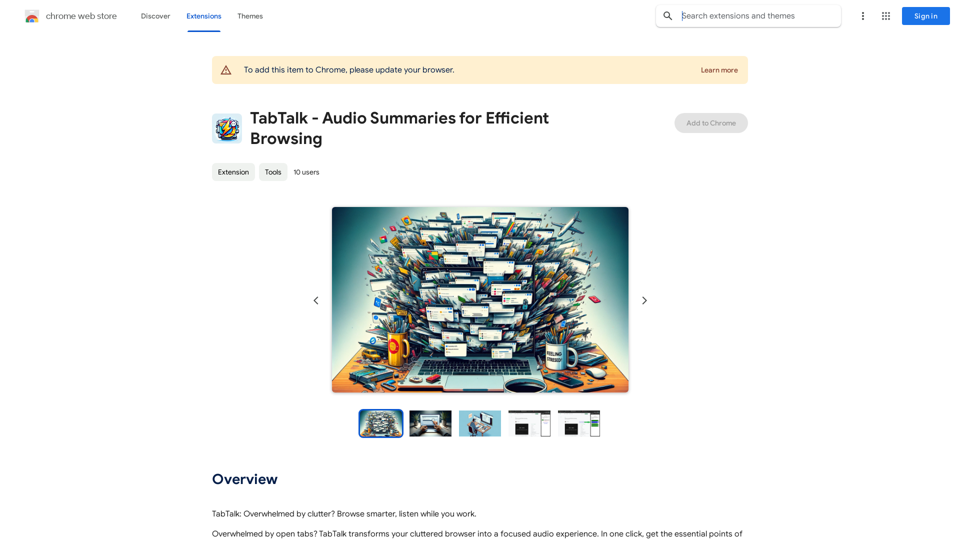
Introduction
Feature
Conquer Information Overload
TabTalk's audio summarization technology provides quick, essential points from open tabs, helping users focus on important content and reduce excessive tab switching.
Effective Multitasking
Users can listen to tab summaries while working on other tasks, improving organization and productivity.
Seamless Google Account Integration
TabTalk uses existing Google accounts, eliminating the need for additional logins or passwords.
Free Trial with 7 Gift Summaries
New users can try TabTalk risk-free for 7 days, receiving 7 complimentary summaries to start.
OpenAI GPT-3.5 Powered Summaries
TabTalk utilizes OpenAI's GPT-3.5 to generate accurate and informative summaries of open tabs.
Easy-to-Use Process
- Install from Chrome Web Store
- Click TabTalk icon in Chrome toolbar
- Select tabs for summarization
- Listen to audio summaries
Affordable Pricing
TabTalk is available for $4.99/month, with a 7-day risk-free trial and the option to cancel anytime.
Versatile Applications
- Summarize long articles or blog posts
- Listen to summaries while multitasking
- Assist students and researchers in grasping main points quickly
FAQ
How does TabTalk function?
TabTalk leverages OpenAI's GPT-3.5 to create audio summaries of open tabs.
Is TabTalk free to use?
TabTalk offers a 7-day free trial, after which it costs $4.99/month.
Can I cancel my subscription at any time?
Yes, users have the flexibility to cancel their subscription whenever they choose.
Related Websites
The most powerful AI text editor. Coherent editing. Customized styling. Collaborate seamlessly.
1.36 K
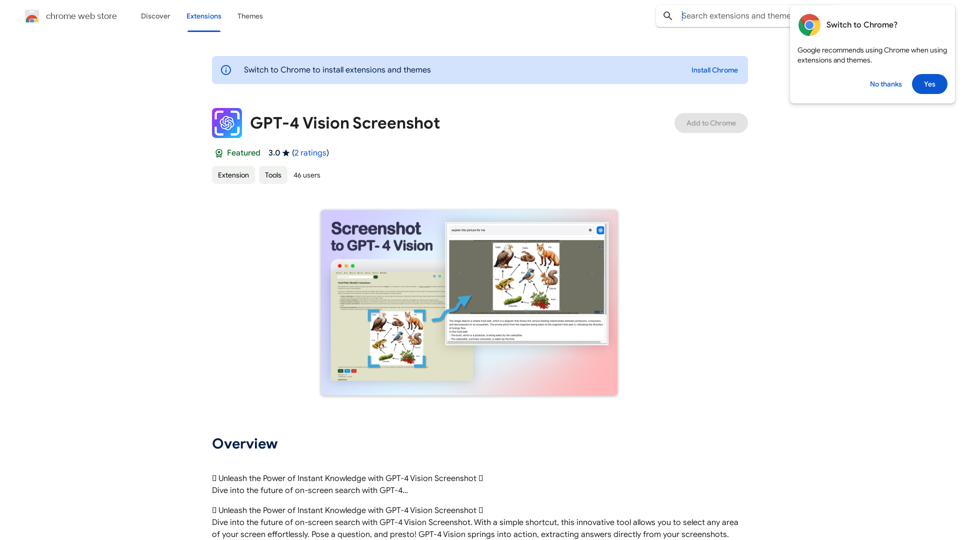
✨ Unleash the Power of Instant Knowledge with GPT-4 Vision Screenshot ✨ Dive into the future of on-screen search with GPT-4...
193.90 M
TurboLearn AI quickly makes complete notes, interactive flashcards, and custom quizzes from your lectures. Made to help you learn better and remember more, TurboLearn AI changes to fit your specific learning needs. Make the most of your study time today!
292.80 K
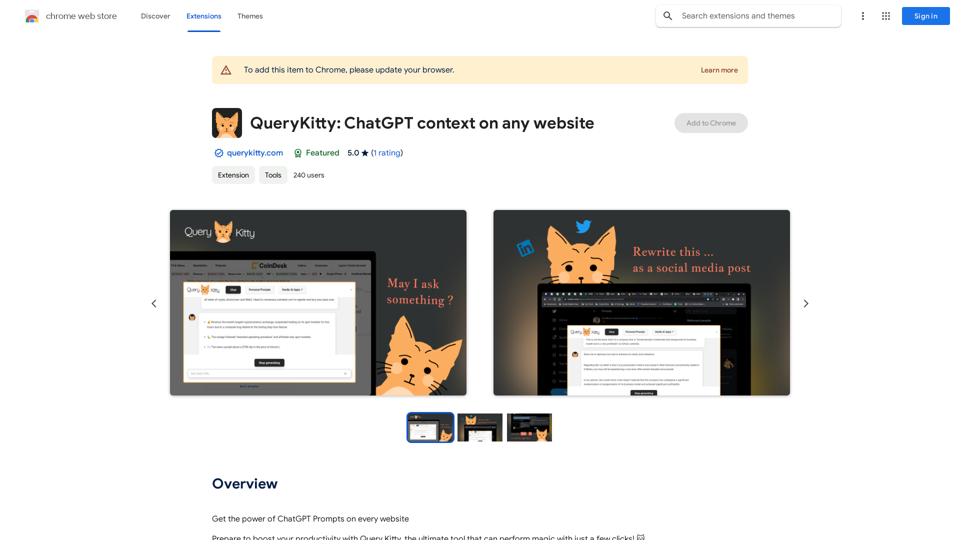
Unlock the Power of ChatGPT Prompts on Any Website Are you tired of switching between multiple tabs to find the perfect prompt for your ChatGPT conversations? Imagine having the power to generate prompts on any website, at any time, with just a few clicks. #Introducing the ChatGPT Prompt Extension Our innovative browser extension brings the magic of ChatGPT prompts directly to your fingertips. With this game-changing tool, you can: * Generate prompts on any webpage: Highlight a sentence, phrase, or paragraph, and our AI will suggest relevant prompts to spark insightful conversations. * Explore new topics and ideas: Get instant access to a vast library of prompts, carefully curated to inspire creativity and foster meaningful discussions. * Enhance your research and learning: Use our prompts to delve deeper into topics, uncover new perspectives, and gain a deeper understanding of complex subjects. #How it Works 1. Install the extension: Add our browser extension to your favorite browser. 2. Highlight and generate: Highlight any text on a webpage, and our AI will suggest relevant prompts. 3. Explore and refine: Browse through the suggested prompts, refine them to your liking, and start conversing with ChatGPT. #Unlock the Full Potential of ChatGPT Don't let the limitations of traditional prompt searching hold you back. With our ChatGPT Prompt Extension, you'll unlock a world of possibilities, including: * Faster research and learning: Get instant access to relevant prompts, saving you time and effort. * Improved conversation quality: Engage in more meaningful and insightful conversations with ChatGPT. * Enhanced creativity and productivity: Spark new ideas and explore fresh perspectives with our AI-generated prompts. #Try it Today! Install our ChatGPT Prompt Extension now and discover the power of AI-driven prompts on any website.
193.90 M
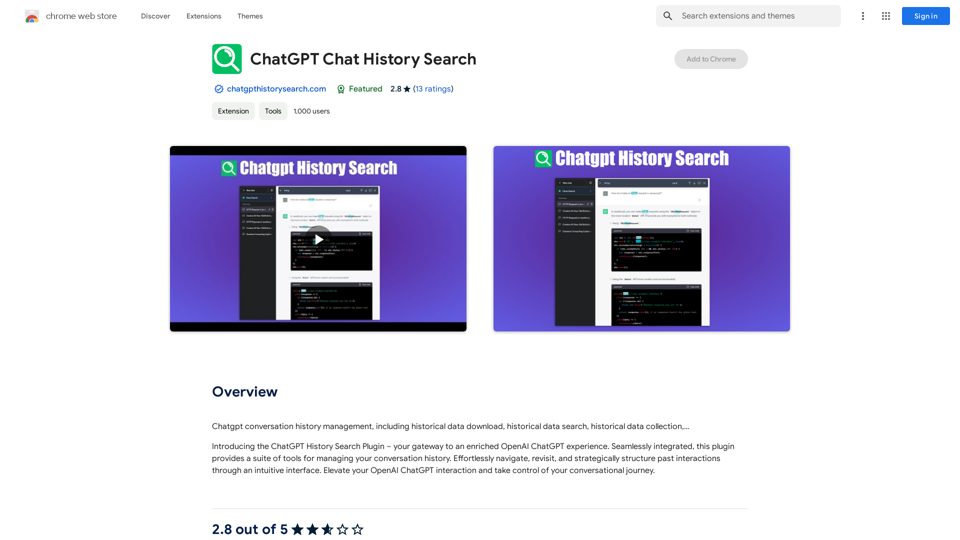
ChatGPT Conversation History Management, including: Historical Data Download Historical Data Search Historical Data Collection …
193.90 M
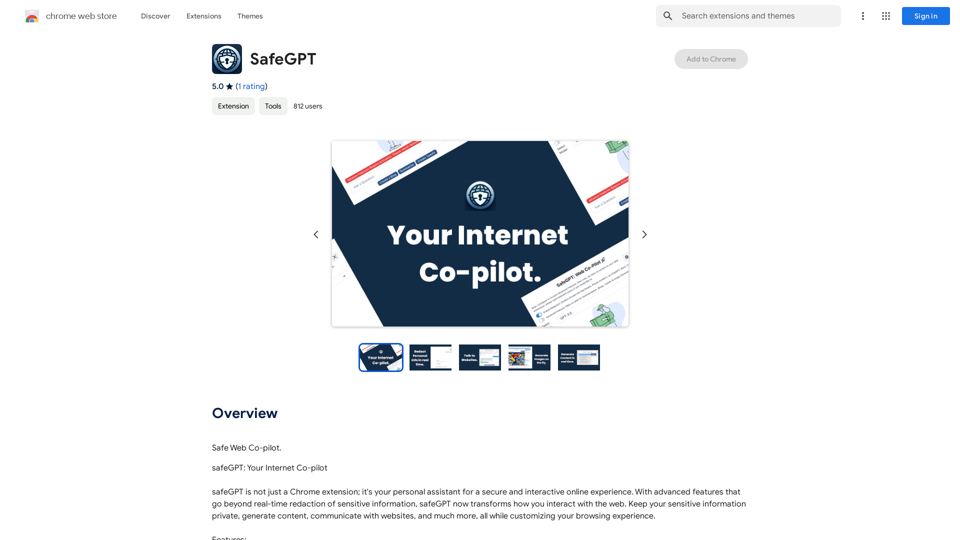
SafeGPT =============== SafeGPT is an AI model designed to generate human-like text while avoiding harmful or toxic content. It is trained on a massive dataset of text from the internet and can understand and respond to user input in a conversational manner. SafeGPT is capable of generating text on a wide range of topics, from simple questions to complex discussions, and can even create stories, dialogues, and more. Key Features: * Harmless responses: SafeGPT is designed to avoid generating harmful or toxic content, making it a safe and reliable tool for users of all ages. * Conversational understanding: SafeGPT can understand and respond to user input in a conversational manner, making it feel more like a human-like interaction. * Creative freedom: SafeGPT can generate text on a wide range of topics, from simple questions to complex discussions, and can even create stories, dialogues, and more. * Continuous learning: SafeGPT is constantly learning and improving its responses based on user feedback, ensuring that it becomes more accurate and helpful over time. Use Cases: * Chatbots and virtual assistants: SafeGPT can be used to power chatbots and virtual assistants, providing users with a safe and reliable way to interact with machines. * Content generation: SafeGPT can be used to generate content for websites, social media, and other platforms, helping to reduce the workload of content creators. * Language learning: SafeGPT can be used to help language learners practice their conversational skills, providing them with a safe and interactive way to improve their language abilities. Benefits: * Improved safety: SafeGPT's ability to avoid generating harmful or toxic content makes it a safer tool for users of all ages. * Increased creativity: SafeGPT's ability to generate text on a wide range of topics and in various styles makes it a valuable tool for content creators and language learners. * Enhanced user experience: SafeGPT's conversational understanding and ability to respond in a human-like manner make it a more enjoyable and interactive tool for users.
SafeGPT =============== SafeGPT is an AI model designed to generate human-like text while avoiding harmful or toxic content. It is trained on a massive dataset of text from the internet and can understand and respond to user input in a conversational manner. SafeGPT is capable of generating text on a wide range of topics, from simple questions to complex discussions, and can even create stories, dialogues, and more. Key Features: * Harmless responses: SafeGPT is designed to avoid generating harmful or toxic content, making it a safe and reliable tool for users of all ages. * Conversational understanding: SafeGPT can understand and respond to user input in a conversational manner, making it feel more like a human-like interaction. * Creative freedom: SafeGPT can generate text on a wide range of topics, from simple questions to complex discussions, and can even create stories, dialogues, and more. * Continuous learning: SafeGPT is constantly learning and improving its responses based on user feedback, ensuring that it becomes more accurate and helpful over time. Use Cases: * Chatbots and virtual assistants: SafeGPT can be used to power chatbots and virtual assistants, providing users with a safe and reliable way to interact with machines. * Content generation: SafeGPT can be used to generate content for websites, social media, and other platforms, helping to reduce the workload of content creators. * Language learning: SafeGPT can be used to help language learners practice their conversational skills, providing them with a safe and interactive way to improve their language abilities. Benefits: * Improved safety: SafeGPT's ability to avoid generating harmful or toxic content makes it a safer tool for users of all ages. * Increased creativity: SafeGPT's ability to generate text on a wide range of topics and in various styles makes it a valuable tool for content creators and language learners. * Enhanced user experience: SafeGPT's conversational understanding and ability to respond in a human-like manner make it a more enjoyable and interactive tool for users.Safe Web Co-pilot
193.90 M
IntegraBot - Advanced Agents with AI and Automations
IntegraBot - Advanced Agents with AI and AutomationsCreate an AI chatbot from your knowledge base and add it to your website or interact with it through our API.
357