TubeSumma is a Chrome extension designed to summarize YouTube videos efficiently. It captures essential ideas without requiring users to watch the entire video, saving time and boosting productivity. The extension uses powerful AI to recognize and extract key points, insights, and messages from videos of any length.
TubeSumma: YouTube Summarizer
TubeSumma lets you quickly summarize YouTube videos, grabbing the main points without having to watch the entire thing.
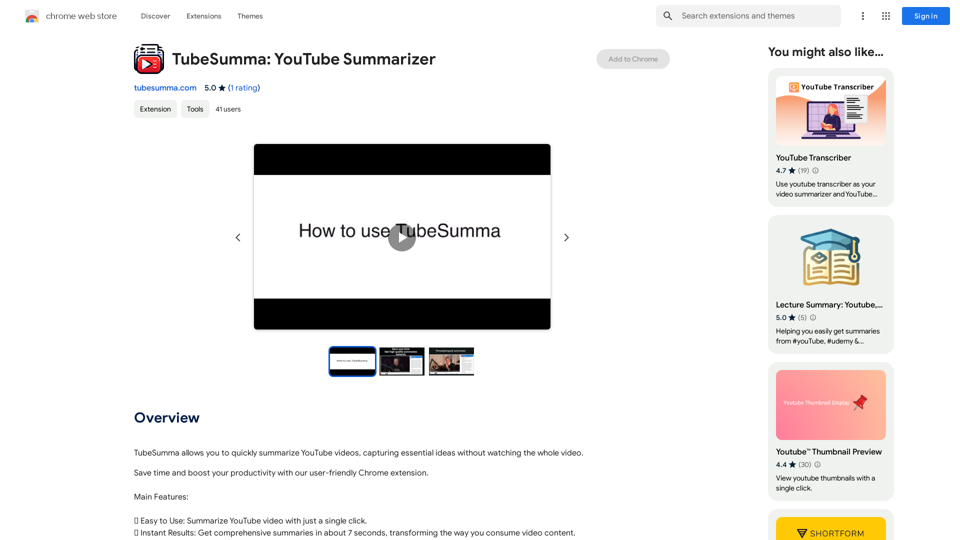
Introduction
Feature
Easy to Use
- Summarize YouTube videos with a single click
- User-friendly interface integrated into the YouTube platform
Instant Results
- Comprehensive summaries generated in about 7 seconds
- Transforms the way users consume video content
Premium Quality Summaries
- Leverages powerful AI to extract key points and insights
- Uses complex pipeline and advanced prompt engineering techniques
- Utilizes ChatGPT API from OpenAI for reliable and accurate summaries
Versatile Video Length Support
- Handles videos of any length, from short clips to extensive lectures
- Effortlessly summarizes content regardless of duration
Simple Installation and Usage
- Install the TubeSumma Chrome extension
- Navigate to YouTube and play any video
- Locate the TubeSumma widget to the right of the video
- Sign up with Google and log in
- Click "Get Summary" to obtain the video summary
Credit System
- Free credits awarded upon installation and registration
- 1 credit equals one minute of saved time
- Additional credits can be purchased on the website
- Future plans to introduce a referral system for earning extra credits
FAQ
How does TubeSumma work?
TubeSumma extracts the existing transcript of a YouTube video and analyzes it comprehensively using an AI assistant (ChatGPT from OpenAI). This process creates high-quality summaries by understanding and condensing the key points, insights, and messages conveyed in the video.
Who can benefit from using TubeSumma?
TubeSumma is ideal for students, professionals, and anyone looking to save time while consuming video content on YouTube. It's perfect for quickly grasping the essence of videos without dedicating the time to watch them in their entirety.
Is TubeSumma available on browsers other than Chrome?
Currently, TubeSumma is specifically designed as a Chrome extension and is not available on other browsers at this time.
Are there any types of videos TubeSumma cannot summarize?
TubeSumma currently cannot summarize videos without existing transcripts. However, the team is actively working on enhancing the service to include the capability to summarize videos without transcripts in future versions.
Related Websites

Kartiv: Automated Visual Content for eCommerce & Marketing Agencies
Kartiv: Automated Visual Content for eCommerce & Marketing AgenciesElevate your brand with Kartiv's AI-powered design solutions. Perfect for eCommerce businesses and marketing agencies.
440
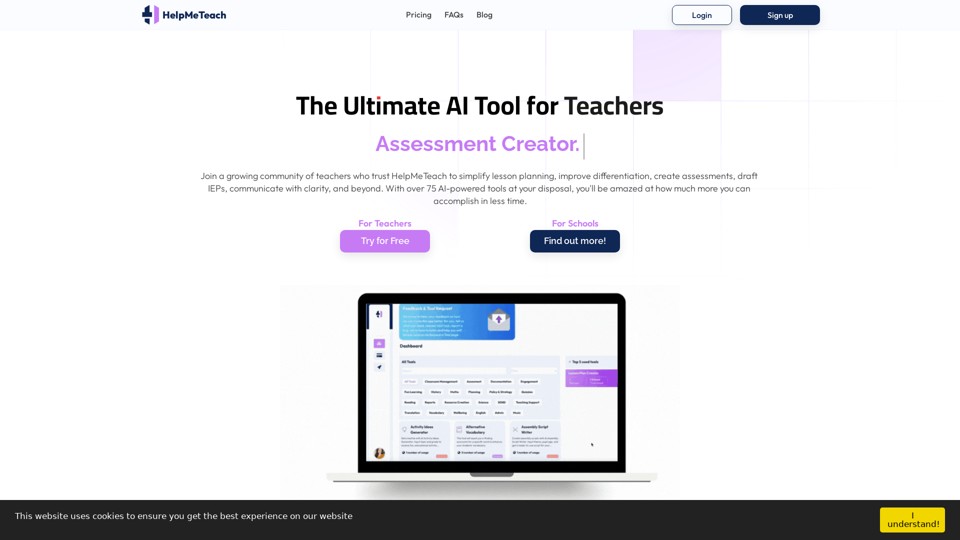
HelpMeTeach - AI Simplifies Teaching | Lesson Plans, Assessments, and More!
HelpMeTeach - AI Simplifies Teaching | Lesson Plans, Assessments, and More!Revolutionize your teaching with HelpMeTeach, the premier AI assistant for teachers. Simplify lesson plans and assessments, generate ideas, and create reports with ease. Enhance work-life balance and reduce workload with our 70+ teacher tools. Start now!
1.62 K
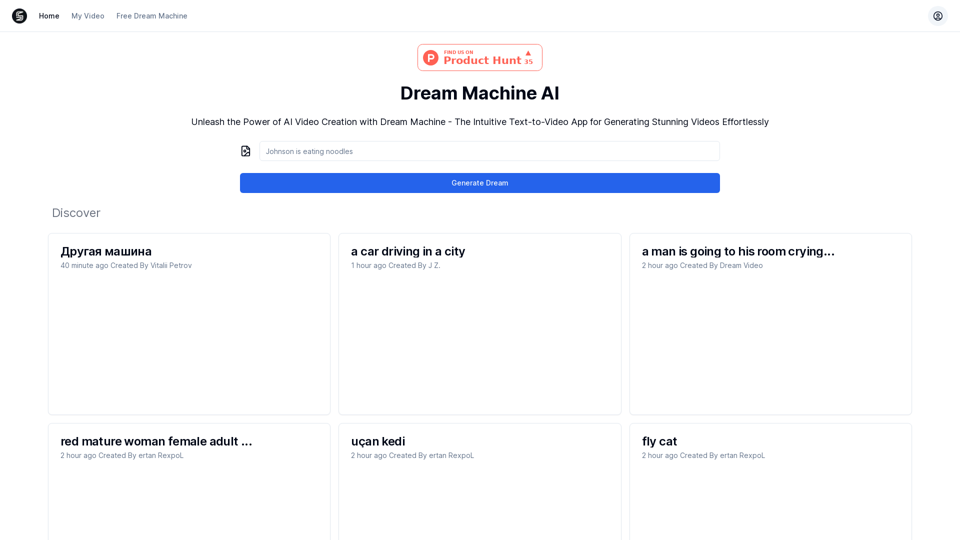
Explore Dream Machine AI for the revolutionary AI video generator. Create unique, high-quality videos instantly from text and images. Free to use. Download and enjoy innovative video content now!
7.28 K
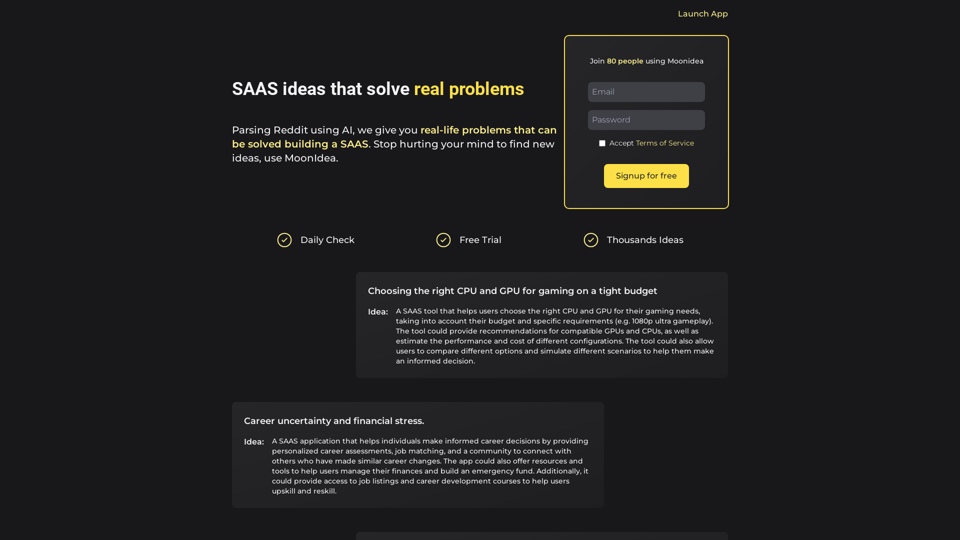
Moonidea AI-powered SaaS idea generation using Reddit threads.
Moonidea AI-powered SaaS idea generation using Reddit threads.Moonidea is an AI-powered software-as-a-service (SaaS) idea generation platform. It uses Reddit discussions to find real-world problems that could be solved by creating a new SaaS product.
0
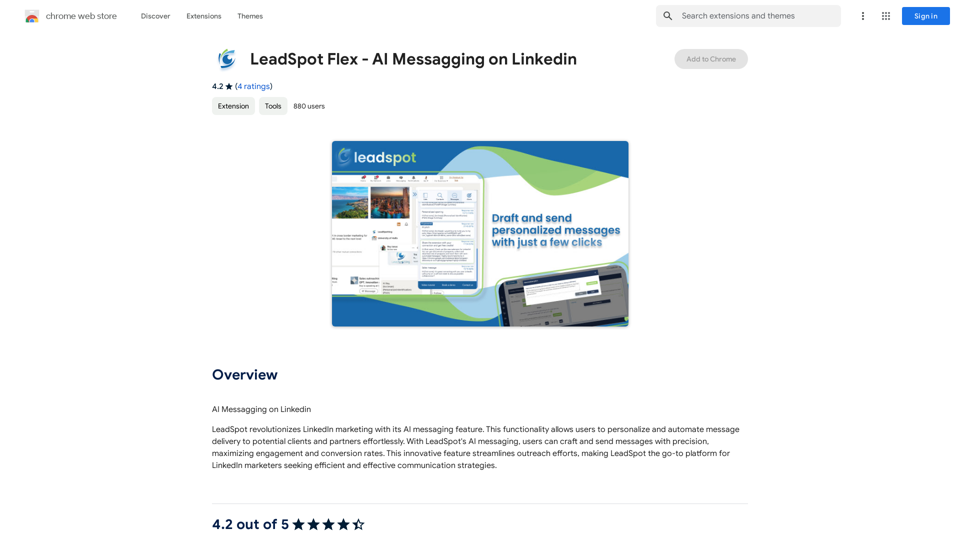
AI Messaging on LinkedIn Let's explore the potential and pitfalls of using AI for messaging on LinkedIn. Potential Benefits: * Increased Efficiency: AI can automate repetitive tasks like sending personalized connection requests or follow-up messages, freeing up your time for more strategic activities. * Improved Targeting: AI algorithms can analyze user profiles and identify potential connections based on shared interests, industry, or other relevant criteria. * Enhanced Personalization: AI can help craft personalized messages that resonate with individual recipients, increasing the likelihood of engagement. * Data-Driven Insights: AI can track message performance and provide insights into which messages are most effective, allowing you to refine your approach. Potential Pitfalls: * Lack of Authenticity: Overly generic or robotic messages can come across as impersonal and insincere, damaging your professional reputation. * Ethical Concerns: Using AI to manipulate or deceive users on LinkedIn raises ethical questions about transparency and consent. * Technical Limitations: Current AI technology may struggle to understand nuanced conversations or respond appropriately to complex queries. * Spam and Abuse: Malicious actors could exploit AI to send spam messages or engage in other harmful activities on LinkedIn. Best Practices: * Use AI as a Tool, Not a Replacement: Leverage AI to enhance your messaging, but always maintain human oversight and authenticity. * Prioritize Quality over Quantity: Focus on sending personalized messages to a targeted audience rather than mass-sending generic content. * Be Transparent: Disclose when you are using AI to assist with your messaging, and respect user preferences for communication. * Stay Informed: Keep up-to-date on the latest developments in AI ethics and best practices for using AI on LinkedIn.
193.90 M
Save countless hours reading, writing, replying to, and reviewing emails with the power of AI.
193.90 M
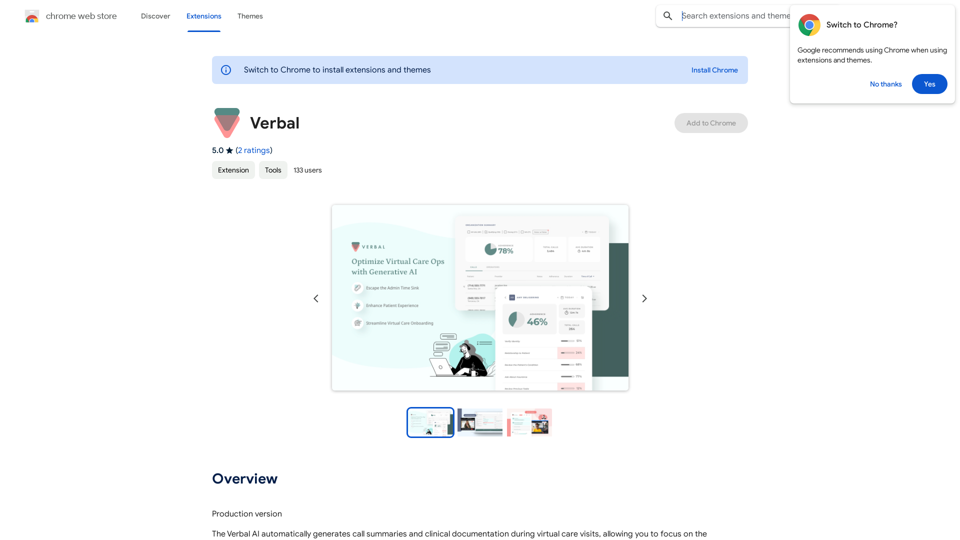
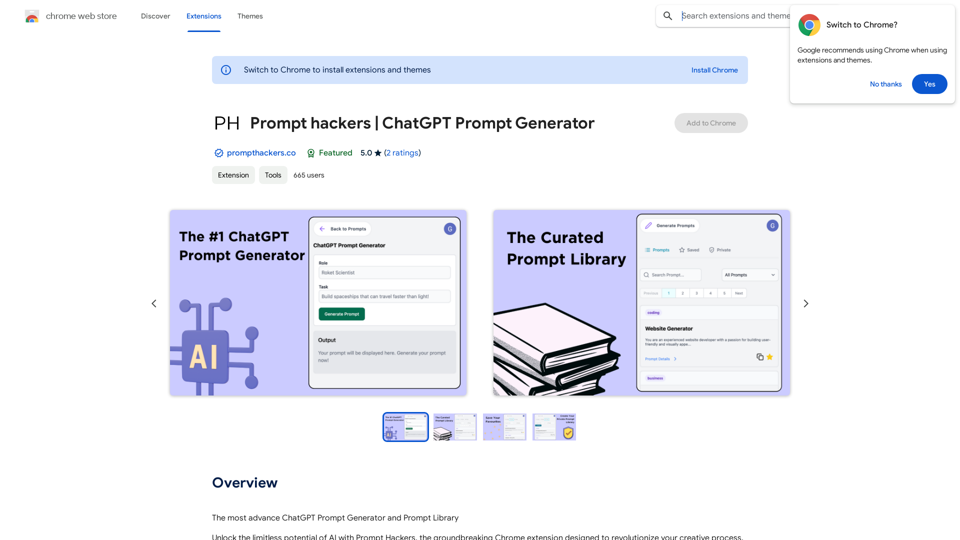
Prompt Hackers ===================== Generate creative and effective prompts to get the most out of your language model.
Prompt Hackers ===================== Generate creative and effective prompts to get the most out of your language model.The Most Advanced ChatGPT Prompt Generator and Prompt Library
193.90 M