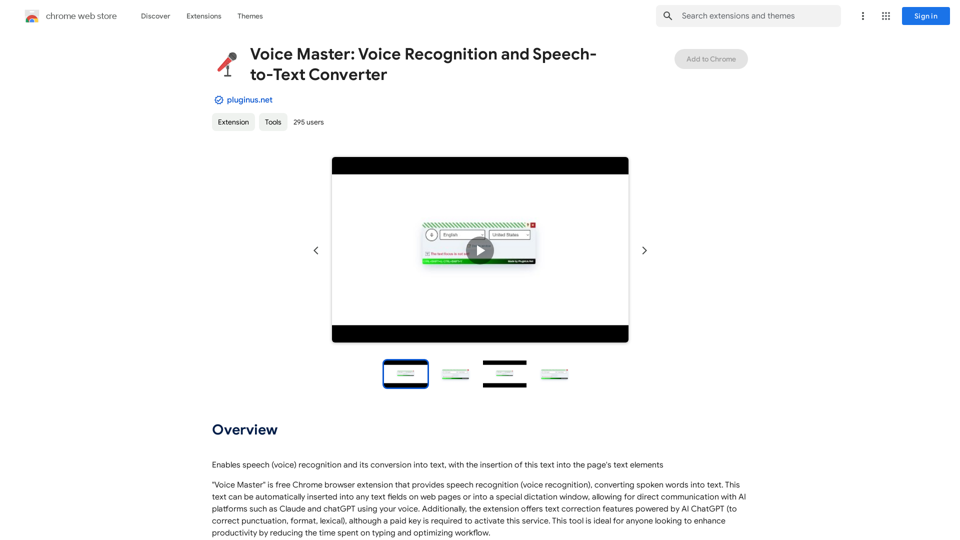
Voice Master is a free Chrome browser extension that offers speech recognition and speech-to-text conversion. It allows users to convert spoken words into text, which can be inserted into any text field on web pages or a dedicated dictation window. This tool is designed to boost productivity by reducing typing time and optimizing workflow for various users.
Voice Master: Voice Recognition and Speech-to-Text Converter
Allows you to speak and have your words recognized as text, which is then added to the text parts of the webpage.
Introduction
Feature
Speech Recognition and Conversion
Voice Master provides accurate speech-to-text conversion, allowing users to dictate content directly into web page text fields or a special dictation window.
Multi-language Support
The extension supports multiple languages, making it versatile for users worldwide.
AI Integration
Voice Master integrates with ChatGPT for text correction and refinement, enhancing the quality of transcribed content.
Customizable Hotkeys
Users can toggle panel visibility and enable/disable speech recognition using hotkeys:
- CTRL+SHIFT+U: Toggle panel visibility
- CTRL+SHIFT+Y: Enable/disable speech recognition
Draggable Interface
All windows and panels of the plugin are draggable, offering a flexible user experience.
Text Replacement
Selected text can be replaced with spoken words, providing an efficient editing process.
Language Settings
Users can change language settings at any time, adapting to different linguistic needs.
FAQ
How do I use Voice Master?
- Install the Voice Master Chrome extension
- Activate voice input by toggling "on" and clicking the microphone icon
- Choose your input language and select the desired text field
- Dictate your text
- Use the dictation window to manage text and edit with ChatGPT if needed
What are the limitations of Voice Master?
Voice Master may face challenges in accurately identifying punctuation due to:
- Limitations of speech recognition APIs
- Complexity of speech models
- Need for contextual understanding in punctuation
How can I provide feedback or suggestions?
You can contact the developers through the contact form at https://pluginus.net/contact-us. They value user input for improving Voice Master.
Is Voice Master suitable for all users?
Voice Master is ideal for anyone looking to enhance productivity by reducing typing time, including professionals, students, and individuals with accessibility needs.
Related Websites
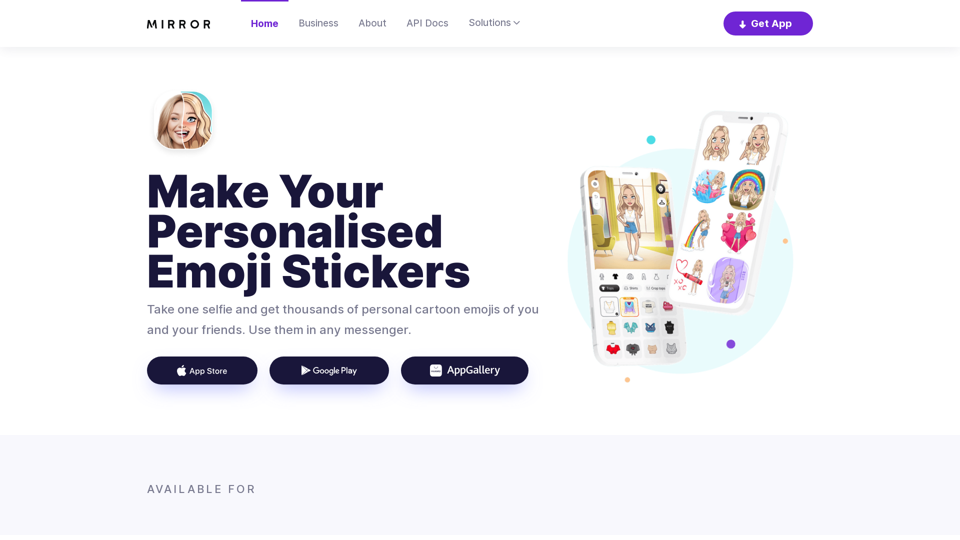
Mirror AI - Emoji Maker and Free AI Avatar Creator
Mirror AI - Emoji Maker and Free AI Avatar CreatorMirror is your personal sticker creator! Take a single selfie and receive thousands of personalized emojis and stickers featuring you and your friends. Use them in WhatsApp, Facebook, iMessage, Telegram, and other messaging apps!
33.59 K
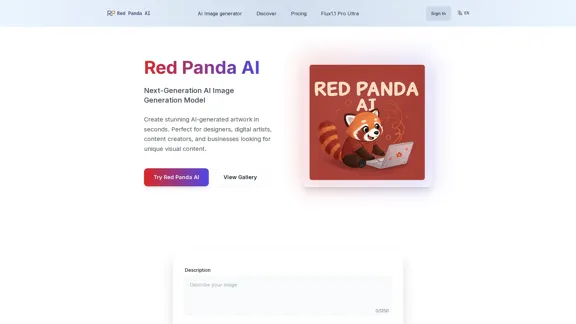
Red Panda AI | A New Future of AI Image Generation
Red Panda AI | A New Future of AI Image GenerationTransform your designs with our professional AI red panda image generator. Create stunning artwork with perfect text placement, vector support, and consistent style. Start creating for free.
688
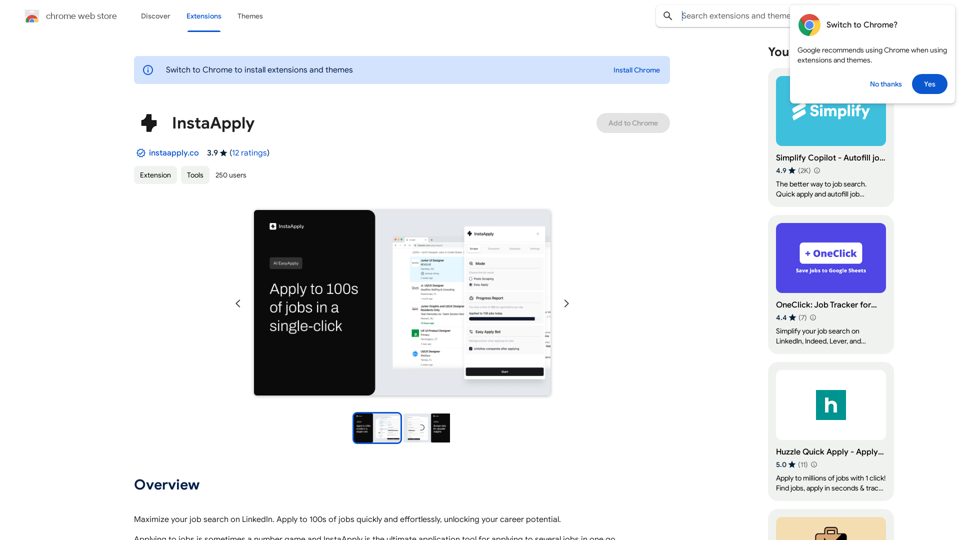
Maximize your job search on LinkedIn. Apply to hundreds of jobs quickly and easily, unlocking your career potential.
193.90 M
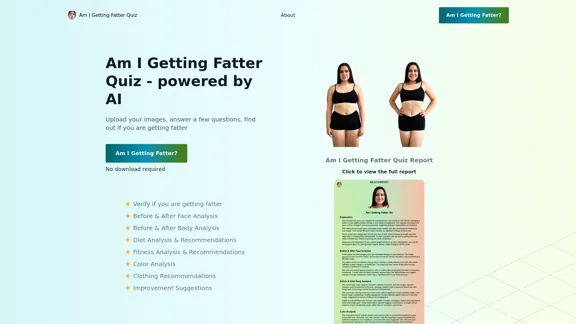
Take our AI 'Am I Getting Fatter Quiz' to discover if you're fatter than you think. Find out if you need to lose weight, change your lifestyle or if you're on the right track.
1.25 K
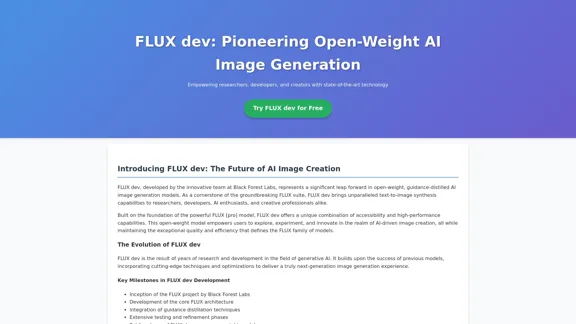
FLUX dev: A groundbreaking AI model for generating images with open weights.
FLUX dev: A groundbreaking AI model for generating images with open weights.Explore FLUX dev, the advanced open-weight AI image generation model. Discover its features for non-commercial use and try it now for free.
25.02 K