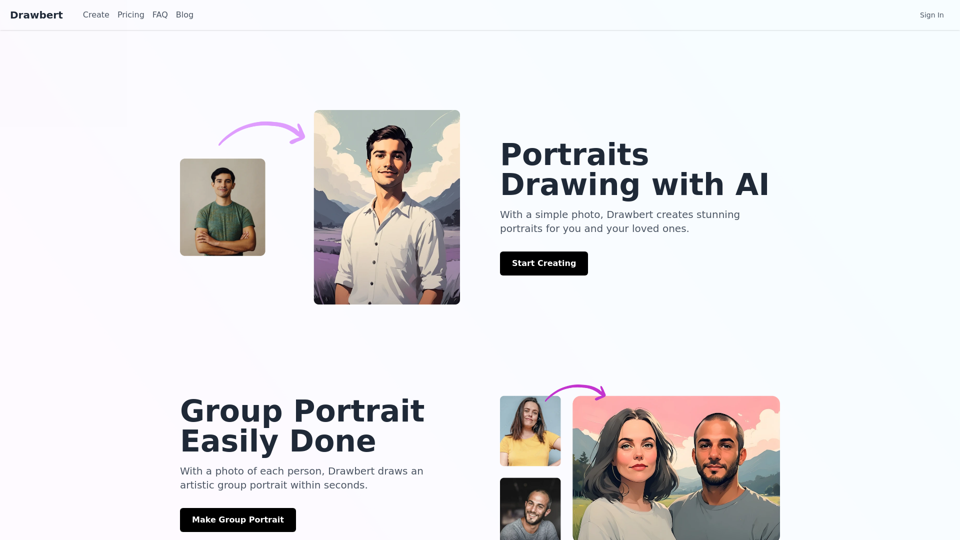
Drawbert is an AI-powered portrait artist that transforms simple photos into stunning works of art. Using advanced technology, it creates beautiful portraits, group images, and superhero caricatures from your favorite memories. Drawbert offers an easy-to-use platform with customizable options, making it accessible for anyone to turn their photos into masterpiece paintings.
Drawbert - A Portrait Artist AI
Drawbert creates beautiful paintings for you within seconds and at low cost. You can choose from watercolor, sketch, oil painting, comic, cartoon, caricature and more styles, plus the option to customize the painting to your liking.
Introduction
Feature
Photo-to-Painting Conversion
Drawbert's core feature is its ability to convert ordinary photos into beautiful paintings. This transformation turns your cherished memories into timeless works of art, suitable for display or gifting.
Group Portrait Creation
Within seconds, Drawbert can create artistic group portraits using individual photos of each person. This feature is perfect for family reunions, team photos, or special gatherings.
Superhero Caricature Transformation
Unleash your inner hero with Drawbert's superhero caricature feature. It transforms your photo into a vibrant, personalized superhero portrait, adding a fun and unique twist to your images.
Customization Options
Users can customize their artwork by choosing from various styles, colors, and effects. This flexibility allows for a personalized touch in every creation.
User-Friendly Interface
Drawbert boasts an easy-to-use platform. The process is simple: upload your photo, choose your desired artwork style, and let the AI do the rest.
Secure and Private
Drawbert prioritizes the security and privacy of user information. The platform employs industry-standard encryption and secure servers to protect user data.
FAQ
How does Drawbert work?
Drawbert utilizes advanced AI technology to analyze uploaded photos and create stunning portraits or artwork based on the chosen style and preferences.
Can I customize my artwork?
Yes, Drawbert offers various customization options. Users can choose from different styles, colors, and effects to personalize their artwork.
Is my information secure?
Drawbert takes security and privacy seriously. The platform uses industry-standard encryption and secure servers to protect user data and information.
Can I cancel my subscription?
Yes, users can cancel their subscription at any time. For more information on cancellation, it's recommended to contact Drawbert's support team.
What are some tips for getting the best results?
- Use high-quality photos for optimal results
- Experiment with different styles and effects
- Consider sharing your artwork as special gifts for friends and family
Related Websites
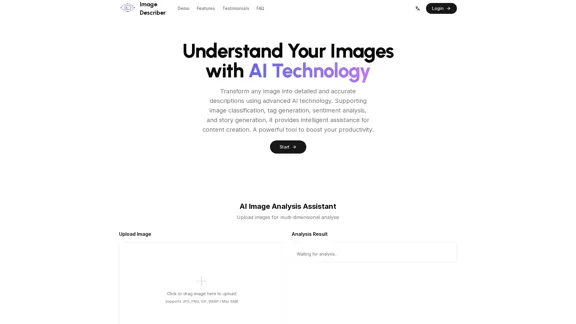
Image Describer - Free AI Image Description Tool, Allowing Every Image to Communicate
Image Describer - Free AI Image Description Tool, Allowing Every Image to CommunicateImage Descriptor is a free AI tool that identifies and describes the contents of images. Generate accurate, detailed image descriptions effortlessly.
5.16 K
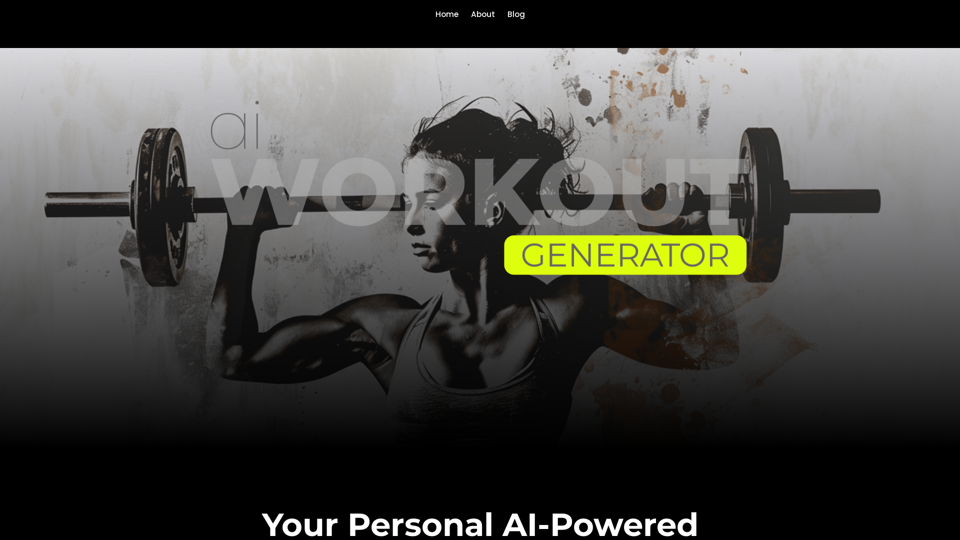
Ai Workout Generator ===================== What is an AI Workout Generator? An AI workout generator is a tool that uses artificial intelligence to create personalized workout plans tailored to an individual's fitness goals, fitness level, and preferences. How does it work? The AI workout generator uses machine learning algorithms to analyze a user's input data, such as their fitness goals, fitness level, and exercise preferences. It then generates a customized workout plan that includes a series of exercises, sets, reps, and weights tailored to the user's specific needs. Benefits of using an AI Workout Generator * Personalized workouts: The AI workout generator creates a workout plan that is tailored to the user's specific fitness goals and fitness level. * Time-saving: The AI workout generator saves time by eliminating the need to research and create a workout plan from scratch. * Increased motivation: The AI workout generator provides a sense of accountability and motivation, as users are more likely to stick to a workout plan that is tailored to their specific needs. * Improved results: The AI workout generator helps users achieve their fitness goals faster and more efficiently, as the workout plan is optimized for their specific needs. How to use an AI Workout Generator 1. Input your data: Enter your fitness goals, fitness level, and exercise preferences into the AI workout generator. 2. Select your workout type: Choose the type of workout you want to do, such as strength training, cardio, or yoga. 3. Generate your workout plan: The AI workout generator will create a customized workout plan tailored to your specific needs. 4. Start your workout: Follow the workout plan and track your progress. Conclusion An AI workout generator is a powerful tool that can help individuals achieve their fitness goals faster and more efficiently. By providing personalized workout plans, the AI workout generator saves time, increases motivation, and improves results. Whether you're a beginner or an experienced athlete, an AI workout generator can help you take your fitness to the next level.
Ai Workout Generator ===================== What is an AI Workout Generator? An AI workout generator is a tool that uses artificial intelligence to create personalized workout plans tailored to an individual's fitness goals, fitness level, and preferences. How does it work? The AI workout generator uses machine learning algorithms to analyze a user's input data, such as their fitness goals, fitness level, and exercise preferences. It then generates a customized workout plan that includes a series of exercises, sets, reps, and weights tailored to the user's specific needs. Benefits of using an AI Workout Generator * Personalized workouts: The AI workout generator creates a workout plan that is tailored to the user's specific fitness goals and fitness level. * Time-saving: The AI workout generator saves time by eliminating the need to research and create a workout plan from scratch. * Increased motivation: The AI workout generator provides a sense of accountability and motivation, as users are more likely to stick to a workout plan that is tailored to their specific needs. * Improved results: The AI workout generator helps users achieve their fitness goals faster and more efficiently, as the workout plan is optimized for their specific needs. How to use an AI Workout Generator 1. Input your data: Enter your fitness goals, fitness level, and exercise preferences into the AI workout generator. 2. Select your workout type: Choose the type of workout you want to do, such as strength training, cardio, or yoga. 3. Generate your workout plan: The AI workout generator will create a customized workout plan tailored to your specific needs. 4. Start your workout: Follow the workout plan and track your progress. Conclusion An AI workout generator is a powerful tool that can help individuals achieve their fitness goals faster and more efficiently. By providing personalized workout plans, the AI workout generator saves time, increases motivation, and improves results. Whether you're a beginner or an experienced athlete, an AI workout generator can help you take your fitness to the next level.AI generated workouts reviewed and Approved by American College of Sports Medicine certified Personal Trainers.
3.30 K
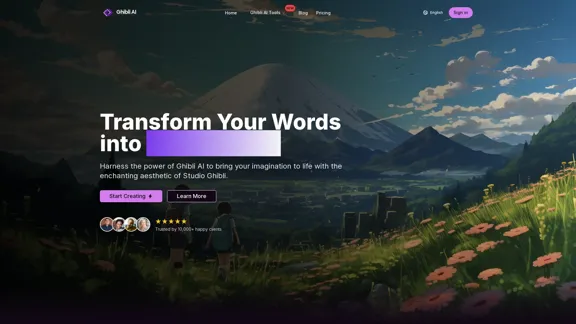
Create stunning Studio Ghibli style artwork using AI. Our text-to-image generator brings your imagination to life with the magical aesthetic of Ghibli animation.
0
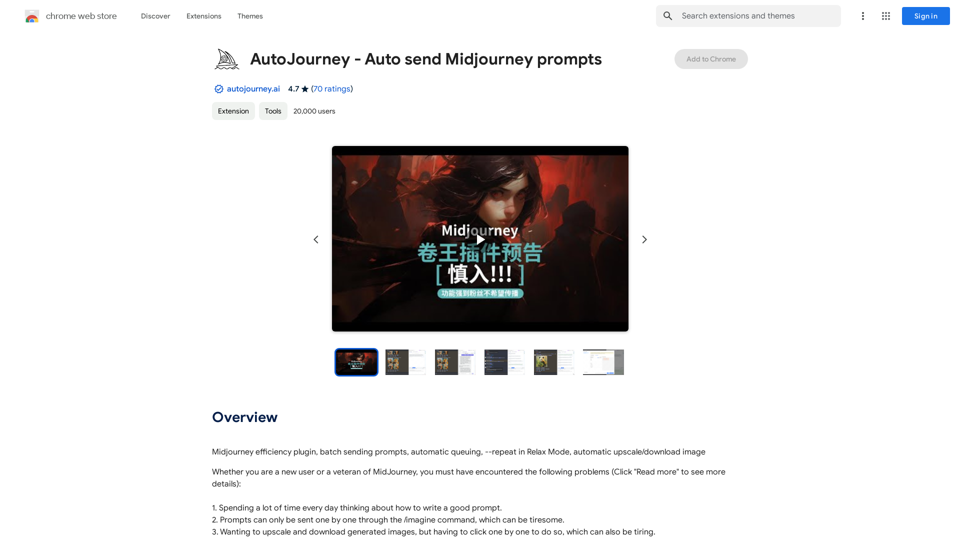
AutoJourney - Automatically Send Midjourney Prompts
AutoJourney - Automatically Send Midjourney PromptsMidjourney Efficiency Plugin: Batch Sending Prompts, Automatic Queuing, Repeat in Relax Mode, and Automatic Upscale/Download Image
193.90 M
4o Image API: Affordable, Stable, and Versatile AI Image Generation
4o Image API: Affordable, Stable, and Versatile AI Image Generation4oimageapi.io’s 4o Image API provides affordable, stable, and accurate AI image generation, allowing creators to easily produce high-quality visuals. With features such as text-to-image and image-to-image transformations, along with a variety of artistic styles, it offers dependable and effective tools for creative projects.
0
IC-Light V2: AI image enhancement tool with Flux models and VAE technology. Transform lighting and enhance image quality. Try our free demo today.
1.60 K
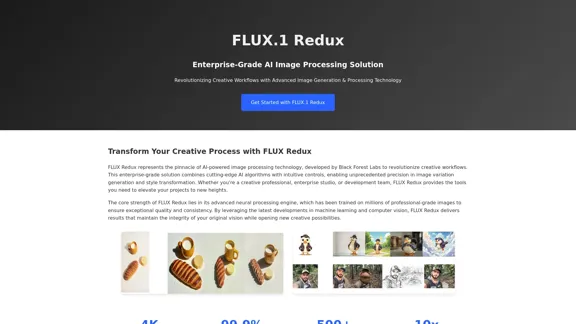
FLUX Redux - A Professional Tool for Generating AI Images
FLUX Redux - A Professional Tool for Generating AI ImagesFLUX Redux is an enterprise-level AI image processing tool that provides advanced features for generating variations, restyling, and enhancing images.
0