Mp3Converter AI is a powerful online audio conversion tool that specializes in transforming various audio formats to MP3. It offers quick and efficient high-quality audio conversion for both single and batch files. The platform is designed to be user-friendly, supporting multiple formats and ensuring compatibility across a wide range of devices.
Mp3Converter AI
Experience high-quality, efficient audio conversions with our AI-powered MP3 Converter. Convert any format to MP3 with unmatched speed and precision. Transform your audio effortlessly!
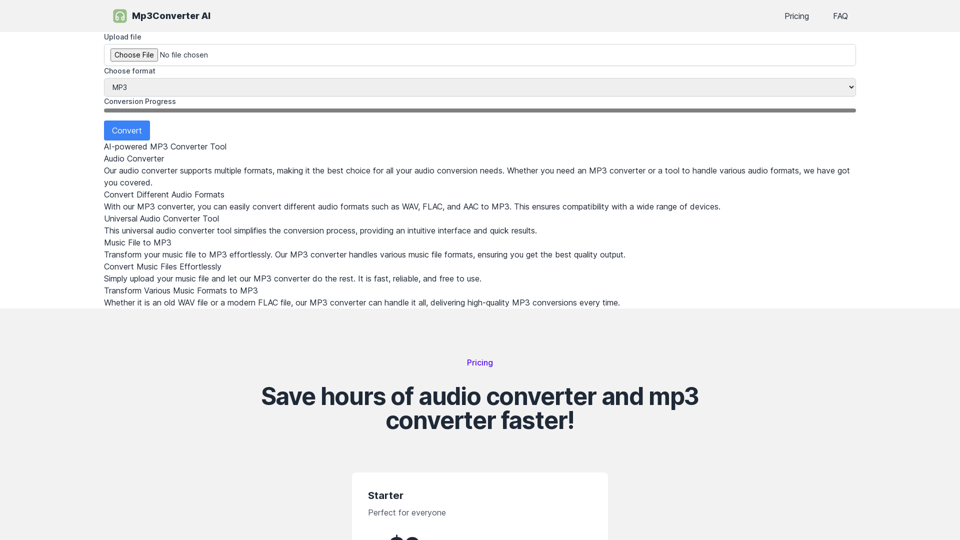
Introduction
Feature
Universal Audio Converter Tool
Mp3Converter AI supports multiple audio formats, making it a versatile choice for all audio conversion needs. Whether you're looking to convert to MP3 or handle various other audio formats, this tool has you covered.
Multi-Format Conversion
Convert different audio formats such as WAV, FLAC, and AAC to MP3 with ease. This feature ensures broad compatibility with various devices and media players.
User-Friendly Process
The conversion process is simple and straightforward:
- Upload File: Choose and upload the audio file you want to convert.
- Select Format: Pick your desired output format from multiple options.
- Convert: Click the "Convert" button to start the quick conversion process.
Batch Conversion
Convert multiple files simultaneously with the batch audio converter feature, saving time and effort for large audio projects or playlist conversions.
High-Quality Output
Advanced audio processing technology ensures that every conversion maintains the highest possible audio quality, delivering crystal clear sound regardless of the input or output format.
Fast Processing
Designed for speed, most conversions are completed within minutes, depending on file size and quantity.
Free to Use
Mp3Converter AI is completely free, making high-quality audio conversion accessible to everyone without any financial barriers.
FAQ
Is Mp3Converter AI free to use?
Yes, Mp3Converter AI is entirely free to use. We believe in providing accessible audio conversion tools without any cost, making it easier for everyone to convert their favorite music files to MP3 format without any financial barrier.
How can I convert a WAV file to MP3 using Mp3Converter AI?
To convert a WAV file to MP3:
- Visit the Mp3Converter AI website
- Upload your WAV file
- Select MP3 as the output format
- Click the convert button
- Download your converted MP3 file once processing is complete
Can I convert multiple files at once with Mp3Converter AI?
Absolutely! The batch audio converter feature allows you to upload and convert multiple files simultaneously, saving time and effort. This is perfect for handling large audio projects or converting entire playlists.
How does Mp3Converter AI ensure high-quality audio conversion?
Mp3Converter AI uses advanced audio processing technology to maintain the highest possible audio quality during conversion. This ensures crystal clear sound in your output files, regardless of the input or output format.
How fast is the audio conversion process with Mp3Converter AI?
Mp3Converter AI is designed for fast audio conversion without compromising quality. Most conversions are completed within a few minutes, with the exact time depending on the size and number of files being converted.
Related Websites
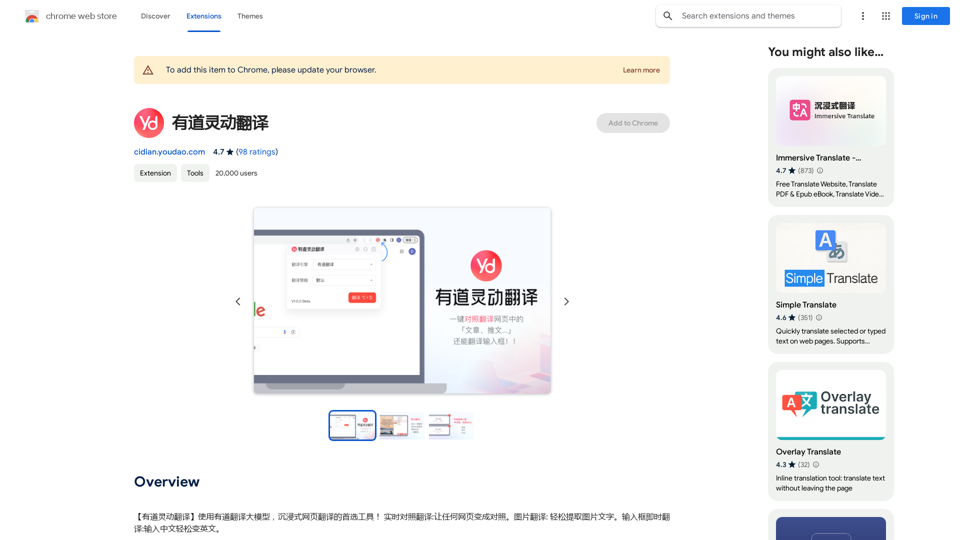
【Youdao Lingdong Translation】Using Youdao's large translation model, the top choice for immersive web translation tools! Real-time contrast translation: Turn any web page into a contrast. Image translation: Easily extract text from images. Instant translation input box: Enter Chinese and easily convert to English.
193.90 M
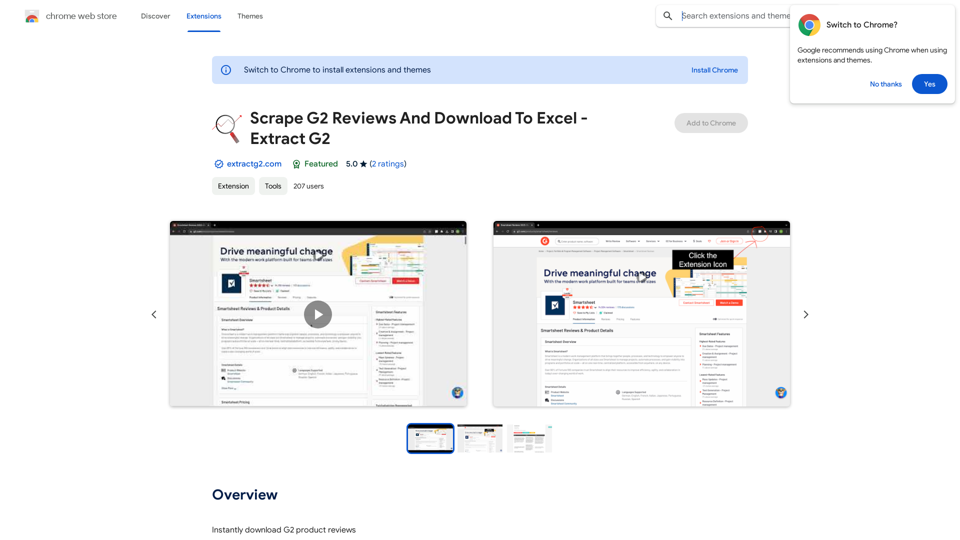
Scrape G2 Reviews and Download to Excel - Extract G2 Reviews Data Easily
Scrape G2 Reviews and Download to Excel - Extract G2 Reviews Data EasilyInstantly download G2 product reviews
193.90 M
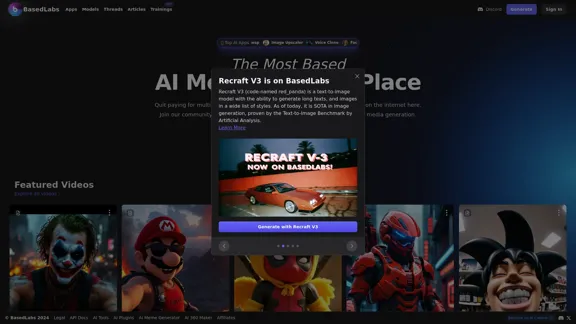
BasedLabs is your go-to source for AI video and tools. Join our community of thousands of AI enthusiasts and creators.
771.42 K
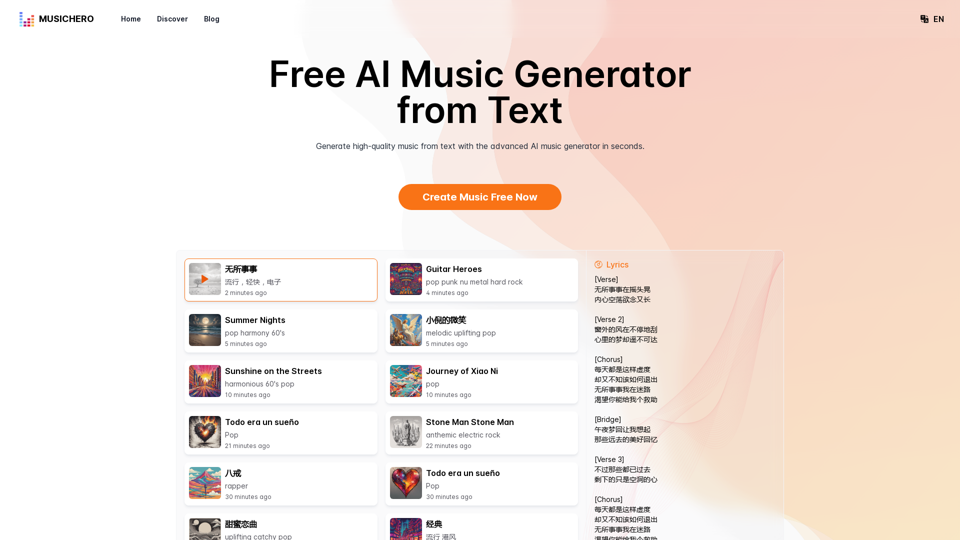
MusicHero.ai: Free AI Music Generator from Text Online
MusicHero.ai: Free AI Music Generator from Text OnlineGenerate high-quality music quickly with the advanced AI music generator. Platforms like MusicHero.ai, powered by Suno V3.5 technology, offer AI music generator free online services. Create music from text or lyrics effortlessly with this versatile text to music AI tool.
577.73 K
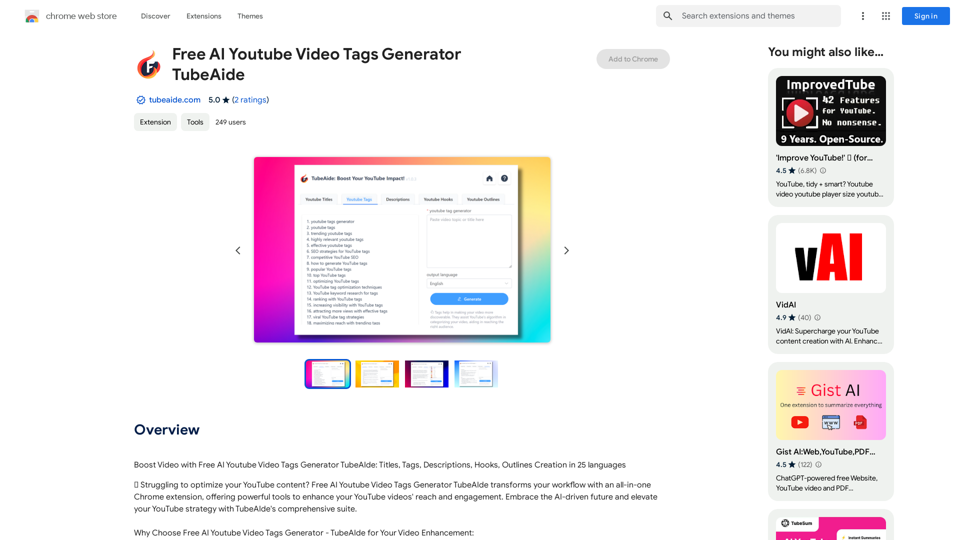
Boost Your Video with Free AI YouTube Video Tag Generator TubeAIde: Titles, Tags, Descriptions, Hooks, and Outlines in 25 Languages
193.90 M
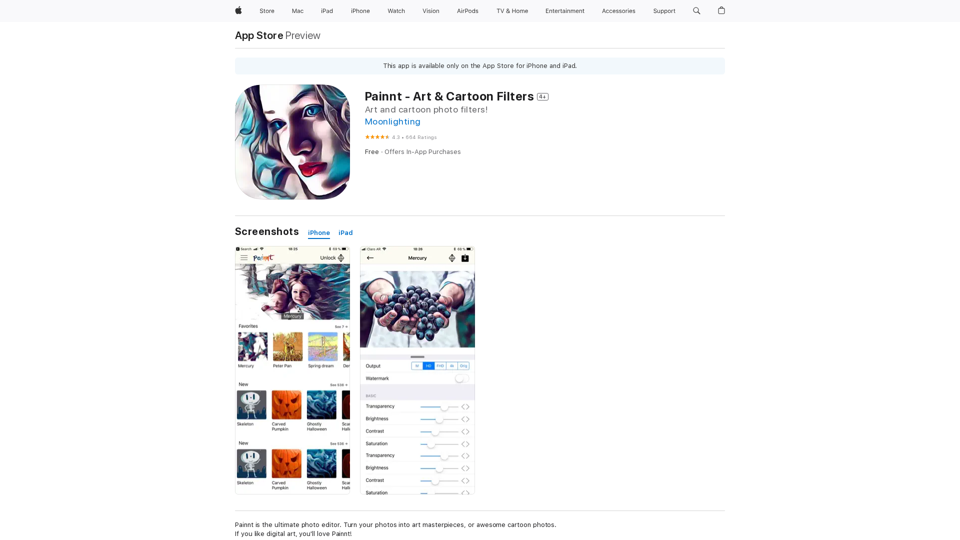
Painnt is the ultimate photo editor. Turn your photos into art masterpieces, or awesome cartoon photos. If you like digital art, you'll love Painnt! Choose fro...
124.77 M
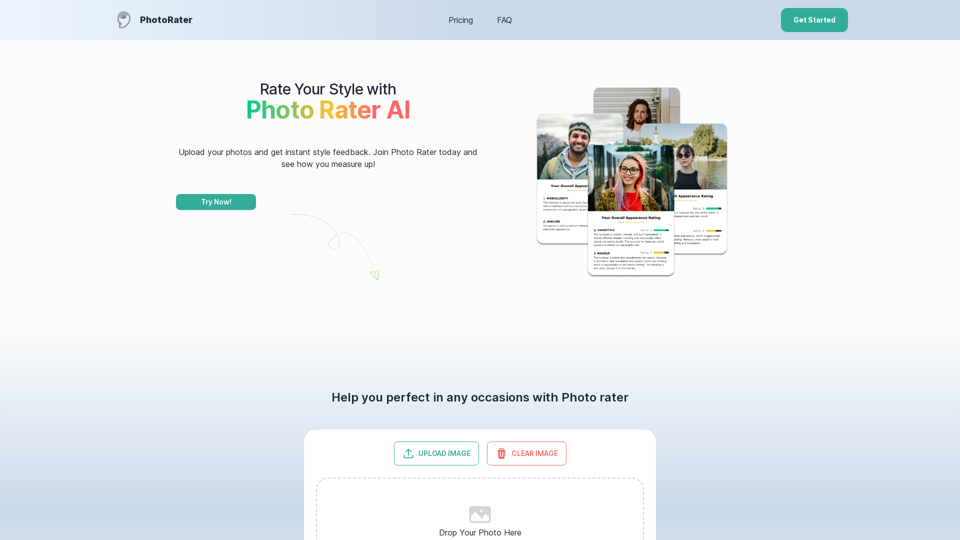
PhotoRater - AI-powered photo rating app for any occasion.
PhotoRater - AI-powered photo rating app for any occasion.Discover the secret to looking your best on any occasion with PhotoRater, the ultimate AI photo rater. Whether you need an image rater for fashion advice or a photo rating AI to boost your social media presence, PhotoRater has you covered.
15.79 K
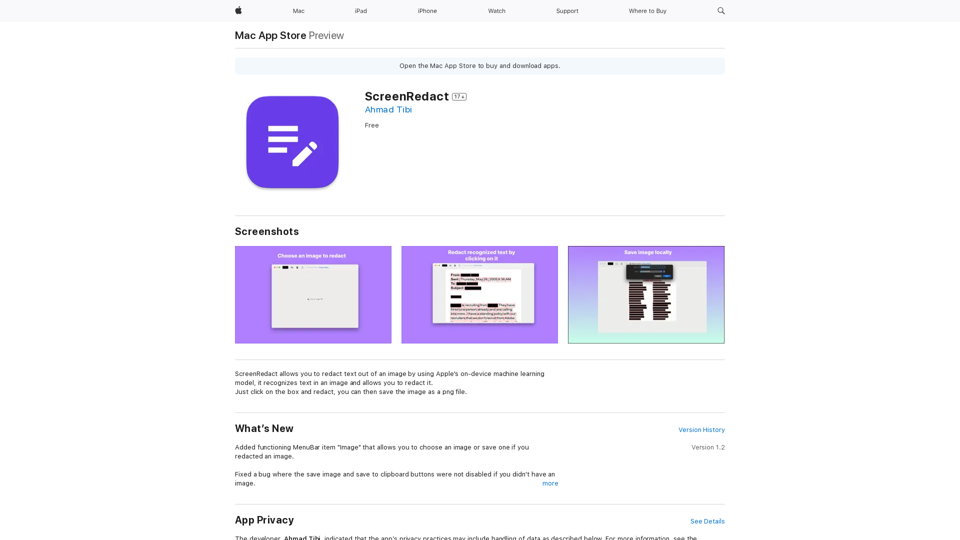
ScreenRedact on the Mac App Store #Description ScreenRedact is a powerful and easy-to-use screenshot editing tool that allows you to quickly and easily remove sensitive information from your screenshots. With its intuitive interface and advanced features, ScreenRedact is the perfect solution for anyone who needs to share screenshots online or with others. #Features * Easy to use: ScreenRedact's intuitive interface makes it easy to get started, even if you're not tech-savvy. * Advanced editing tools: ScreenRedact offers a range of advanced editing tools, including blur, pixelate, and redact, to help you remove sensitive information from your screenshots. * Customizable: ScreenRedact allows you to customize the appearance of your redactions, including the color, opacity, and style. * Support for multiple file formats: ScreenRedact supports a range of file formats, including JPEG, PNG, and TIFF. * Share easily: ScreenRedact makes it easy to share your edited screenshots with others, either by saving them to your computer or sharing them directly to social media or email. #What's New * Improved performance: ScreenRedact is now faster and more efficient, making it easier to edit your screenshots. * New editing tools: ScreenRedact now includes new editing tools, including a magic wand and a lasso tool, to make it even easier to remove sensitive information from your screenshots. * Enhanced customization options: ScreenRedact now offers even more customization options, including the ability to change the color and opacity of your redactions. #Ratings and Reviews * 4.5/5 stars: ScreenRedact has an average rating of 4.5 out of 5 stars on the Mac App Store. * "Easy to use and effective": One reviewer praised ScreenRedact's ease of use and effectiveness, saying "I was able to quickly and easily remove sensitive information from my screenshots." * "A must-have for anyone who shares screenshots online": Another reviewer called ScreenRedact "a must-have for anyone who shares screenshots online," citing its ease of use and advanced features.
ScreenRedact on the Mac App Store #Description ScreenRedact is a powerful and easy-to-use screenshot editing tool that allows you to quickly and easily remove sensitive information from your screenshots. With its intuitive interface and advanced features, ScreenRedact is the perfect solution for anyone who needs to share screenshots online or with others. #Features * Easy to use: ScreenRedact's intuitive interface makes it easy to get started, even if you're not tech-savvy. * Advanced editing tools: ScreenRedact offers a range of advanced editing tools, including blur, pixelate, and redact, to help you remove sensitive information from your screenshots. * Customizable: ScreenRedact allows you to customize the appearance of your redactions, including the color, opacity, and style. * Support for multiple file formats: ScreenRedact supports a range of file formats, including JPEG, PNG, and TIFF. * Share easily: ScreenRedact makes it easy to share your edited screenshots with others, either by saving them to your computer or sharing them directly to social media or email. #What's New * Improved performance: ScreenRedact is now faster and more efficient, making it easier to edit your screenshots. * New editing tools: ScreenRedact now includes new editing tools, including a magic wand and a lasso tool, to make it even easier to remove sensitive information from your screenshots. * Enhanced customization options: ScreenRedact now offers even more customization options, including the ability to change the color and opacity of your redactions. #Ratings and Reviews * 4.5/5 stars: ScreenRedact has an average rating of 4.5 out of 5 stars on the Mac App Store. * "Easy to use and effective": One reviewer praised ScreenRedact's ease of use and effectiveness, saying "I was able to quickly and easily remove sensitive information from my screenshots." * "A must-have for anyone who shares screenshots online": Another reviewer called ScreenRedact "a must-have for anyone who shares screenshots online," citing its ease of use and advanced features.ScreenRedact allows you to remove sensitive text from an image by utilizing Apple's on-device machine learning model, which identifies text within an image and enables you to redact it with ease.
124.77 M