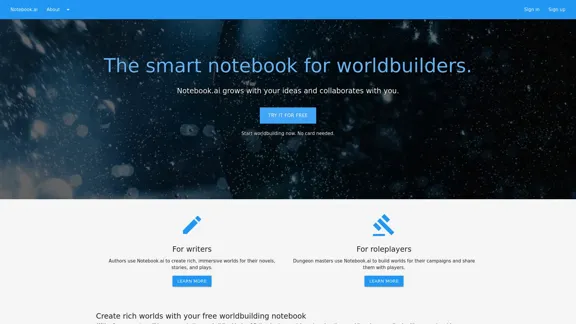
Notebook.ai is a smart, digital notebook designed for worldbuilders, writers, and roleplayers. It offers a comprehensive platform for creating and organizing complex fictional universes, characters, and storylines. With both free and premium options, Notebook.ai provides tools to enhance creativity, streamline the writing process, and collaborate with others.
The intelligent notebook for world creators - Notebook.ai
Notebook.ai is a collection of tools designed for writers and roleplayers to create magnificent universes — and everything within them.
Introduction
Feature
-
Diverse Content Creation
- Characters: Develop detailed character profiles
- Locations: Design various settings from magical realms to modern cities
- Items: Track artifacts, weapons, and other significant objects
- Additional premium templates: Creatures, flora, planets, and more
-
Organizational Tools
- Universe Management: Organize ideas into specific universes
- Filtering and Sorting: Easily reorganize and focus on specific elements
- Searchability: Quickly locate any piece of information
-
Writing Assistance
- Personalized Prompts: Receive writing prompts based on your world
- Document Storage: Unlimited storage for your writing
- Cross-referencing: Link notebook pages and documents for a wiki-like experience
-
Collaboration Features
- Sharing: Invite others to review shared pages
- Community Access: Connect with other worldbuilders
-
AI-Powered Analysis
- Writing Evaluation: Analyze readability, style, and emotion in your work
-
Data Security
- Cloud Backup: Automatic backup of all work
- Privacy: Ad-free platform with private-by-default settings
How to Use?
-
Start with the free tier to explore core features before considering the premium subscription.
-
Utilize the cross-referencing feature to create a rich, interconnected world.
-
Take advantage of the AI-generated prompts to overcome writer's block and expand your world.
-
Use the timeline feature (premium) to plot your story's events chronologically.
-
Collaborate with other users to get feedback and fresh perspectives on your work.
-
Regularly back up your work, even though Notebook.ai provides cloud storage.
-
Experiment with different page templates to find the best way to organize your world's information.
FAQ
Who is Notebook.ai designed for?
Notebook.ai is designed for writers, worldbuilders, and roleplayers, including authors creating novels or stories and dungeon masters building campaign worlds.
What's included in the free tier?
The free tier includes access to core building blocks (characters, locations, items), personalized writing prompts, unlimited document storage, community access, and up to 5 universes with 50MB of image upload capacity.
What additional features does the premium subscription offer?
The premium subscription unlocks 25 additional page templates, unlimited universes, 10GB of image upload capacity, and features like timelines and collections.
Is Notebook.ai suitable for collaborative projects?
Yes, Notebook.ai allows users to invite others to review shared pages, making it suitable for collaborative worldbuilding and writing projects.
How does Notebook.ai help with maintaining consistency in writing?
By storing all information in one place and allowing cross-referencing, Notebook.ai helps writers avoid contradictions and maintain continuity in their stories.
Price
- Free Tier: $0/month
- Premium Tier: $9/month or cheaper (exact pricing not specified)
The price is for reference only, please refer to the latest official data for actual information.
Evaluation
Notebook.ai presents a robust and well-designed platform for writers and worldbuilders. Its strengths lie in its comprehensive set of tools for organizing and developing complex fictional universes. The free tier offers a generous set of features, making it accessible to beginners and hobbyists.
The premium tier's additional templates and unlimited universe creation add significant value for serious writers and worldbuilders. The AI-powered writing analysis and personalized prompts are innovative features that can genuinely enhance the creative process.
However, the platform might have a learning curve for new users due to its extensive features. Additionally, while the collaborative aspects are present, they could potentially be expanded to include real-time collaboration for team projects.
The pricing structure seems fair, especially considering the depth of features offered. However, more clarity on the exact pricing of the premium tier would be beneficial for potential subscribers.
Overall, Notebook.ai appears to be a valuable tool for writers and worldbuilders, offering a unique combination of organizational tools, creative prompts, and AI-assisted analysis. Its potential to streamline the worldbuilding process and maintain consistency in complex narratives makes it a standout option in its category.
Related Websites
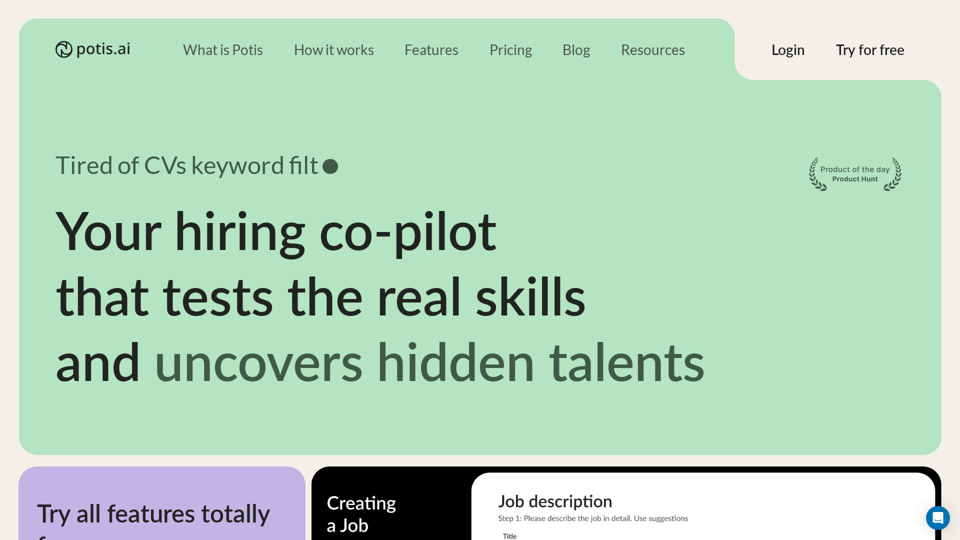
Hiring Copilot for Clean and Fast Bulk Candidates Screening with Behavioral Interview and Real Cases
6.63 K
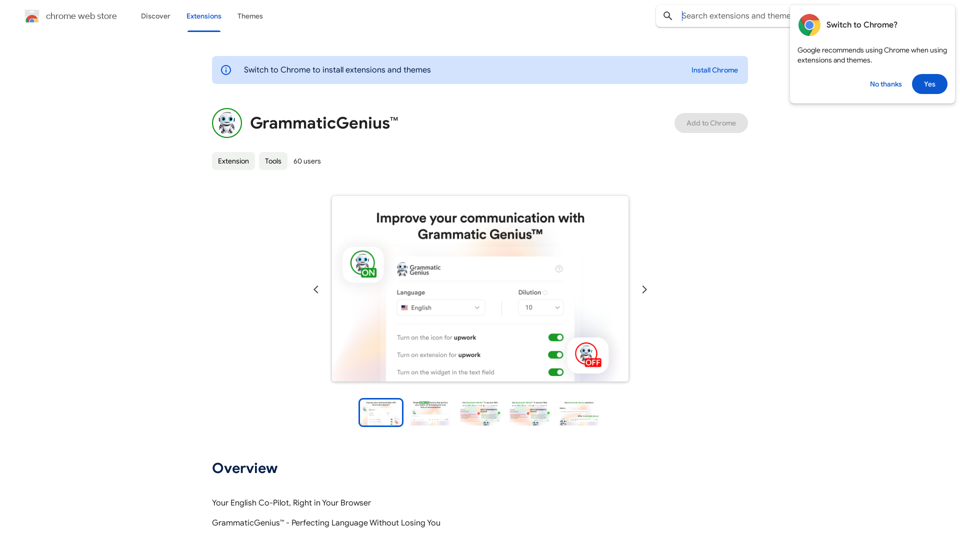
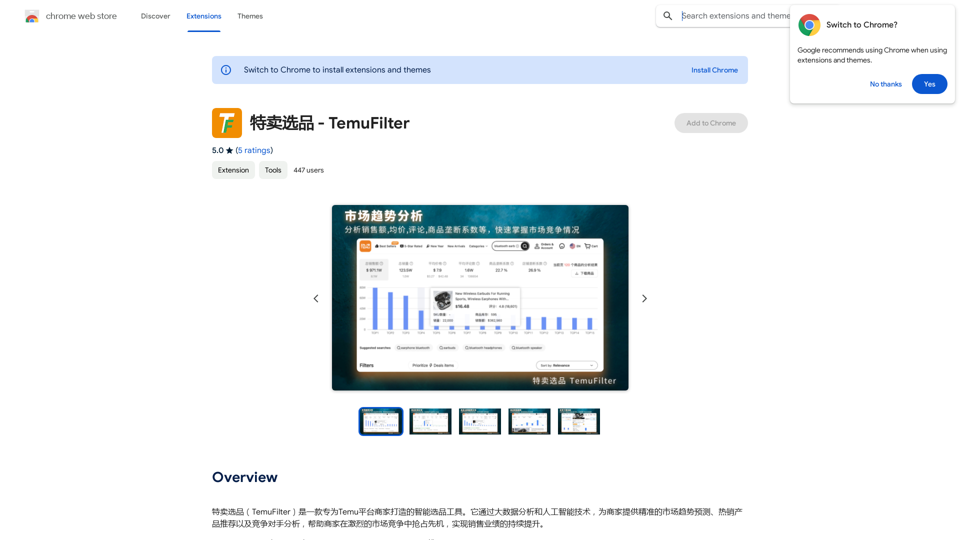
TemuFilter is an intelligent product selection tool designed specifically for Temu platform merchants. It uses big data analysis and artificial intelligence technology to provide merchants with accurate market trend predictions, popular product recommendations, and competitor analysis, helping merchants seize the opportunity in the fierce market competition and achieve continuous improvement in sales performance.
193.90 M
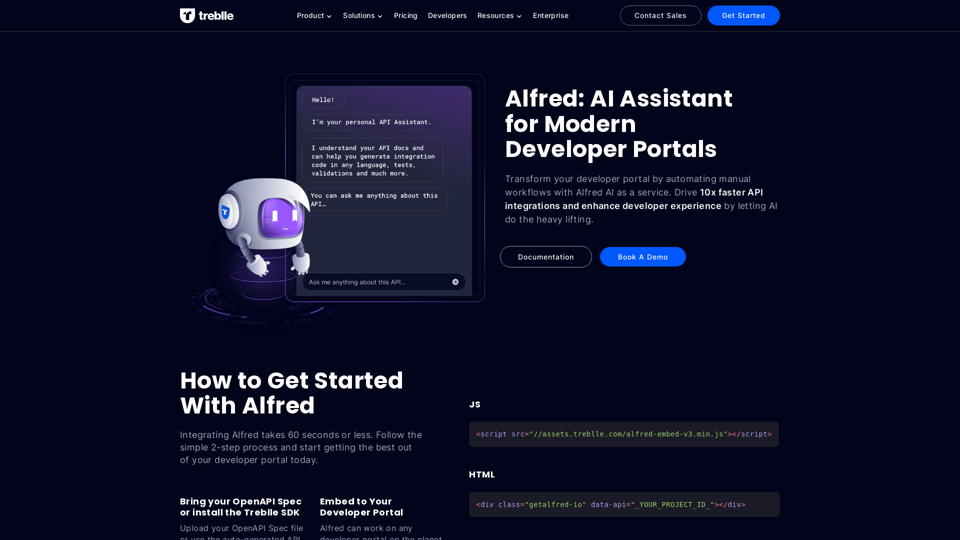
Transform your developer portal by automating manual workflows with Alfred AI as a service. Drive 10x faster API integrations and enhance developer experience by letting AI do the heavy lifting.
67.31 K
)
* Create a new notebook
* Install the `transformers` library by running `!pip install transformers`
* Import the `transformers` library and load the ChatGPT model using `from transformers import AutoModelForCausalLM, AutoTokenizer; model = AutoModelForCausalLM.from_pretrained('chatgpt'); tokenizer = AutoTokenizer.from_pretrained('chatgpt')`
* Use the model to generate text using `input_text = "Your input here"; inputs = tokenizer.encode_plus(input_text, return_tensors='pt', max_length=1024, padding='max_length', truncation=True); output = model(inputs['input_ids'], attention_mask=inputs['attention_mask']); print(tokenizer.decode(output.logits[0], skip_special_tokens=True))`
Method 2: Google Apps Script
* Open Google Apps Script ([script.google.com](http://script.google.com))
* Create a new project
* Install the `transformers` library by running `npm install transformers`
* Import the `transformers` library and load the ChatGPT model using `const { AutoModelForCausalLM, AutoTokenizer } = require('transformers'); const model = new AutoModelForCausalLM('chatgpt'); const tokenizer = new AutoTokenizer('chatgpt');`
* Use the model to generate text using `const inputText = "Your input here"; const inputs = tokenizer.encodePlus(inputText, { return_tensors: 'pt', max_length: 1024, padding: 'max_length', truncation: true }); const output = model(inputs.inputIds, inputs.attentionMask); console.log(tokenizer.decode(output.logits[0], { skipSpecialTokens: true }));`
Note: These methods require some technical knowledge and may have limitations compared to the original ChatGPT model.](https://static.right-ai.com/tools/2024/7/3/chromewebstore-google-com-detail-chatgpt-for-google-for-fr-pabeminldebomngnkgffiejipjjaaogi-thumbnail-1720037311.png "Get ChatGPT for Free with Google
You can now access ChatGPT, a powerful language model, for free with Google. Here's how:
Method 1: Google Colab
* Open Google Colab ([colab.research.google.com](http://colab.research.google.com))
* Create a new notebook
* Install the `transformers` library by running `!pip install transformers`
* Import the `transformers` library and load the ChatGPT model using `from transformers import AutoModelForCausalLM, AutoTokenizer; model = AutoModelForCausalLM.from_pretrained('chatgpt'); tokenizer = AutoTokenizer.from_pretrained('chatgpt')`
* Use the model to generate text using `input_text = \"Your input here\"; inputs = tokenizer.encode_plus(input_text, return_tensors='pt', max_length=1024, padding='max_length', truncation=True); output = model(inputs['input_ids'], attention_mask=inputs['attention_mask']); print(tokenizer.decode(output.logits[0], skip_special_tokens=True))`
Method 2: Google Apps Script
* Open Google Apps Script ([script.google.com](http://script.google.com))
* Create a new project
* Install the `transformers` library by running `npm install transformers`
* Import the `transformers` library and load the ChatGPT model using `const { AutoModelForCausalLM, AutoTokenizer } = require('transformers'); const model = new AutoModelForCausalLM('chatgpt'); const tokenizer = new AutoTokenizer('chatgpt');`
* Use the model to generate text using `const inputText = \"Your input here\"; const inputs = tokenizer.encodePlus(inputText, { return_tensors: 'pt', max_length: 1024, padding: 'max_length', truncation: true }); const output = model(inputs.inputIds, inputs.attentionMask); console.log(tokenizer.decode(output.logits[0], { skipSpecialTokens: true }));`
Note: These methods require some technical knowledge and may have limitations compared to the original ChatGPT model.")
Get ChatGPT for Free with Google You can now access ChatGPT, a powerful language model, for free with Google. Here's how: Method 1: Google Colab * Open Google Colab ([colab.research.google.com](http://colab.research.google.com)) * Create a new notebook * Install the `transformers` library by running `!pip install transformers` * Import the `transformers` library and load the ChatGPT model using `from transformers import AutoModelForCausalLM, AutoTokenizer; model = AutoModelForCausalLM.from_pretrained('chatgpt'); tokenizer = AutoTokenizer.from_pretrained('chatgpt')` * Use the model to generate text using `input_text = "Your input here"; inputs = tokenizer.encode_plus(input_text, return_tensors='pt', max_length=1024, padding='max_length', truncation=True); output = model(inputs['input_ids'], attention_mask=inputs['attention_mask']); print(tokenizer.decode(output.logits[0], skip_special_tokens=True))` Method 2: Google Apps Script * Open Google Apps Script ([script.google.com](http://script.google.com)) * Create a new project * Install the `transformers` library by running `npm install transformers` * Import the `transformers` library and load the ChatGPT model using `const { AutoModelForCausalLM, AutoTokenizer } = require('transformers'); const model = new AutoModelForCausalLM('chatgpt'); const tokenizer = new AutoTokenizer('chatgpt');` * Use the model to generate text using `const inputText = "Your input here"; const inputs = tokenizer.encodePlus(inputText, { return_tensors: 'pt', max_length: 1024, padding: 'max_length', truncation: true }); const output = model(inputs.inputIds, inputs.attentionMask); console.log(tokenizer.decode(output.logits[0], { skipSpecialTokens: true }));` Note: These methods require some technical knowledge and may have limitations compared to the original ChatGPT model.
Get ChatGPT for Free with Google You can now access ChatGPT, a powerful language model, for free with Google. Here's how: Method 1: Google Colab * Open Google Colab ([colab.research.google.com](http://colab.research.google.com)) * Create a new notebook * Install the `transformers` library by running `!pip install transformers` * Import the `transformers` library and load the ChatGPT model using `from transformers import AutoModelForCausalLM, AutoTokenizer; model = AutoModelForCausalLM.from_pretrained('chatgpt'); tokenizer = AutoTokenizer.from_pretrained('chatgpt')` * Use the model to generate text using `input_text = "Your input here"; inputs = tokenizer.encode_plus(input_text, return_tensors='pt', max_length=1024, padding='max_length', truncation=True); output = model(inputs['input_ids'], attention_mask=inputs['attention_mask']); print(tokenizer.decode(output.logits[0], skip_special_tokens=True))` Method 2: Google Apps Script * Open Google Apps Script ([script.google.com](http://script.google.com)) * Create a new project * Install the `transformers` library by running `npm install transformers` * Import the `transformers` library and load the ChatGPT model using `const { AutoModelForCausalLM, AutoTokenizer } = require('transformers'); const model = new AutoModelForCausalLM('chatgpt'); const tokenizer = new AutoTokenizer('chatgpt');` * Use the model to generate text using `const inputText = "Your input here"; const inputs = tokenizer.encodePlus(inputText, { return_tensors: 'pt', max_length: 1024, padding: 'max_length', truncation: true }); const output = model(inputs.inputIds, inputs.attentionMask); console.log(tokenizer.decode(output.logits[0], { skipSpecialTokens: true }));` Note: These methods require some technical knowledge and may have limitations compared to the original ChatGPT model.How to Add ChatGPT to All Google Searches ===================================================== Step 1: Create a Custom Search Engine -------------------------------------- * Go to the [Google Custom Search Engine](https://cse.google.com/) website and sign in with your Google account. * Click on the "New Search Engine" button. * Fill in the required information, such as the name and description of your search engine. * Click on the "Create" button. Step 2: Add ChatGPT to the Search Engine ----------------------------------------- * In the "Setup" tab, click on the "Add" button next to "Sites to search". * Enter the following URL: `https://chat.openai.com/` * Click on the "Add" button. Step 3: Configure the Search Engine -------------------------------------- * In the "Setup" tab, click on the "Edit" button next to "Search engine keywords". * Add the following keywords: `ChatGPT` * Click on the "Save" button. Step 4: Get the Search Engine Code ------------------------------------- * In the "Setup" tab, click on the "Get code" button. * Copy the HTML code provided. Step 5: Add the Search Engine to Your Browser ------------------------------------------------ * Open your browser and go to the "Settings" or "Options" page. * Look for the "Search engine" or "Default search engine" option. * Click on the "Add" or "Manage search engines" button. * Paste the HTML code you copied earlier. * Click on the "Add" or "Save" button. You're Done! =============== Now, whenever you search on Google, ChatGPT will be included in the search results. You can also use the custom search engine URL provided by Google to search directly.
193.90 M