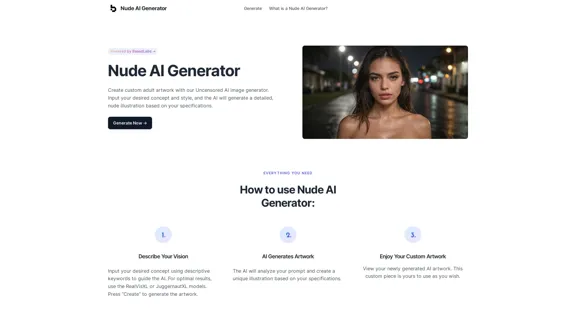
Nude AI Generator is an advanced tool designed to create custom adult artwork using artificial intelligence. This uncensored image generator allows users to input their desired concepts and styles, producing detailed nude illustrations based on specific prompts. The platform emphasizes user privacy, creative freedom, and ease of use, making it accessible to both experienced artists and novices alike.
Nude AI Generator – Uncensored AI Image Generator
Nude AI Generator is an advanced tool designed to create custom adult artwork using artificial intelligence.
Introduction
Feature
-
AI-Powered Image Generation
- Utilizes advanced AI models (RealVisXL, JuggernautXL)
- Generates unique, detailed nude illustrations
- Transforms text prompts into visual artwork
-
User-Friendly Interface
- Simple three-step process: describe, generate, enjoy
- No prior artistic experience required
- Intuitive prompt input system
-
Customization Options
- Allows for specific concept and style inputs
- Generates personalized artwork based on user preferences
- Offers creative control over the final product
-
Privacy and Ownership
- Users retain full ownership of generated artwork
- Prioritizes user privacy and data protection
- No rights claimed by the platform on user creations
-
Versatile Usage
- Suitable for personal and commercial projects
- Encourages exploration of new creative avenues
- Adaptable to various artistic styles and concepts
-
Instant Results
- Rapid generation of artwork
- Immediate visualization of ideas
- Effortless creative process
How to Use?
- Use descriptive keywords in your prompts for more accurate results.
- Experiment with different AI models (RealVisXL, JuggernautXL) to find the best fit for your vision.
- Start with broader concepts and refine your prompts based on initial results.
- Combine different styles and elements in your descriptions for unique outcomes.
- Save and compare multiple generations to select the best version.
- Respect legal and ethical guidelines when creating and using the generated content.
- Utilize the FAQ section for quick answers to common questions about usage and ownership.
FAQ
Is the AI artwork I create truly mine?
Yes, you have full ownership and control over the artwork you generate using the Nude AI Generator.
Is prior artistic experience necessary to use this tool?
No, the AI generator is designed to be user-friendly and requires no prior artistic skills. It's accessible to both novices and experienced creators.
Are there any restrictions on the content I can create?
While the tool allows for adult content creation, it is your responsibility to adhere to legal and ethical guidelines when using and distributing the generated artwork.
Can I use the generated artwork for commercial purposes?
Yes, you can use the artwork for both personal and commercial projects, as it belongs to you upon creation.
How do I guide the AI to create the artwork I want?
Describe your vision using descriptive keywords and select a style to guide the AI's creation process. The more detailed and specific your prompts, the better the results will align with your vision.
Is my personal information and activity kept private?
Yes, the platform prioritizes user privacy and does not claim any rights to the artwork you generate. Your personal information and activity are kept confidential.
Evaluation
-
The Nude AI Generator offers a unique and powerful tool for creating custom adult artwork, filling a niche in the AI-generated content market. Its emphasis on user privacy and ownership rights is commendable and aligns with current digital content creation standards.
-
The platform's user-friendly interface and no-experience-required approach make it accessible to a wide range of users, potentially democratizing the creation of adult-themed artwork.
-
However, the tool raises ethical considerations regarding the potential for misuse or creation of inappropriate content. While the platform emphasizes user responsibility, there may be a need for more robust content moderation or guidelines to prevent potential abuse.
-
The AI's capability to generate detailed, customized artwork based on text prompts is impressive, showcasing the advancements in AI image generation technology.
-
The platform could benefit from more transparency about the AI models used and their training data to address potential biases or limitations in the generated artwork.
-
While the tool offers creative freedom, it's important to consider its impact on traditional artists and the broader implications for the art industry, especially in the adult content sector.
-
The platform's commitment to user ownership of generated content is a strong selling point, but users should be aware of potential legal complexities surrounding AI-generated artwork in different jurisdictions.
Related Websites
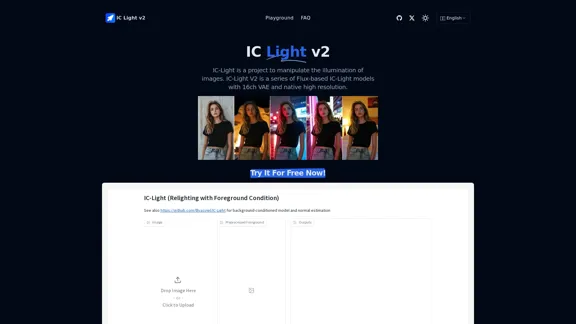
IC-Light is a project to manipulate the illumination of images. IC-Light V2 is a series of Flux-based IC-Light models with 16ch VAE and native high resolution.
0
Get instant AI-powered recommendations to improve your images and graphics, so you can display your best visuals online.
193.90 M
Arnold revolutionizes the way you engage on LinkedIn by seamlessly integrating advanced LLM-powered conversational, reasoning, and text generation capabilities right into your browser.
0
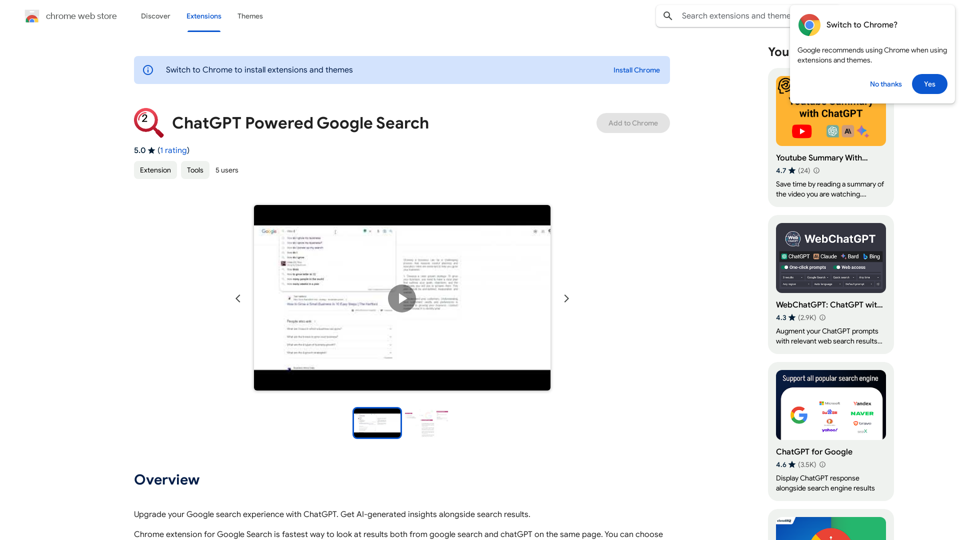
Improve your Google searches with ChatGPT. Receive AI-powered insights along with your search results.
193.90 M
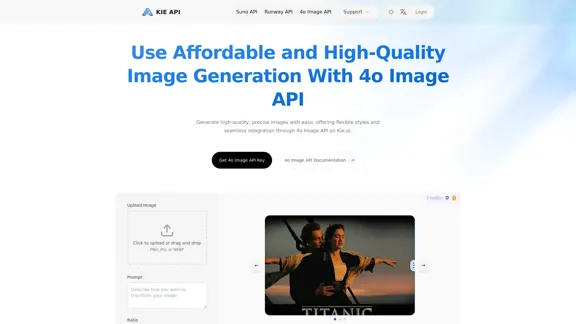
Kie.ai's 4o Image API: Cost-effective, Reliable, and Very Accurate AI Image Creation
Kie.ai's 4o Image API: Cost-effective, Reliable, and Very Accurate AI Image CreationKie.ai’s 4o Image API offers affordable, stable, and highly accurate AI image generation, enabling creators to easily produce high-quality visuals. It provides reliable and efficient solutions for various creative projects, including text-to-image and image-to-image transformations, as well as a range of visual styles.
356.51 K
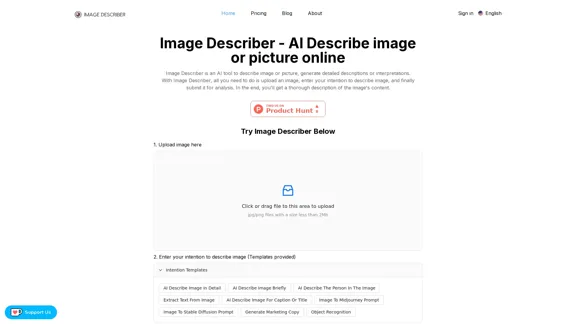
Image Describer - AI Describe Image or Picture Online With the advancement of Artificial Intelligence (AI), it is now possible to describe images or pictures online using an Image Describer. This innovative tool uses computer vision and machine learning algorithms to analyze and identify the contents of an image, generating a descriptive text of what it sees. How it Works The process is quite simple: 1. Upload an Image: You can upload an image or enter the URL of an online image to the Image Describer tool. 2. AI Analysis: The AI algorithm analyzes the image, detecting objects, people, animals, and other elements within the picture. 3. Generate Description: The AI generates a descriptive text based on the analysis, providing a clear and concise description of the image. Applications of Image Describer The Image Describer has numerous applications, including: * Accessibility: Helping visually impaired individuals to understand the content of an image. * E-commerce: Providing product descriptions for online shopping platforms. * Search Engine Optimization (SEO): Generating alt tags and descriptions for images to improve search engine rankings. * Content Creation: Assisting writers and content creators with image descriptions. Benefits of Image Describer The Image Describer offers several benefits, including: * Time-Saving: Automating the process of image description, saving time and effort. * Accuracy: Providing accurate and objective descriptions of images. * Efficiency: Enabling individuals to focus on other tasks while the AI handles image description. Try it Out Experience the power of AI-driven image description today! Upload an image or enter a URL to see the Image Describer in action.
Image Describer - AI Describe Image or Picture Online With the advancement of Artificial Intelligence (AI), it is now possible to describe images or pictures online using an Image Describer. This innovative tool uses computer vision and machine learning algorithms to analyze and identify the contents of an image, generating a descriptive text of what it sees. How it Works The process is quite simple: 1. Upload an Image: You can upload an image or enter the URL of an online image to the Image Describer tool. 2. AI Analysis: The AI algorithm analyzes the image, detecting objects, people, animals, and other elements within the picture. 3. Generate Description: The AI generates a descriptive text based on the analysis, providing a clear and concise description of the image. Applications of Image Describer The Image Describer has numerous applications, including: * Accessibility: Helping visually impaired individuals to understand the content of an image. * E-commerce: Providing product descriptions for online shopping platforms. * Search Engine Optimization (SEO): Generating alt tags and descriptions for images to improve search engine rankings. * Content Creation: Assisting writers and content creators with image descriptions. Benefits of Image Describer The Image Describer offers several benefits, including: * Time-Saving: Automating the process of image description, saving time and effort. * Accuracy: Providing accurate and objective descriptions of images. * Efficiency: Enabling individuals to focus on other tasks while the AI handles image description. Try it Out Experience the power of AI-driven image description today! Upload an image or enter a URL to see the Image Describer in action.AI Image Describer is a tool to describe images or pictures online. It can be used as an image description and caption generator. Additionally, it supports image-to-prompt and text extraction from photos.
5.16 K