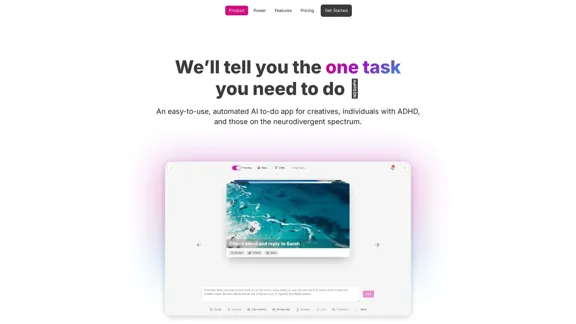
OneTask is an AI-powered to-do app designed specifically for creatives, individuals with ADHD, and those on the neurodivergent spectrum. It simplifies task management by automating prioritization, allowing users to focus on what matters most. The app aims to enhance productivity and reduce decision fatigue, making it easier to manage workloads effectively.
OneTask | AI to-do app designed for ADHD
OneTask is an AI to-do app that assists you in organizing and prioritizing your tasks, allowing you to concentrate on what really matters.
Introduction
Feature
-
Autoprioritize Tasks
With a simple toggle, users can autoprioritize their tasks, ensuring that the most important tasks are highlighted first. This feature helps manage workloads efficiently.
-
Focus on Current Tasks
OneTask removes analysis-paralysis by displaying only the tasks that require immediate attention, allowing users to concentrate on what they can work on right now.
-
AI-Assisted Task Management
The app offers AI-assisted task entry, helping users break down complex tasks into smaller, manageable steps.
-
Multiple Views
Users can choose from various views including list, card, calendar, and kanban, providing flexibility in how they manage their tasks.
-
Detailed Task History
OneTask maintains a detailed history of tasks, allowing users to track their progress over time.
-
Zen Simplicity
The app is designed with a clean user interface, making it easy for users to navigate and manage their tasks without distractions.
How to Use?
- Start by signing up for a free account on the OneTask website.
- Use the autoprioritize feature to automatically highlight your most important tasks.
- Explore different views (list, kanban, calendar) to find the layout that works best for you.
- Take advantage of AI-assisted task entry to simplify your workflow.
- Regularly check your task history to monitor your productivity and progress.
FAQ
What is OneTask?
OneTask is an AI-driven to-do app that helps users manage their tasks more effectively, particularly benefiting those with ADHD and neurodivergent thinkers.
How does OneTask help with productivity?
By automating task prioritization and simplifying task management, OneTask allows users to focus on what is most important, reducing decision fatigue and enhancing overall productivity.
Can I integrate OneTask with other tools?
Yes, OneTask offers integrations with Google Calendar and Todoist, allowing for seamless task management across different platforms.
Is OneTask suitable for team collaboration?
Yes, OneTask supports unlimited shared workspaces, making it a great tool for team collaboration.
What are the pricing options for OneTask?
OneTask offers a freemium model with a free forever plan, a Pro plan at $8 per month, and a lifetime option for $195.
Price
| Plan | Price | Features |
|---|---|---|
| Free | Free forever | Auto-prioritize tasks, unlimited workspaces, customer support |
| Pro | $8/month | Everything in Free, Focus mode, integrations, AI task analysis |
| Lifetime | $195 | Everything in Pro, one-time purchase |
The price is for reference only, please refer to the latest official data for actual information.
Evaluation
OneTask effectively addresses the needs of its target audience by providing a user-friendly interface and powerful AI features that enhance productivity. The autoprioritization feature is particularly beneficial for users who struggle with task management. However, the app could improve by offering more customization options for task views and additional integrations with other productivity tools. While it serves as a valuable tool for occasional users, those seeking advanced project management features may find it lacking. Overall, OneTask is a promising solution for individuals looking to streamline their task management process.
Related Websites
Your All-In-One AI Platform Access to a diverse range of cutting-edge models, spanning from advanced language models to powerful image models, and beyond.
73.63 K
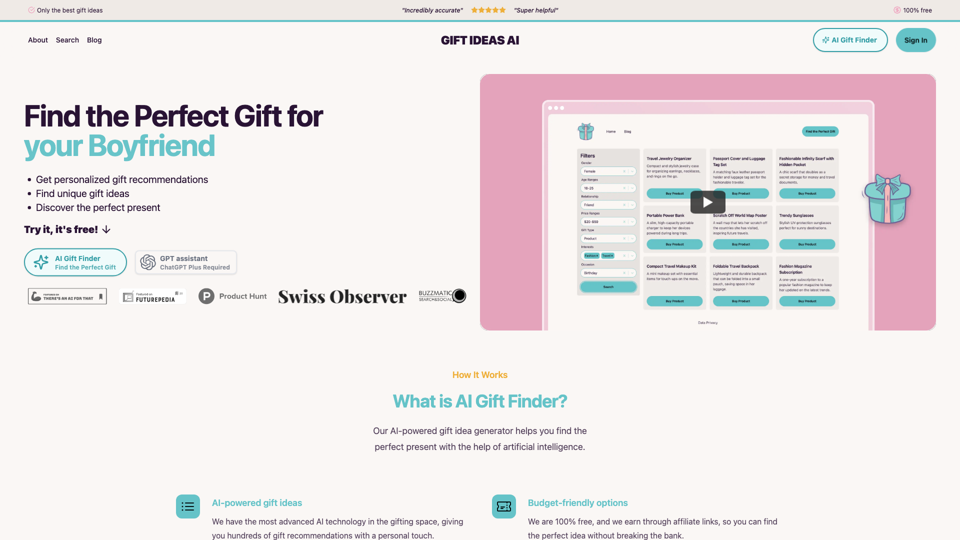
Gift Ideas AI: Free AI Gift Finder & Idea Generator
Gift Ideas AI: Free AI Gift Finder & Idea GeneratorDiscover the ideal present for those dear to you with our AI-powered gift finder. Receive customized gift suggestions for any occasion.
3.60 K
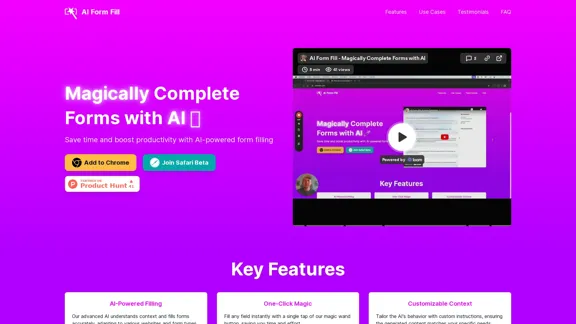
AI Form Fill: The browser extension that uses AI to automatically fill out forms for you. Save time and boost productivity with magical form completion.
2.35 K
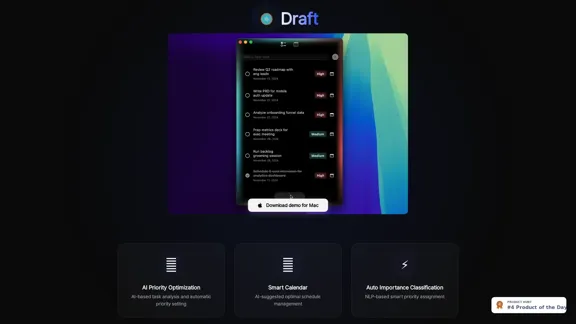
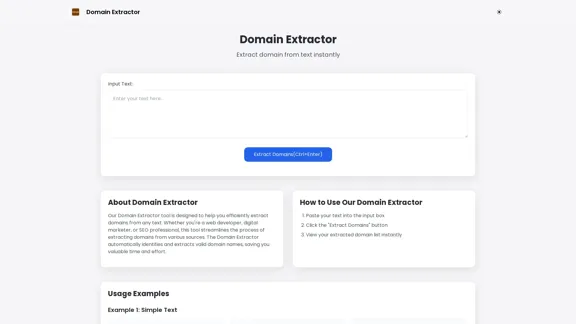
Free online Domain Extractor tool to easily extract domain names from text or URLs. Extract domains quickly and efficiently.
0
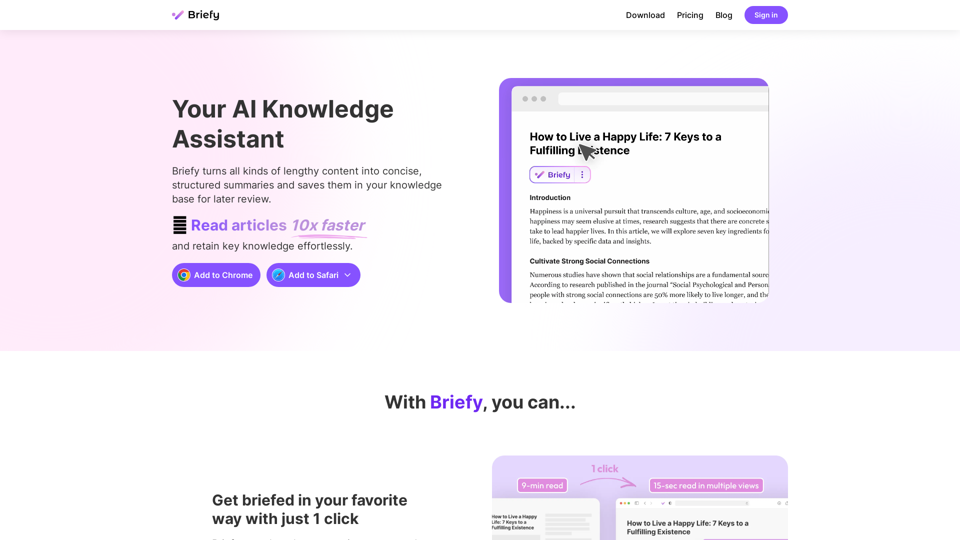
Briefy turns all kinds of lengthy content into structured summaries and saves them to your knowledge base for later review.
67.70 K