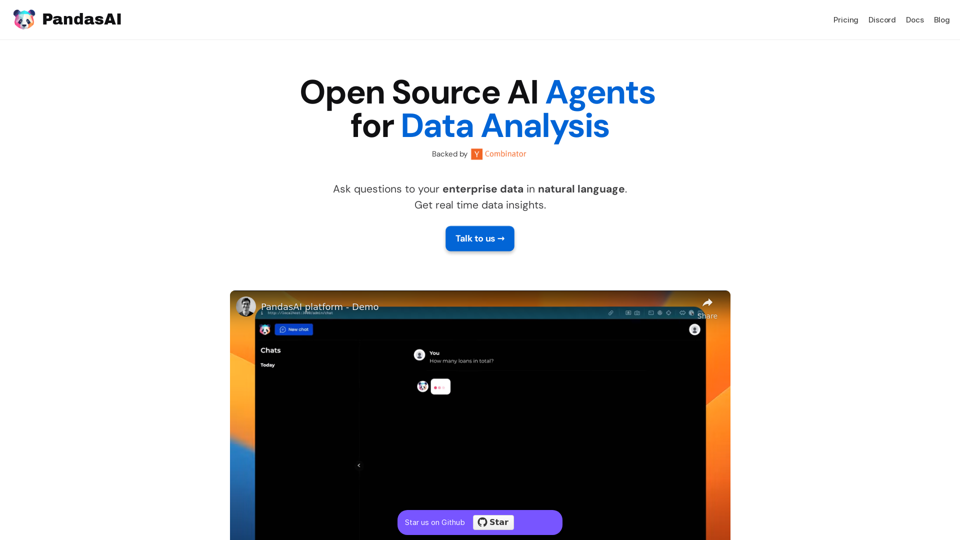
PandasAI is an open-source AI-powered platform that revolutionizes enterprise data analysis. It allows users to interact with their data using natural language, providing real-time insights and actionable information. This innovative tool seamlessly integrates with various data sources, offers enhanced analytics, and creates visual representations of data, making it an invaluable asset for data-driven decision-making across organizations.
PandasAI - Conversational Data Analysis
PandasAI is a Python library that integrates generative artificial intelligence capabilities into pandas, making dataframes conversational.
Introduction
Feature
Open Source and Accessible
PandasAI is an open-source library, democratizing data analysis and making it accessible to a wide range of users. This feature promotes transparency and community-driven improvements.
Seamless Data Integration
The platform easily connects to multiple data sources, including:
- SQL databases
- NoSQL databases
- CSV files
- Excel spreadsheets (xls)
This versatility ensures smooth integration with existing data infrastructure.
Natural Language Processing
Users can interact with their data using natural language queries, simplifying the data analysis process and making it more intuitive.
Enhanced Analytics
PandasAI provides comprehensive analytics by:
- Combining data from multiple sources
- Transforming raw data into actionable insights
- Enabling data-driven strategy implementation
Visual Data Representation
The platform creates intuitive charts and visualizations, making it easier to:
- Interpret complex business data
- Identify trends and patterns
- Communicate insights effectively
Real-time Insights
PandasAI delivers instant data insights, allowing users to make timely decisions based on the most current information available.
Detailed Reporting
Generate comprehensive reports to:
- Keep teams aligned and informed
- Track progress and performance
- Support data-driven decision-making processes
FAQ
Is PandasAI suitable for users without technical expertise?
Yes, PandasAI is designed to be user-friendly. Its natural language processing capabilities allow users to ask questions in plain language, making it accessible to both technical and non-technical users.
How does PandasAI handle data security and privacy?
As an open-source platform, PandasAI's code is transparent and can be audited for security. However, users should implement appropriate security measures when integrating it with their data infrastructure to ensure data privacy and protection.
Can PandasAI handle large volumes of data?
PandasAI is built to work with various data sources and can handle large datasets. However, the performance may depend on the underlying hardware and infrastructure. It's recommended to test with your specific data volume to ensure optimal performance.
Is there a community or support system for PandasAI users?
Yes, PandasAI has a community on Discord where users can seek support, share experiences, and contribute to the platform's development. Additionally, users can reach out through the official website for more formal support options.
Related Websites
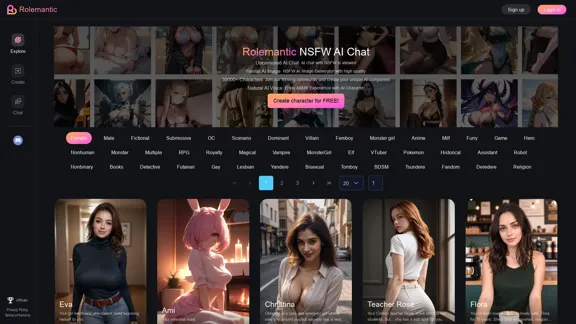
Rolemantic - NSFW Character AI Chat - NSFW Character AI Chat
Rolemantic - NSFW Character AI Chat - NSFW Character AI ChatExplore the fantasy realm of Rolemantic. Our unrestricted adult AI chatbot enables you to experience AI-powered flirtatious messaging, explicit conversations, and imaginative roleplaying at no cost.
1.03 K
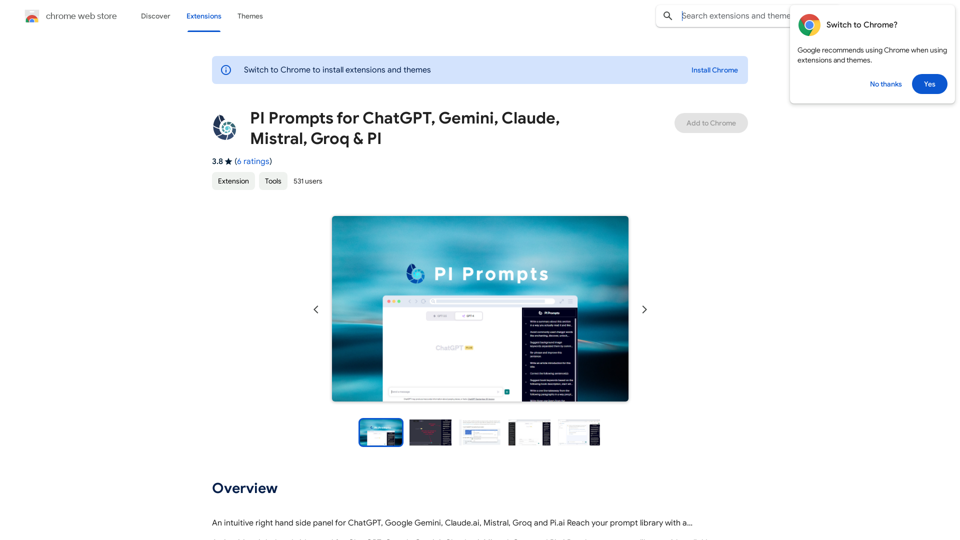
PI Prompts for ChatGPT, Gemini, Claude, Mistral, Groq & PI General Instructions: * Be specific: Clearly state what you want the AI to do. * Provide context: Give the AI enough information to understand your request. * Experiment: Try different prompts and see what works best. Creative Writing: * ChatGPT: Write a short story about a robot who learns to feel emotions. * Gemini: Compose a poem in the style of Emily Dickinson about the nature of time. * Claude: Create a fictional news article about a discovery on Mars. * Mistral: Generate a song lyric about the feeling of falling in love. * Groq: Write a screenplay for a 5-minute film about a lost dog finding its way home. * PI: Design a worldbuilding document for a fantasy novel, including its history, geography, and magic system. Informative Tasks: * ChatGPT: Summarize the main points of the article on climate change. * Gemini: Explain the concept of quantum mechanics in simple terms. * Claude: Compare and contrast the philosophies of Socrates and Plato. * Mistral: Create a list of 10 interesting facts about the human brain. * Groq: Write a code snippet to scrape data from a website. * PI: Generate a research proposal on the impact of social media on mental health. Code Generation: * ChatGPT: Write a Python function to calculate the factorial of a number. * Gemini: Generate HTML code for a simple webpage with a heading and a paragraph. * Claude: Create a SQL query to retrieve all customers from a database. * Mistral: Write a JavaScript function to validate an email address. * Groq: Generate code to create a new user account in a web application. * PI: Design a machine learning model to classify images of cats and dogs.
PI Prompts for ChatGPT, Gemini, Claude, Mistral, Groq & PI General Instructions: * Be specific: Clearly state what you want the AI to do. * Provide context: Give the AI enough information to understand your request. * Experiment: Try different prompts and see what works best. Creative Writing: * ChatGPT: Write a short story about a robot who learns to feel emotions. * Gemini: Compose a poem in the style of Emily Dickinson about the nature of time. * Claude: Create a fictional news article about a discovery on Mars. * Mistral: Generate a song lyric about the feeling of falling in love. * Groq: Write a screenplay for a 5-minute film about a lost dog finding its way home. * PI: Design a worldbuilding document for a fantasy novel, including its history, geography, and magic system. Informative Tasks: * ChatGPT: Summarize the main points of the article on climate change. * Gemini: Explain the concept of quantum mechanics in simple terms. * Claude: Compare and contrast the philosophies of Socrates and Plato. * Mistral: Create a list of 10 interesting facts about the human brain. * Groq: Write a code snippet to scrape data from a website. * PI: Generate a research proposal on the impact of social media on mental health. Code Generation: * ChatGPT: Write a Python function to calculate the factorial of a number. * Gemini: Generate HTML code for a simple webpage with a heading and a paragraph. * Claude: Create a SQL query to retrieve all customers from a database. * Mistral: Write a JavaScript function to validate an email address. * Groq: Generate code to create a new user account in a web application. * PI: Design a machine learning model to classify images of cats and dogs.An intuitive right-hand side panel for ChatGPT, Google Gemini, Claude.ai, Mistral, Groq, and Pi.ai. Reach your prompt library with a...
193.90 M
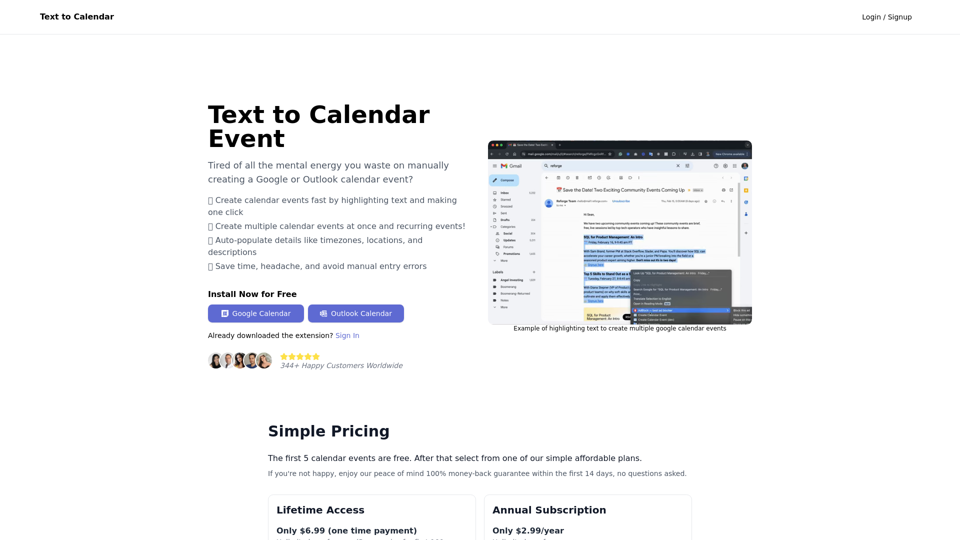
Text to Calendar Convert text into a calendar format, making it easy to organize and schedule events.
Text to Calendar Convert text into a calendar format, making it easy to organize and schedule events.Easily create calendar events from any piece of highlighted text
4.65 K
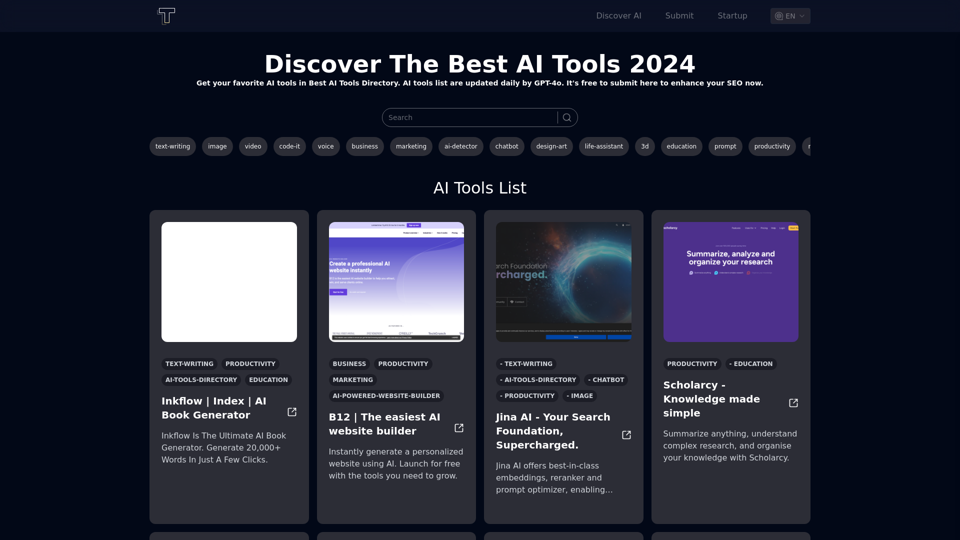
Discover the top AI tools of 2024 with the bestaitoolsforthat.com AI Directory! Explore the best and latest innovations in artificial intelligence technology.
0

ChatsNow is an AI assistant that uses OpenAI's GPT-4 and GPT-3.5, as well as Claude2, to provide various services, such as chat, translation, and Vision.
193.90 M
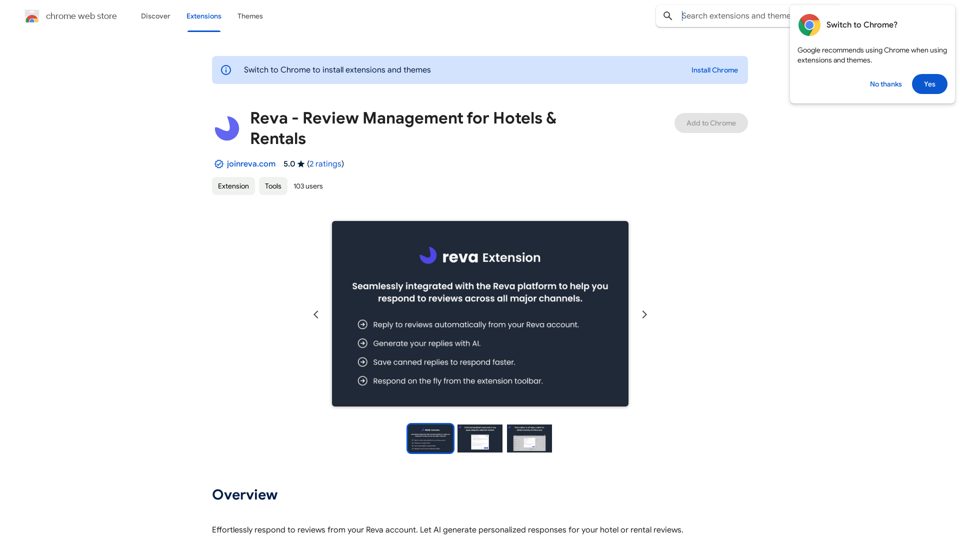
Easily reply to reviews from your Reva account. Let AI create custom responses for your hotel or rental reviews.
193.90 M