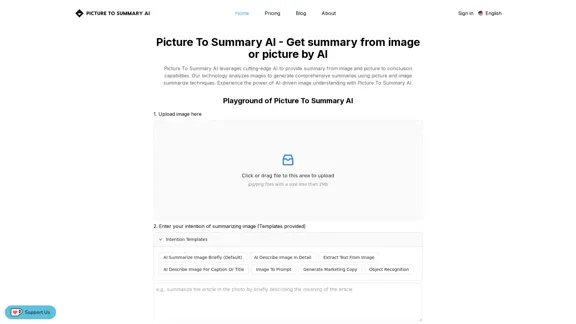
Picture To Summary AI is an advanced tool that utilizes cutting-edge AI technology to generate summaries from images and pictures. This innovative platform analyzes visual content to provide comprehensive summaries using sophisticated image and picture summarization techniques. It offers users the ability to quickly understand and interpret image content through AI-driven image understanding.
Picture To Summary AI - Get summary from image or picture by AI
Picture To Summary AI is a tool for generating summaries from images or pictures.
Introduction
Feature
Upload and Analyze Images
Users can easily upload images to the platform for analysis. The system supports jpg/png files with a size limit of 2Mb, making it accessible for various image types.
Customizable Summarization Intentions
The platform offers multiple summarization templates, including:
- AI Summarize Image Briefly (Default)
- AI Describe Image In Detail
- Extract Text From Image
- AI Describe Image For Caption Or Title
- Image To Prompt
- Generate Marketing Copy
- Object Recognition
- Summarize Image
Three-Step Process
- Upload Picture Or Image
- Enter use of Summarizing Image
- Do Image Summarize
AI-Driven Technology
- Utilizes multimodal LLM with deep tuning for image summarization
- Offers customizable prompts for tailored results
- Continuous optimization by the development team
Key Features
- Concise Summary: Quick and accurate summaries of image content
- Text Extraction: Ability to extract text from images
- Caption Generation: Creates captions for social media posts
- Custom Prompts: Allows users to guide AI understanding for specific needs
Multiple Applications
- Social media content creation
- Research and presentations
- Online marketplace descriptions
- Accessibility improvements (alt text generation)
- Marketing and advertising analysis
FAQ
What is Picture To Summary AI?
Picture To Summary AI is an online tool that uses AI technology to analyze images and generate insightful summaries or descriptions. Users can upload pictures, choose summary styles, or provide custom prompts for AI-generated summaries.
Is Picture To Summary AI free to use?
The service offers a limited free trial, but a paid subscription is required for full access to all features and unlimited usage due to the computational resources needed.
What are the limitations of Picture To Summary AI?
While powerful, the tool is still under development. Summary quality may vary based on image complexity, clarity, and the specific prompt used. The team continuously works on improvements.
How can I get started with Picture To Summary AI?
Visit the website at https://picturetosummaryai.online/, upload an image, choose a summary style or provide a custom prompt, and click "Summarize Image" to receive your generated summary in seconds.
Is Picture To Summary AI open-source?
Currently, Picture To Summary AI is not open-source software. However, the team welcomes feedback and suggestions from users.
Can Picture To Summary AI be integrated into other software or workflows?
At present, the service does not offer direct API integration, but future plans may include making AI capabilities accessible through APIs.
Related Websites
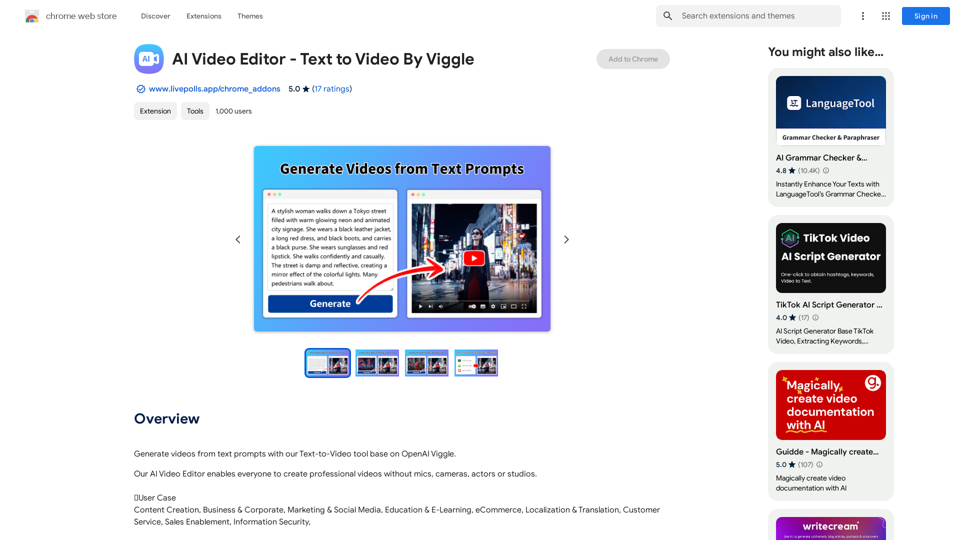
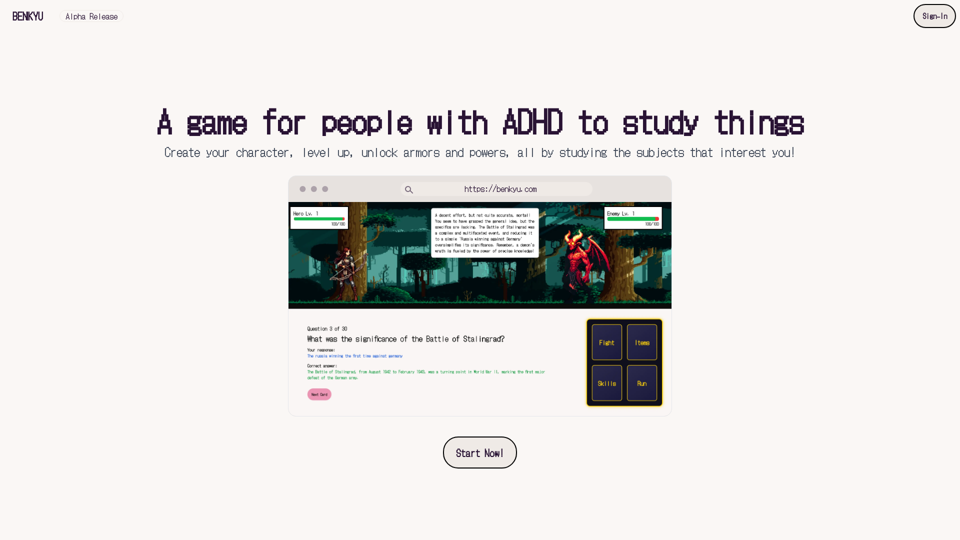
A Learning Game for Individuals with ADHD This innovative game is specifically designed for individuals with Attention Deficit Hyperactivity Disorder (ADHD) to make learning an engaging and enjoyable experience.
0
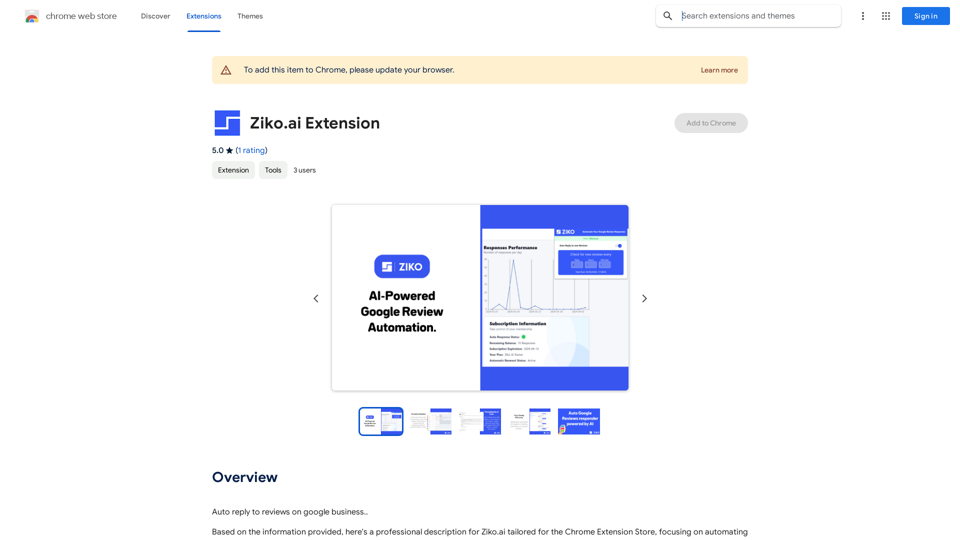
Here are some examples of auto-replies you can use for Google Business reviews: For Positive Reviews: * "Thank you so much for the wonderful review! We're thrilled you had a positive experience. We appreciate your business and look forward to seeing you again soon." * "We're so happy to hear you enjoyed your time with us! Your feedback means a lot to us. Thanks for taking the time to leave a review." * "Wow, thank you for the kind words! We strive to provide excellent service and we're glad we met your expectations. We appreciate your support!" For Negative Reviews: * "We're sorry to hear that you had a negative experience. We value your feedback and would like to learn more about what happened. Please contact us directly at [phone number] or [email address] so we can address your concerns." * "Thank you for your honest feedback. We apologize that we didn't meet your expectations. We're always working to improve our services and we appreciate you bringing this to our attention." * "We understand your frustration and sincerely apologize for any inconvenience caused. We'd like to make things right. Please contact us at [phone number] or [email address] so we can discuss this further." Tips: * Be prompt: Respond to reviews as quickly as possible. * Be genuine: Your responses should sound sincere and authentic. * Be professional: Avoid getting defensive or argumentative. * Keep it concise: Get to the point and avoid writing lengthy responses. * Offer solutions: If possible, offer a way to resolve the issue.
193.90 M
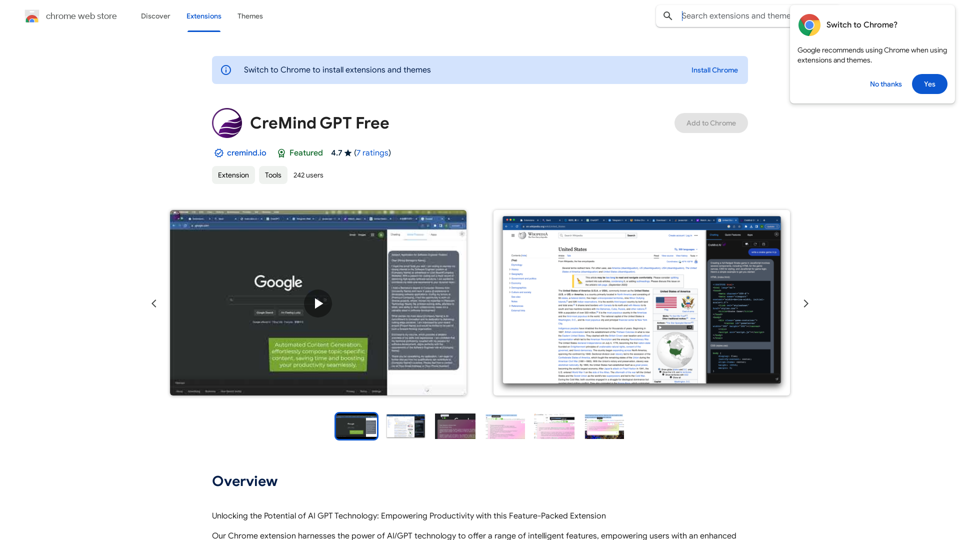
Unlocking the Potential of AI GPT Technology: Empowering Productivity with this Feature-Packed Extension
193.90 M
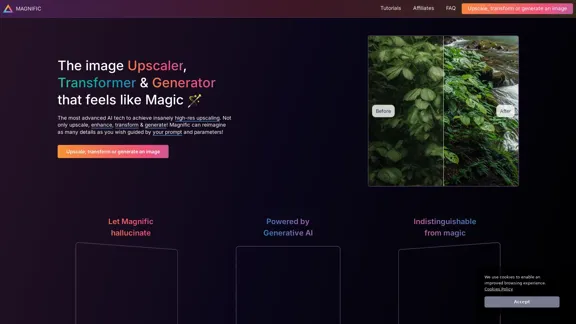
Magnific AI — The amazing image upscaling and enhancement tool
Magnific AI — The amazing image upscaling and enhancement toolThe most advanced AI upscaler and enhancer. Magnific can reimagine as many details in your image or photo as you wish, guided by your prompt and parameters!
595.11 K
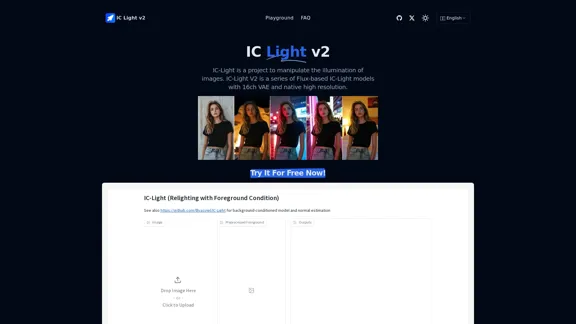
IC-Light is a project to manipulate the illumination of images. IC-Light V2 is a series of Flux-based IC-Light models with 16ch VAE and native high resolution.
0
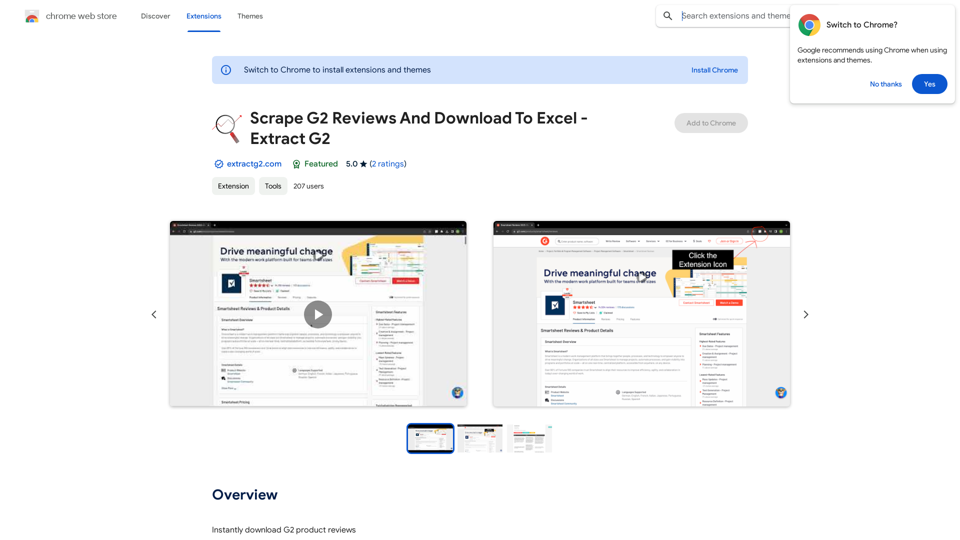
Scrape G2 Reviews and Download to Excel - Extract G2 Reviews Data Easily
Scrape G2 Reviews and Download to Excel - Extract G2 Reviews Data EasilyInstantly download G2 product reviews
193.90 M