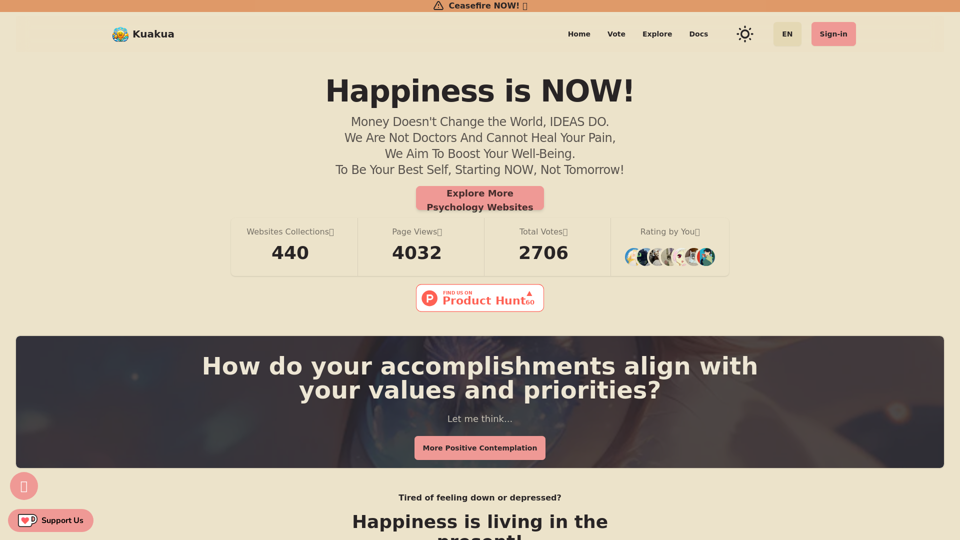
Kuakua is an innovative platform that combines psychology and AI tools to enhance well-being and happiness. It offers a comprehensive range of resources including mindfulness exercises, lifestyle tips, and therapy resources, all designed to boost mental health and overall well-being. The platform utilizes AI-driven tools to provide personalized recommendations and insights, helping individuals achieve their specific well-being goals.
Kuakua - Psychology and AI Tools for Well-Being
Explore psychology, AI tools, mindfulness, lifestyle, and therapy resources. Find happy languages, tasks, websites, and apps to boost your well-being and happiness.
Introduction
Feature
AI-Powered Personalization
Kuakua leverages artificial intelligence to offer tailored recommendations and insights, ensuring each user receives a personalized experience aligned with their well-being objectives.
Comprehensive Well-being Resources
The platform provides a diverse array of tools and resources:
- Mindfulness exercises and meditation techniques
- Lifestyle tips covering nutrition, exercise, and sleep habits
- Access to therapy resources, including online sessions and support groups
- Positive affirmations and "happy languages" to foster a positive mindset
Goal-Oriented Approach
Users begin their journey by:
- Creating an account
- Taking a quiz to determine well-being goals
- Receiving personalized recommendations based on quiz results
Community Connection
Kuakua facilitates connections among users through:
- Online support groups
- Forums for sharing experiences and tips
Flexible Pricing Options
The platform offers:
- Free trial period
- Various subscription plans to suit different needs and budgets
FAQ
How do I get started with Kuakua?
To begin using Kuakua:
- Sign up for an account on the platform
- Take the initial quiz to determine your well-being goals
- Explore the personalized recommendations and resources provided
What types of resources does Kuakua offer?
Kuakua provides a wide range of resources, including:
- Mindfulness exercises
- Lifestyle tips
- Therapy resources
- AI-driven personalized recommendations
- Positive affirmations and "happy languages"
Is Kuakua free to use?
Kuakua offers a free trial period. After the trial, users need to subscribe to access the full range of resources and tools. Various pricing options are available to suit different needs.
Can I cancel my Kuakua subscription?
Yes, you can cancel your subscription at any time.
What are some tips for getting the most out of Kuakua?
To maximize your experience with Kuakua:
- Set clear and specific well-being goals
- Use the platform consistently for best results
- Experiment with different resources to find what works best for you
- Connect with other users for motivation and inspiration
Related Websites
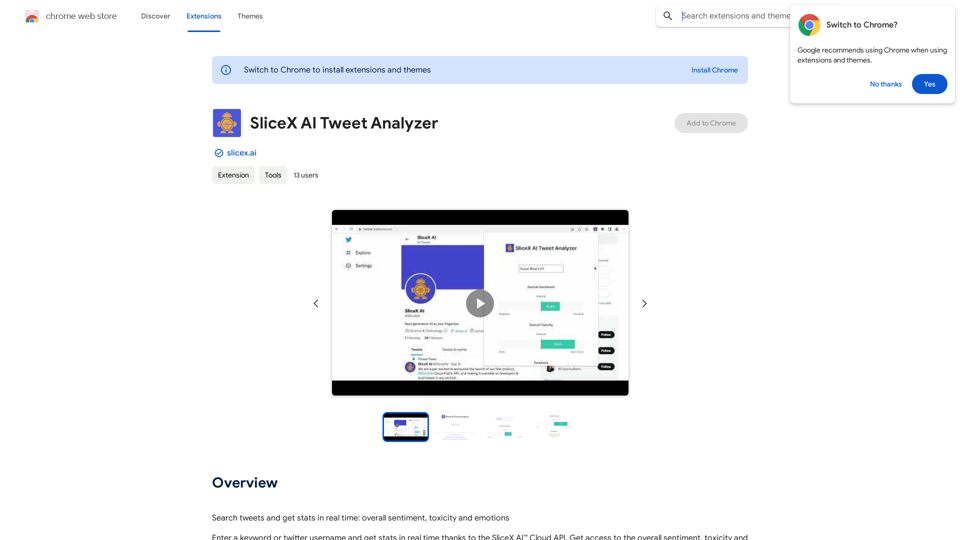
Search for tweets and get real-time statistics: general sentiment, toxicity levels, and emotions expressed.
193.90 M
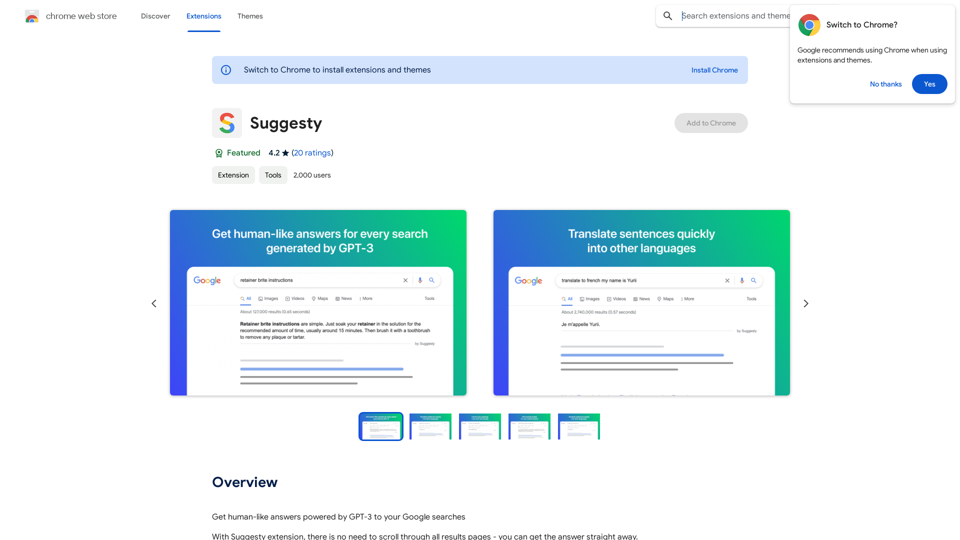
Suggesty Suggesty is a cutting-edge AI-powered tool designed to assist users in generating high-quality content quickly and efficiently.
Suggesty Suggesty is a cutting-edge AI-powered tool designed to assist users in generating high-quality content quickly and efficiently.Get human-like answers powered by GPT-3 to your Google searches
193.90 M
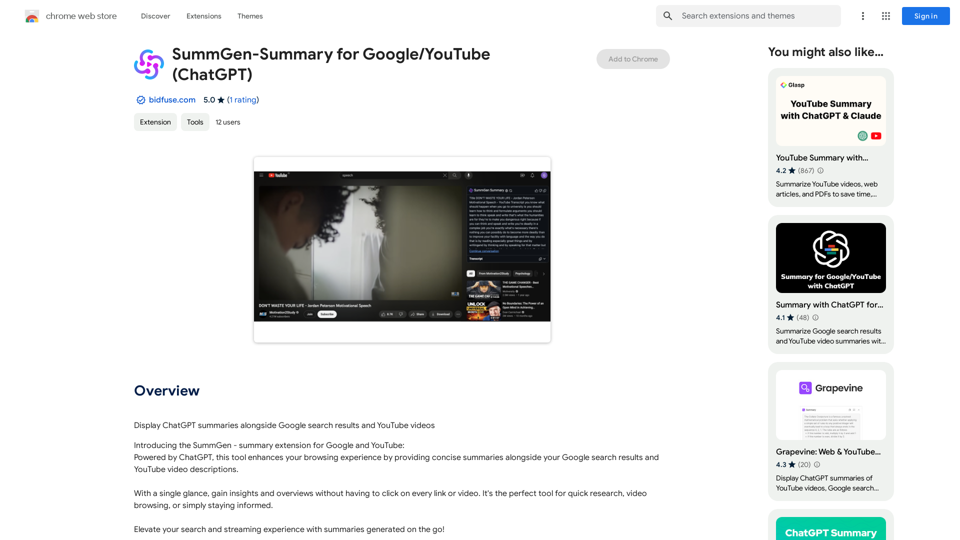
SummGen-Summary for Google/YouTube (ChatGPT) This is a summary of the capabilities and potential uses of SummGen, a text summarization model, specifically in the context of Google and YouTube. * What is SummGen? SummGen is a powerful text summarization model developed by Google DeepMind. It excels at condensing large amounts of text into concise and informative summaries. * How can SummGen be used with Google Search? Imagine searching Google for a complex topic. SummGen could analyze the top search results and generate a brief, clear summary of the key information, saving you time and effort. * Applications for YouTube: * Video Summaries: SummGen could automatically generate summaries of YouTube videos, making it easier for viewers to quickly understand the content. * Closed Captions: SummGen could enhance closed captions by providing more accurate and concise summaries of the spoken words. * Content Discovery: YouTube could use SummGen to create summaries of trending videos, helping users discover new content based on their interests. * Benefits: * Efficiency: SummGen saves time by providing concise summaries of large amounts of text. * Accessibility: Summaries can make information more accessible to people with visual or cognitive impairments. * Improved Understanding: Summaries can help users grasp complex topics more easily. SummGen has the potential to revolutionize how we interact with information on Google and YouTube, making it more efficient, accessible, and understandable.
SummGen-Summary for Google/YouTube (ChatGPT) This is a summary of the capabilities and potential uses of SummGen, a text summarization model, specifically in the context of Google and YouTube. * What is SummGen? SummGen is a powerful text summarization model developed by Google DeepMind. It excels at condensing large amounts of text into concise and informative summaries. * How can SummGen be used with Google Search? Imagine searching Google for a complex topic. SummGen could analyze the top search results and generate a brief, clear summary of the key information, saving you time and effort. * Applications for YouTube: * Video Summaries: SummGen could automatically generate summaries of YouTube videos, making it easier for viewers to quickly understand the content. * Closed Captions: SummGen could enhance closed captions by providing more accurate and concise summaries of the spoken words. * Content Discovery: YouTube could use SummGen to create summaries of trending videos, helping users discover new content based on their interests. * Benefits: * Efficiency: SummGen saves time by providing concise summaries of large amounts of text. * Accessibility: Summaries can make information more accessible to people with visual or cognitive impairments. * Improved Understanding: Summaries can help users grasp complex topics more easily. SummGen has the potential to revolutionize how we interact with information on Google and YouTube, making it more efficient, accessible, and understandable.Display ChatGPT Summaries Alongside Google Search Results and YouTube Videos This feature would allow users to see concise summaries generated by ChatGPT directly integrated with their Google search results and YouTube video pages. Imagine searching for a topic on Google and seeing a ChatGPT-generated summary at the top of the results, providing a quick overview of the key points. Or, watching a YouTube video and having a ChatGPT summary appear below, highlighting the main takeaways. This integration could significantly enhance the user experience by: * Saving time: Quickly grasp the essence of information without having to read through lengthy articles or watch entire videos. * Improving comprehension: ChatGPT summaries can rephrase complex information in a more accessible way. * Encouraging exploration: Summaries can spark curiosity and lead users to explore related content further.
193.90 M