Open-source RightAI Tools Directory
  • Discover AI
  • Submit
  • Startup
  • Blog
Open-source RightAI Tools Directory
Discover the best AI tools of 2025 with the RightAI Tools Directory!

Friend Links

AI Anime GeneratorToolsApp AI

Support

Tap4
Privacy policyTerms & ConditionsContact Us
Loading...
loading...

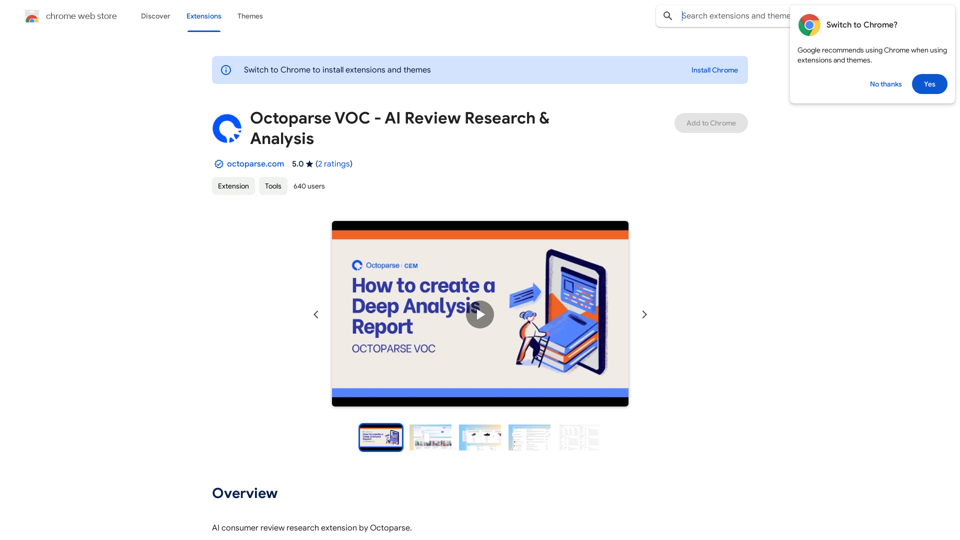
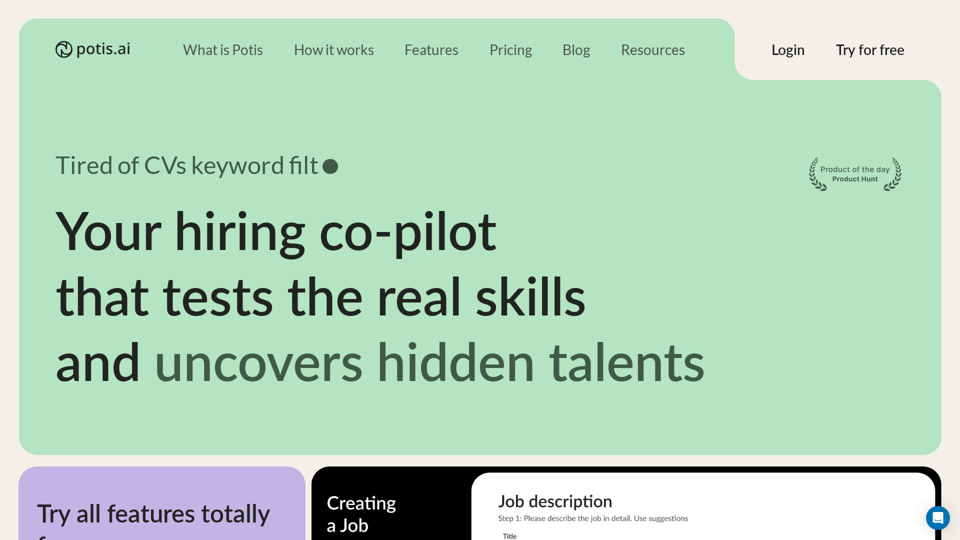
Potis.AI | Your Hiring Copilot

Hiring Copilot for Clean and Fast Bulk Candidates Screening with Behavioral Interview and Real Cases
Visit Website
Potis.AI | Your Hiring Copilot
Visit Website

Introduction

Potis.AI is an innovative AI-powered hiring copilot designed to revolutionize the recruitment process. It helps employers find the ideal candidates by assessing their real skills and uncovering hidden talents through automated behavioral interviews. The platform offers clear, bias-free talent scoring, making it an invaluable tool for streamlining the hiring process and making informed decisions.

Feature

Automated Behavioral Interviews

Potis.AI conducts behavioral case-structured interviews to evaluate candidates' practical application of knowledge, providing a more accurate assessment than traditional online tests.

Bias-Free Talent Scoring

The platform offers a clear and unbiased scoring system, giving recruiters valuable insights into each candidate's strengths and weaknesses.

Skill Tree Analysis

Potis.AI generates a comprehensive skill tree for each candidate, identifying their technical skills, strengths, and areas for improvement.

Anti-Cheat Assessment

Unlike conventional online tests, Potis.AI's behavioral interviews are impossible to prepare for, ensuring genuine responses from candidates.

Flexible Pricing Plans

Potis.AI offers three pricing tiers to suit different needs:

PlanActive PositionsPriceFeatures
Personal2$90/monthAll features included
Teamplay5$349/monthAll features, free trial
EnterpriseUnlimitedCustomAll features, ATS integrations, SSO

Time and Cost Efficiency

Users report significant improvements in hiring processes, with time and cost reductions of up to 70%.

FAQ

How does Potis.AI work?

Potis.AI employs a unique approach to candidate assessment through behavioral case-structured interviews, evaluating how candidates apply theoretical knowledge in real-world situations.

Is Potis.AI biased in its evaluations?

No, Potis.AI uses a clear and bias-free scoring system, providing objective insights into each candidate's strengths and weaknesses.

Can I try Potis.AI before committing?

Yes, Potis.AI offers a free trial with 2 active open positions and access to all features, allowing you to experience the platform's benefits firsthand..

Latest Traffic Insights

  • Monthly Visits

    6.63 K

  • Bounce Rate

    40.79%

  • Pages Per Visit

    1.52

  • Time on Site(s)

    12.74

  • Global Rank

    3100914

  • Country Rank

    United States 1422613

Recent Visits

Traffic Sources

  • Social Media:
    6.27%
  • Paid Referrals:
    1.08%
  • Email:
    0.13%
  • Referrals:
    9.16%
  • Search Engines:
    38.67%
  • Direct:
    44.30%
More Data

Related Websites

JobSyncAi
View Detail

JobSyncAi

JobSyncAi

Generates new versions of resumes to match keywords and important skills in a job description using AI

193.90 M
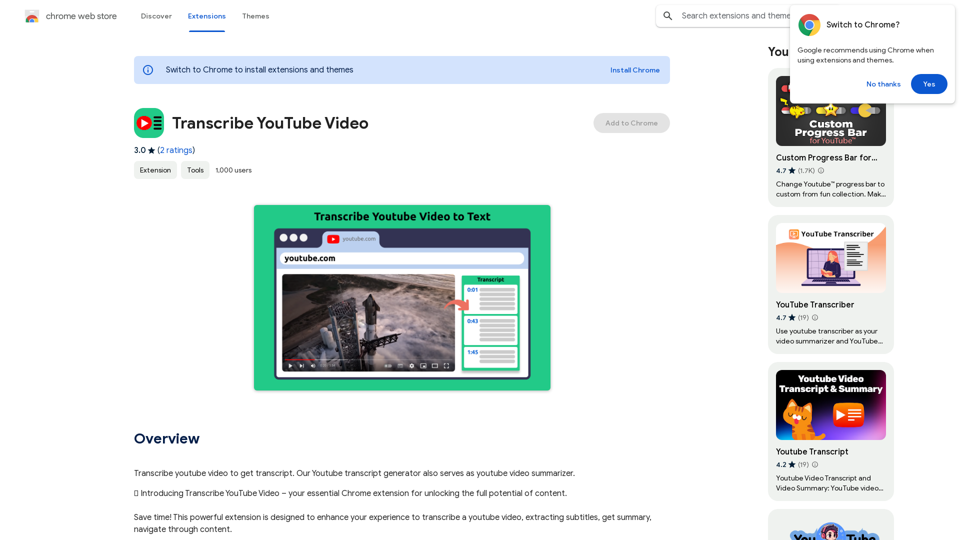
CatPaw: Fast AI Keyboard on the App Store
View Detail

CatPaw: Fast AI Keyboard on the App Store

CatPaw: Fast AI Keyboard on the App Store

The CatPaw Ai keyboard is powered by your own trusted ChatGPT / Gemini API service, designed to enhance your input efficiency. It supports customizable AI commands for a more personalized experience.

124.77 M
Speedie AI - YouTube Video Summary Expert
View Detail

Speedie AI - YouTube Video Summary Expert

Speedie AI - YouTube Video Summary Expert

AI-powered summaries for YouTube videos. Unlimited summaries, supports many languages.

193.90 M
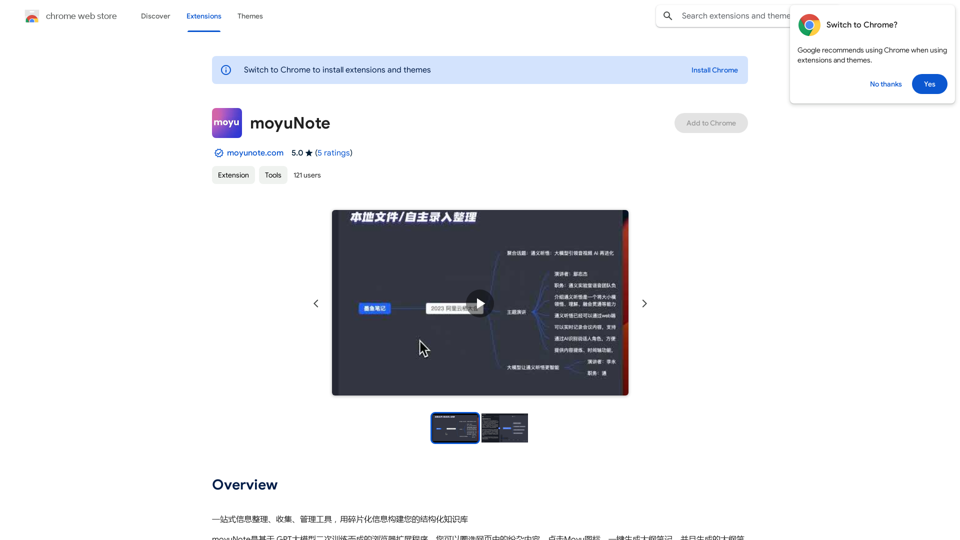
AI Localizer - Easily Translate Your Project Code
View Detail

AI Localizer - Easily Translate Your Project Code

AI Localizer - Easily Translate Your Project Code

Seamlessly add localized translations to your Xcode projects. Add up to 37 languages to your app automatically, using the power of AI.

210.21 K
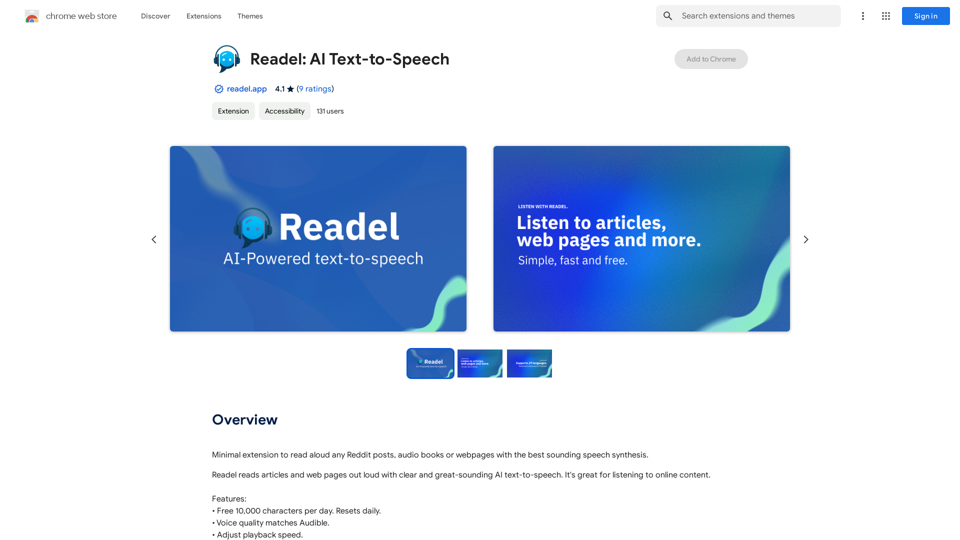
Ponyrun
View Detail

Ponyrun

Ponyrun

Give our bots instructions, and they will explore and engage with websites to collect and arrange useful information for you.

193.90 M
BlockDefend AI
View Detail

BlockDefend AI

BlockDefend AI

Protect yourself from phishing websites and analyze contracts, tokens, NFTs, approvals, and airdrops with BlockDefend AI.

193.90 M
Unlock the Power of AI
View Detail

Unlock the Power of AI

Unlock the Power of AI

Unlocking the Power of ChatGPT: Expanding Its Reach Beyond Conversations ChatGPT, the revolutionary AI language model, has been making waves in the digital world. While it's primarily known for its conversational capabilities, its potential uses extend far beyond just chatting. Imagine harnessing the power of ChatGPT to supercharge your online activities, such as searching, emailing, and browsing websites. Search Engines Integrating ChatGPT into search engines can elevate the search experience. Here are a few ways it can make a difference: * Natural Language Queries: With ChatGPT, users can ask complex, conversational questions, and the AI will understand the context, providing more accurate results. * Personalized Results: ChatGPT can learn users' preferences and tailor search results to their interests, making the search process more efficient. * Answer Engine: Instead of providing a list of links, ChatGPT can directly answer questions, saving users time and effort. Writing Emails ChatGPT can assist in crafting well-structured, coherent emails, making communication more effective: * Email Composition: The AI can suggest relevant topics, tone, and language, helping users to express themselves more clearly. * Content Generation: ChatGPT can generate email content, such as introductions, summaries, or even entire emails, saving time and effort. * Language Translation: The AI can translate emails in real-time, breaking language barriers and facilitating global communication. Any Website Imagine having ChatGPT as your personal assistant on any website: * Content Summarization: The AI can summarize long articles, blog posts, or product descriptions, providing users with a quick overview. * FAQ Generation: ChatGPT can generate answers to frequently asked questions, reducing the need for customer support. * Personalized Recommendations: The AI can analyze user behavior and provide personalized suggestions, enhancing the overall user experience. The possibilities are endless, and the potential benefits are substantial. By integrating ChatGPT into search engines, email clients, and websites, we can unlock a new level of efficiency, productivity, and innovation.

193.90 M
Converting JPG Images to Text

Converting a JPG image to text is a process known as Optical Character Recognition (OCR). This technology enables you to extract text from images, scanned documents, and photos. Here's how to do it:

Method 1: Online OCR Tools

You can use online OCR tools to convert JPG images to text. Here are the steps:

1. Upload your JPG image: Go to an online OCR tool website, such as Online OCR Tools or OCR.space, and upload your JPG image.
2. Select the language: Choose the language of the text in your image.
3. Click on "Convert": The tool will convert the image to text.
4. Download the text: You can download the extracted text as a Word document, PDF, or plain text file.

Method 2: Google Drive

You can also use Google Drive to convert JPG images to text. Here's how:

1. Upload your JPG image: Upload your JPG image to Google Drive.
2. Right-click on the image: Right-click on the uploaded image and select "Open with" > "Google Docs".
3. The image will be converted: Google Docs will automatically convert the image to text.
4. Edit and download: You can edit the extracted text and download it as a Word document or PDF.

Method 3: Adobe Acrobat

If you have Adobe Acrobat installed on your computer, you can use it to convert JPG images to text. Here's how:

1. Open Adobe Acrobat: Open Adobe Acrobat on your computer.
2. Create a new document: Create a new document and click on "Tools" > "Recognize Text".
3. Select the image: Select the JPG image you want to convert.
4. Click on "Recognize": Adobe Acrobat will convert the image to text.
5. Edit and save: You can edit the extracted text and save it as a Word document or PDF.

These are the three methods to convert JPG images to text. Choose the method that works best for you!
View Detail

Converting JPG Images to Text Converting a JPG image to text is a process known as Optical Character Recognition (OCR). This technology enables you to extract text from images, scanned documents, and photos. Here's how to do it: Method 1: Online OCR Tools You can use online OCR tools to convert JPG images to text. Here are the steps: 1. Upload your JPG image: Go to an online OCR tool website, such as Online OCR Tools or OCR.space, and upload your JPG image. 2. Select the language: Choose the language of the text in your image. 3. Click on "Convert": The tool will convert the image to text. 4. Download the text: You can download the extracted text as a Word document, PDF, or plain text file. Method 2: Google Drive You can also use Google Drive to convert JPG images to text. Here's how: 1. Upload your JPG image: Upload your JPG image to Google Drive. 2. Right-click on the image: Right-click on the uploaded image and select "Open with" > "Google Docs". 3. The image will be converted: Google Docs will automatically convert the image to text. 4. Edit and download: You can edit the extracted text and download it as a Word document or PDF. Method 3: Adobe Acrobat If you have Adobe Acrobat installed on your computer, you can use it to convert JPG images to text. Here's how: 1. Open Adobe Acrobat: Open Adobe Acrobat on your computer. 2. Create a new document: Create a new document and click on "Tools" > "Recognize Text". 3. Select the image: Select the JPG image you want to convert. 4. Click on "Recognize": Adobe Acrobat will convert the image to text. 5. Edit and save: You can edit the extracted text and save it as a Word document or PDF. These are the three methods to convert JPG images to text. Choose the method that works best for you!

Converting JPG Images to Text Converting a JPG image to text is a process known as Optical Character Recognition (OCR). This technology enables you to extract text from images, scanned documents, and photos. Here's how to do it: Method 1: Online OCR Tools You can use online OCR tools to convert JPG images to text. Here are the steps: 1. Upload your JPG image: Go to an online OCR tool website, such as Online OCR Tools or OCR.space, and upload your JPG image. 2. Select the language: Choose the language of the text in your image. 3. Click on "Convert": The tool will convert the image to text. 4. Download the text: You can download the extracted text as a Word document, PDF, or plain text file. Method 2: Google Drive You can also use Google Drive to convert JPG images to text. Here's how: 1. Upload your JPG image: Upload your JPG image to Google Drive. 2. Right-click on the image: Right-click on the uploaded image and select "Open with" > "Google Docs". 3. The image will be converted: Google Docs will automatically convert the image to text. 4. Edit and download: You can edit the extracted text and download it as a Word document or PDF. Method 3: Adobe Acrobat If you have Adobe Acrobat installed on your computer, you can use it to convert JPG images to text. Here's how: 1. Open Adobe Acrobat: Open Adobe Acrobat on your computer. 2. Create a new document: Create a new document and click on "Tools" > "Recognize Text". 3. Select the image: Select the JPG image you want to convert. 4. Click on "Recognize": Adobe Acrobat will convert the image to text. 5. Edit and save: You can edit the extracted text and save it as a Word document or PDF. These are the three methods to convert JPG images to text. Choose the method that works best for you!

It is an online tool that uses Optical Character Recognition (OCR) to make it possible to extract text from images in JPG format.

193.90 M