QuickSearchPlus offers a streamlined and secure way to browse the web, allowing users to capture and organize their favorite websites effortlessly. With features designed for speed and privacy, it caters to users looking for an efficient browsing experience. The platform enables multi-device synchronization, advanced search capabilities, and intuitive bookmark organization, making it a valuable tool for anyone who frequently navigates online.
QuickSearchPlus
Browse effortlessly

Introduction
Feature
-
Multi-Device Sync
Your bookmarks sync seamlessly across devices, ensuring access to your favorite sites wherever you are.
-
Speedy Searching
QuickSearchPlus utilizes advanced technology to provide lightning-fast search results, eliminating the frustration of slow searches.
-
Intuitive Bookmark Organization
The platform features a user-friendly interface for categorizing and tagging bookmarks, making organization simple and efficient.
-
Advanced Search Capabilities
Users can easily locate specific bookmarks with advanced search functionality, allowing for quick access to saved links.
-
Web Portal (Incognito)
Enjoy private browsing with built-in VPN protection, ensuring your online activities remain anonymous and secure.
-
File Management
Users can upload and download files seamlessly, organizing digital resources alongside bookmarks for a comprehensive management solution.
-
Keyword-Based Search
The platform supports keyword-based searches, enabling users to find bookmarks quickly and efficiently.
How to Use?
-
Sign Up: Create an account on QuickSearchPlus to start using its features.
-
Add Bookmarks: Use the browser extension to add bookmarks easily with just a few clicks.
-
Organize Bookmarks: Create folders and subfolders to keep your bookmarks organized.
-
Utilize Advanced Search: Take advantage of the advanced search feature to quickly find specific bookmarks.
-
Explore File Management: Upload and download files directly within your bookmark collection for better organization.
FAQ
What is QuickSearchPlus?
QuickSearchPlus is a web browsing tool designed to help users capture, organize, and access their favorite websites quickly and securely.
How does QuickSearchPlus enhance browsing?
It offers features like multi-device sync, intuitive bookmark organization, and advanced search capabilities to improve the overall browsing experience.
Is my data secure with QuickSearchPlus?
Yes, QuickSearchPlus prioritizes user privacy with built-in VPN protection for secure and anonymous browsing.
Can I access my bookmarks from multiple devices?
Absolutely, QuickSearchPlus syncs your bookmarks across all devices, allowing for easy access on the go.
What are the file management capabilities?
Users can upload and download files, organizing them alongside bookmarks for a comprehensive digital resource management experience.
Price
| Plan | Monthly Price | Features |
|---|---|---|
| Free | $0 | Up to 50 bookmarks, limited web portal access, offline access |
| Basic | $13 | Unlimited bookmarks, keyword-based search, priority support |
| Standard | $23 | Unlimited bookmarks, advanced features, full access to web portal |
| Premium | $39 | Unlimited bookmarks, enhanced features, upload up to 50 GB of files |
The price is for reference only, please refer to the latest official data for actual information.
Evaluation
- QuickSearchPlus excels in providing a user-friendly interface and efficient bookmark management, making it suitable for users of all levels.
- The multi-device sync feature is particularly beneficial for users who switch between devices frequently.
- While the platform offers robust features, the pricing may be a consideration for users seeking advanced functionalities.
- Improvements could be made in the area of customer support response times and providing more detailed tutorials for new users.
- Overall, QuickSearchPlus is a valuable tool for anyone looking to enhance their online browsing and research efficiency.
Related Websites


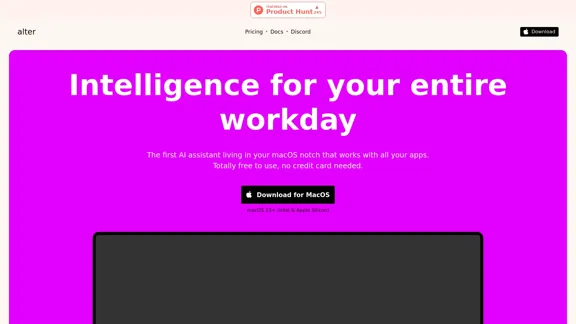
Alter: The seamless AI that enhances your Mac. Bypass the chat, perform instant actions across all applications. Boost your productivity by 10 times with full privacy control.
19.74 K
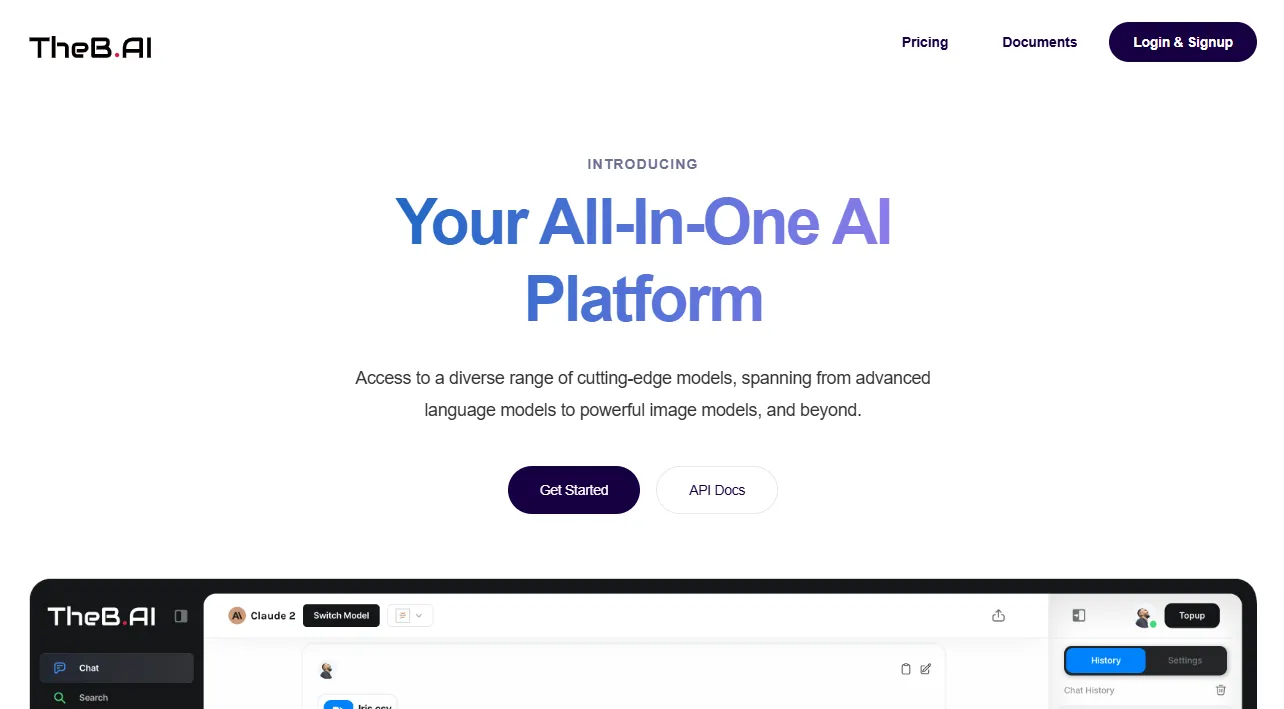
Your All-In-One AI Platform Access to a diverse range of cutting-edge models, spanning from advanced language models to powerful image models, and beyond.
73.63 K
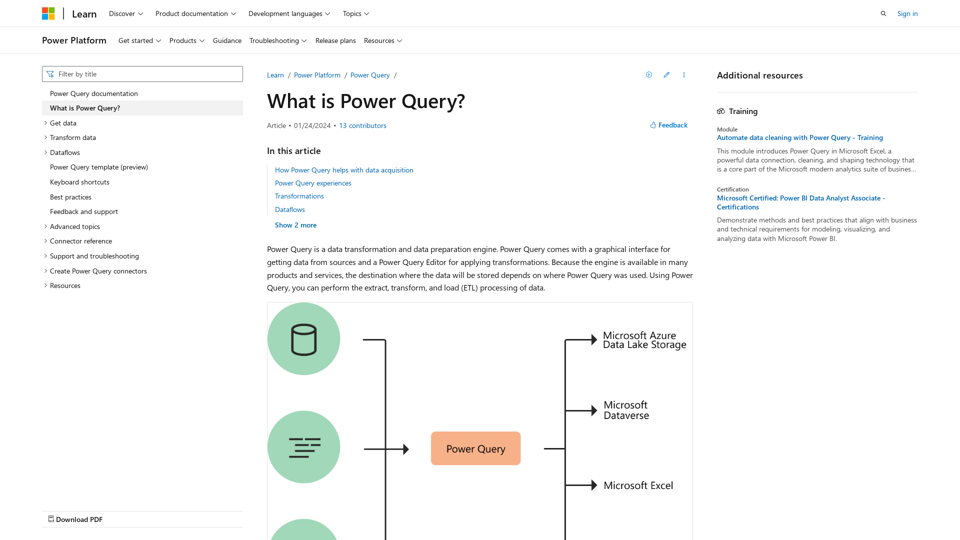
What is Power Query? - Power Query | Microsoft Learn
What is Power Query? - Power Query | Microsoft LearnLearn about Power Query and its capabilities for data acquisition and transformation Power Query is a powerful data preparation tool that enables you to: - Extract data from various sources - Transform and clean data efficiently - Combine data from multiple sources Key benefits of Power Query: 1. User-friendly interface for data manipulation 2. Supports a wide range of data sources 3. Automates repetitive data tasks 4. Enhances data quality and consistency 5. Integrates seamlessly with other Microsoft tools Power Query helps streamline your data processes, saving time and improving accuracy in data analysis.
34.93 K

Focus Buddy - Boost Productivity with AI-Powered Focus Sessions
Focus Buddy - Boost Productivity with AI-Powered Focus SessionsEnhance your productivity with Focus Buddy’s AI-powered focus sessions. Stay on track, manage distractions, and achieve more in less time.
2.48 K
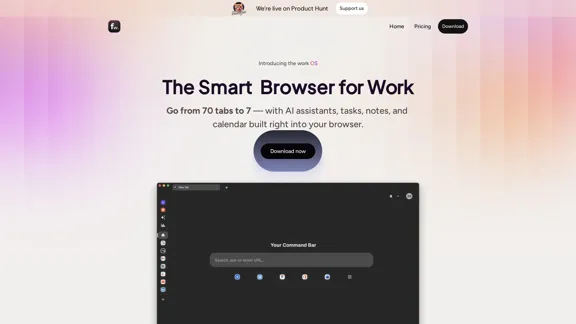
Floutwork – The AI-Enhanced Browser for Work and Efficiency
Floutwork – The AI-Enhanced Browser for Work and EfficiencyFloutwork is an AI-powered productivity browser that brings together workspaces, organizes your tabs, and integrates AI assistants directly into your workflow. It is designed to help you stay focused, streamline tasks, and accomplish more without distractions.
0