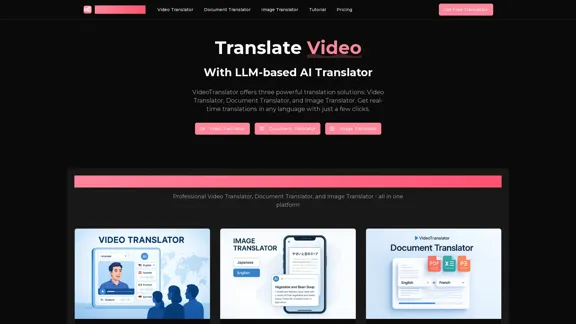
AI Video Translator offers a comprehensive suite of translation solutions, including Video Translator, Document Translator, and Image Translator. This platform enables users to achieve real-time translations in over 130 languages with just a few clicks, ensuring high accuracy and maintaining the original formatting and layout of the content.
AI Video Translator, Document Translator & Image Translator
Translate any file instantly with VideoTranslator. Our top AI translator can translate documents, images, audio, and video - PDF, Word, PNG, MP3, and more.
Introduction
Feature
-
Video Translator
- Translates videos with perfect lip-sync and natural-sounding voices in 130+ languages.
- Maintains the original speaker's voice characteristics.
- Supports multiple speakers and generates customizable subtitles.
-
Document Translator
- Processes various document formats (PDF, Word, Excel, PowerPoint) while preserving original formatting.
- Achieves high accuracy and professional results in translation.
-
Image Translator
- Transforms text in images while preserving layout and design using advanced OCR technology.
- Supports over 130 languages with more than 95% accuracy.
-
Multi-Format Support
- Handles various content formats including videos (MP4, MOV, AVI), images (JPG, PNG, WebP), and documents.
-
High Accuracy Translation
- Achieves up to 98% accuracy across all supported languages through advanced neural machine translation.
-
Enterprise-Grade Security
- Implements bank-level encryption and complies with GDPR and SOC 2 standards.
-
Extensive Language Support
- Automatic language detection and support for major languages and regional dialects.
How to Use?
- Visit the VideoTranslator website and log in to your account.
- Choose the type of translation you need: Video, Document, or Image.
- For video translation, upload your video file and select the target language.
- For document translation, upload your document and choose the desired output format.
- For image translation, upload your image and specify the language for translation.
- Review the translated content and make any necessary adjustments.
- Download or publish your translated content directly to your preferred platform.
FAQ
What is VideoTranslator?
VideoTranslator is an AI-powered platform that provides translation solutions for videos, documents, and images, enabling users to communicate effectively across language barriers.
How accurate are the translations?
The platform achieves up to 98% accuracy in translations, ensuring natural and precise results for various content types.
How many languages does VideoTranslator support?
VideoTranslator supports over 130 languages, including major languages and many regional dialects.
Is my content secure when using VideoTranslator?
Yes, VideoTranslator prioritizes content security with bank-level encryption and compliance with GDPR and SOC 2 standards.
Can I use VideoTranslator for commercial purposes?
Yes, the translations generated by VideoTranslator can be used for commercial purposes without restrictions.
Price
| Plan | Monthly Price | Annual Price (Save 50%) |
|---|---|---|
| Free | $0/month | Limited Availability |
| Basic | $10.00/month | $120.00/year |
| Professional | $16.67/month | $200.00/year |
| Enterprise | $25.00/month | $300.00/year |
The price is for reference only, please refer to the latest official data for actual information.
Evaluation
- VideoTranslator excels in providing high-quality translations with features like perfect lip-sync and natural-sounding voices, making it suitable for various professional applications.
- The platform's ability to maintain original formatting in documents and images is a significant advantage for users needing precise translations.
- While the service is robust, improvements could be made in the user interface to enhance the overall user experience.
- The pricing structure is competitive, but offering more flexible plans could attract a broader audience.
- Overall, VideoTranslator is a powerful tool for anyone needing reliable translation services, but users may benefit from additional tutorials or support resources to maximize its potential.
Related Websites
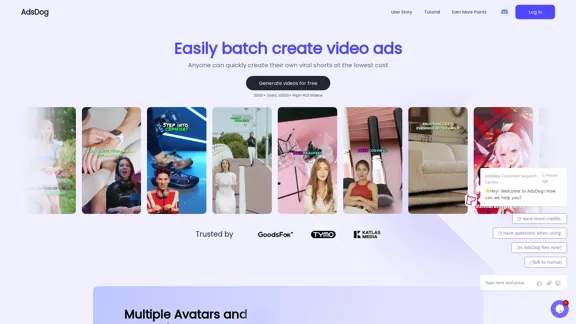
AdsDog is a video ad creation tool designed to help users easily batch create engaging video ads at a low cost
93
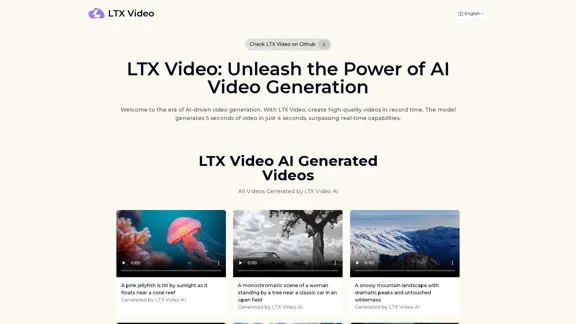
Experience the cutting-edge of AI video generation with LTX-Video AI! LTX-Video AI transforms text and images into dynamic, engaging videos in just minutes.
0
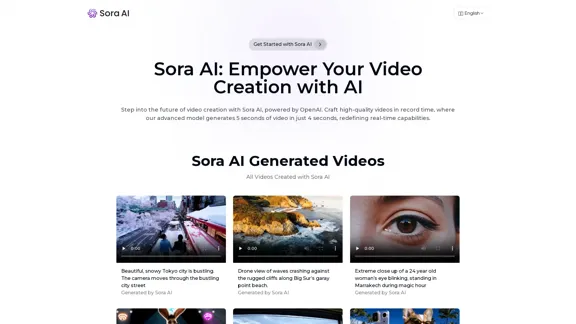
Sora AI: AI Video Generator Redefining Visual Storytelling
Sora AI: AI Video Generator Redefining Visual StorytellingLet your creativity flow with Sora AI, the AI video generator that effortlessly transforms your text and images into visually stunning videos, providing a new dimension in creative expression.
625

JoggAI - AI Ad Generator to Create Videos Using URL
JoggAI - AI Ad Generator to Create Videos Using URLThe leading AI commercial generator. Jogg offers a diverse selection of templates and a user-friendly interface. Create your video ads quickly and effectively.
787.09 K
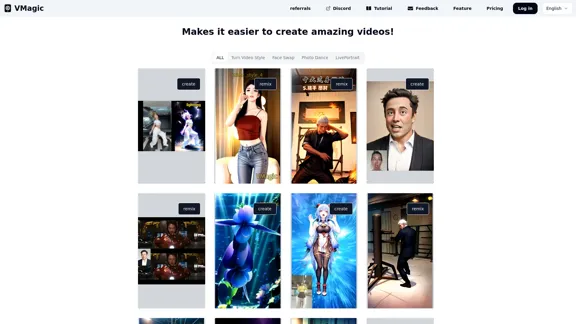
VMagic AI: Convert Videos to Animations & AI Face Swap
VMagic AI: Convert Videos to Animations & AI Face SwapAI video platform featuring video-to-animation conversion, image dance, AI video face swap, face motion, and video enhancer
1.04 K
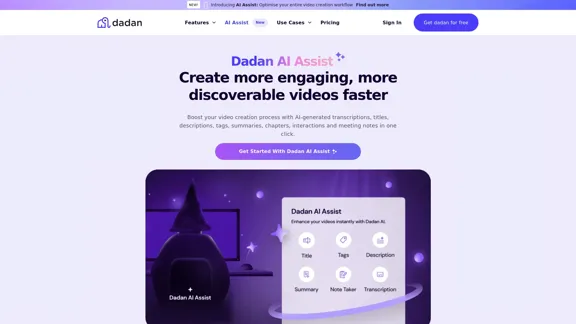
Dadan AI Assist: Create more engaging, more discoverable videos faster
Dadan AI Assist: Create more engaging, more discoverable videos fasterEnhance your video production workflow with our powerful suite of AI video tools.
144.59 K
Minimax AI | Advanced AI-powered Video Generation & Photo Enhancement Platform
Minimax AI | Advanced AI-powered Video Generation & Photo Enhancement PlatformMinimax AI revolutionizes content creation with cutting-edge AI. Generate stunning videos from text and transform your photos with innovative AI effects.
158.66 K