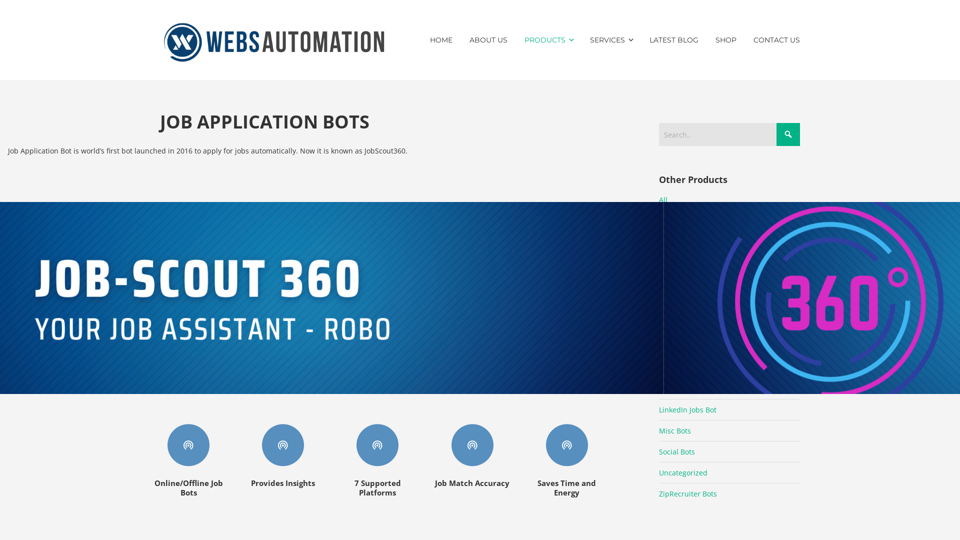
The Best AI Job Application Bot is an innovative tool that automates the job application process using artificial intelligence. This software scans various job platforms and applies to suitable positions based on user-defined criteria. It streamlines the job search process, making it more efficient and less time-consuming for job seekers.
Best AI Job Application Bot 2024 | Webs-Automation This AI-powered job application bot is designed to simplify and streamline the job application process for both job seekers and employers. With its advanced automation capabilities, this bot can efficiently search for job openings, tailor resumes and cover letters, and even submit applications on behalf of the job seeker.
Enhance Your Job Search with the Ultimate AI Job Application Bot!
Simplify the Application Process and Boost Your Prospects with Our Top Job Application Bot.
Introduction
Feature
Automated Job Search and Application
- Scans multiple job boards and career platforms
- Applies to jobs automatically based on user preferences
- Supports major platforms like LinkedIn, Indeed, Dice, Glassdoor, JobServe, ZipRecruiter, and Monster
Customizable Job Search Criteria
- Users can set specific job titles, locations, industries, and keywords
- Tailors job search to individual needs and preferences
Resume Enhancement
- Analyzes user resumes
- Provides insights and recommendations for improvement
Multi-Platform Support
- Operates on various job search websites
- Compatible with Chrome and Edge browsers
Unlimited Job Applications
- No daily limit on the number of job applications
- Available in all paid plans
Live Product Demonstration
- Offers live demonstrations before purchase
- Builds trust and confidence in the product
Flexible Subscription Plans
| Plan | Price | Features |
|---|---|---|
| Basic | $30/month | 1 platform, unlimited jobs, 1 user, offline running |
| Premium | $50/month | 1 platform, unlimited jobs, 1 user, offline running |
| Corporate | $200/year | 5 platforms, unlimited jobs, 1 user, offline running |
Pioneer in Auto-Job Applying Software
- First to introduce the concept in 2016
- Offers customization based on user requirements
FAQ
How do I use the AI Job Application Bot?
- Select a suitable bot that matches your job search goals
- Input your preferences (job title, location, industry, keywords)
- Activate the bot to start searching and applying for jobs
What makes this AI Job Application Bot unique?
- Supports multiple platforms and browsers
- Offers unlimited job applications
- Provides live product demonstrations
- Customizable to user requirements
- Pioneered auto-job applying software in 2016
What do users say about the AI Job Application Bot?
Users praise the software for its effectiveness and the company's excellent customer service. They appreciate the ease of use, comprehensive documentation, and prompt support.
Latest Traffic Insights
Monthly Visits
2.69 K
Bounce Rate
36.20%
Pages Per Visit
2.04
Time on Site(s)
33.94
Global Rank
5550860
Country Rank
United States 1881348
Recent Visits
Traffic Sources
- Social Media:17.30%
- Paid Referrals:1.53%
- Email:0.08%
- Referrals:6.50%
- Search Engines:34.00%
- Direct:40.55%
Related Websites
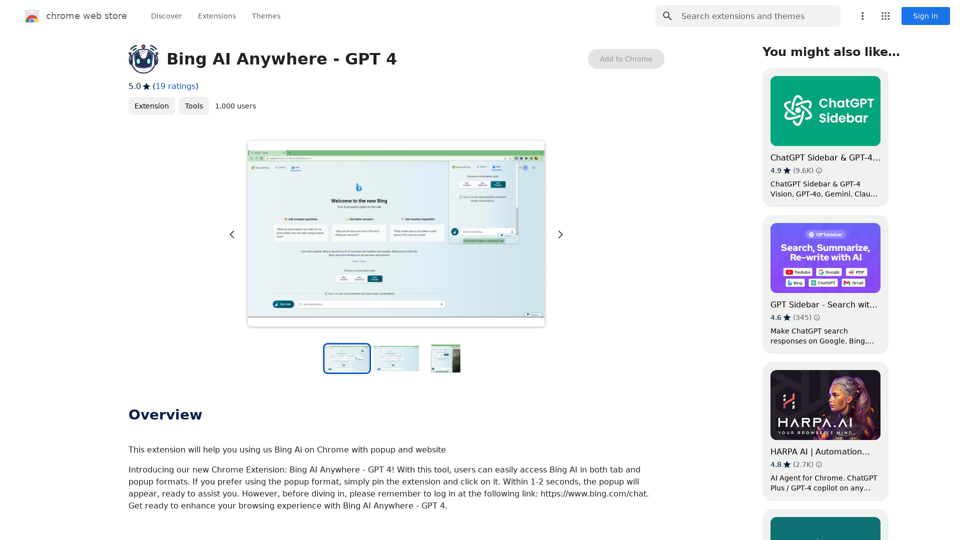
Bing AI Anywhere - GPT 4 Bing AI Anywhere is a cutting-edge technology that integrates the power of artificial intelligence into various aspects of our daily lives. With the latest GPT-4 model, this innovative platform is poised to revolutionize the way we interact, work, and live. What is GPT-4? GPT-4 is the fourth generation of the Generative Pre-trained Transformer (GPT) model, a type of artificial intelligence language model developed by OpenAI. This advanced language model is trained on a massive dataset of text from the internet and can generate human-like language, making it an ideal tool for a wide range of applications. Key Features of Bing AI Anywhere with GPT-4 * Conversational AI: Engage in natural-sounding conversations with Bing AI Anywhere, which can understand and respond to voice or text inputs. * Contextual Understanding: GPT-4's advanced language model enables Bing AI Anywhere to comprehend context, nuances, and subtleties of language, making interactions more human-like. * Multitasking: This technology can handle multiple tasks simultaneously, making it an efficient and productive tool for various industries and applications. * Personalization: Bing AI Anywhere with GPT-4 can learn and adapt to individual preferences, providing a tailored experience for each user. Potential Applications of Bing AI Anywhere with GPT-4 * Virtual Assistants: Integrate Bing AI Anywhere into virtual assistants to create more conversational and helpful AI-powered companions. * Customer Service: Implement this technology in customer service platforms to provide 24/7 support and improve customer satisfaction. * Healthcare: Utilize Bing AI Anywhere with GPT-4 to develop AI-powered chatbots that can assist with medical inquiries, appointments, and more. * Education: Create interactive and engaging educational tools that can provide personalized learning experiences for students. The Future of AI with Bing AI Anywhere and GPT-4 As Bing AI Anywhere continues to evolve with the power of GPT-4, we can expect to see even more innovative applications and use cases emerge. This technology has the potential to transform industries, revolutionize the way we work and live, and bring us closer to a future where humans and AI collaborate seamlessly.
Bing AI Anywhere - GPT 4 Bing AI Anywhere is a cutting-edge technology that integrates the power of artificial intelligence into various aspects of our daily lives. With the latest GPT-4 model, this innovative platform is poised to revolutionize the way we interact, work, and live. What is GPT-4? GPT-4 is the fourth generation of the Generative Pre-trained Transformer (GPT) model, a type of artificial intelligence language model developed by OpenAI. This advanced language model is trained on a massive dataset of text from the internet and can generate human-like language, making it an ideal tool for a wide range of applications. Key Features of Bing AI Anywhere with GPT-4 * Conversational AI: Engage in natural-sounding conversations with Bing AI Anywhere, which can understand and respond to voice or text inputs. * Contextual Understanding: GPT-4's advanced language model enables Bing AI Anywhere to comprehend context, nuances, and subtleties of language, making interactions more human-like. * Multitasking: This technology can handle multiple tasks simultaneously, making it an efficient and productive tool for various industries and applications. * Personalization: Bing AI Anywhere with GPT-4 can learn and adapt to individual preferences, providing a tailored experience for each user. Potential Applications of Bing AI Anywhere with GPT-4 * Virtual Assistants: Integrate Bing AI Anywhere into virtual assistants to create more conversational and helpful AI-powered companions. * Customer Service: Implement this technology in customer service platforms to provide 24/7 support and improve customer satisfaction. * Healthcare: Utilize Bing AI Anywhere with GPT-4 to develop AI-powered chatbots that can assist with medical inquiries, appointments, and more. * Education: Create interactive and engaging educational tools that can provide personalized learning experiences for students. The Future of AI with Bing AI Anywhere and GPT-4 As Bing AI Anywhere continues to evolve with the power of GPT-4, we can expect to see even more innovative applications and use cases emerge. This technology has the potential to transform industries, revolutionize the way we work and live, and bring us closer to a future where humans and AI collaborate seamlessly.This extension helps you use Bing AI on Chrome with a popup and website.
193.90 M
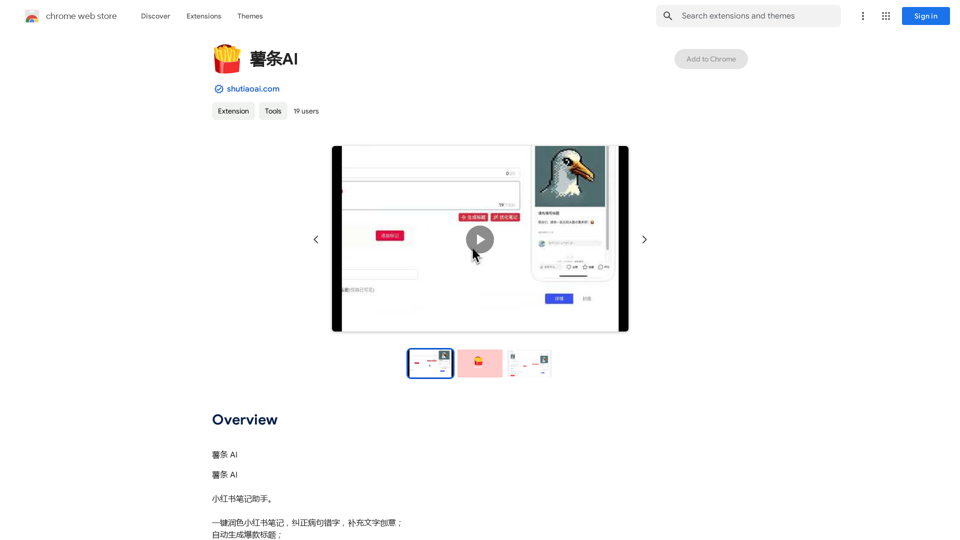
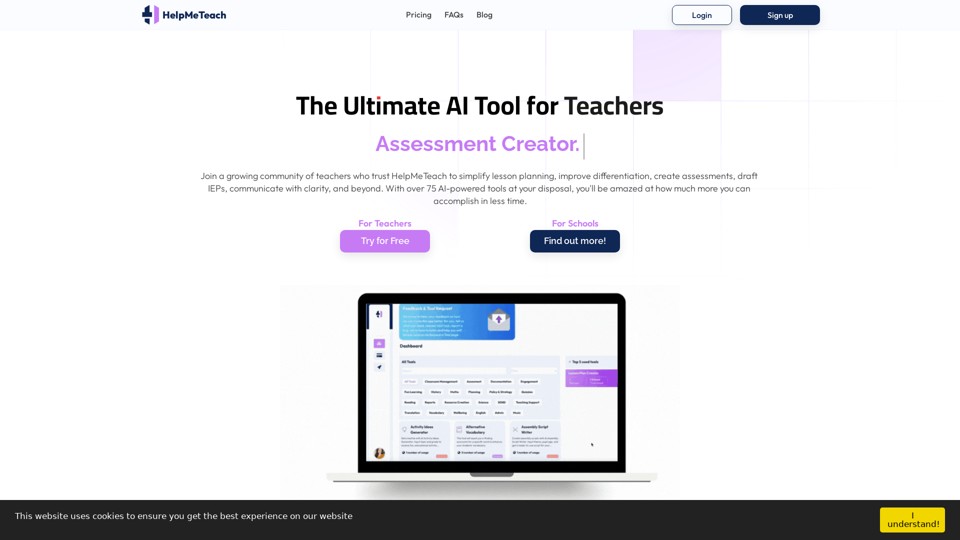
HelpMeTeach - AI Simplifies Teaching | Lesson Plans, Assessments, and More!
HelpMeTeach - AI Simplifies Teaching | Lesson Plans, Assessments, and More!Revolutionize your teaching with HelpMeTeach, the premier AI assistant for teachers. Simplify lesson plans and assessments, generate ideas, and create reports with ease. Enhance work-life balance and reduce workload with our 70+ teacher tools. Start now!
1.62 K
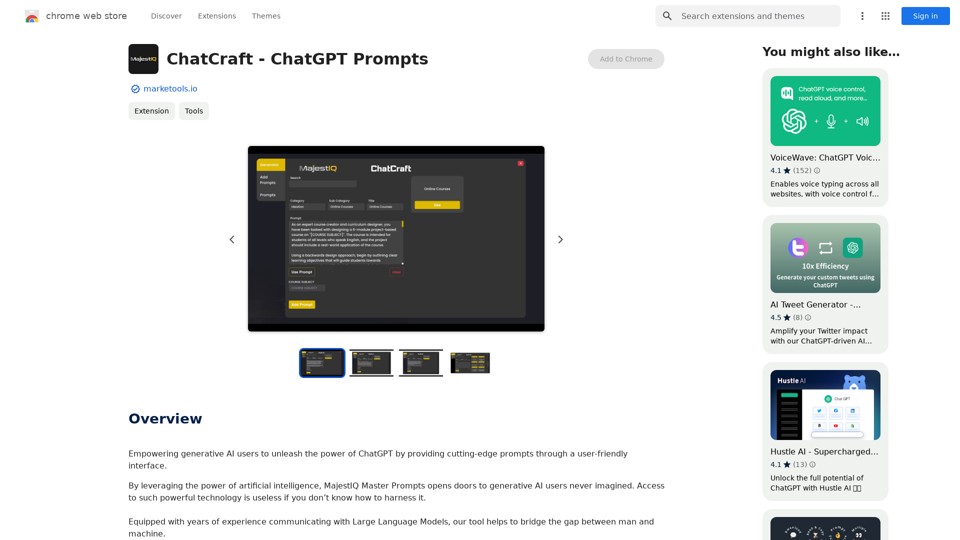
ChatCraft - ChatGPT Prompts What is ChatCraft? ChatCraft is a tool that helps you generate creative and effective prompts for ChatGPT. Why Use ChatCraft? * Unlock ChatGPT's Potential: Get more insightful, engaging, and surprising responses from ChatGPT. * Save Time and Effort: Quickly brainstorm and refine prompts without getting stuck. * Explore New Ideas: Discover unique angles and perspectives for your ChatGPT interactions. How to Use ChatCraft: 1. Choose a Category: Select from a range of categories like storytelling, code generation, dialogue writing, and more. 2. Provide Input: Give ChatCraft some context or keywords related to your desired outcome. 3. Generate Prompts: ChatCraft will generate a variety of tailored prompts for you to use with ChatGPT. 4. Experiment and Refine: Try out different prompts and see what works best for your needs. Let ChatCraft be your guide to unlocking the full potential of ChatGPT!
ChatCraft - ChatGPT Prompts What is ChatCraft? ChatCraft is a tool that helps you generate creative and effective prompts for ChatGPT. Why Use ChatCraft? * Unlock ChatGPT's Potential: Get more insightful, engaging, and surprising responses from ChatGPT. * Save Time and Effort: Quickly brainstorm and refine prompts without getting stuck. * Explore New Ideas: Discover unique angles and perspectives for your ChatGPT interactions. How to Use ChatCraft: 1. Choose a Category: Select from a range of categories like storytelling, code generation, dialogue writing, and more. 2. Provide Input: Give ChatCraft some context or keywords related to your desired outcome. 3. Generate Prompts: ChatCraft will generate a variety of tailored prompts for you to use with ChatGPT. 4. Experiment and Refine: Try out different prompts and see what works best for your needs. Let ChatCraft be your guide to unlocking the full potential of ChatGPT!Helping users of generative AI get the most out of ChatGPT by giving them easy-to-use, advanced prompts.
193.90 M

With just one URL link, you can quickly generate videos in multiple styles using AI. It supports secondary editing and ensures controllable results.
193.90 M
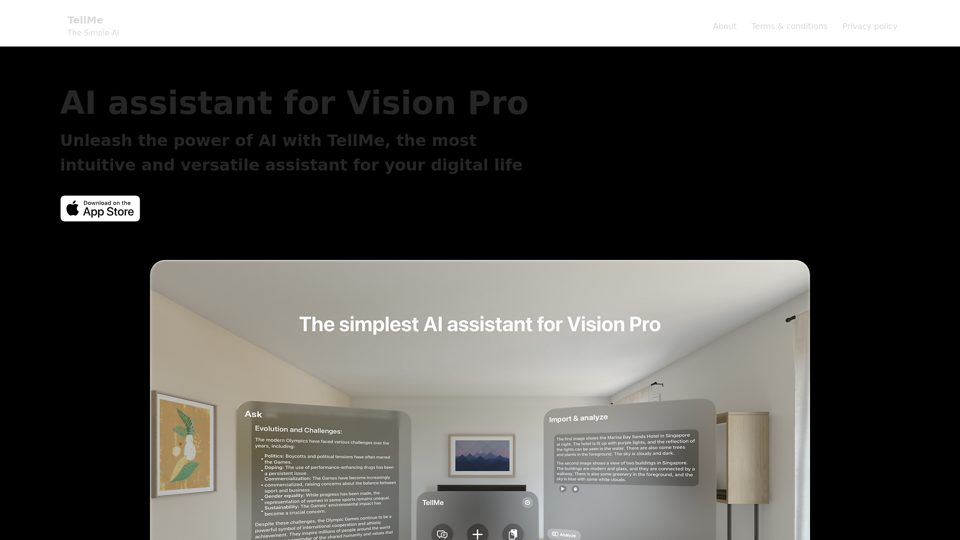
TellMe is the simplest AI assistant for Vision Pro. Unleash the power of AI with TellMe, the most intuitive and versatile assistant for your digital life.
2.48 K
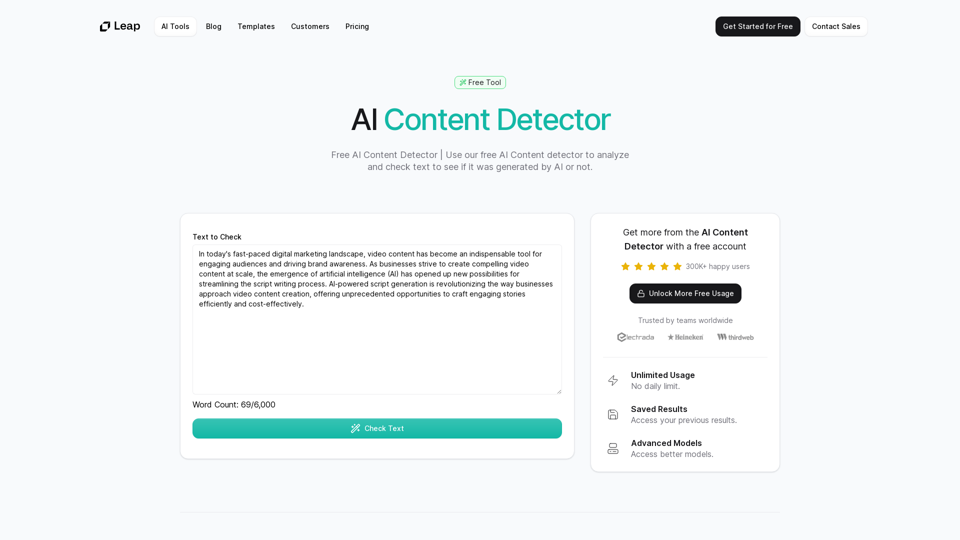
AI Content Detector | GPT-4o, Anthropic, & ChatGPT This AI content detector is designed to identify text generated by popular AI models, including GPT-4o, Anthropic, and ChatGPT.
AI Content Detector | GPT-4o, Anthropic, & ChatGPT This AI content detector is designed to identify text generated by popular AI models, including GPT-4o, Anthropic, and ChatGPT.Free AI Content Detector | 使用我们的免费AI内容检测器来分析和检查文本,以查看它是否由AI生成。
97.78 K