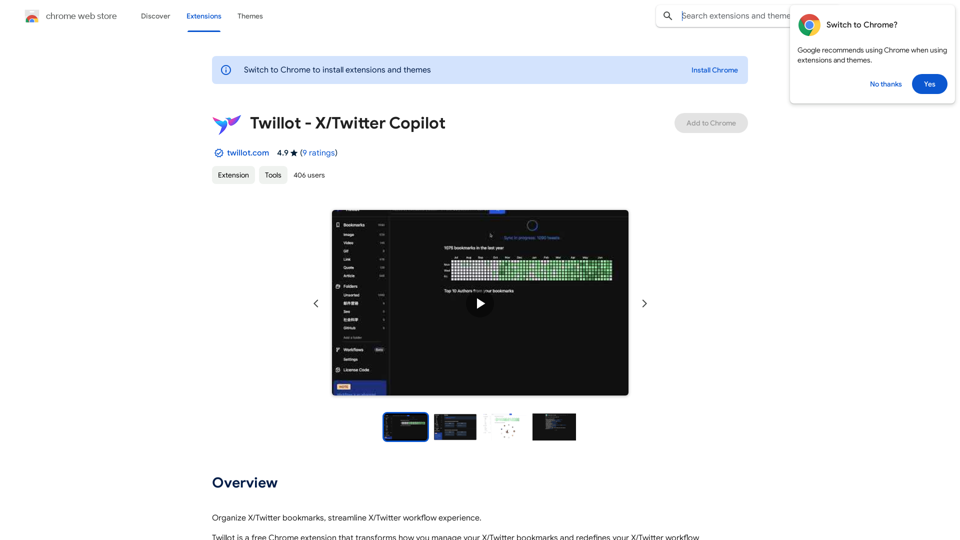
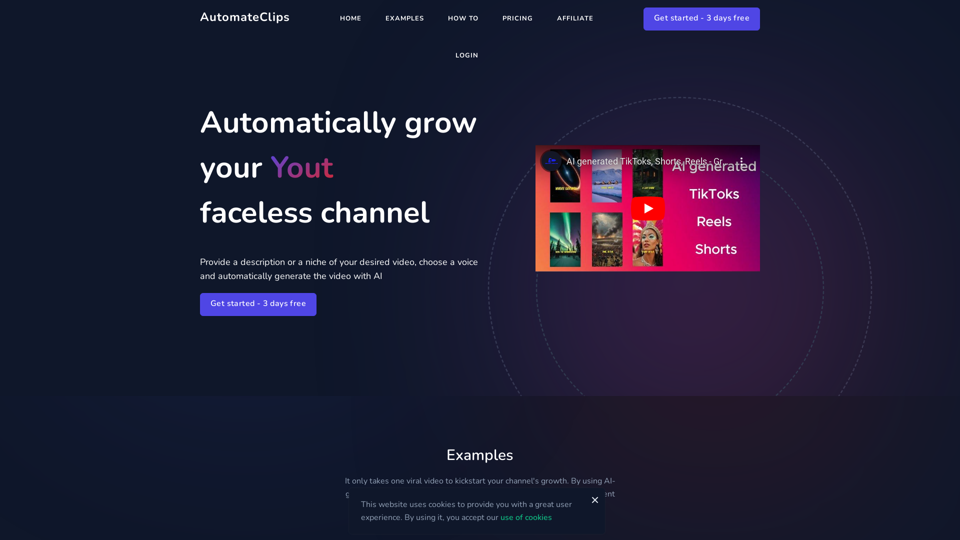
AutomateClips 是一款由 AI 驅動的影片生成器,專為創建高品質的熱門社交媒體平台內容而設計,如 TikTok、YouTube Shorts 和 Instagram Reels。它透過利用先進的 AI 技術來處理從腳本到製作的所有環節,根據用戶選擇的主題或提供的標題,簡化了影片創作過程。
AI 影片產生器 - TikTok Instagram Youtube
AI影片產生器
介紹
功能
自動影片生成
AutomateClips 運用 AI 生成影片,為用戶節省時間和精力。用戶可以從各種主題中選擇或提供標題,AI 就會創建影片腳本並製作高品質影片。
可自訂影片腳本
AI 生成的腳本完全可編輯,允許用戶精煉內容以符合其品牌和風格偏好。
自然音質的 AI 配音
提供一系列自然音質的 AI 配音,提升影片的專業性和吸引力。
進階影片編輯
平台包含全面的影片編輯器,可添加文字、字幕、音樂和其他個性化元素。
快速生成和下載
影片生成迅速,可下載全高清品質。
用戶友善流程
- 選擇主題或提供標題
- 審查並編輯 AI 生成的腳本
- 選擇 AI 配音演員
- 生成影片
- 編輯並下載全高清品質影片
靈活定價方案
| 方案 | 價格 | 每日影片數 | 功能 |
|---|---|---|---|
| 業餘 | 每月 $19 | 2 | 3 天免費試用、全高清、AI 配音、字幕、進階敘事 |
| 專業 | 每月 $49 | 5 | 3 天免費試用、全高清、AI 配音、字幕、進階敘事 |
| 機構 | 每月 $79 | 10 | 3 天免費試用、全高清、AI 配音、字幕、進階敘事 |
常見問題
我可以用這個 AI 影片生成器創建什麼?
AutomateClips 允許您通過簡單選擇主題或提供標題,自動生成適用於 TikTok、YouTube Shorts 和 Instagram Reels 的影片。
我可以以哪些檔案格式下載我的影片?
您可以將 AI 生成的影片下載為常見格式,如 MP4,這在所有社交媒體平台上都廣泛支援。
我可以編輯我的 AI 生成影片嗎?
是的,生成影片後,您可以使用 AutomateClips 提供的線上影片編輯器進一步自訂。
是否可以為我的影片添加音樂或配音?
當然可以,您可以通過全面的編輯套件為 AI 生成的影片添加音樂曲目、配音和其他音頻元素來增強效果。
相關網站
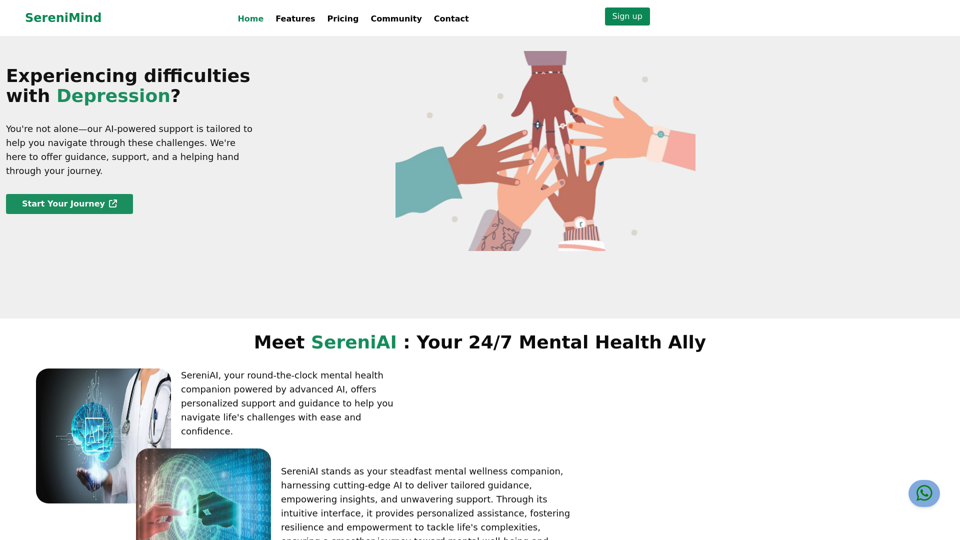
Nigeriadì xià zuì jiā de jīng shén jiàn kāng fú wù | SereniMind
Nigeriadì xià zuì jiā de jīng shén jiàn kāng fú wù | SereniMindSereniMind 是尼日利亞頂尖的心理健康平台,為整個非洲提供可及的線上諮商服務。我們的專業顧問提供個人化的心理健康支持,幫助您克服像抑鬱、焦慮和壓力的挑戰。今天加入 SereniMind,踏上通往更好的心理健康之路。
88