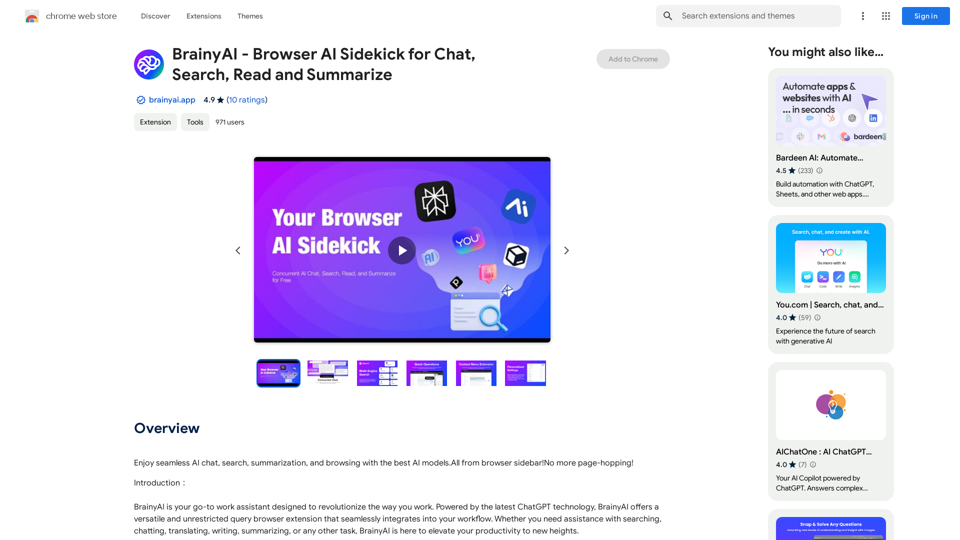
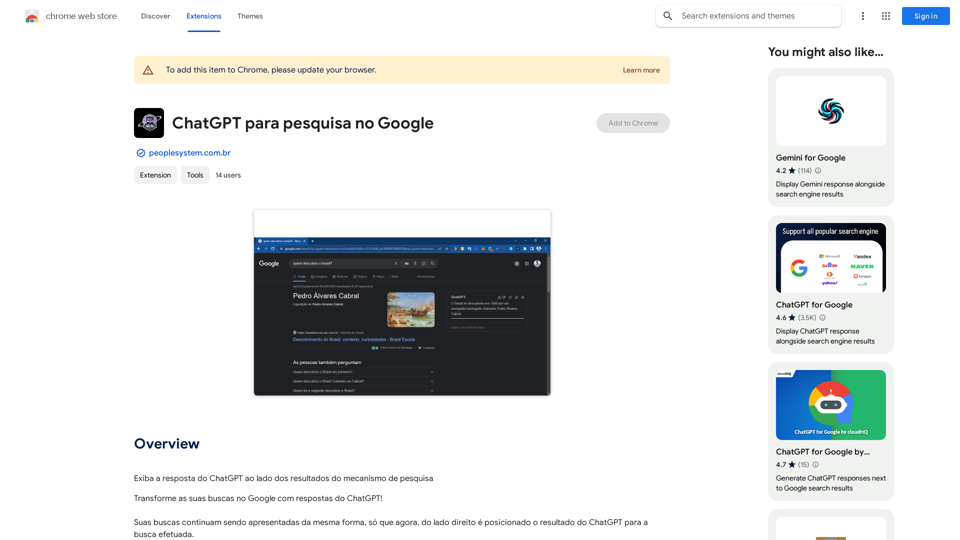
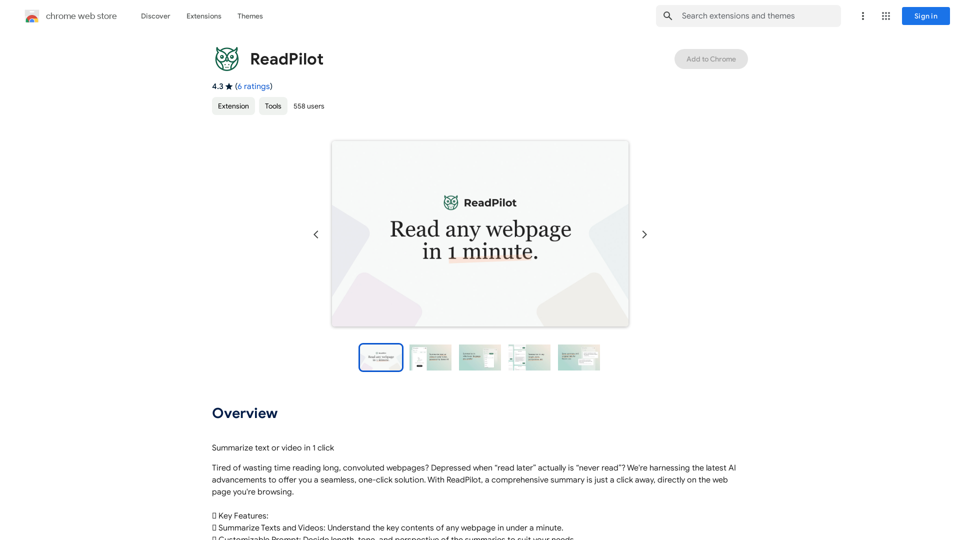
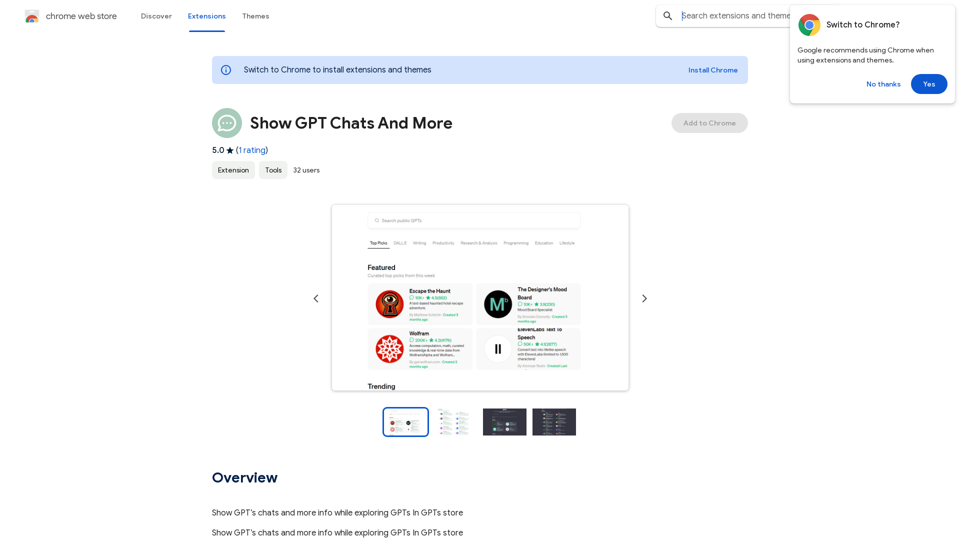
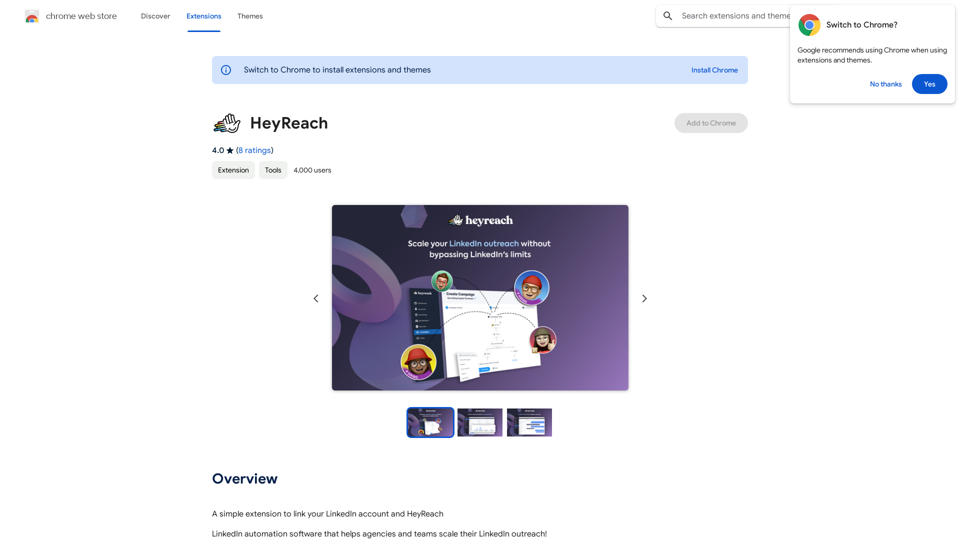
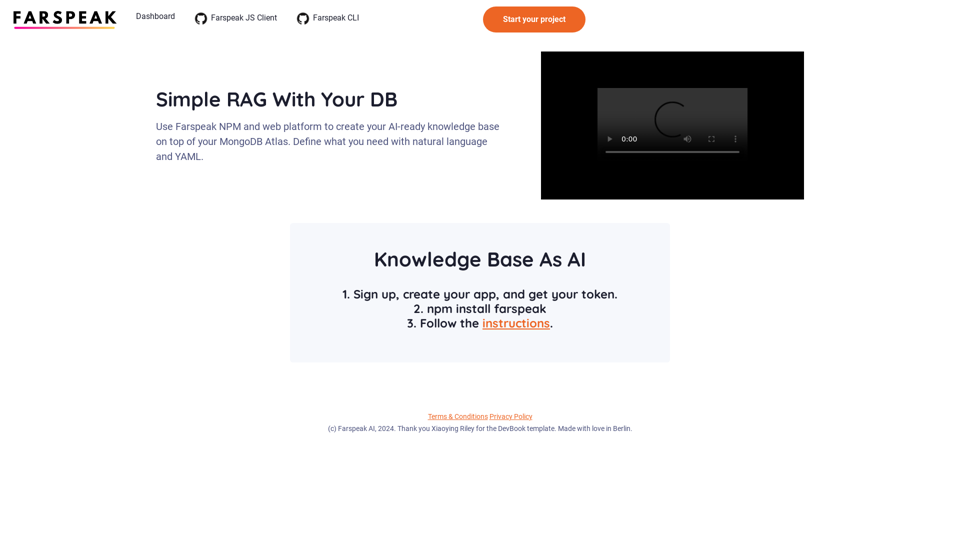
BrainyAI 是一款強大的瀏覽器 AI 助手,透過無縫的 AI 聊天、搜尋、摘要和瀏覽功能來增強您的瀏覽體驗。這個多功能的瀏覽器擴充套件利用最新的 ChatGPT 技術,通過便利的側邊欄整合到您的工作流程中,提供無限制的查詢並提供相關、富有洞察力的結果。
BrainyAI 利用多個 AI 驅動的搜尋引擎,根據您的特定搜尋需求提供量身定制的結果。使用者可以從各種搜尋選項中選擇,以找到最相關和富有洞察力的資訊。
透過一鍵處理網頁上選定的文字來提高工作效率。BrainyAI 提供解釋、翻譯和重新措辭的選項,簡化您的瀏覽體驗。
與 BrainyAI 進行即時討論,以獲得即時、準確的問題回答。這項功能還可作為靈感來源,激發創意思考和問題解決。
BrainyAI 透過定期更新不斷發展,根據使用者反饋引入新功能和改進。這確保了不斷改善的使用者體驗,並使擴充套件保持在 AI 技術的前沿。
BrainyAI 以透明的政策和安全的數據處理優先考慮使用者隱私。選擇性加入的匿名數據收集功能讓使用者完全掌控自己的個人資訊。
是的,BrainyAI 是一個完全免費的瀏覽器擴充套件。使用其功能不需要訂閱費用或隱藏費用。
要開始使用 BrainyAI,只需安裝瀏覽器擴充套件並按照設置提示操作。安裝完成後,您可以直接從瀏覽器側邊欄訪問 AI 聊天、搜尋、摘要和瀏覽功能。
BrainyAI 遵循透明的隱私政策以確保您的數據安全。該擴充套件提供選擇性加入的匿名數據收集,讓您完全掌控自己的個人資訊。
193.90 M
56.27%
2.71
115.91
-
-
```markdown ChatGPT Chat History You: Export chat history from ChatGPT website to normal format as Markdown, which can be opened via typora exactly. ChatGPT: ```markdown ChatGPT Chat History You: Export chat history from ChatGPT website to normal format as Markdown, which can be opened via typora exactly. ChatGPT: I can help you with that! Unfortunately, there's no direct way to export your chat history from the ChatGPT website in a format that's perfectly compatible with Typora. The website doesn't offer a dedicated download feature for chat logs. However, you can manually copy and paste your conversation into a Markdown file. Here's how: 1. Go to the ChatGPT website and log in to your account. 2. Navigate to the conversation you want to export. 3. Select all the text in the conversation window. 4. Copy the selected text (Ctrl+C or Cmd+C). 5. Open a new Markdown file in Typora. 6. Paste the copied text into the Typora file (Ctrl+V or Cmd+V). Keep in mind that this method might not preserve all formatting elements perfectly, especially if your conversation includes special characters or code blocks. ```
釋放 ChatGPT 的全部潛力。