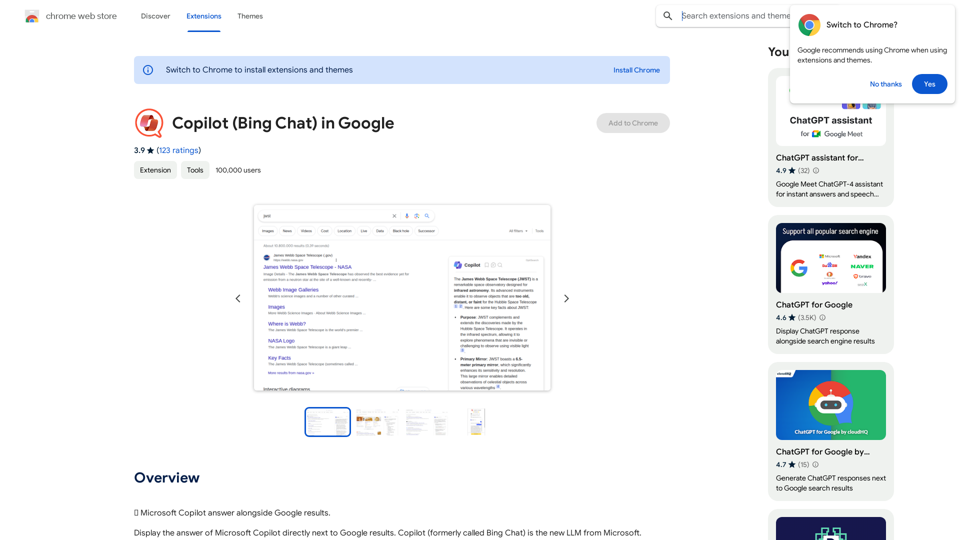
Copilot 是一個由人工智能驅動的瀏覽器擴展程序,將微軟的大型語言模型(LLM)技術整合到搜索結果中。它為用戶提供 AI 生成的摘要,與傳統搜索引擎結果並列,增強了在 Google、Bing、DuckDuckGo、Ecosia 和 Brave Search 等主要平台上的搜索體驗。
Copilot (Bing Chat) 在 Google 中
🗨️ 微軟 Copilot 與 Google 搜尋結果並行回答。
介紹
功能
AI 增強搜索結果
Copilot 生成智能的、由 AI 製作的搜索結果摘要,使用戶更容易快速找到相關信息。
多引擎兼容性
該擴展程序可與多種搜索引擎無縫協作,包括:
- Bing
- DuckDuckGo
- Ecosia
- Brave Search
可自定義對話風格
用戶可以從三種 AI 對話風格中選擇:
- 平衡
- 精確
- 創意(由 GPT-4 驅動)
靈活的啟動選項
Copilot 可以設置為:
- 搜索時立即生成答案
- 僅在用戶手動啟動時觸發
高級功能
持續對話
用戶可以直接在搜索結果頁面繼續他們的 AI 互動。
對話保存
在 Copilot 網頁上保存並稍後重訪對話。
內部搜索控制
選項可禁用 Copilot 的內部搜索以節省時間。
常見問題
Copilot 如何工作?
Copilot 利用微軟的 LLM 技術分析搜索查詢並生成 AI 製作的搜索結果摘要,為用戶提供簡潔相關的信息。
我可以自定義 Copilot 的對話風格嗎?
是的,Copilot 提供三種可自定義的對話風格:"平衡"、"精確"和"創意"(使用 GPT-4)。用戶可以選擇最適合他們需求的風格。
有什麼建議可以充分利用 Copilot?
- 嘗試不同的對話風格,找到最適合你的
- 如果遇到問題,嘗試重新啟動擴展程序或檢查更新
- 探索高級功能以獲得增強的搜索體驗
相關網站
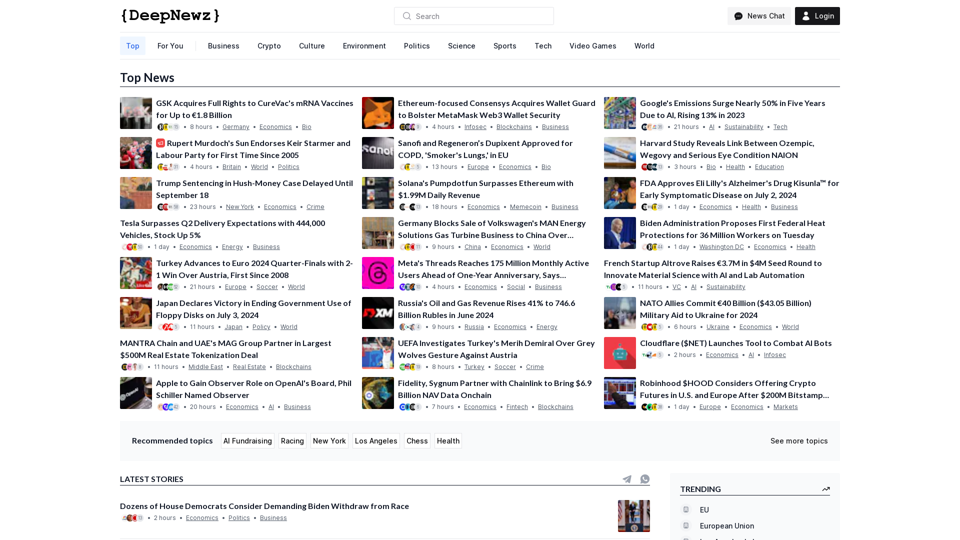
跨越所有行業的最新頂級故事,從科技巨頭如 OpenAI 和 Nvidia 到流行文化更新,包括泰勒·斯威夫特和 Ice Spice 的新聞,旁及政治人物如喬·拜登和唐納德·特朗普的報導,以及對 Facebook、Apple 和 Google 等主要公司的經濟見解。
38.98 K