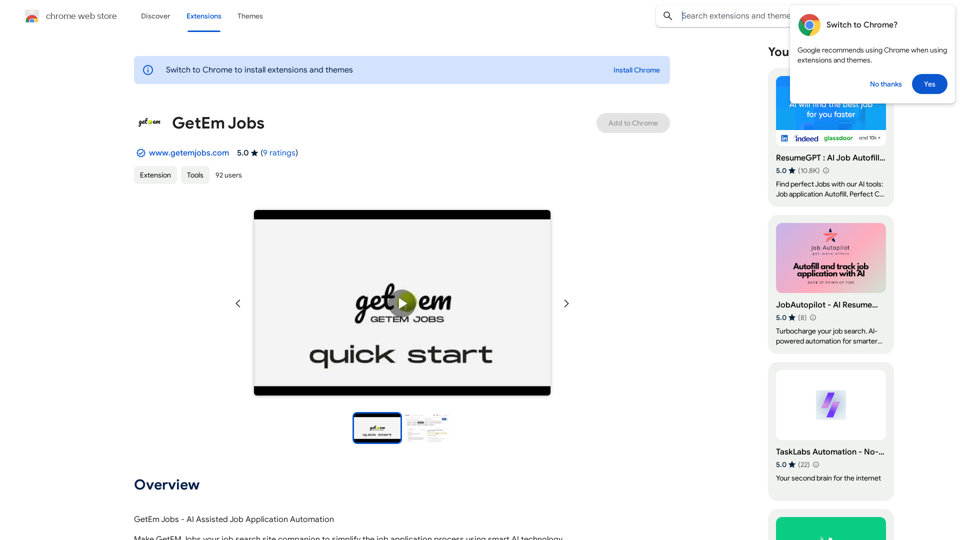
GetEm Jobs 是一個 AI 輔助的求職自動化平台,能簡化求職過程。它運用智能 AI 技術來自動化申請流程並高效找到最佳工作匹配。該平台旨在為求職者節省時間並減輕壓力,通過比對簡歷與頂級求職網站上的職位描述,提供量身定制的搜索結果,並自動提交申請。
GetEm Jobs 利用 AI 技術自動化求職申請,並根據您的技能和經驗找到最佳工作匹配。
GetEm Jobs 提供 10 天的試用期,之後用戶可以訂閱以繼續使用該服務。
要開始使用,請從 Chrome 網上應用店安裝 GetEm Jobs,上傳您的簡歷,在求職網站上設置搜索參數,然後開始搜索和申請工作。
193.90 M
56.27%
2.71
115.91
-
-
克服 Microsoft Copilot 內部的訊息限制並匯入新聊天,將來自每個 AI 平台的聊天匯出為 JSON 文件。
```markdown ChatGPT Chat History You: Export chat history from ChatGPT website to normal format as Markdown, which can be opened via typora exactly. ChatGPT: ```markdown ChatGPT Chat History You: Export chat history from ChatGPT website to normal format as Markdown, which can be opened via typora exactly. ChatGPT: I can help you with that! Unfortunately, there's no direct way to export your chat history from the ChatGPT website in a format that's perfectly compatible with Typora. The website doesn't offer a dedicated download feature for chat logs. However, you can manually copy and paste your conversation into a Markdown file. Here's how: 1. Go to the ChatGPT website and log in to your account. 2. Navigate to the conversation you want to export. 3. Select all the text in the conversation window. 4. Copy the selected text (Ctrl+C or Cmd+C). 5. Open a new Markdown file in Typora. 6. Paste the copied text into the Typora file (Ctrl+V or Cmd+V). Keep in mind that this method might not preserve all formatting elements perfectly, especially if your conversation includes special characters or code blocks. ```