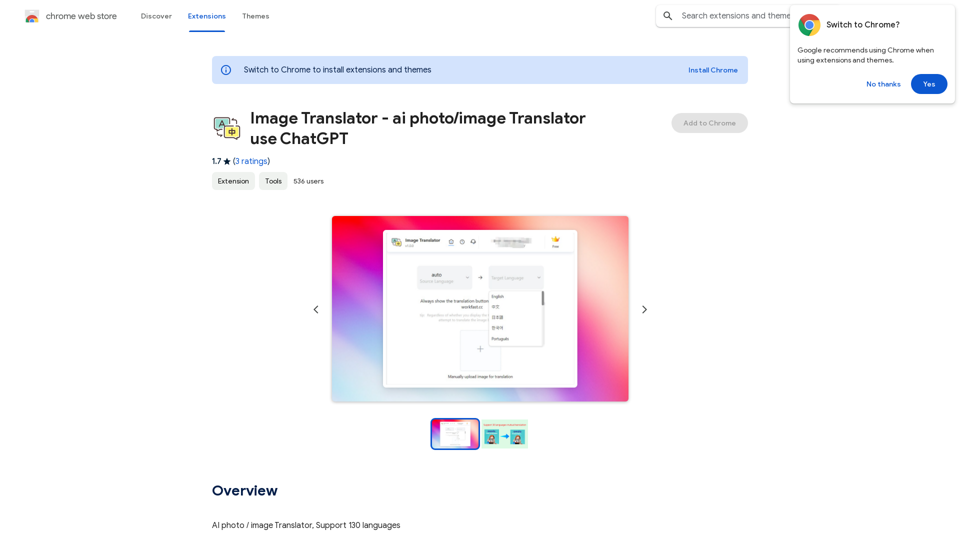
Image Translator 是一個 Chrome 擴展程式,可讓用戶使用 Google Translate 或 ChatGPT 快速將圖像翻譯成 30 多種語言。它支持各種圖像類型,包括海報、宣傳冊、截圖和廣告,可在幾秒鐘內輕鬆完成翻譯。
圖像翻譯器 - 使用 ChatGPT 的 AI 照片/圖片翻譯器
AI 照片/圖片翻譯,支援 130 種語言
介紹
功能
文字自動識別
Image Translator 採用尖端的基於 AI 的 OCR 技術自動識別圖像中的文字,簡化翻譯過程。
多語言支持
該擴展程式提供 30 多種語言的翻譯功能,包括廣泛使用的語言,如英語、西班牙語、法語、德語、中文和日語。
免費使用並提供升級選項
Image Translator 提供有限的免費翻譯,並可選擇升級到付費訂閱以獲得無限制的翻譯。
安裝和使用簡便
用戶可以從 Chrome 網上應用店快速安裝擴展程式,並通過幾個簡單的步驟開始翻譯圖像。
多樣化圖像支持
該工具可以處理各種類型的圖像,使其適用於翻譯海報、宣傳冊、截圖和廣告。
常見問題
我可以免費使用 Image Translator 嗎?
是的,Image Translator 提供有限的免費翻譯。對於無限制的翻譯,用戶可以升級到付費訂閱。
Image Translator 支持多少種語言?
Image Translator 支持 30 多種語言,涵蓋了廣泛的常用和較少使用的語言。
使用 Image Translator 的過程是什麼?
- 從 Chrome 網上應用店安裝擴展程式
- 選擇要翻譯的圖像
- 從下拉菜單中選擇目標語言
- 點擊"翻譯"按鈕處理圖像
有效使用 Image Translator 的技巧有哪些?
- 確保為要翻譯的圖像選擇正確的語言
- 利用文字自動識別功能自動檢測圖像中的文字
- 如果需要無限制的翻譯,可考慮升級到付費訂閱
相關網站
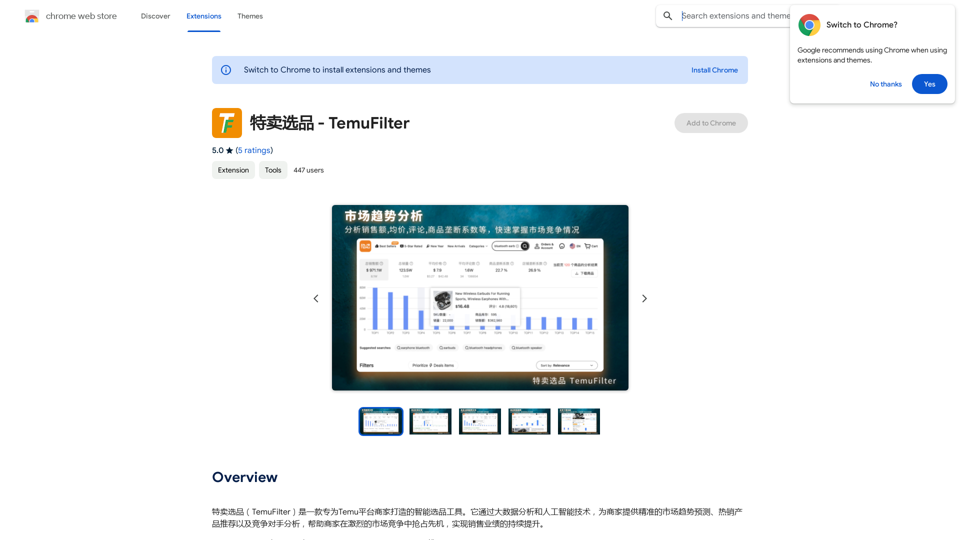
特賣選品(TemuFilter)是一款專為Temu平台商家打造的智能選品工具。它透過大數據分析和人工智能技術,為商家提供精準的市場趨勢預測、熱銷產品推薦以及競爭對手分析,幫助商家在激烈的市場競爭中搶占先機,實現銷售業績的持續提升。
193.90 M
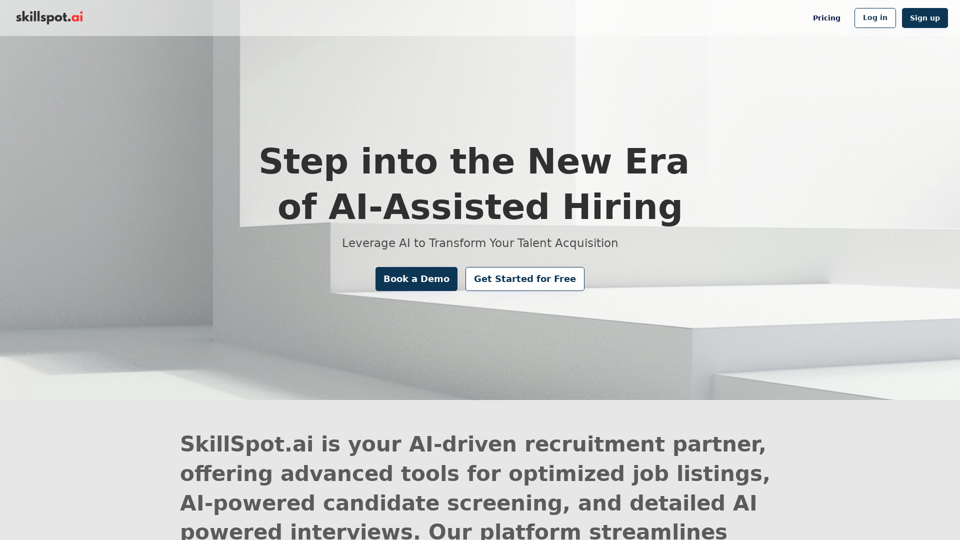
Discover SkillSpot.ai,一個人工智慧驅動的招聘解決方案,正在改變招聘景觀。體驗人工智慧指導的職位列表、智能人工智慧驅動的候選人篩選和詳細的虛擬面試。使用我們先進的人工智慧工具,擁抱人才收購中的效率和精確性。今天預訂演示!
1.24 K
Luma (Note: I'll keep my responses in markdown format as per your request)
Luma (Note: I'll keep my responses in markdown format as per your request)Dream Machine 是一個 AI 模型,能夠快速從文字和 Luma AI 的圖像生成高品質、逼真的影片。
1.87 M