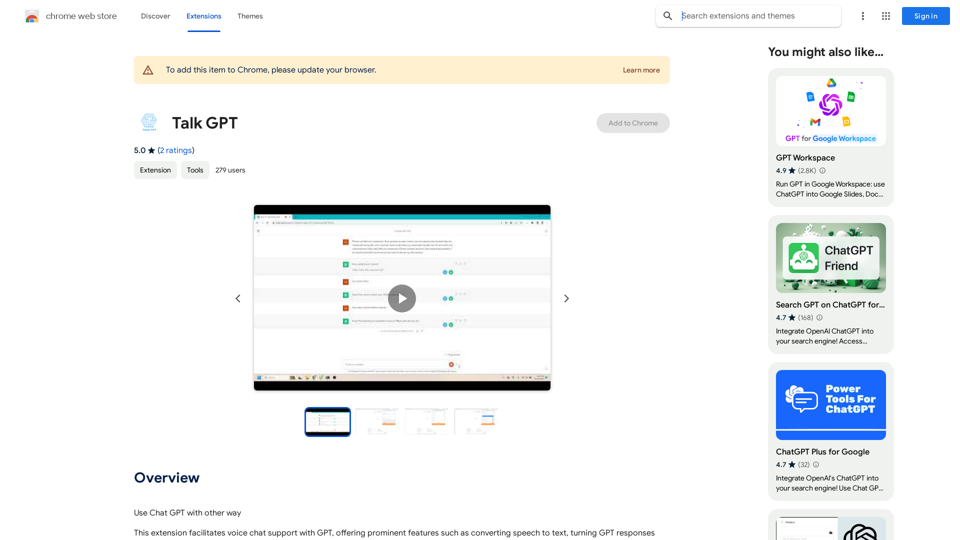
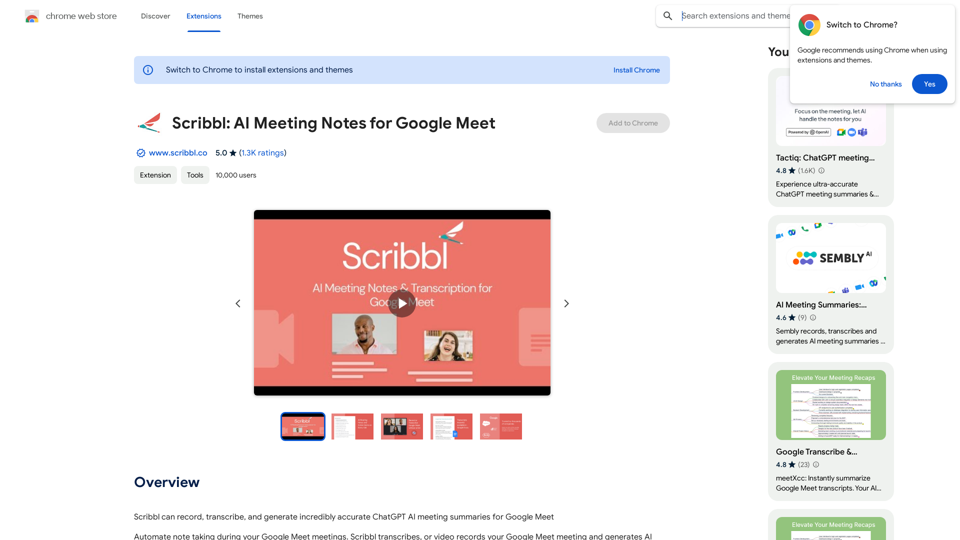
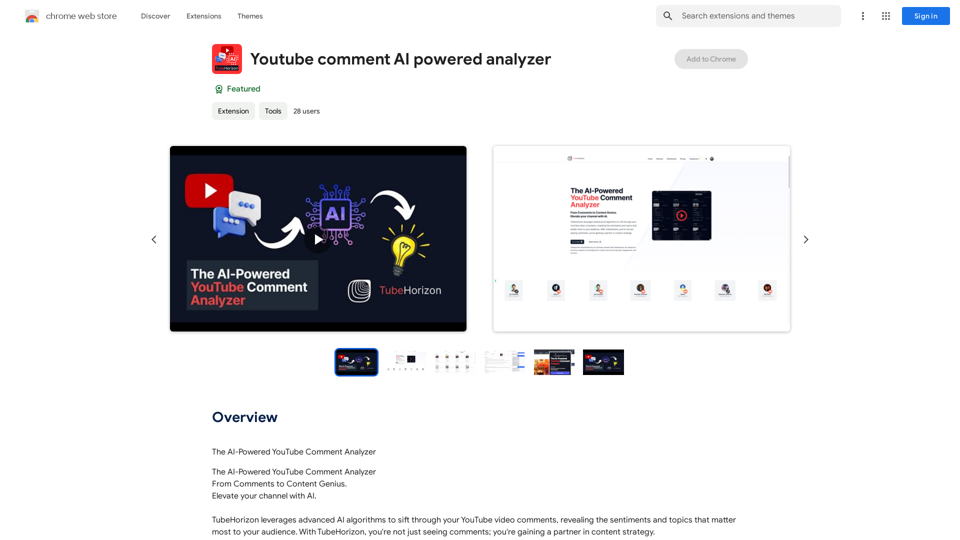
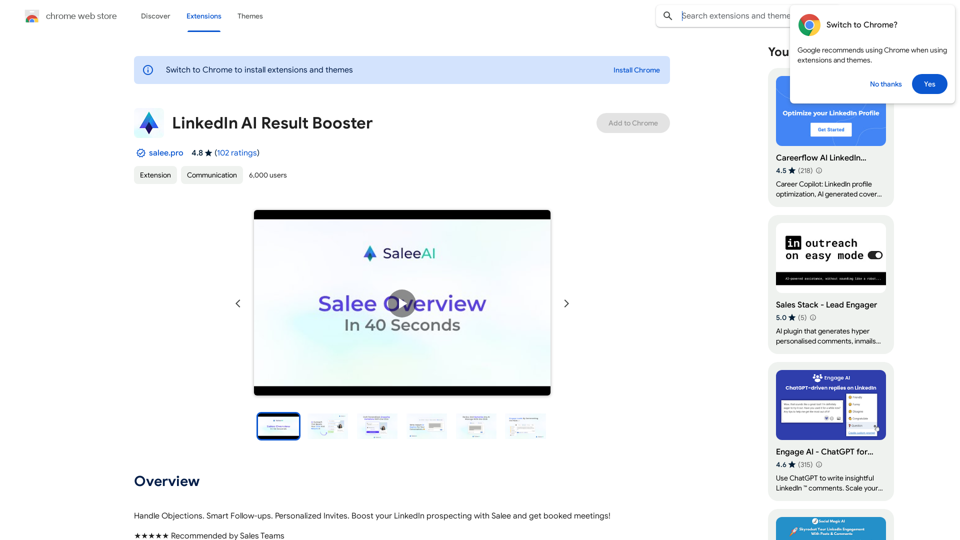
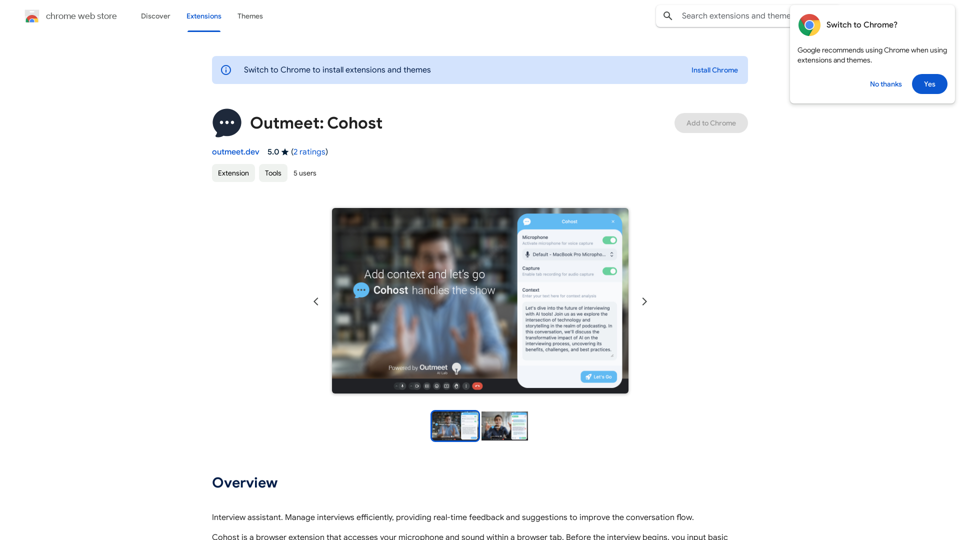
Outmeet: Cohost 是一個使用開放式人工智能技術來增強面試管理的瀏覽器擴展程序。它為面試官提供實時反饋和建議,改善對話流程和效率。這個工具旨在協助面試官進行更有效和吸引人的面試。
Outmeet:Cohost
面試助理。有效管理面試,提供即時反饋和建議,以改善對話流程。
介紹
功能
實時反饋
Outmeet: Cohost 實時聆聽面試內容,提供即時反饋、建議問題和提示,以增強正在進行的對話。
人工智能驅動的建議
利用開放式人工智能技術,該擴展程序生成與面試情境相關的問題和討論主題。
簡易設置
用戶可以在面試前輸入重要信息,包括受訪者詳細資料、計劃問題和面試目標,確保順利開始。
可自定義設置
該擴展程序允許用戶根據特定需求和面試風格調整設置,提供個性化體驗。
免費基本版本
Outmeet: Cohost 提供具有核心功能的免費版本,讓所有用戶都能使用。
高級升級選項
用戶可以選擇付費計劃以獲取額外功能和支持,增強他們的面試管理能力。
常見問題
Outmeet: Cohost 如何運作?
Outmeet: Cohost 利用開放式人工智能實時分析面試,為面試官提供即時反饋和建議。
Outmeet: Cohost 是否免費使用?
是的,Outmeet: Cohost 提供具有基本功能的免費版本。尋求額外功能和支持的用戶可以選擇付費升級。
如何開始使用 Outmeet: Cohost?
要開始使用 Outmeet: Cohost:
- 從 Chrome 網上應用店安裝擴展程序
- 輸入相關信息設置面試
- 開始面試,擴展程序將自動提供實時協助
我可以自定義 Outmeet: Cohost 的設置嗎?
是的,用戶可以根據特定要求和面試風格調整設置,確保獲得個性化體驗。
相關網站
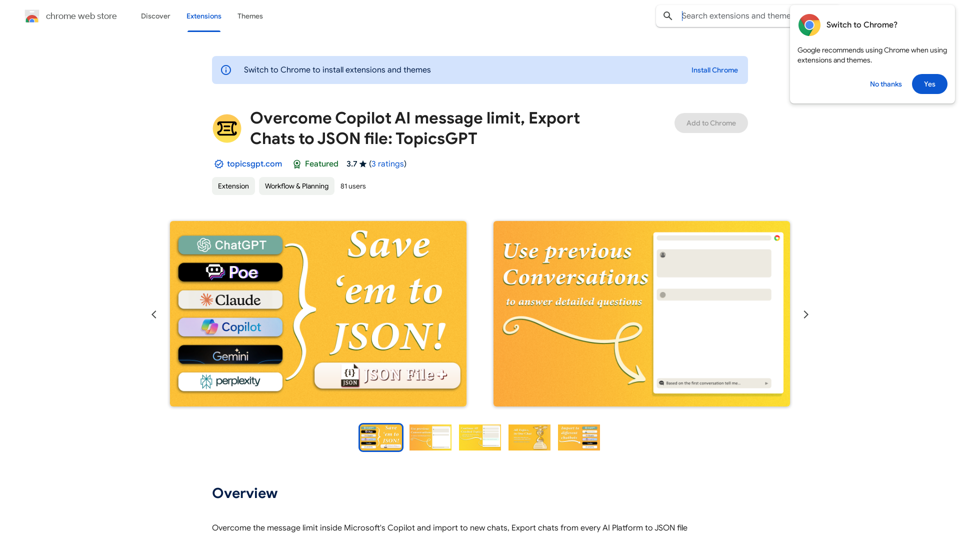
超越 Copilot AI 訊息限制,將對話輸出至 JSON 文件:TopicsGPT TopicsGPT 是一個強大的 AI 聊天工具,可以幫助你克服 Copilot AI 訊息限制,並將你的聊天記錄以 JSON 格式輸出。
超越 Copilot AI 訊息限制,將對話輸出至 JSON 文件:TopicsGPT TopicsGPT 是一個強大的 AI 聊天工具,可以幫助你克服 Copilot AI 訊息限制,並將你的聊天記錄以 JSON 格式輸出。克服 Microsoft Copilot 內部的訊息限制並匯入新聊天,將來自每個 AI 平台的聊天匯出為 JSON 文件。
193.90 M