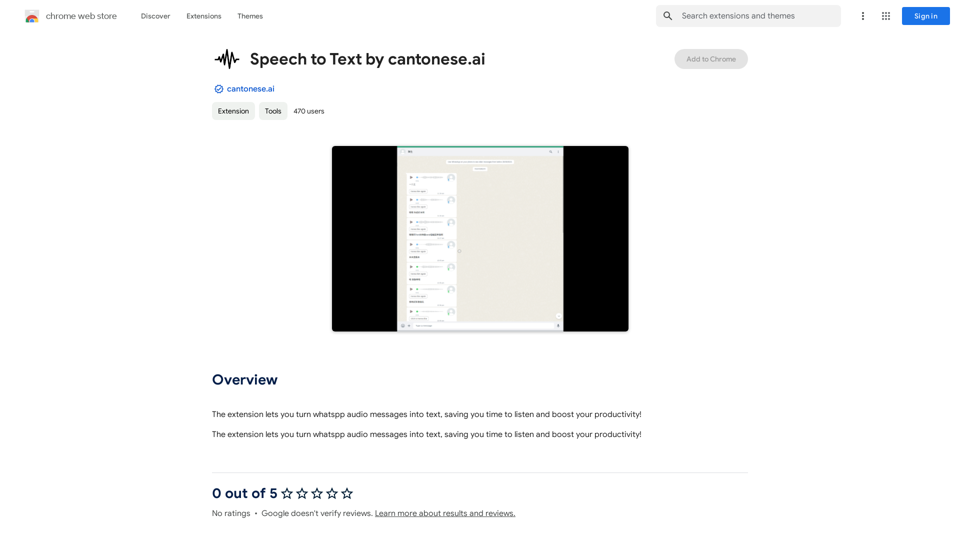
Speech to Text by cantonese.ai 是一個 Chrome 擴展程式,專為將 WhatsApp 語音訊息轉換成文字而設計。這個工具旨在通過提供一個易於使用的解決方案來轉錄語音訊息,從而節省用戶時間並提高生產力。由一位信譽良好且無違規記錄的開發者創建,這個擴展程式無縫整合到用戶的工作流程中,為管理 WhatsApp 上的語音通訊提供了一種便捷的方式。
粵語語音轉文字由 cantonese.ai 提供
這個擴充功能讓您可以將 WhatsApp 語音訊息轉換為文字,節省您聆聽的時間,提升生產力!
介紹
功能
將 WhatsApp 語音轉換為文字
這個擴展程式的主要功能是將 WhatsApp 語音訊息轉換成可讀的文字,使通訊更加高效和便捷。
節省時間和提高生產力
通過自動化轉錄過程,用戶可以節省寶貴的時間並專注於更重要的任務,從而提高整體生產力。
用戶友好的整合
這個擴展程式設計為易於安裝和設置,讓用戶能夠快速將其融入日常 WhatsApp 使用中。
免費使用
目前,這個擴展程式是免費提供的,其核心功能不需要訂閱或付費。
注重隱私
開發者聲明他們不會收集或使用用戶數據,優先考慮所有用戶的隱私和安全。
Chrome 網上應用店可用
用戶可以直接從 Chrome 網上應用店輕鬆安裝正版擴展程式,確保安全可靠的安裝過程。
常見問題
Speech to Text by cantonese.ai 是免費使用的嗎?
是的,這個擴展程式目前是免費使用的,其核心功能不需要訂閱或付費。
我如何安裝和設置這個擴展程式?
要安裝,請訪問 Chrome 網上應用店並將擴展程式添加到您的瀏覽器。按照提供的提示完成設置過程並配置您的設置。
這個擴展程式可以用於 WhatsApp 以外的其他通訊應用嗎?
目前,這個擴展程式只支持 WhatsApp 語音訊息。但是,未來的更新可能會添加對其他通訊平台的支持。
使用這個擴展程式時,我的數據安全嗎?
是的,開發者明確表示他們不會收集或使用用戶數據,優先考慮用戶隱私和安全。
未來是否計劃推出高級功能?
雖然這個擴展程式目前是免費的,但開發者可能在未來推出高級功能或服務。核心功能仍然免費提供。
相關網站
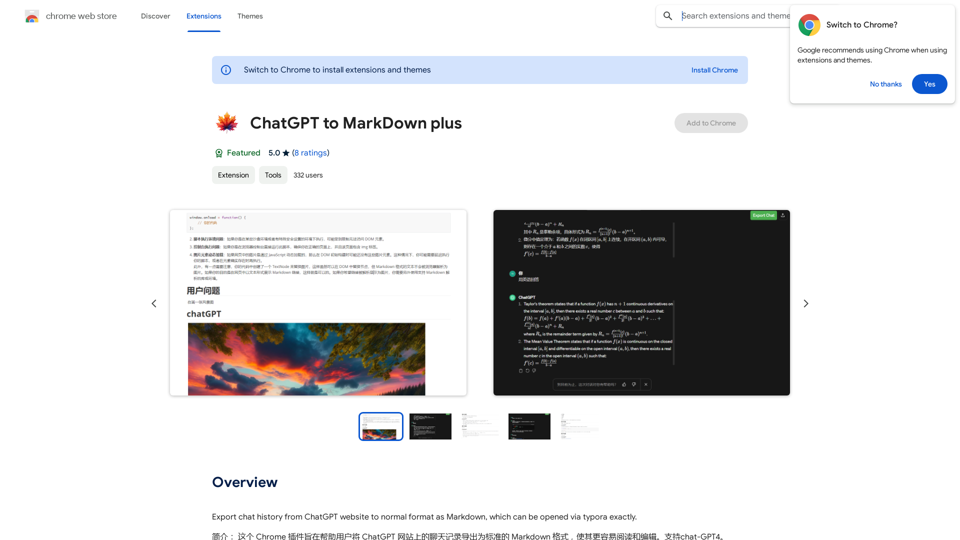
```markdown ChatGPT Chat History You: Export chat history from ChatGPT website to normal format as Markdown, which can be opened via typora exactly. ChatGPT: ```markdown ChatGPT Chat History You: Export chat history from ChatGPT website to normal format as Markdown, which can be opened via typora exactly. ChatGPT: I can help you with that! Unfortunately, there's no direct way to export your chat history from the ChatGPT website in a format that's perfectly compatible with Typora. The website doesn't offer a dedicated download feature for chat logs. However, you can manually copy and paste your conversation into a Markdown file. Here's how: 1. Go to the ChatGPT website and log in to your account. 2. Navigate to the conversation you want to export. 3. Select all the text in the conversation window. 4. Copy the selected text (Ctrl+C or Cmd+C). 5. Open a new Markdown file in Typora. 6. Paste the copied text into the Typora file (Ctrl+V or Cmd+V). Keep in mind that this method might not preserve all formatting elements perfectly, especially if your conversation includes special characters or code blocks. ```
193.90 M